Verdict first: For faceless YouTube channels, start with Fliki if you want one tool for the whole pipeline, or Pictory if licensed stock footage matters most. Use ElevenLabs for the voice, because it is the most realistic narration available, and HeyGen when you need a presenter without filming yourself. InVideo fits only if you are comfortable with paid, seat-based team plans. The single most important check before you publish is commercial rights, because several free plans forbid monetised use outright.
What a faceless YouTube channel actually needs
A script, a voice, visuals, captions and editing. Some tools cover all five in one place, others cover only one job well. A channel fails when the creator picks a voice tool and expects it to edit video, or picks an editor and expects it to write a good script. Match the tool to the job, then check the free plan limit that will hit you first.
Fliki: the all-in-one AI tool for faceless YouTube channels
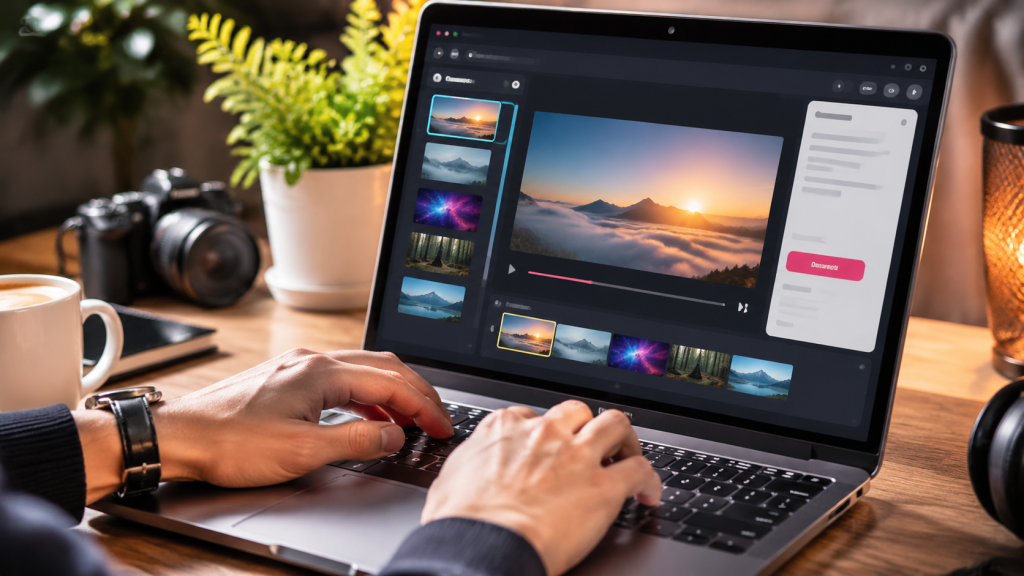
Fliki turns a script, idea, blog post or presentation into video, with 2,000+ lifelike AI voices in 80+ languages, stock assets, auto-captions and a digital twin avatar option. Its own FAQ describes faceless videos as AI voiceover, stock or AI-generated visuals, and auto-captions combined, which matches the faceless workflow end to end.
Free: 3 credits per month, 300 voices across 80+ languages, 720p video, Fliki watermark, no credit card required. Paid: Standard $28 per month billed monthly, or $21 per month billed annually.
Strength: one tool covers the whole faceless pipeline without needing a separate editor. Limit: the free plan is tiny at 3 credits a month and exports only 720p with a watermark. Free commercial use: No, commercial rights come only from the Standard plan up. Best for: beginners who want script to finished video in one tool.
Pictory: licensed stock footage for faceless YouTube channels
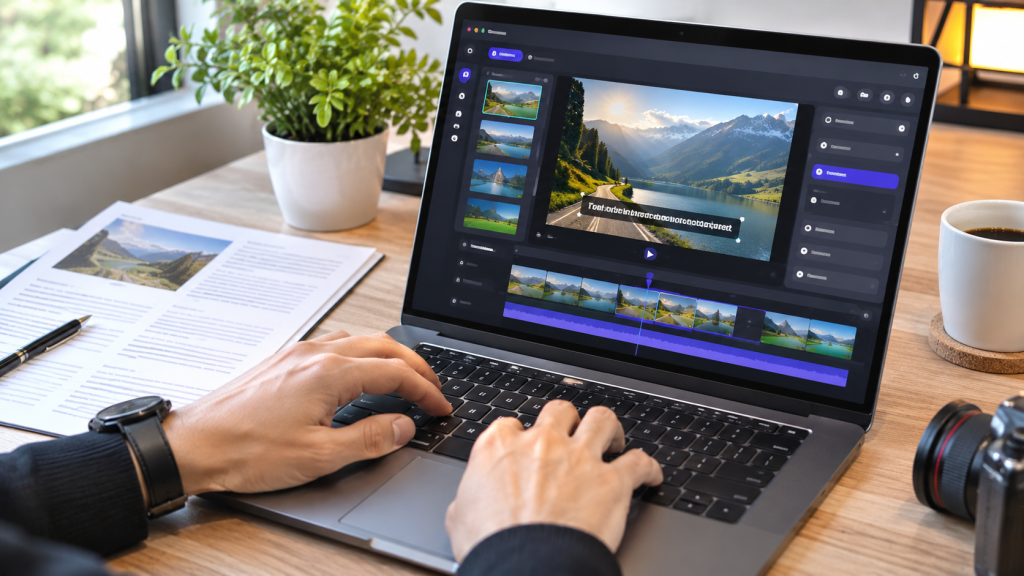
Pictory is an AI video agent that builds videos from text prompts, script to video and blog to video, with hyper-realistic AI voices powered by ElevenLabs, stock avatars plus cloned or custom avatars on the Professional plan and up, automatic subtitles, and 5 million+ royalty-free videos from Getty Images and Storyblocks built in (18 million+ on Professional).
Free: there is no free plan, only a limited free trial per plan (Terms describe a limited trial period, for example 14 days, no credit card required on the trial signup page). Paid: Starter $29 per month billed monthly, or $25 per month billed annually; Professional $59 monthly ($35 annual); Teams $199 monthly ($119 annual).
Strength: premium licensed stock footage included, so faceless videos use legally cleared visuals. Limit: there is no free plan at all, only a time-limited trial. Free commercial use: not verifiable, the Terms claim no ownership of user content but do not explicitly confirm commercial rights for trial outputs. Best for: channels that need large amounts of legal stock footage.
InVideo: the multi-model AI editor for faceless YouTube channels
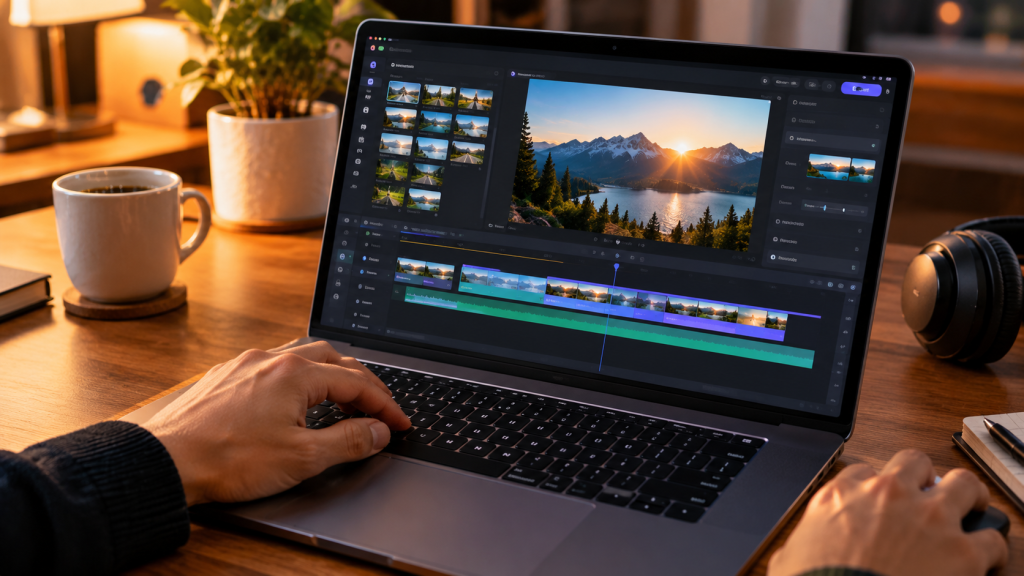
InVideo is an AI video generator and agentic editor with text to video, AI voice generator, voice cloning, AI avatar generator and premium stock footage, with access to models including Veo 3.1, Kling AI and Seedance. It is now positioned as an agentic video editor sold on team plans.
Free: not listed on the public pricing page (only paid Team plans); the Terms mention a free tier with limited features whose limits are described at the point of sign-up. Paid: Starter $10 per seat per month billed annually ($120 per year, shown as 50 percent off $20), or $20 per seat per month billed monthly, with 400 credits per seat per month; Plus $30 and Max $250 per seat per month on annual billing.
Strength: broad access to leading video models plus stock footage and voice tools in one editor. Limit: the current site is built around paid, seat-based team plans, and no free plan details are published. Free commercial use: the Terms grant a licence to use, reproduce, modify, distribute, perform, display and commercialise Outputs without distinguishing free from paid, so commercial use appears permitted, but the free tier scope is not publicly detailed. Best for: creators who want many models in one paid editor.
ElevenLabs: the best AI voice for faceless YouTube channels
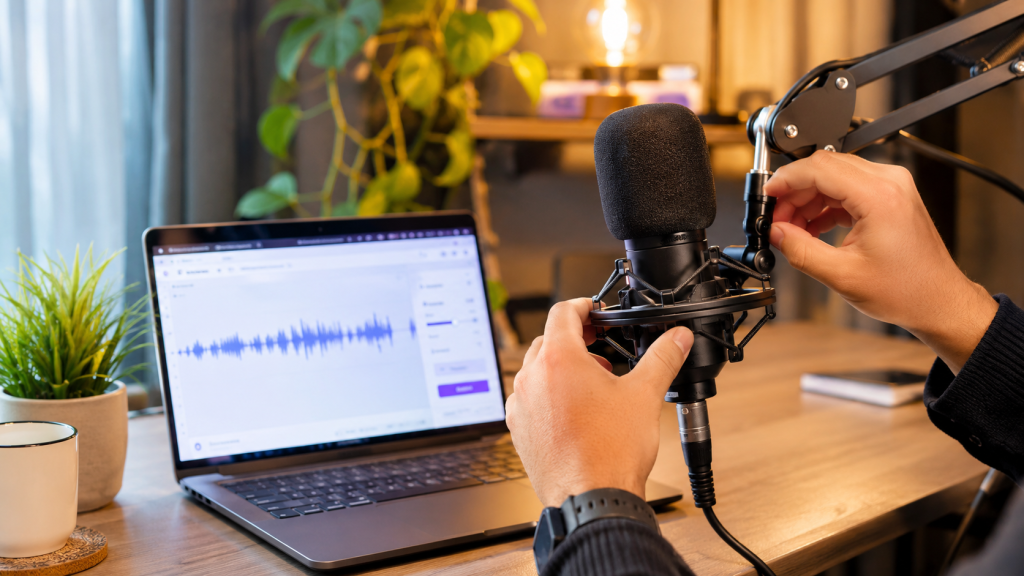
ElevenLabs is voice only, not a video generator. It supplies the voiceover for faceless YouTube channels, with 5,000+ voices, 70+ languages and voice cloning, that a channel pairs with an editor. Pictory uses ElevenLabs voices, which shows how central it is to this niche.
Free: 10,000 credits per month, 3 Projects in Studio, no commercial licence. Paid: Starter $1 for the first month, then $6 per month, including a commercial licence, 30,000 credits per month and 10 Projects.
Strength: the most realistic AI voices available, with the largest voice library. Limit: voice only, so video assembly must happen in another tool, and the free plan excludes commercial use. Free commercial use: No, the pricing page lists Commercial License only from the Starter plan up. Best for: narration quality above everything else.
HeyGen: avatar presenters for faceless YouTube channels
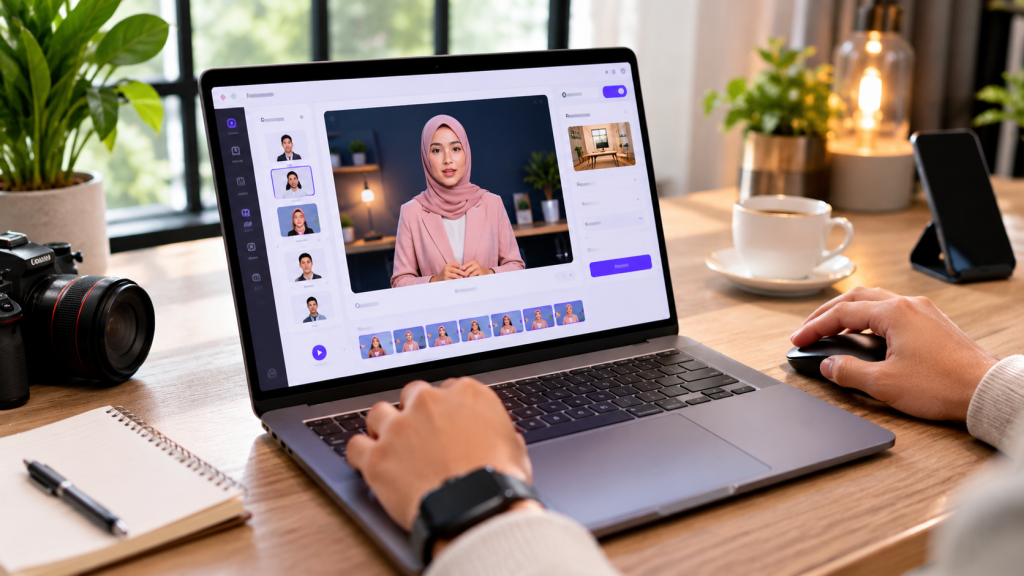
HeyGen gives faceless YouTube channels an avatar presenter who reads your script, with 500+ ready-made presenters, one custom video avatar on the free plan, custom avatar with your own voice and likeness on paid plans, text to video, 1,000+ AI voices, voice cloning, accurate lip sync and up to 175 languages and dialects on paid plans. This is the closest to an on-camera host without filming.
Free: 3 videos per month, watermarked, up to 1 minute each, 30+ languages, one custom video avatar plus 500+ ready-made presenters, no credit card required. Paid: Creator $29 per month billed monthly, or $24 per month billed yearly; Pro $49 monthly ($41 yearly).
Strength: lifelike avatar presenters with accurate lip sync in many languages. Limit: the free plan is very restrictive and cannot be used commercially. Free commercial use: No, Terms section 4 licences free-plan output solely for personal, non-commercial, internal evaluation purposes and forbids sale, monetisation or commercial use. Best for: a presenter-led faceless channel.
Faceless YouTube channels compared side by side
How do the five stack up for faceless YouTube channels? The short version is below. For the wider market, read our roundup of the best AI video generator tools compared in 2026, and finish your chosen workflow with dedicated AI video editing tools for YouTube.
- Fliki: free 3 credits, 720p watermarked, no commercial rights, from $21 per month on annual billing, best all-in-one pipeline.
- Pictory: no free plan, trial only, commercial rights for trial not verified, from $25 per month on annual billing, best licensed stock.
- InVideo: free details not published, commercial licence appears permitted in Terms, from $10 per seat per month on annual billing, best multi-model editor.
- ElevenLabs: free 10,000 credits, no commercial licence, from $6 per month after a $1 first month, best voice only.
- HeyGen: free 3 videos of up to 1 minute each, watermarked, no commercial use, from $24 per month on annual billing, best avatar presenter.
Mistakes to avoid with faceless YouTube channels
- Publishing a monetised faceless video with a free plan that forbids commercial use, which applies to Fliki, ElevenLabs and HeyGen free plans.
- Assuming a trial equals a free plan, which Pictory shows is not true.
- Picking a voice tool and expecting it to edit video, or picking an editor and expecting it to narrate well.
- Using unlicensed visuals when Pictory-style licensed stock exists for that exact problem.
- Starting with the most expensive plan before you know whether your channel publishes weekly.
Faceless YouTube channels FAQ
Can I start a faceless channel completely free?
You can test with free plans, but you cannot safely monetise on Fliki, ElevenLabs or HeyGen free plans, because they exclude commercial use.
Which tool is best for a beginner faceless channel?
Fliki, because script, voice, visuals and captions live in one tool.
Do I need an avatar for a faceless channel?
No, many faceless channels use stock footage and voiceover only, and an avatar is only needed if you want a presenter on screen.
Is Pictory really free?
No, Pictory has no free plan, only a limited trial, so budget for Starter if you choose it.
Verdict: For faceless YouTube channels, Fliki is the simplest start, Pictory is the stock footage pick, ElevenLabs is the voice pick, HeyGen is the presenter pick, and InVideo is the paid multi-model pick. Whatever you choose, pay for the plan that gives you commercial rights before your first monetised upload, because a free plan that forbids commercial use can cost you the whole channel.