Verdict first: when comparing free vs paid AI tools, free plans are for testing, not for publishing every week. The moment you publish weekly, three limits hit you in order: watermark, then minutes or credits, then export expiry or resolution. DaVinci Resolve is the big exception, because its free version is a full professional editor with no watermark listed. For the other four tools in this guide, the question is not whether to pay, but which limit you hit first, and whether the cheapest paid plan removes that exact limit.
How to read this guide
For each free vs paid AI tool we compare free against the cheapest paid plan, side by side, using only official pages checked on 4 November 2026. Where an official page did not state a fact, we say so, instead of guessing. Prices change, so re-check the official pricing page on the day you buy.
Kling
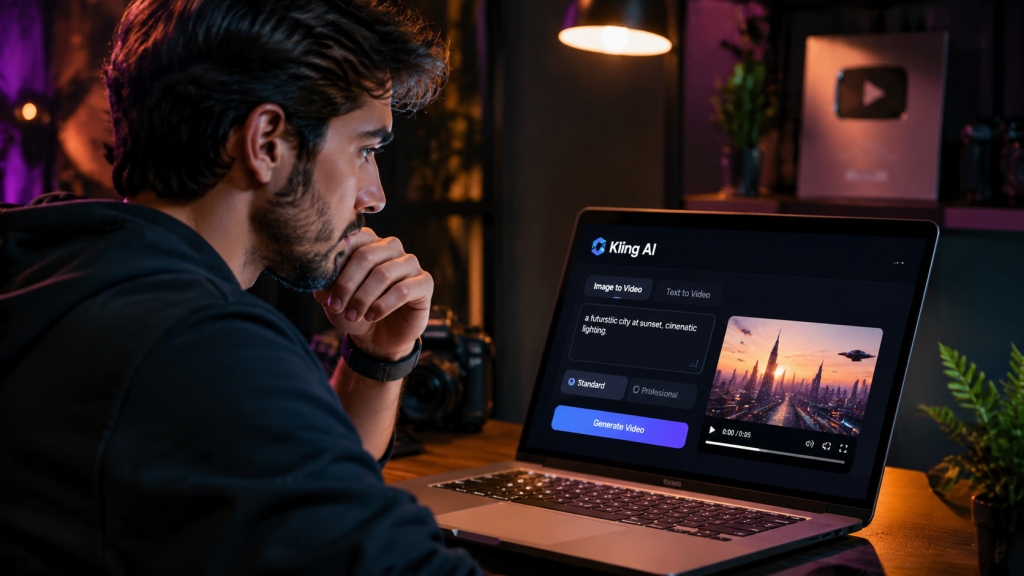
Kling‘s consumer membership pricing page redirects to the homepage and membership details sit behind sign-in, so consumer free and paid tiers could not be verified publicly on the research day. What is publicly verifiable is Kling API pricing: an Individual Developer Plan offers free API access through the developer console for individual developers, with real-name verification required, and the free quota amount is not visible without signing in.
Paid API plans: Basic $12 per month (800 credits), Pro $60 (5,000 credits), Advanced $120 (12,000 credits), Premium $360 (45,000 credits), with lower cost per generation on higher tiers. The Kling 4.0 guide lists model output specs of 720p, 1080p and 4K as model capabilities, not as plan gating.
Kling Terms section 4.6 states that without written permission you may not use the Output for commercial purposes. Verdict for Kling: do not buy on a consumer price you saw in a roundup, because it could not be verified here; check the official membership page after sign-in, and check commercial terms before monetising output.
CapCut
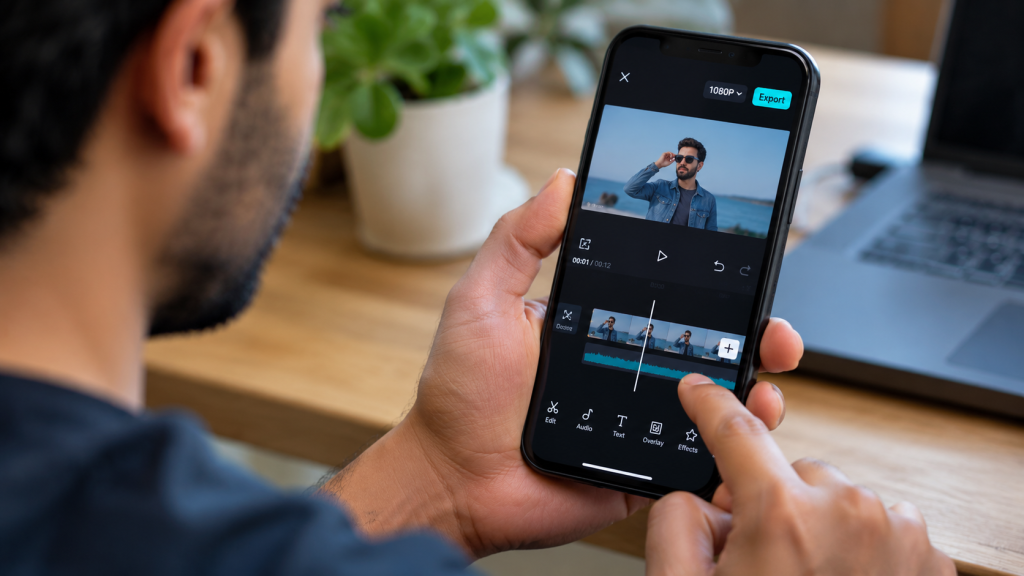
CapCut: Free gives you free templates to start fast and basic editing tools. The cheapest paid plan is Pro at $19.99 per month billed monthly, or $179.99 per year.
Paying unlocks 1,200 monthly AI credits, full AI features including Script to video, AI avatar generator, AI voice, Auto captions and AI video generation including Seedance 2.0 Mini, plus premium templates, effects and transitions and 1TB cloud storage.
What paying does not automatically fix: commercial rights depend on the material, not on free versus paid. CapCut’s Materials License Agreement says Platform Materials may be Non-commercial Use Materials or Dual Use Materials, and only Dual Use Materials marked for commercial use may be used for limited commercial purposes, on a per-exported-content basis. The pricing page states no watermark policy and no export resolution cap for free exports, so those free details cannot be confirmed from official pages checked. Verdict for CapCut: pay for AI credits and premium assets, not for a commercial licence you assume comes with Pro.
Descript
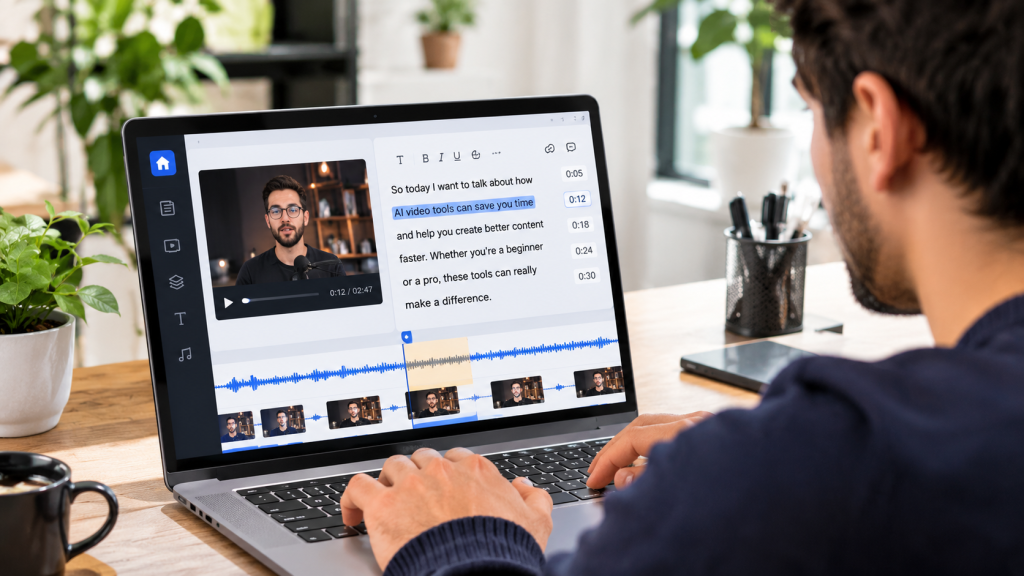
Descript: Free gives you 60 media minutes per month (1 hour of transcription), 100 AI credits one-time, 720p export with watermark, 5GB storage and 1GB file uploads. The cheapest paid plan is Hobbyist at $24 per month billed monthly, or $16 per month billed annually.
Paying unlocks watermark-free exports at 1080p, 10 media hours per month instead of 1 hour, 400 AI credits per month instead of 100 one-time, 100GB storage and 25GB file uploads instead of 5GB and 1GB, plus 1 AI voice and 1 AI speaker, stock library access and priority rendering.
Commercial use: Descript Terms state it claims no ownership rights in your User Content, and stock media falls under the Storyblocks EULA which provides for commercial use. No plan-based restriction on commercial use of your own content appears on the official pages checked. Verdict for Descript: Hobbyist is worth it the month your free hour and watermark start costing you clients or uploads.
Opus Clip
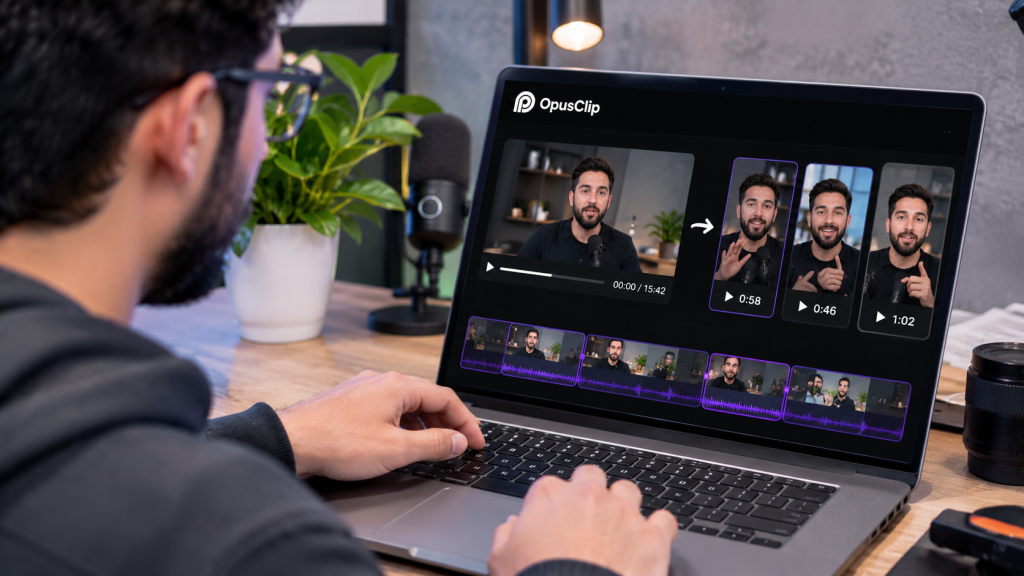
Opus Clip: Free, free forever, gives you 60 credits per month, rendered clips up to 1080p with watermark, no editor access, clips stop being exportable after 3 days, media storage expires after 3 days, and animated captions carry the watermark. The cheapest paid plan is Starter at $15 per month (monthly billing only).
Paying unlocks watermark-free video export, 150 credits per month, highest resolution available exports with a 30-day limit instead of 3 days, AI clipping with Virality Score, AI animated captions in 20+ languages, auto-post to YouTube Shorts, TikTok and Instagram Reels, a powerful editor, 1 brand template, and filler and silence removal. Pro at $29 per month, or $14.50 per month billed annually, adds 300 credits per month with rollover for 2 months, team workspace, AI B-roll, export to Premiere Pro and DaVinci Resolve, and more.
Commercial use: Opus Clip Terms say services are for your own internal, personal, non-commercial use, and no paid plan is advertised as granting a commercial-use right, so commercial use remains not clearly resolved on official pages. Flag: the pricing page rendered two different plan structures during research, so re-verify Opus Clip prices at publication time. Verdict for Opus Clip: Starter is worth it for watermark removal and the 30-day limit alone, but do not assume it grants commercial rights.
DaVinci Resolve
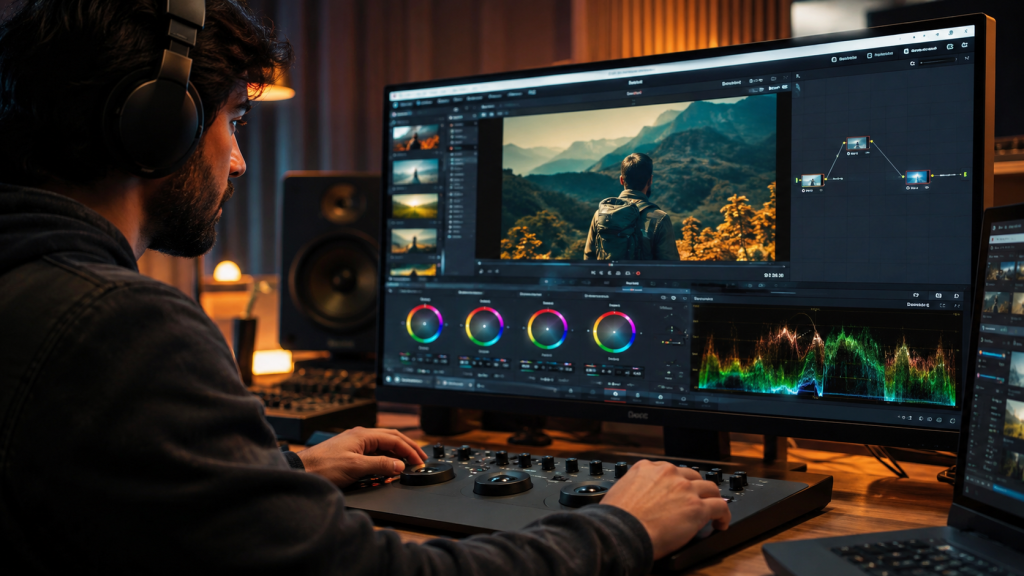
DaVinci Resolve: Free gives you the full editor. Blackmagic states the free version is packed with more features than most paid software applications, and no watermark is listed for the free version on any official page checked. The cheapest paid plan is DaVinci Resolve Studio at $236 one-time (20 percent off, was $295).
Paying unlocks up to 120fps at 32K resolution, multiple-GPU support, advanced noise reduction, 45+ additional Resolve FX, the DaVinci AI Neural Engine (facial recognition, super scale, speed warp, object isolation and tracking, 3D depth map), stereoscopic 3D, Dolby Vision mastering, DCP encoding and IMF support, and formats above 8-bit.
Not verifiable on official pages: the exact maximum export resolution of the free version, because the tech specs page rendered blank, and commercial-use licensing terms, because the free version EULA was not reviewed. Verdict for DaVinci Resolve: if you edit on desktop and do not need AI Neural Engine tools yet, free is genuinely professional, and Studio is a one-time buy, not a subscription.
Free vs paid AI tools compared
Kling, consumer tiers not publicly verifiable, API from $12 monthly, commercial output restricted without written permission in Terms. CapCut, free basic tools, Pro $19.99 monthly, commercial rights depend on material. Descript, free 60 minutes watermarked 720p, Hobbyist $16 yearly, watermark-free 1080p and 10 hours.
Opus Clip, free 60 credits watermarked expiring in 3 days, Starter $15 monthly, watermark-free and 30 days. DaVinci Resolve, free full editor no watermark listed, Studio $236 one-time, AI Neural Engine and high-end formats paid only.
When to pay, tool by tool
- Pay Descript when your free hour runs out or a watermark appears on client work.
- Pay Opus Clip when clips expire before you post them or a watermark ruins a Short.
- Pay CapCut when you run out of AI credits or need premium templates and storage.
- Pay DaVinci Resolve Studio only when you need Neural Engine AI, high frame rates, or mastering formats.
- Do not pay Kling on a consumer price until you have seen it on the official membership page after sign-in.
Mistakes to avoid with free vs paid AI tools
- Assuming free means commercial, when Kling, Opus Clip and several other free terms restrict it.
- Assuming paid means commercial, when CapCut commercial rights depend on the material and Opus Clip paid commercial rights are not clearly advertised.
- Buying the top tier first, when the cheapest paid plan already removes the limit you hit.
- Ignoring expiry, because Opus Clip free clips stop exporting after 3 days even if you made them perfectly.
FAQ: free vs paid AI tools
- Which free AI video tool is actually professional? DaVinci Resolve free, because it is a full editor with no watermark listed, unlike the other tools here.
- Does paying remove the watermark on every tool? On Descript Hobbyist and Opus Clip Starter, yes, watermark-free exports are listed. On CapCut, watermark policy is not stated on the pricing page, so do not assume it.
- Can I use free outputs commercially? Not safely on Kling without written permission in its Terms, and not clearly on Opus Clip. Check each tool’s terms before monetising.
- Why is Kling consumer pricing missing here? Because its consumer pricing page redirects and membership details sit behind sign-in, so only API pricing could be verified publicly.
- Is DaVinci Resolve Studio a subscription? No, it is a one-time purchase, $236 at the discounted price checked.
Verdict
For free vs paid AI tools, start free everywhere, publish for a month, and pay only for the limit you actually hit. DaVinci Resolve free can carry your editing alone. Descript and Opus Clip paid plans are worth it for watermark removal alone. CapCut Pro is worth it for AI credits. Kling needs a sign-in check before any price or commercial claim is trusted.