Best AI Video Tools for Wedding Videographers in 2026: 7 Tools Compared
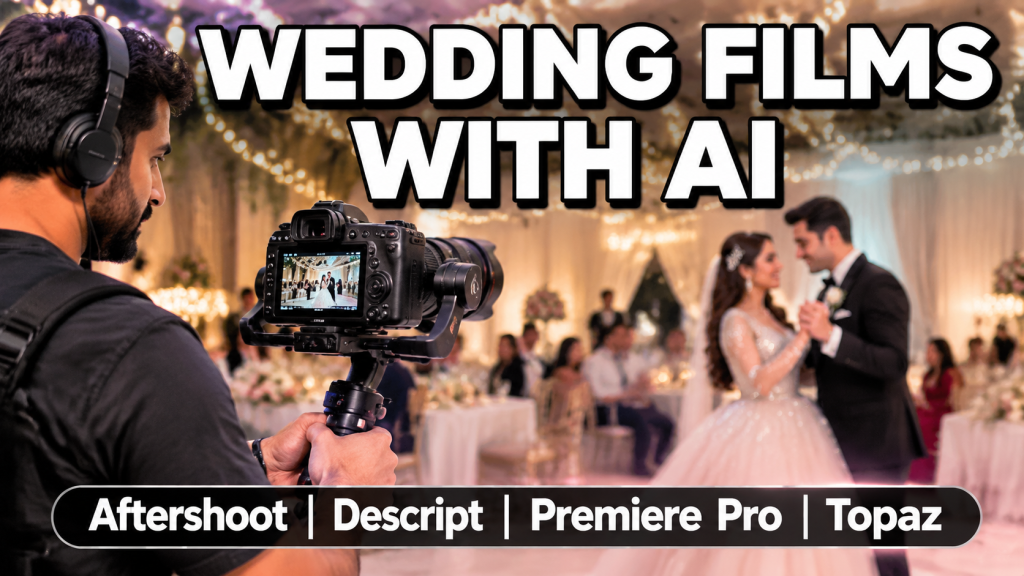
A wedding film is the hardest editing job in video. One day of shooting produces 8 hours of footage across two or three cameras, thousands of stills if you shoot hybrid, two hours of speeches, and a dark reception, and the couple expects a 3-minute highlight film that makes them cry, in weeks not months. Every extra day in the timeline is a day you cannot book another wedding.
The best AI video tools for wedding videographers do not make the creative decisions for you. They remove the mechanical half of the job: culling 4,000 stills, finding the vows in 8 hours of footage, cutting the ums out of a best man speech, matching colour between a sunny ceremony and a dark dance floor, and cutting five vertical teasers from a finished film. Which moments to keep stays yours.
The short answer: Aftershoot Select at $10 a month for culling, Descript Creator at $24 a month for speeches, Adobe Premiere Pro at $22.99 a month for the edit, DaVinci Resolve Studio at $295 one time for colour, Topaz Video at $299 a year for rescue, OpusClip Pro at $14.50 a month for teasers, and CapCut Pro at $15 a month for reels, all on annual billing. That stack costs $111.41 a month, or about $27.85 per wedding at four weddings a month. The free route costs $0, with limits this guide spells out. The worked example is one wedding, Maya and Dan: 8 hours of footage, a 3-minute highlight and a 25-minute feature film.
This guide compares seven tools, one per stage of a wedding edit, with every price checked on 15 November 2026. If you want the wider editing field first, read our guide to AI video editing tools for YouTube: https://zideoai.online/ai-video-editing-tools-for-youtube/
A wedding edit in 2026: where the hours actually go
A wedding day is not one edit, it is five stacked on top of each other. First, culling: choosing the keepers from thousands of stills and hours of footage, and throwing away the blinks, the duplicates and the test shots. Second, the story edit: finding the vows, the first look, the first dance and the best lines from the speeches. Third, the speeches themselves, usually the longest and least watchable part of the raw footage. Fourth, colour and sound: matching three cameras across a bright ceremony, a dim church and a dance floor lit by coloured LEDs. Fifth, delivery: a highlight film, a feature film, a full ceremony cut, and five vertical teasers, each in a different shape.
A full wedding edit is several days of work, not an evening. The cull alone can eat a whole day, the speeches another, colour matching a third. That is why AI video tools for wedding videographers sell time, not effects. A tool that cuts the cull from a day to an hour pays for itself on the first wedding.
The 7 best AI video tools for wedding videographers at a glance
| Tool | Stage of the job | Free option | Paid plan used | Price checked 15 Nov 2026 |
|---|---|---|---|---|
| Aftershoot | Culling and editing stills | 30-day trial | Select | $10/mo billed annually ($15 monthly) |
| Descript | Speeches and transcript editing | Free, 1 media hour a month | Creator | $24/mo billed annually ($35 monthly) |
| Adobe Premiere Pro | Main highlight and feature edit | 7-day trial | Single app | $22.99/mo annual plan billed monthly |
| DaVinci Resolve Studio | Colour grading and finishing | Free version $0 | Studio one time | $295 one time |
| Topaz Video | Rescuing dark and soft footage | No trial, 2-day refund window | Personal | $299/yr ($25/mo displayed) |
| OpusClip | Teasers from the finished film | Free, 60 credits a month | Pro | $14.50/mo billed annually ($29 monthly) |
| CapCut | Same-day reels and captions | Free $0 | Pro | $15/mo billed annually ($19.99 monthly) |
Prices checked 15 November 2026. Annual prices are the per-month rate when billed yearly.
How the 7 tools fit one wedding day: the worked example
The wedding is Maya and Dan. Two videographers, three cameras, one drone, 8 hours of footage, about 4,000 stills because the lead shooter works hybrid, and two and a half hours of speeches across five toasts. The deliverables are a 3-minute highlight film, a 25-minute feature film, the full ceremony as a separate cut, five vertical teasers, and an online gallery. The deadline is four weeks, and the studio shoots four weddings a month in season.
Here is how the best AI video tools for wedding videographers fit that one day, in order. Aftershoot culls the 4,000 stills first. Descript takes the speeches next. Premiere Pro is where the highlight and feature films are cut. DaVinci Resolve grades the finished timeline into one look. Topaz rescues the ten minutes of first-dance footage that came out too dark. OpusClip cuts the five teasers from the finished feature film. CapCut finishes the same-day teaser.
1. Aftershoot: cull 4,000 stills before you touch the video
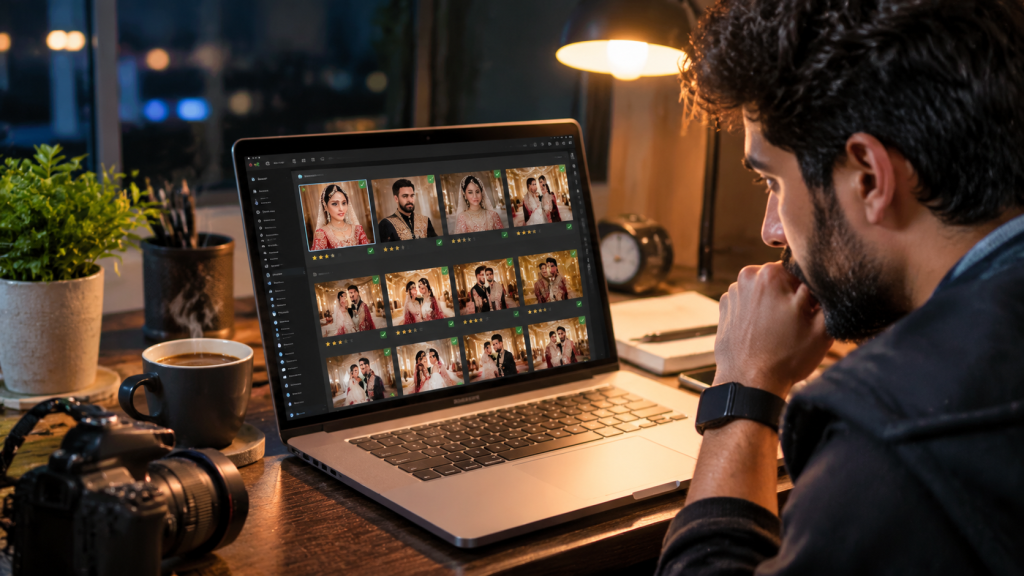
Aftershoot is the only tool in this guide that works on stills, not video, and it earns its place because most wedding videographers also deliver photos. If you shoot hybrid, the stills cull is the first job after the wedding, and the most boring one. Aftershoot reviews a whole wedding folder, groups duplicates, flags blinks and soft focus, and surfaces its picks for review. It runs locally on your computer, so a 4,000-photo wedding never uploads anywhere, and every plan processes unlimited images at a flat rate.
How to use it on a wedding
Import the full stills folder, not a pre-sorted selection. Choose a culling level, Standard is the honest starting point. Review the groups, not every frame: when the camera fired five frames of the first kiss, you keep one, and Aftershoot shows you the sharpest first. Then review its rejects in one pass, because its only real failure is rejecting a frame you want. Export the keepers to Lightroom or Capture One and let Aftershoot Edit apply your own profile to the whole set, so the gallery has one consistent look.
Cull the stills before you start the video edit, not after. The cull shows you which moments the day actually had, and that list becomes the shot list for the highlight film.
Aftershoot pricing
Pricing was verified on Aftershoot’s own pricing pages on 15 November 2026: https://aftershoot.com/pricing Select, the AI culling module, costs $10 a month billed annually ($120 a year) or $15 a month billed monthly, and includes unlimited images, duplicate grouping and face sharpness scoring. Edit costs $30 a month billed annually or $35 monthly. Retouch costs $20 a month billed annually or $25 monthly. Complete, all three modules, costs $45 a month billed annually ($540 a year) or $55 monthly. Every plan starts with a 30-day free trial and no credit card is required. One tracker showed a 25 percent promotional discount on 9 November 2026, which would put Select at $7.50 a month billed annually, so check the checkout page for a live offer.
Tool 1 best fit
Use Aftershoot Select at $10 a month billed annually if you deliver stills from your weddings. At four weddings a month, that is $2.50 per wedding for the cull. Skip it if you shoot video only. If you also want AI editing and retouching in the same app, Complete at $45 a month is cheaper than buying the modules separately.
2. Descript: cut the speeches by editing the words
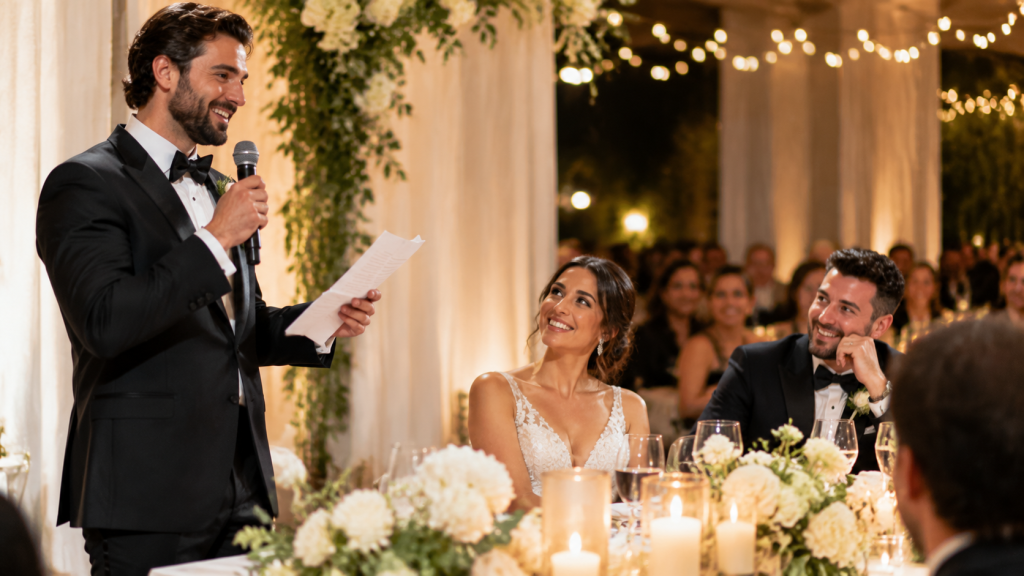
Speeches are the part of a wedding film that most often gets skipped, because nobody wants to scrub through two and a half hours of toasts to find the three lines worth keeping. Descript transcribes the audio and lets you edit the video by editing the text: delete a sentence in the transcript and the video cuts itself. Find the father’s line by searching for the words, not by watching the footage.
That transcript-first workflow is the single biggest time saver in this guide, because the speeches decide the highlight film. The vows and the best toast lines are the spine of a 3-minute highlight, and reading a speech takes five minutes against two and a half hours of watching it.
How to use it on a wedding
Import the ceremony and the speeches as one project per speech, not one project for the whole day. Transcription is not metered on current plans, but media hours are. Read the transcript first and highlight the lines you want before you cut anything. Delete the filler words and the dead air with Remove Filler Words and Shorten Word Gaps, then export the cleaned audio back to Premiere Pro. Use Studio Sound on any speech recorded on a camera microphone in an echoing hall.
Keep the original audio track as well as the cleaned one, because Descript’s cleanup can flatten the room sound that makes a speech feel live. And do not import the full 8 hours of footage: media hours count every minute you import, so bring in the ceremony and the speeches only, about 3 hours of a typical wedding day, and cut the rest in Premiere Pro.
Descript pricing
Pricing was verified on Descript’s official pricing page on 15 November 2026: https://www.descript.com/pricing Free costs $0 and includes 1 media hour a month, 100 one-time AI credits, and 720p export. Hobbyist costs $16 a month billed annually or $24 monthly, and includes 10 media hours a month, 400 AI credits, and watermark-free 1080p export. Creator costs $24 a month billed annually or $35 monthly, and includes 30 media hours a month, 800 AI credits, and watermark-free 4K export. Business costs $50 or $65 and includes 40 media hours and 1,500 AI credits. Prices are per person, and unused hours and credits do not roll over. For the wider voiceover field, our guide to AI voiceover for videos covers Descript alongside the alternatives: https://zideoai.online/ai-voiceover-for-videos/
Tool 2 best fit
Use Descript Creator at $24 a month billed annually. Thirty media hours covers the ceremony and speeches of about ten weddings a month. The free plan’s 1 media hour is not enough for a single wedding’s speeches, so treat Free as a trial. Read every line you keep, because a transcript error can turn a heartfelt line into a nonsense one.
3. Adobe Premiere Pro: the main edit, where the film is actually made
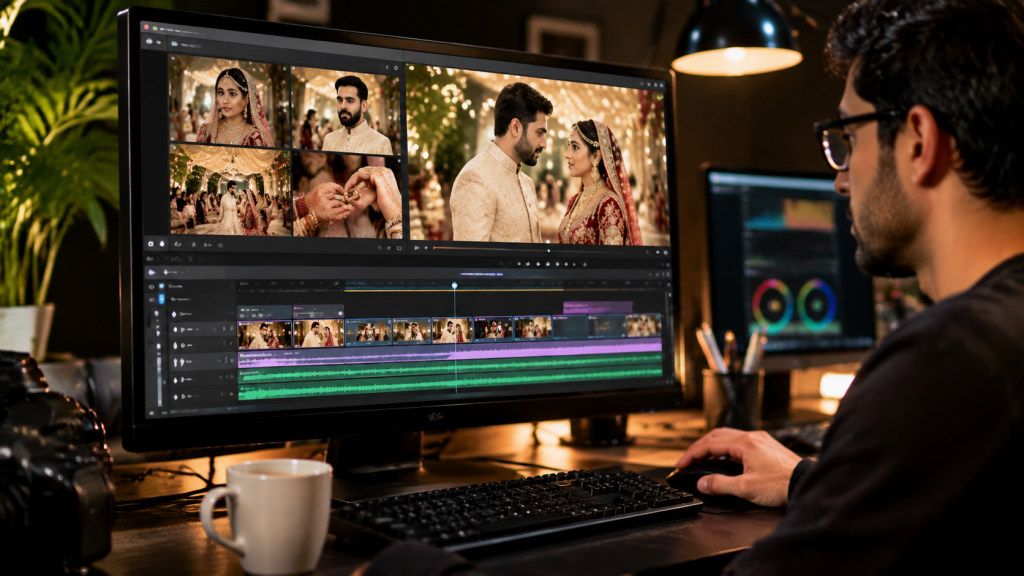
Premiere Pro is the least exciting tool in this guide and the most important one. It is where the highlight film and the feature film get cut, and every other tool feeds into it. It has grown real AI features: text-based editing like Descript inside the timeline, Enhance Speech that cleans up noisy vows, Generative Extend that stretches a shot by a few frames, and Media Intelligence search that finds a shot by describing it.
For a wedding, the two features that matter most are Enhance Speech and text-based editing. Enhance Speech takes a vow recorded on a camera microphone in a windy garden and makes it sound like it was recorded on a lapel mic. Text-based editing cuts the ceremony by deleting sentences from a transcript, the same trick Descript does, without leaving Premiere Pro.
How to use it on a wedding
Build the highlight film first, then the feature film. The highlight is 3 minutes and it forces the hard decisions: which three moments carry the day, and in what order. Cut it on the vows and the best toast line, with the music underneath. Then expand the same timeline into the 25-minute feature, adding the full ceremony, the full first dance and the speeches in full.
Set up the multicam sequence before you cut anything. Three cameras and a drone become one multicam clip, and you switch angles live while the film plays. Sync by audio, not by timecode, because wedding cameras are rarely jam-synced. Then grade with Lumetri inside Premiere Pro, or round-trip to DaVinci Resolve for the grade in tool 4.
Name every clip on import: ceremony, vows, speeches, first dance, details, drone. A wedding produces hundreds of clips, and a bin called “A001_C001_0101.mp4” tells you nothing at 2 in the morning.
Adobe Premiere Pro pricing
Pricing was verified on Adobe’s official Premiere plans page on 15 November 2026: https://www.adobe.com/products/premiere/plans.html Premiere as a single app costs $22.99 a month on an annual plan billed monthly, which is a 12-month commitment, not a flexible monthly pass. The month-to-month option costs about $34.49 a month, and the annual prepaid option costs $263.88. The plan includes Premiere on desktop and mobile, Adobe Express Premium, Frame.io for client review, 100GB of cloud storage and 25 generative credits a month. A 7-day free trial is available, and it converts to a paid plan unless cancelled. Cancelling an annual plan billed monthly after the first 14 days can trigger a fee of 50 percent of the remaining contract. Creative Cloud Pro, with 20-plus apps, costs $69.99 a month regularly.
Tool 3 best fit
Use Premiere Pro at $22.99 a month if it is already your main editor, or if you need the widest plugin and template support. If you are starting from zero and the subscription is the problem, DaVinci Resolve in tool 4 is the honest alternative, and its free version cuts a full wedding film. Do not pay for both Premiere Pro and Creative Cloud Pro unless you open After Effects or Photoshop every week.
4. DaVinci Resolve Studio: colour that makes three cameras look like one
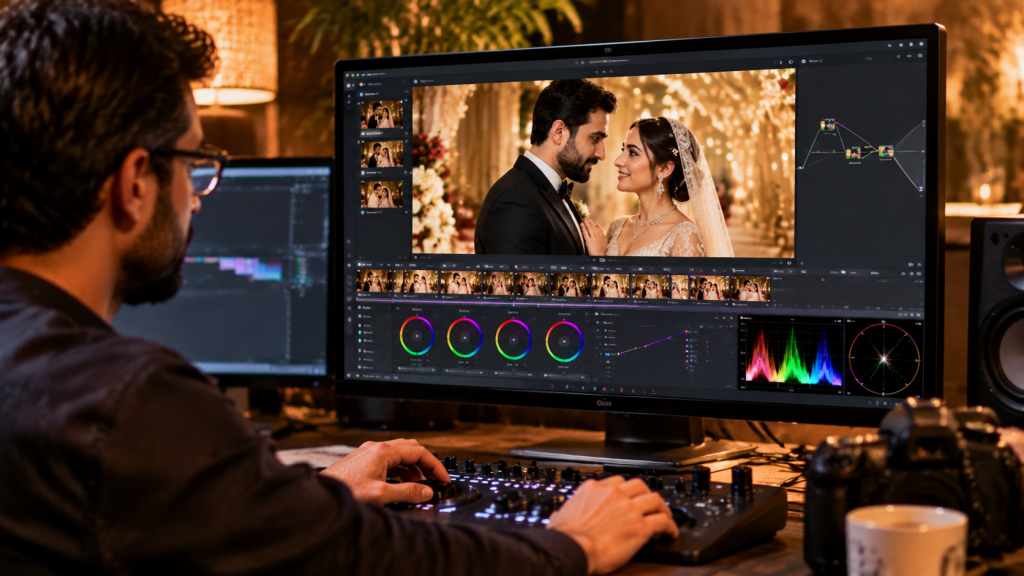
A wedding is shot in at least three kinds of light: bright daylight for the ceremony, dim and warm for the church or hall, and dark with coloured LEDs for the dance floor. Three cameras in three lights produce footage that does not match, and mismatched colour is the first thing a couple notices. DaVinci Resolve is the best colour grading tool a wedding videographer can own, and its free version is a complete professional editor with no watermark and no time limit.
The Studio upgrade adds the AI tools that matter for weddings: Magic Mask, which tracks a face or a dress so you can grade it separately, Super Scale, which upscales a soft shot cleanly, temporal and AI noise reduction for dark reception footage, and output above 4K. The free version already handles the core job, a consistent grade across three cameras, and Studio removes the ceiling.
How to use it on a wedding
Grade in passes, not in one sitting. First, balance: match the exposure and white balance of the three cameras on the same moment, usually the vows. Second, look: apply one consistent look across the whole film, warm and soft for a garden wedding, clean and neutral for a modern venue. Third, rescue: use noise reduction only on the dark reception shots, and Magic Mask to lift the couple’s faces in the first dance without blowing out the string lights.
If you cut in Premiere Pro, round-trip the finished timeline to Resolve for the grade, and test the round trip on one short sequence first. If you cut in Resolve itself, the grade lives in the same project and there is no round trip at all. Our guide to the best AI video tools for podcasters uses the same Resolve-first logic: https://zideoai.online/best-ai-video-tools-for-podcasters/
DaVinci Resolve Studio pricing
Pricing was verified on Blackmagic Design’s official DaVinci Resolve page on 15 November 2026: https://www.blackmagicdesign.com/products/davinciresolve DaVinci Resolve is free to download and use forever, with editing, colour, Fusion effects and Fairlight audio, up to Ultra HD at 60 frames per second in 8-bit, with no watermark. DaVinci Resolve Studio costs $295 as a one-time purchase, before sales tax, with no subscription. A 20 percent sale was showing on Blackmagic’s store in November 2026, cutting Studio to $236 until 20 November 2026. Studio also ships free with Blackmagic Pocket Cinema Camera models, so check the box before you pay.
Tool 4 best fit
Use the free version if you are starting out or if your weddings are well lit and single-camera. Pay $295 once for Studio when you regularly grade dark reception footage, match three cameras, or deliver above 4K. At 30 weddings a year, Studio costs about $9.83 per wedding in its first year and nothing after that.
5. Topaz Video: rescue the footage that came out too dark
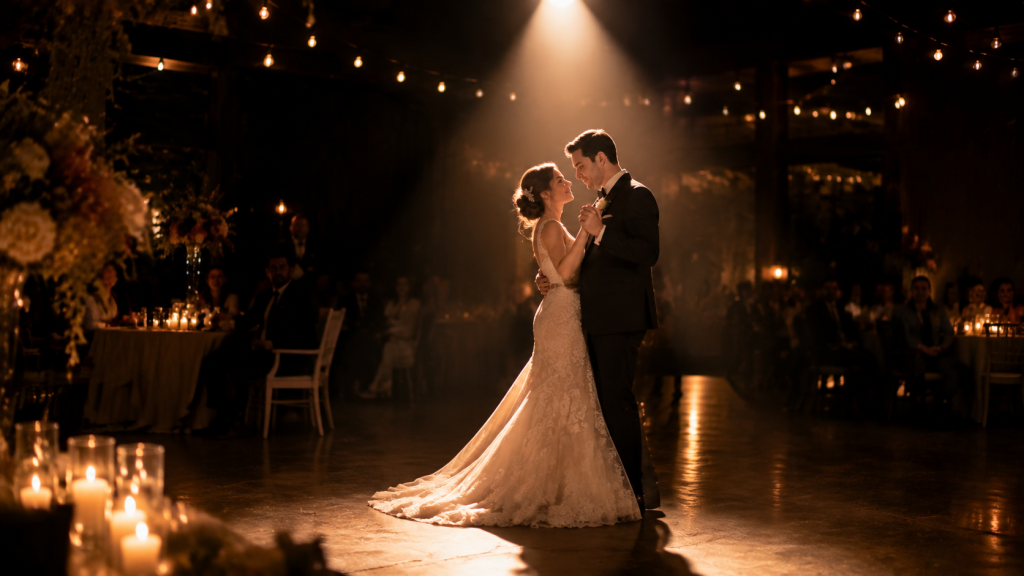
Every wedding has ten minutes of footage that almost did not work: the first dance under one warm bulb, the sparkler exit shot on a phone, the vows recorded on a camera that hunted for focus in a dark church. Topaz Video, the current name for what was sold as Topaz Video AI, enhances it frame by frame: it upscales to 4K, removes noise and compression artefacts, sharpens soft shots, stabilises shaky footage, and interpolates smoother slow motion. It runs locally on your graphics card and plugs into Premiere Pro and DaVinci Resolve.
Topaz is the only tool in this guide that fixes footage after the day is over, which is why it earns its place even though it edits nothing. A wedding cannot be reshot, and when the only recording of the first dance is dark and noisy, Topaz is the difference between keeping the moment and cutting it.
How to use it on a wedding
Use Topaz sparingly and late in the edit, not on everything. Pick the shots that matter and that are genuinely weak: the first dance, the vows in a dark church, the sparkler exit. Process those ten minutes and leave the clean daylight footage alone, because Topaz on good footage adds render time and a processed look the couple will notice. Run it overnight, because enhancement is slow. Test the result on the couple’s faces first: noise reduction that smooths skin into plastic is worse than the noise it removed.
One limit to know before you buy. The Personal plan allows commercial use only for organisations under $1 million in annual revenue, so a larger studio needs Pro at $699 a year. There is no free trial, only a 2-day refund window, so test it on your worst footage immediately after buying.
Topaz Video pricing
Pricing was verified on Topaz Labs’ official pricing page on 15 November 2026: https://www.topazlabs.com/pricing Topaz Video Personal costs $299 a year billed annually, or $39 a month on a 12-month commitment, or $59 a month with no commitment. It includes unlimited local rendering and 25 video cloud credits a month. Pro costs $699 a year, or $74 a month on a 12-month commitment, and includes 100 cloud credits a month and full commercial use with no revenue threshold. Topaz Studio, the bundle of all Topaz apps, costs $399 a year. A first-year price of $254 a year for Personal was showing in November 2026 checks. Topaz ended perpetual licences in September 2025, so every current purchase is a subscription.
Tool 5 best fit
Use Topaz Video Personal at $299 a year if you regularly deliver dark reception or church footage and your studio earns under $1 million a year. At 30 weddings a year, that is about $9.97 per wedding. Skip it if every wedding you shoot is outdoors in good light. Never promise a couple that Topaz can save footage that is truly unusable: a shot that is out of focus stays out of focus.
6. OpusClip: five teasers from one finished film
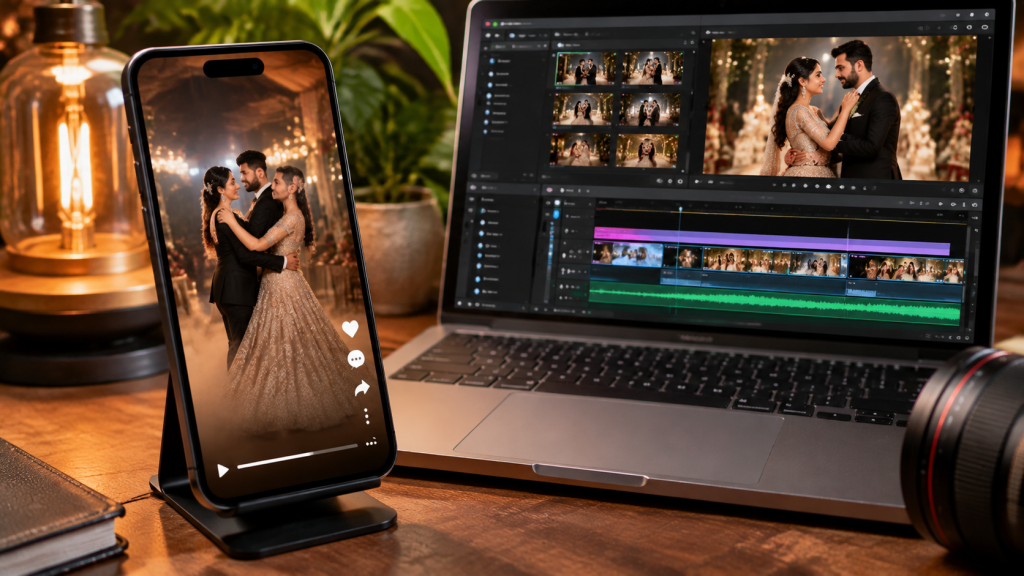
The highlight film books the next wedding, but the teasers do the booking. A couple posts a 30-second vertical clip the morning after the wedding, their friends share it, and three of those friends are engaged. OpusClip takes the finished 25-minute feature film, finds the moments worth posting, reframes them to vertical, adds animated captions, and scores each clip for virality. One credit is one minute of source video, so a feature film costs 25 credits per pass, and Pro’s 300 credits a month covers twelve films.
The honest value is speed, not the AI picking the moments: five captioned vertical teasers in the time it takes to watch the feature film once, instead of an afternoon of manual reframing. You still choose which teasers to post, and you still cut the best one by hand when it matters.
How to use it on a wedding
Upload the finished feature film, not the raw footage, because OpusClip works best when the film already has a shape. Set the clip length to under a minute and ask for the moments with the strongest reactions. Review every clip before it goes out, and delete any clip that opens mid-sentence or cuts a toast line in half. Export the best three to Premiere Pro or DaVinci Resolve for a final polish. Add your studio name as a brand template, and schedule the teasers across the week after the wedding instead of posting all five on the same day.
OpusClip’s free plan watermarks every clip and its exports stop being downloadable after 3 days, so it is a test drive, not a delivery tool. For the wider short-form workflow, our guide to how to create AI Shorts and Reels in minutes covers the same clip-first method: https://zideoai.online/how-to-create-ai-shorts-and-reels-in-minutes/
OpusClip pricing
Pricing was verified on OpusClip’s official pricing page on 15 November 2026: https://www.opus.pro/pricing Free costs $0 and includes 60 credits a month, clips up to 1080p, auto reframe and AI captions, with a watermark, no editing, and exports that expire after 3 days. Starter costs $15 a month, billed monthly only, and includes 150 credits a month, the Virality Score, captions in more than 20 languages, auto-posting, and no watermark. Pro costs $29 a month, or $14.50 a month billed annually ($174 a year), and includes 300 credits a month with a 2-month rollover, 2 seats, AI B-roll, export to Premiere Pro and DaVinci Resolve, and a scheduler. Business is custom priced. One credit is one minute of source video.
Tool 6 best fit
Use OpusClip Pro at $14.50 a month billed annually if you deliver teasers with every wedding. At four weddings a month, that is about $3.63 per wedding for five teasers, and the teasers are the marketing that books the next four. Use the free plan to test it on one finished film, then pay when you are posting teasers every week. Never post a teaser without watching it first: the AI sometimes picks a moment that is funny out of context.
7. CapCut: the same-day reel, captioned and posted before breakfast
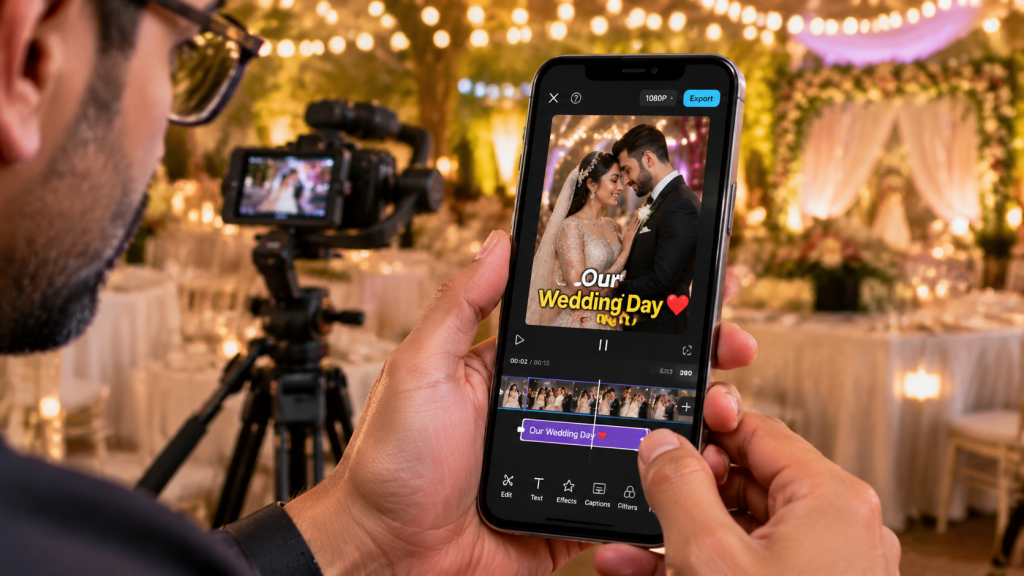
The morning after the wedding, the couple wants something to post: not the highlight film, which takes weeks, but a 30-second reel from the best moment of the day, with captions, posted while their friends are still talking about the night. CapCut is the fastest tool for that job. It edits on desktop and phone, captions automatically in more than 20 languages, and reframes a horizontal clip to vertical with one tap. Pro adds 4K export, 1 TB of cloud storage, 1,200 AI credits a month, and commercial-use cover, which matters when the reel advertises your studio.
CapCut also has a “long video to shorts” feature that competes directly with OpusClip, and its Pro plan lists 240 clipping minutes a month. If you already use CapCut for reels, that feature can replace OpusClip entirely on a quiet month, which is worth knowing before you pay for both.
How to use it on a wedding
Shoot one vertical clip on your phone during the first dance, or pull the best 30 seconds from the ceremony camera, and cut the teaser the same night. Add auto captions and fix them by hand, because CapCut misspells names and a misspelled couple’s name in a wedding reel gets screenshotted. Keep captions to two lines, in a bold font, with the key word highlighted. Add the couple’s names as text on the first frame, export at 1080p, and send it to the couple before you post it yourself.
CapCut’s own pricing page says its prices are for reference only and the final price depends on your region, device and account, so confirm the figure at checkout. The free plan puts a watermark on some exports, so check the export before you send a reel to a paying couple.
CapCut pricing
Pricing was verified on CapCut’s official pricing page on 15 November 2026: https://www.capcut.com/pricing Free costs $0 and includes basic editing, free templates and auto captions. Pro costs $19.99 a month or $179.99 a year, which works out to $15 a month, and includes 1,200 AI credits a month, 1 TB of cloud storage, 4K export, the full template library, and commercial use. Ultra costs $79 a month. A 7-day free trial of Pro is available with no credit card required.
Tool 7 best fit
Use CapCut Free for same-day reels until you need 4K export or commercial-use cover. Pay $15 a month billed annually for Pro when you are posting a reel for every wedding. If you already pay for OpusClip Pro, test CapCut’s long-video-to-shorts feature before you renew OpusClip, because one clipping tool is enough.
Also worth a look: Runway, for the shot that does not exist
Runway solves a problem no other tool in this guide touches: the shot that does not exist. A drone shot of the venue at golden hour that you missed, a wide establishing shot for a highlight film that opens on a close-up, a few seconds of B-roll to cover a wobble. Runway generates short clips from a text prompt or an image. Standard costs $15 a month or $12 a month billed annually, with 625 credits a month, about 52 seconds of its Gen-4.5 model. Prices were checked against Runway’s official pricing page in October and November 2026 reads: https://runway.com/pricing
Use it for gaps, not for the film itself. A generated establishing shot is fine. A generated vow is not, and a couple who spots an AI face in their wedding film will not book you again. For the wider comparison, read our Veo 3 vs Runway vs Kling comparison: https://zideoai.online/veo-3-vs-runway-vs-kling/
What one wedding really costs
Maya and Dan’s wedding, on the paid stack, on annual billing.
| Route | Monthly cost | Cost per wedding (4 weddings a month) | Cost per wedding (2 weddings a month) |
|---|---|---|---|
| Free route | $0 | $0 | $0 |
| Paid stack | $111.41 a month | About $27.85 | About $55.71 |
The paid stack, on annual billing: Aftershoot Select $10, Premiere Pro $22.99, Descript Creator $24, Topaz Video Personal $24.92 ($299 a year), OpusClip Pro $14.50 ($174 a year), CapCut Pro $15.00 ($179.99 a year). Total: $111.41 a month. DaVinci Resolve Studio is a one-time $295 on top of that. On monthly billing the same stack costs $180.98 a month, so annual billing saves about $69.57 a month.
The free route is real, with limits that matter. DaVinci Resolve Free cuts and grades the whole film, and CapCut Free makes the reels. OpusClip Free gives 60 credits a month, enough for two feature films, but the clips carry a watermark and expire after 3 days. Descript Free gives 1 media hour a month, which covers the vows and one toast, not two and a half hours of speeches. Aftershoot has no free plan, only a 30-day trial. Start with Resolve Free plus CapCut Free, and spend $0 until the first paid wedding covers the first subscription.
The stack costs $111.41 a month. If it saves you one full day of editing per wedding, at four weddings a month it saves four days a month.
3 mistakes that cost wedding videographers money
First, letting the AI choose the story. An auto-cut highlight that opens on the DJ, or a cull that keeps the sharpest photo of a guest mid-sneeze, is a tool doing a job it was never meant to do. Use AI for the first draft and the mechanical passes, then choose every moment yourself. A wedding film is a story, not a sorting problem.
Second, delivering ungraded, unmatched footage. Three cameras in three lights will not match by themselves, and a highlight film that jumps from warm daylight to cold church light to magenta dance floor looks amateur even when every shot is sharp. Grade the whole film in one pass and keep one look from the first frame to the last. For the full list, read our guide to 7 AI video mistakes to avoid: https://zideoai.online/7-ai-video-mistakes-to-avoid/
Third, posting teasers without watching them. An OpusClip teaser that opens mid-sentence, a CapCut caption that misspells the couple’s name, a vertical reframe that cuts the bride out of the frame: each one gets screenshotted and shared. Watch every teaser once before it goes anywhere. It takes two minutes.
Frequently asked questions
What are the best AI video tools for wedding videographers?
As one stack: Aftershoot for culling stills, Descript for speeches, Adobe Premiere Pro for the main edit, DaVinci Resolve Studio for colour, Topaz Video for rescuing dark footage, OpusClip for teasers, and CapCut for same-day reels. No single tool does the whole job well: buy the tool that fixes the bottleneck you actually have.
How much do AI tools for wedding videographers cost per wedding?
About $27.85 per wedding on the paid stack in this guide, at four weddings a month, using annual billing: $111.41 a month across Aftershoot Select, Premiere Pro, Descript Creator, Topaz Video, OpusClip Pro and CapCut Pro, plus a one-time $295 for DaVinci Resolve Studio. At two weddings a month it costs about $55.71 per wedding. The free route costs $0, with the limits listed in the cost section above.
Can AI edit a whole wedding film by itself?
No. AI does the mechanical passes: culling, transcript editing, first-draft cutting, colour matching, noise removal, teaser cutting. The story decisions are human, and a film assembled without them reads as generic.
Is DaVinci Resolve really free for wedding work?
Yes. The free version is a complete professional editor with no watermark and no time limit, and it cuts and grades a full wedding film. Studio at $295 one time adds Magic Mask, Super Scale, noise reduction, and output above 4K. If you shoot in good light with one or two cameras, the free version is enough.
Which AI tool is best for wedding speeches?
Descript Creator at $24 a month billed annually. It transcribes the speeches and lets you cut them by editing the text, so you find the vows and the best toast lines by reading, not by scrubbing through two and a half hours of footage. Premiere Pro’s text-based editing does the same job inside the timeline if you already pay for Premiere Pro, so check that first.
Do I need Topaz Video for every wedding?
No. Topaz Video earns its $299 a year only when you regularly deliver dark or soft footage: dim churches, night receptions, sparkler exits. If every wedding you shoot is outdoors in good light, the subscription is wasted.
How we checked the prices
Every price in this guide was checked on 15 November 2026 on the official pricing pages: Aftershoot, Descript, OpusClip and CapCut read directly, Adobe Premiere Pro, DaVinci Resolve Studio, Topaz Video, and Runway in October and November 2026 reads. Annual prices are the per-month rate when billed yearly. Promotions seen in November 2026 checks: Aftershoot 25 percent off on one tracker, Topaz Personal at $254 a year for the first year, and DaVinci Resolve Studio at $236 until 20 November 2026. Prices change, so confirm the figure at checkout before you pay.
The bottom line
The best AI video tools for wedding videographers are a stack, not a single app: Aftershoot culls the stills, Descript cuts the speeches, Premiere Pro cuts the film, DaVinci Resolve grades it, Topaz rescues the dark shots, OpusClip cuts the teasers, and CapCut posts the same-day reel. The stack costs $111.41 a month on annual billing, about $27.85 per wedding at four weddings a month. The free route costs $0. Start with the free route, pay for the tool that fixes the bottleneck you actually have, and keep the story decisions for yourself.