Best AI Video Tools for Podcasters in 2026: 7 Tools Compared
A podcast used to live or die on audio alone. That is no longer true. Listeners discover shows on YouTube, TikTok and Instagram Reels, and a show with no video presence is invisible to them. The problem is that turning a one-hour conversation into video used to mean hours of extra work: editing the recording, cutting clips, writing captions, posting to three platforms.
AI video tools for podcasters change that maths. Record the episode once, and the tools below handle the rest: remote recording with separate tracks, editing by deleting words from a transcript, automatic clip extraction, animated captions, and posting to social media. A solo podcaster can now publish a full episode plus five short clips a week without hiring an editor.
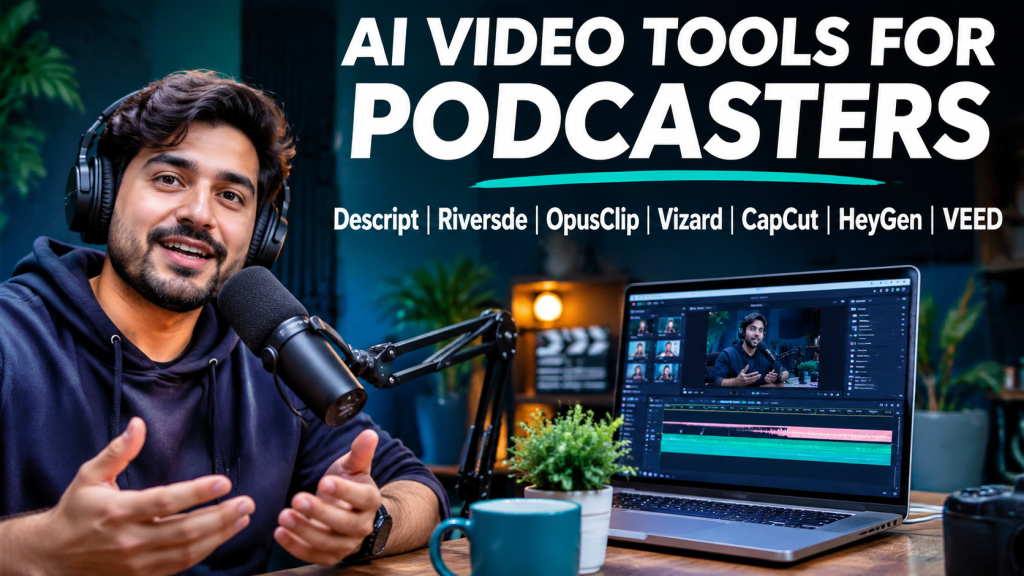
The short answer: Descript is the best AI video tool for podcasters overall, because text-based editing, Studio Sound and remote recording cover the whole episode workflow in one place. Riverside is best for remote recording quality, because every guest is recorded locally in 4K with separate tracks. OpusClip is best for turning episodes into viral short clips. Vizard is best for clip extraction on a tight budget. CapCut is best for free and cheap mobile editing with captions. HeyGen is best for turning a podcast into translated video with an avatar presenter. VEED is best for captions, translation and fast browser editing.
This guide compares 7 AI video tools for podcasters on the things that decide the purchase: how the episode gets recorded, how the edit works, how clips get made, what captions cost, and what one 60-minute episode really costs. Every price below was checked on 14 November 2026. Where a vendor serves different prices on different versions of its own page, this guide says so instead of printing one number as certain.
How to pick AI video tools for podcasters
Five questions decide which of these AI video tools for podcasters fits you. Answer them before you pay.
- Do you record guests remotely? If yes, you need local recording with separate tracks, which means Riverside or Descript. A tool that only edits cannot rescue a bad remote recording.
- How do you want to edit? Editing by deleting words from a transcript means Descript. A normal timeline means CapCut or VEED. No editing at all, just clips from the full episode, means OpusClip or Vizard.
- How many clips do you need each week? One clip a week is a different budget from five. Clip tools charge by the minute of source video, so count your episode minutes first, not the number of clips.
- Do captions matter to you? Short-form video without captions loses most scrollers. Every tool here adds captions, but the style, languages and export limits differ, so check the plan, not just the feature list.
- Does your show need more than one language? A podcast with listeners in two countries needs translated clips or dubbed episodes. HeyGen and VEED translate, but they charge by the minute, so the cost adds up fast.
The 7 best AI video tools for podcasters at a glance
| Tool | Entry paid plan | Free option | Starts from | Best for |
|---|---|---|---|---|
| Descript | Hobbyist $24/mo ($16 annual) | Free $0, 60 min/mo, watermark | Your recording | Best overall for podcasters |
| Riverside | Pro $29/mo ($24 annual) | Free $0, 2 hrs one-off, watermark | Remote recording | Best remote recording quality |
| OpusClip | Starter $15/mo | Free $0, 60 credits/mo, watermark | Finished episode | Best viral clip extraction |
| Vizard | Creator $29/mo ($14.50 annual) | Free $0, 60 credits/mo, watermark | Finished episode | Best clips on a tight budget |
| CapCut | Pro $19.99/mo ($179.99/yr) | Free $0 | Your recording or clips | Best free and cheap mobile editing |
| HeyGen | Creator $29/mo ($24 annual) | Free $0, 3 videos/mo, watermark | Script or recording | Best translated video and avatars |
| VEED | Creator $25/mo ($120/yr) | Free $0, 720p, watermark | Your recording | Best captions and browser editing |
Prices checked 14 November 2026. Annual prices are the per-month rate when billed yearly. OpusClip and Vizard charge by the minute of source video: one credit is one minute of uploaded video.
1. Descript: the best AI video tool for podcasters overall
Descript is the only tool in this list that covers the whole podcast workflow in one place: remote recording, editing, captions and clips. You record your episode, Descript transcribes it, and you edit the video by deleting words from the transcript. Cut a sentence from the text and it disappears from the video. That is the fastest way to edit a one-hour conversation, and it is why Descript leads this list.
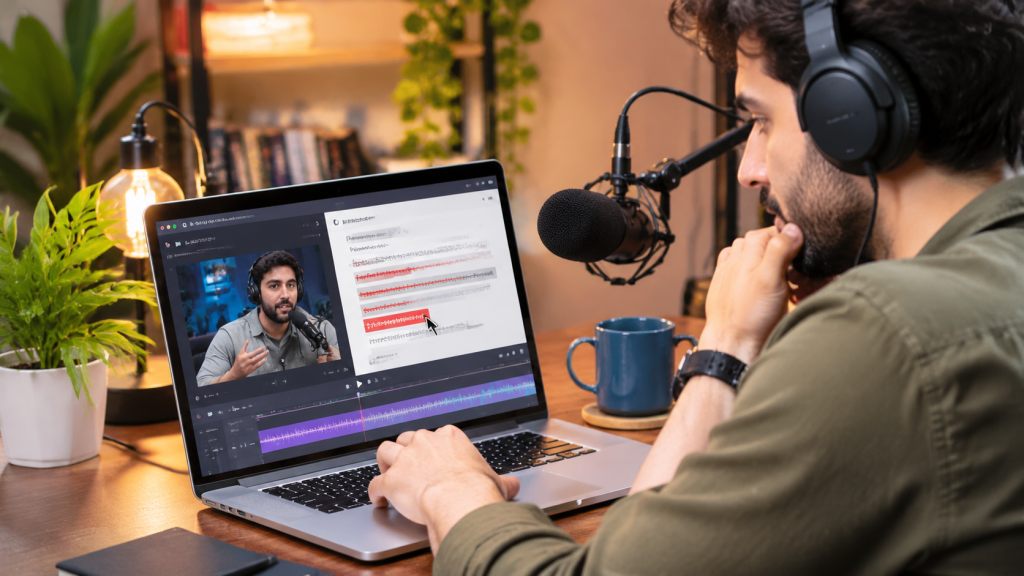
The editing is the practical advantage. Studio Sound removes background noise and makes a home recording sound like a studio recording with one click. Remove Filler Words deletes every “um” and “uh” at once. Underlord, the AI co-editor, can pick the most shareable moments and turn them into clips. Multitrack transcription keeps every speaker on a separate track with precise labels, so a three-person conversation stays organised.
Remote recording is built in. Descript records remote guests in separate tracks, with 2 hours of recording a month on Free, 5 hours a month on Hobbyist, 15 hours on Creator and 25 hours on Business. That covers a weekly one-hour show on Creator with room to spare.
Pricing was verified on Descript’s official pricing page on 14 November 2026: https://www.descript.com/pricing Free costs $0 and includes 60 media minutes a month, 100 AI credits one time only, 720p export with a watermark, and transcription in 25 languages. Hobbyist costs $24 a month, or $16 a month billed annually, and includes 10 media hours a month, 400 AI credits a month, 1080p watermark-free export, Studio Sound, filler-word removal and Underlord access. Creator costs $35 a month, or $24 a month billed annually, and includes 30 media hours a month, 800 AI credits a month, 4K watermark-free export, full Underlord access and AI video generation. Business costs $65 a month, or $50 a month billed annually, and includes 40 media hours a month, 1,500 AI credits a month, translation and dubbing in 30 or more languages, and custom avatars. Prices are per person, per month.
The honest limit: Descript charges by media hours and AI credits, two meters at once, and neither rolls over. A long episode with heavy AI use can eat both. The free plan’s 100 AI credits are one time only, not monthly, so test the AI features before you commit to a plan. For the wider editing field, read our guide to AI video editing tools for YouTube: https://zideoai.online/ai-video-editing-tools-for-youtube/
Descript best fit
Pick Descript if you want one tool that records, edits, cleans up audio and cuts clips. Skip it if you only need clips from finished episodes, because a dedicated clipper is cheaper for that one job.
2. Riverside: the best AI video tool for podcasters who record remotely
Riverside is a recording studio first and an editor second, and it is the best choice when recording quality decides everything. Every guest is recorded locally on their own device in up to 4K video with uncompressed 48 kHz WAV audio, on separate tracks. A guest’s bad internet connection cannot ruin your episode, because the local file is what you download. No other tool in this list records remote guests this well.
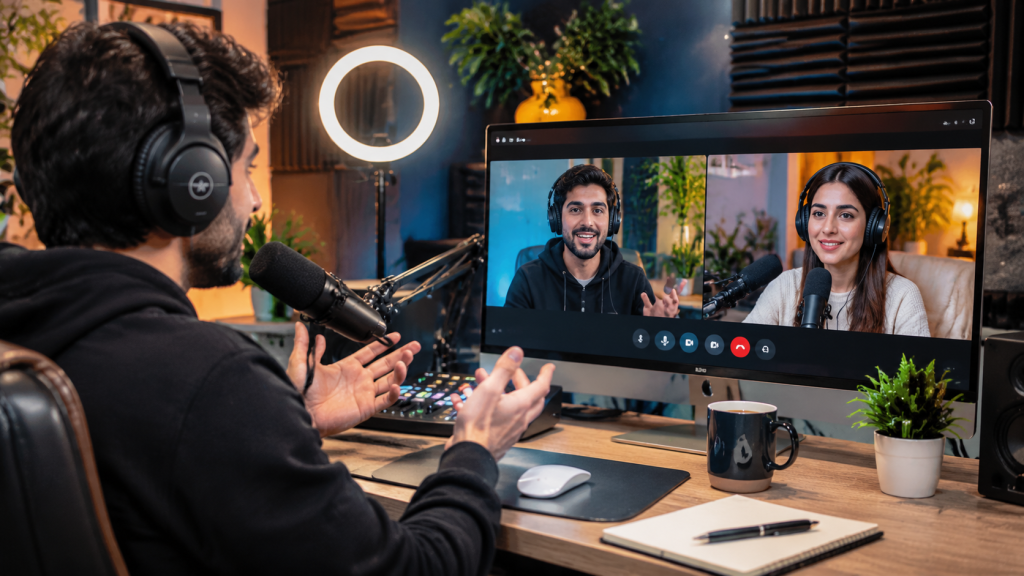
The separate tracks are the practical advantage. Download each person’s audio and video separately, so you can fix one guest’s volume without touching the others, or cut a guest out of the video while keeping the audio. Magic Clips turns long recordings into short vertical clips automatically, with the same AI clipping idea as OpusClip, inside the recording tool. The teleprompter, show notes and AI transcription are included on paid plans, and Grow adds live streaming to YouTube and LinkedIn.
Recording itself is unlimited. The limit is on separate-track downloads: 15 hours a month on Pro, 20 hours on Grow and 25 hours on Webinar. A weekly one-hour episode uses 4 hours of downloads a month, so Pro has room for longer episodes or extra sessions.
Pricing was verified on Riverside’s official pricing page on 14 November 2026: https://riverside.com/pricing Free costs $0 and includes 2 hours of multi-track recording as a one-time allowance, 720p video with a watermark, and 44.1 kHz audio. Pro costs $29 a month, or $24 a month billed annually, and includes 15 hours of separate-track downloads a month, 4K video, 48 kHz WAV audio, Magic Clips, the teleprompter and AI transcriptions. Grow costs $39 a month, or $34 a month billed annually, and includes 20 hours of separate-track downloads a month, live streaming up to 1080p, and 2 studios. Webinar costs $99 a month, or $79 a month billed annually, and includes 25 hours of separate-track downloads a month and webinars for up to 100 registrants. Business is a custom quote with unlimited hours, producer mode and API access. Annual billing saves up to 20 percent.
The honest limit: Riverside is a recorder with editing attached, not a full editor. The text-based editor handles simple cuts, but a complex edit with B-roll, graphics and multi-camera switching still needs Descript or CapCut. For the translation side of reaching new listeners, our guide to the best AI video translation tools covers the wider field: https://zideoai.online/best-ai-video-translation-tools/
Riverside best fit
Pick Riverside if you record guests over the internet and cannot afford a ruined recording. Skip it if you record alone in one room, because you pay for recording quality you do not need.
3. OpusClip: the best AI video tool for podcasters who want viral clips
OpusClip does one job and does it better than anything else in this list: it watches your full episode, finds the moments most likely to perform, and turns them into vertical short clips with animated captions. Upload a one-hour episode and OpusClip returns a set of ranked clips with a Virality Score for each one, so you post the strongest moment first instead of guessing.
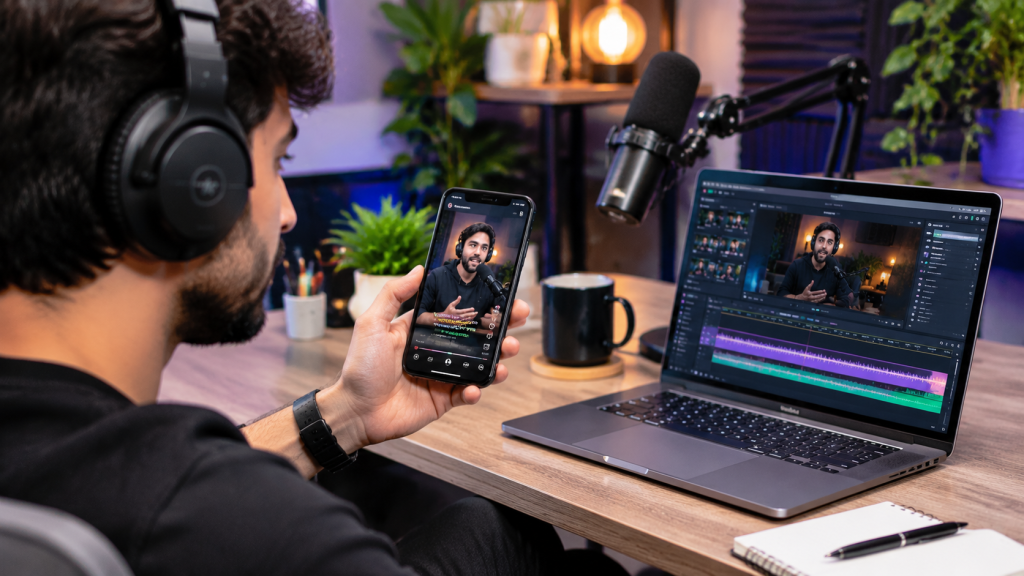
The Virality Score is the practical advantage. Every clip gets a score based on hooks, pacing and topic, which turns clip selection from gut feeling into a ranked list. The AI copilot lets you pick a timeframe, a clip length from under a minute to 15 minutes, or a topic to search for, and re-prompt to refine the results. Auto-posting sends clips to YouTube Shorts, TikTok and Instagram Reels, and the Pro scheduler posts them on a timetable across 6 social connections. ClipAnything, the newer feature, clips any moment you describe in plain words.
Pricing was verified on OpusClip’s official pricing page on 14 November 2026: https://opus.pro/pricing Free costs $0 and includes 60 credits a month, clips up to 1080p with a watermark, auto reframe, AI captions and keyword highlighting, but clips stop being exportable after 3 days and there is no editing. Starter costs $15 a month, monthly billing only, and includes 150 credits a month, the Virality Score, animated captions in 20 or more languages, auto-posting, the editor, 1 brand template and filler and silence removal, with no watermark. Pro costs $29 a month, or $14.50 a month billed annually at $174 a year, and includes 300 credits a month with 2 months of rollover, a team workspace with 2 seats, 2 brand templates, 6 social connections, AI B-roll, the scheduler, export to Premiere Pro and DaVinci Resolve, and multiple aspect ratios. Business is a custom price with priority processing and API access. One credit is one minute of source video, so a 60-minute episode costs 60 credits however many clips you keep.
The honest limit: credits are spent on the source video, not the clips. Four one-hour episodes a month cost 240 credits, which is more than Starter’s 150, so a weekly show needs Pro. The free plan’s 3-day export window is a real trap: generate clips on Monday and they cannot be exported on Friday. For the wider short-form field, read our guide to the top AI video tools for social media creators: https://zideoai.online/top-ai-video-tools-for-social-media-creators/
OpusClip best fit
Pick OpusClip if clips are your growth strategy and you want the strongest moment ranked for you. Skip it if you publish less than one episode a month, because the free plan covers that already.
4. Vizard: the best AI video tool for podcasters on a tight budget
Vizard is the cheapest way to get the same clip extraction job done at volume. It takes a long podcast episode, finds the highlights, reframes them to vertical, adds captions in several languages and schedules the posts. The difference from OpusClip is the credit maths: Vizard’s Creator plan gives 600 credits a month for the same $14.50 a month on annual billing that buys OpusClip Pro’s 300, so a weekly show gets twice the source minutes for the same money.
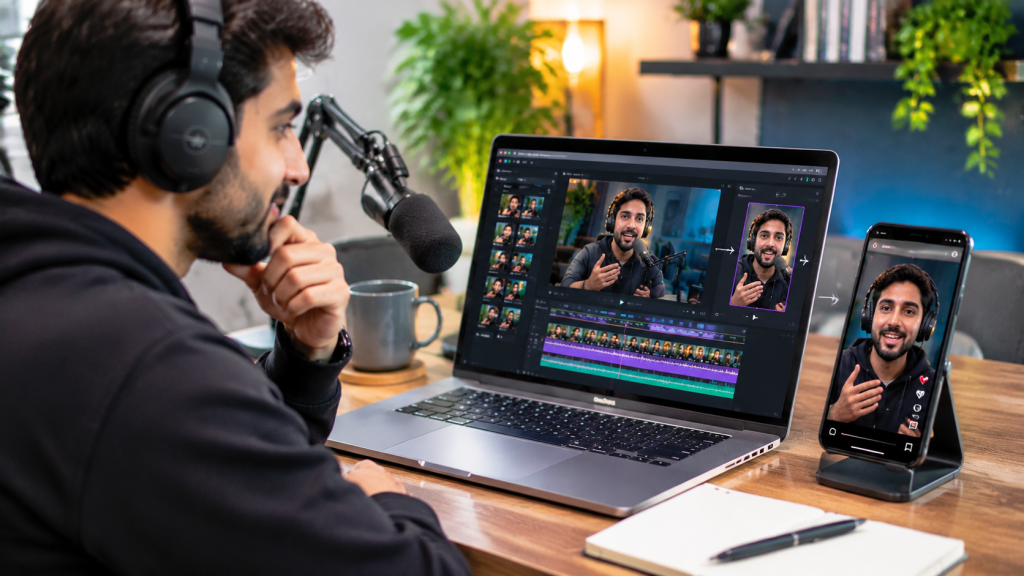
The credit system is the practical advantage. One credit is one minute of uploaded video, and the Creator plan starts at 600 credits a month, which covers ten one-hour episodes. Larger tiers go up to 6,200 credits a month for bigger shows. Creator adds 4K export, uploads up to 600 minutes, 100 GB of storage, scheduling and 6 social accounts. Business adds a shared workspace, a brand kit, 20 social accounts and team seats at $5 a month each.
Pricing was verified on Vizard’s official pricing page on 14 November 2026: https://vizard.ai/pricing Free costs $0 and includes 60 credits a month, 720p export with a watermark, uploads up to 60 minutes, 10-minute exports and 3-day storage. Creator costs $29 a month, or $14.50 a month billed annually at $174 a year, and includes from 600 credits a month, no watermark, 4K export, scheduling and 6 social accounts. Business costs $39 a month, or $19.50 a month billed annually at $234 a year, and includes from 600 credits a month, a shared workspace, a brand kit, 20 social accounts and unlimited storage while subscribed.
The honest limit: Vizard’s clips are solid but its Virality Score equivalent is weaker than OpusClip’s, and its interface is simpler, with fewer fine controls over clip selection. If you want the smartest clip ranking, OpusClip wins. If you want the most source minutes per dollar, Vizard wins. For the editing mistakes that ruin short clips, read our guide to 7 AI video mistakes to avoid: https://zideoai.online/7-ai-video-mistakes-to-avoid/
Vizard best fit
Pick Vizard if you publish weekly and want the most clipping minutes for the least money. Skip it if you want the most polished clip ranking and are happy to pay OpusClip’s price for it.
5. CapCut: the best AI video tool for podcasters who edit on a phone
CapCut is the editor most podcasters already have on their phone, and it is the cheapest way to make finished clips look professional. Auto captions in many languages, background removal, templates, trending effects and one-tap reframing from horizontal to vertical are all included, and the mobile app edits smoothly on a phone, which matters when you cut clips on the train or between recordings.

The captions are the practical advantage. CapCut generates accurate animated captions fast, with styles that match what performs on TikTok and Reels, and it now includes AI features like auto reframe, background blur and voice effects. The desktop app handles longer edits, while the phone app handles quick clips, and projects sync between the two.
Pricing was checked on CapCut’s official pricing page on 14 November 2026: https://www.capcut.com/pricing Free costs $0 and includes basic editing, templates and auto captions with a watermark on some exports. Pro costs $19.99 a month or $179.99 a year on capcut.com, and includes 1,200 AI credits a month, 1 TB of cloud storage, 4K export, the full template and effects library and commercial use. Standard costs $9.99 a month in the mobile app. Ultra costs $79 a month. CapCut says its prices are for reference only and the final price depends on your region, device and account, so confirm the figure at checkout before you pay. Prices in the app stores run $1 to $3 a month higher than on the website.
The honest limit: CapCut is an editor, not a clip finder. It will not watch your episode and pick the best moments for you, so you still have to find the clips yourself or pair it with OpusClip or Vizard. The AI credit system also means heavy AI use can run out before the month ends. For the wider comparison of AI video generators, read our guide to the best AI video generator tools: https://zideoai.online/best-ai-video-generator-tools-in-2026-compared/
CapCut best fit
Pick CapCut if you edit clips yourself on a phone and want the best free editor with great captions. Skip it if you want automatic clip extraction, because that is not what CapCut does.
6. HeyGen: the best AI video tool for podcasters who want translated video
HeyGen solves a different podcast problem: reaching listeners who do not speak your language. Upload your episode and HeyGen translates it, dubs it with a cloned voice, and lip-syncs the speaker’s face to the new language, in 175 or more languages and dialects. A show recorded in English can exist in Spanish, Hindi or French without re-recording a word. The avatar presenter is the second use: record a script and a realistic AI presenter delivers it on camera, which suits solo shows and video versions of audio episodes.
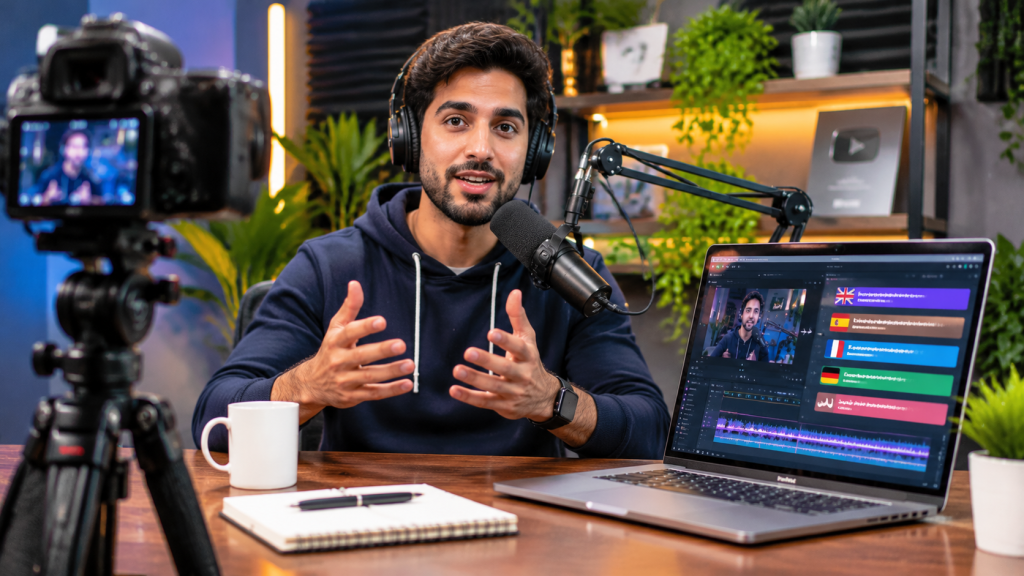
The translation workflow is the practical advantage. The Global Language Suite covers lip-sync translation, script proofreading and voice switching, so the same episode can be re-voiced without re-recording. Credits roll over, which is rare in this list: monthly subscribers keep unused credits for one more month, and annual subscribers accumulate credits until renewal, so a quiet month is not wasted money.
Pricing was verified on HeyGen’s official pricing page on 14 November 2026: https://www.heygen.com/pricing Free costs $0 and includes up to 3 videos a month, a maximum of 1 minute per video, and a watermark. Creator costs $29 a month, or $24 a month billed annually at $288 a year, and includes 600 credits a month, videos up to 30 minutes, 1080p export, no watermark, a custom video avatar, and 175 or more languages. Pro starts at $49 a month, or $41 a month billed annually, and includes 1,000 credits a month, 4K export, full Avatar V, translation proofreading and the newest video models, with larger tiers up to 100,000 credits a month. Business costs $149 a month plus $20 per seat, or $119 a month billed annually, and includes 1,500 shared credits, videos up to 60 minutes and SCORM export.
The honest limit: HeyGen sells credits, but the pricing page does not publish how many credits one minute of translated podcast video costs, so the cost of one translated episode cannot be calculated from the page. Do not budget on a per-episode figure from a secondary source. Check the credit cost in the app before you commit to a plan. For the avatar side of video in a different niche, our guide to the best AI training video tools shows the same tools applied to courses: https://zideoai.online/best-ai-training-video-tools/
HeyGen best fit
Pick HeyGen if you want your podcast in more than one language, or an avatar presenter for video versions. Skip it if you need a firm per-episode price before you buy, because the credit cost per minute is not published.
7. VEED: the best AI video tool for podcasters who want fast captions in a browser
VEED is the fastest way to caption a podcast episode without installing anything. Open the browser, upload the episode, and VEED adds accurate subtitles, translates them, removes filler words and silences, and exports a finished video. It is the simplest tool in this list, which is exactly what a podcaster who hates editing wants.
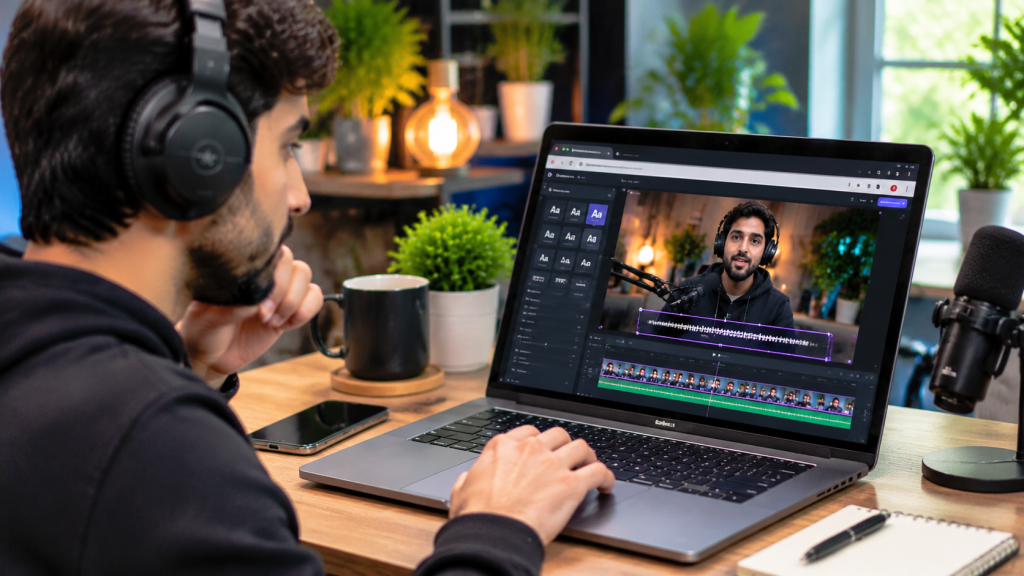
The captions are the practical advantage. All paid plans include unlimited subtitle generation up to a fair-use limit of 50 hours a month, with more advanced styles on higher tiers. Translation is minute-based: translating a 30-minute episode from English to Spanish uses 30 minutes of your translation allowance, and a second language uses another 30 minutes, so budget by the languages you need. VEED also includes AI avatars, text-to-video, eye contact correction, a teleprompter and stock media, so one subscription covers captions, translation and simple video creation.
Pricing was checked on VEED’s official pricing page on 14 November 2026: https://www.veed.io/pricing Free costs $0 and includes 720p exports with a watermark and limited subtitles. Creator costs $25 a month, or $120 a year at about $10 a month, and includes 500 AI credits a month, 1080p watermark-free export, unlimited video length and premium templates. Pro costs $45 a month, or $228 a year at about $19 a month, and includes 1,500 AI credits a month, 4K export, AI avatars, text-to-video and dubbing in 50 or more languages. Studio costs $79 a month, or $465 a year at about $39 a month, and includes 15,000 AI credits a month and up to 80 hours of AI voice a month. All prices are per editor, per month, and VEED serves different versions of its own pricing page with different annual figures, so confirm the price at checkout before you pay.
The honest limit: VEED is a browser editor with a credit system, and the credits reset each cycle and do not roll over. A long weekly show with heavy AI use can run through the Creator allowance, and the per-seat pricing multiplies the cost the moment a second editor joins. For the wider question of short-form video, our guide to AI video editing tools for YouTube covers the same caption workflow in depth: https://zideoai.online/ai-video-editing-tools-for-youtube/
VEED best fit
Pick VEED if you want the fastest captions and translation in a browser with nothing to install. Skip it if you record remote guests, because VEED does not record them.
What one 60-minute episode really costs
A weekly show means four episodes a month, four hours of source video. Here is what that costs on each tool’s cheapest sensible plan, using annual billing where it saves money.
| Tool | Plan used | Monthly cost | Cost per episode |
|---|---|---|---|
| Descript | Creator, $24/mo annual | $24 | About $6 |
| Riverside | Pro, $24/mo annual | $24 | About $6 |
| OpusClip | Pro, $14.50/mo annual | $14.50 | About $3.63 |
| Vizard | Creator, $14.50/mo annual | $14.50 | About $3.63 |
| CapCut | Pro, $179.99/yr | About $15 | About $3.75 |
| HeyGen | Creator, $24/mo annual | $24 | Cannot be calculated, credit cost per minute not published |
| VEED | Creator, $120/yr | About $10 | About $2.50 |
The cheapest honest stack for a weekly podcaster is Riverside Pro for recording plus Vizard Creator for clips, at $38.50 a month combined, or Descript Creator alone at $24 a month if you accept simpler clips. A solo podcaster who records alone can skip Riverside entirely and run Descript Creator plus Vizard Creator at $38.50 a month for the full workflow: record, edit, clean audio, cut clips, caption and schedule.
A simple weekly workflow with AI video tools for podcasters
Monday, record the episode on Riverside, with every guest on a separate track. Tuesday, import the recording into Descript, delete the filler words and dead air from the transcript, run Studio Sound, and export the full episode. Wednesday, upload the finished episode to Vizard or OpusClip and let it find five clips, then pick the best three. Thursday, polish the three clips in CapCut with captions and a hook in the first two seconds. Friday, schedule the clips across TikTok, Reels and Shorts, and post the full episode on YouTube. One recording session, five published videos, no editor hired.
Frequently asked questions
What is the best AI video tool for podcasters?
Descript is the best overall, because it records, edits, cleans audio and cuts clips in one place. If you record guests remotely, add Riverside for recording quality. If clips are your growth strategy, add OpusClip or Vizard.
Can I turn my podcast into video for free?
Yes, to a point. Descript Free gives 60 media minutes a month, Riverside Free gives 2 hours of multi-track recording once, OpusClip Free and Vizard Free each give 60 credits a month, and CapCut Free edits with captions. The free plans all carry a watermark or a limit that bites after one episode, so a weekly show needs a paid plan.
How do I turn a podcast episode into short clips?
Upload the finished episode to OpusClip or Vizard. Both watch the whole episode, rank the best moments and return vertical clips with animated captions. OpusClip ranks clips with a Virality Score, while Vizard gives more source minutes per dollar. Then polish the best clips in CapCut before posting.
Which AI video tool for podcasters has the best captions?
VEED has the most complete caption system, with unlimited subtitle generation on paid plans and translation by the minute. CapCut has the best free captions with the most social-ready styles. Descript’s captions are dynamic and follow the transcript, which suits full episodes.
Do I need a separate tool for recording and editing?
Not always. Descript records and edits in one place, and Riverside records and edits simply. But the best recording quality comes from Riverside, and the best editing comes from Descript, so serious shows often use both. A solo podcaster who records alone can use Descript alone.
Can AI translate my podcast into another language?
Yes. HeyGen translates and dubs video with lip-sync in 175 or more languages, and VEED translates captions and audio by the minute. Both charge by credits or minutes, so translate your best episodes first, not your whole back catalogue at once.
How we checked the prices
Every price in this guide was checked on 14 November 2026 on the vendor’s own pricing page: Descript, Riverside, OpusClip, Vizard, CapCut, HeyGen and VEED. Annual prices are the per-month rate when billed yearly. Where a vendor’s page did not show a figure in readable form, or served different figures on different loads, this guide says so instead of printing a guess. Prices change, and regional and account differences apply, so confirm the figure at checkout before you pay.
The bottom line
A podcast in 2026 needs video, and video no longer needs an editor. Start with Descript if you want one tool for the whole job, add Riverside if you record guests remotely, and add OpusClip or Vizard when clips become your growth engine. CapCut covers the free end, HeyGen covers translation, and VEED covers captions. Pick the stack that matches your show’s shape, record one episode, and ship five videos from it this week.