A bakery sells with the eyes before it sells with the taste. A customer who sees a chocolate cake being frosted, a loaf cracking open straight from the oven, or a tray of cinnamon buns glistening under warm light has already decided to visit before they read the price. That is the job these tools do. They turn the work a bakery already does every morning into short videos that bring people through the door.
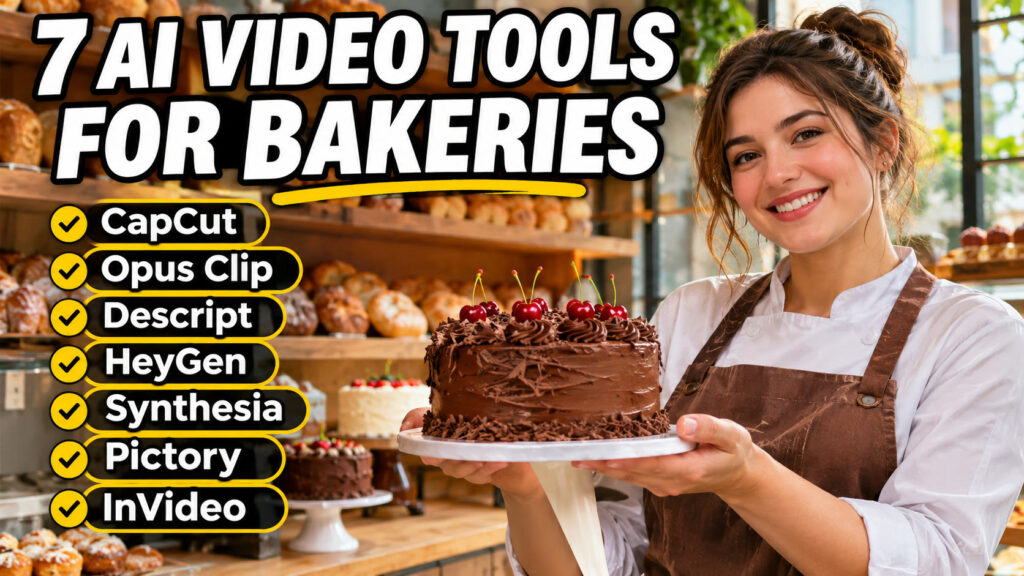
The best AI video tools for bakeries in 2026 are CapCut (https://www.capcut.com/pricing), Opus Clip (https://www.opus.pro/pricing), Descript (https://www.descript.com/pricing), HeyGen (https://www.heygen.com/pricing), Synthesia (https://www.synthesia.io/pricing), Pictory (https://pictory.ai/pricing) and InVideo (https://invideo.io/pricing). Each one solves a different part of the job. CapCut is the best all-round editor for filming real bakes on your phone. Opus Clip is the best at cutting one long baking session into short clips for Reels, Shorts and TikTok. Descript is the best for turning your spoken explanations into clean, captioned videos. HeyGen and Synthesia are the best when you do not want to be on camera and need an avatar to present instead. Pictory is the best for turning a written special or menu note into a finished video without filming anything. InVideo is the best for fast promotional videos that sell seasonal cakes and weekend offers.
All prices in this guide were checked on the official pricing page of each tool on 24 November 2026. Where a Black Friday offer is live, the sale price is shown first and the list price is shown beside it, so you can see what the price becomes when the offer ends.
What a bakery actually needs from video
A bakery is not a content studio. You have an oven timer going, a counter full of customers, and a phone in your apron pocket. The tools that work are the ones that fit that reality. Before choosing, it helps to name the four videos a bakery makes again and again.
First, daily bake videos. A 30 second clip of bread coming out of the oven, a cake being frosted, or dough being shaped by hand. These are the videos that stop thumbs, because they show real skill and real food, and they are the reason a bakery’s social media works at all. Film them on your phone between batches, and they take almost no extra time.
Second, cake decorating tutorials and behind-the-scenes footage. A 60 second video that shows a plain sponge becoming a finished birthday cake, or a piping technique up close. These videos build trust, because a customer ordering a wedding cake can see the standard of work before they pay a deposit. They also answer the questions customers ask most, such as how far ahead to order and what flavours are available. The routine for turning one recording into a week of posts is covered in our guide on how to create AI shorts and reels in minutes (https://zideoai.online/how-to-create-ai-shorts-and-reels-in-minutes/).
Third, seasonal promos and menu announcements. A short video for Christmas cakes, a Valentine’s Day box, an Eid or Ramadan treat selection, or a new weekly special. These videos have a clear job, which is to sell a specific product before a specific date, and they need to be made fast, because the season will not wait for a filming day.
Fourth, baking tips and customer stories. A short tip about why sourdough needs a long ferment, a macaron troubleshooting video, or a 15 second clip of a customer collecting a birthday cake. These videos make a bakery feel like a person, not a shop, and they are the ones customers share.
The right tool depends on which of those four you make most. A solo baker who films on a phone needs a different tool from a bakery with three branches that wants an avatar to record the weekly specials in two languages. The comparison below is built around those real jobs, not around feature lists.
The 7 tools at a glance
| Tool | Best for | Free plan | Paid plan from | What you get for the money |
|---|---|---|---|---|
| CapCut (https://www.capcut.com/pricing) | Editing real bake footage on your phone | Yes | $19.99 a month, or $179.99 a year | Full editor, auto captions, 1,200 AI credits a month, 4K export, 1 TB storage |
| Opus Clip (https://www.opus.pro/pricing) | Cutting one baking session into many short clips | Yes | $15 a month | AI clipping, virality score, auto captions, watermark-free export |
| Descript (https://www.descript.com/pricing) | Editing video by editing the transcript | Yes | $24 a month, or $16 a month billed annually | Text-based editing, Studio Sound, filler removal, 4K export on Creator |
| HeyGen (https://www.heygen.com/pricing) | An avatar that presents when you cannot be on camera | Yes, 3 videos a month | $29 a month, or $24 a month billed annually | Digital twin presenter, 140 plus languages, voice cloning |
| Synthesia (https://www.synthesia.io/pricing) | Avatar-led baking classes at scale | Yes | $19 a month, or $14 a month billed annually | 125 plus avatars, surveys, interactive video, 140 plus languages |
| Pictory (https://pictory.ai/pricing) | Turning a written special into a video without filming | 14-day free trial | $14.50 a month on the Black Friday offer, list price $29 a month | Script to video, stock footage, AI voices, brand kits |
| InVideo (https://invideo.io/pricing) | Fast promotional videos for seasonal offers | Yes | $20 a month, or $10 a seat a month billed annually | Prompt to video, timeline editor, stock media, 400 credits a month on Starter |

1. CapCut (https://www.capcut.com/pricing): best all-round editor for a bakery
CapCut (https://www.capcut.com/pricing) is the tool most bakeries should start with, because it does the ordinary work brilliantly. You film a cake being frosted on your phone, drop the clip into CapCut, and within ten minutes you have a captioned, trimmed, vertical video ready for Reels, Shorts and TikTok. It is the editor behind most of the bakery videos you already see on social media, and there is a reason for that. It is fast, it works on the phone you already carry, and the free plan is genuinely usable.
The free plan includes the core editor, basic effects, auto captions and 1080p export, which is enough for most bake videos. The paid plan, CapCut Pro, costs $19.99 a month or $179.99 a year, and adds 4K export, the full AI toolkit, premium templates, 1,200 AI credits a month and 1 TB of cloud storage. There is also an Ultra plan at $79 a month for heavy AI generation, but a bakery will not need it. A 7-day free trial of Pro is available, with no card required to start it.
What CapCut does best for a bakery is speed. The auto caption feature puts accurate subtitles on a bake video in seconds, and captions matter, because most customers watch with the sound off on the bus or at work. The auto cut and silence removal tools take a rambling five minute explanation and tighten it into a 60 second video without you scrubbing through a timeline by hand. The templates are built for vertical video, so a clip made for TikTok also fits Instagram Reels and YouTube Shorts with one tap.
Where CapCut is weaker is long-form teaching. If you want to record a ten minute sourdough masterclass with chapters, slides and a presenter, CapCut is not the tool. It is an editor for short clips, not a course builder. It also has no avatar presenter, so if you do not want to appear on camera, you will need HeyGen or Synthesia as well.
A bakery scenario: the first tray of croissants comes out of the oven at 7 am. You film 40 seconds of the steam, the golden crust and the baker dusting them with sugar. In CapCut you trim the clip to the 30 seconds that matter, add auto captions, add a text overlay that says “Fresh at 7 am, gone by 10”, and post it before the shop opens. The customers who see it come in for the croissants, and the ones who arrive too late order for tomorrow.
CapCut is the best choice if you film real bakes and want the fastest route from phone to posted video. It is also the cheapest serious option, because the free plan covers the basics and the paid plan is the best value of the seven tools here for a solo baker.

2. Opus Clip (https://www.opus.pro/pricing): best for turning one baking session into many clips
Opus Clip (https://www.opus.pro/pricing) solves a different problem. A baker records a 40 minute cake decorating session, a sourdough tutorial, or a full morning in the kitchen, and then has nothing to post, because nobody watches a 40 minute video on TikTok. Opus Clip watches the long recording, finds the moments worth sharing, and cuts them into short vertical clips with captions, a hook, and a virality score for each one. One baking session becomes eight or ten posts.
The free plan lets you try the clipping with limited exports. The Starter plan costs $15 a month and is the plan most solo bakers need. It includes AI clipping, auto captions, the virality score, watermark-free export and posting to social media. The Pro plan costs $29 a month, or $14.50 a month billed annually, and adds faster processing, more clip length options, 100 GB of storage, bulk export and team seats. The Business plan is custom priced for bakeries with several branches.
What Opus Clip does best is finding the clip inside the session. Its AI looks for clear explanations, strong moments and natural breaks, and it scores each clip for how likely it is to hold attention. For a bakery, that means a long recording of a wedding cake being built can become a clip about the crumb coat, a clip about the piping technique, and a clip about the final reveal. Each clip gets captions and a hook automatically, so you are editing by approving and trimming, not by building from scratch.
The limit is that Opus Clip works from footage you already have. It does not generate video, it does not give you an avatar, and it will not help if you have nothing recorded. It is also a clip tool, not a full editor. If a clip needs a careful re-cut or a custom graphic, you will finish it in CapCut or Descript.
A bakery scenario: you set a phone on a tripod and record a full hour of decorating a three tier birthday cake. Opus Clip finds the six moments that matter, such as the first smooth layer of buttercream, the piping of the border, and the moment the topper goes on, and turns them into six captioned Reels. You post one a day for a week, and each one shows a skill a customer is paying for when they order.
Opus Clip is the best choice if you already record baking sessions or tutorials and want a week of social media posts from a single recording. At $15 a month, it is the cheapest paid tool in this guide, and paired with free CapCut it is the starter stack recommended below.
3. Descript (https://www.descript.com/pricing): best for editing your spoken explanations
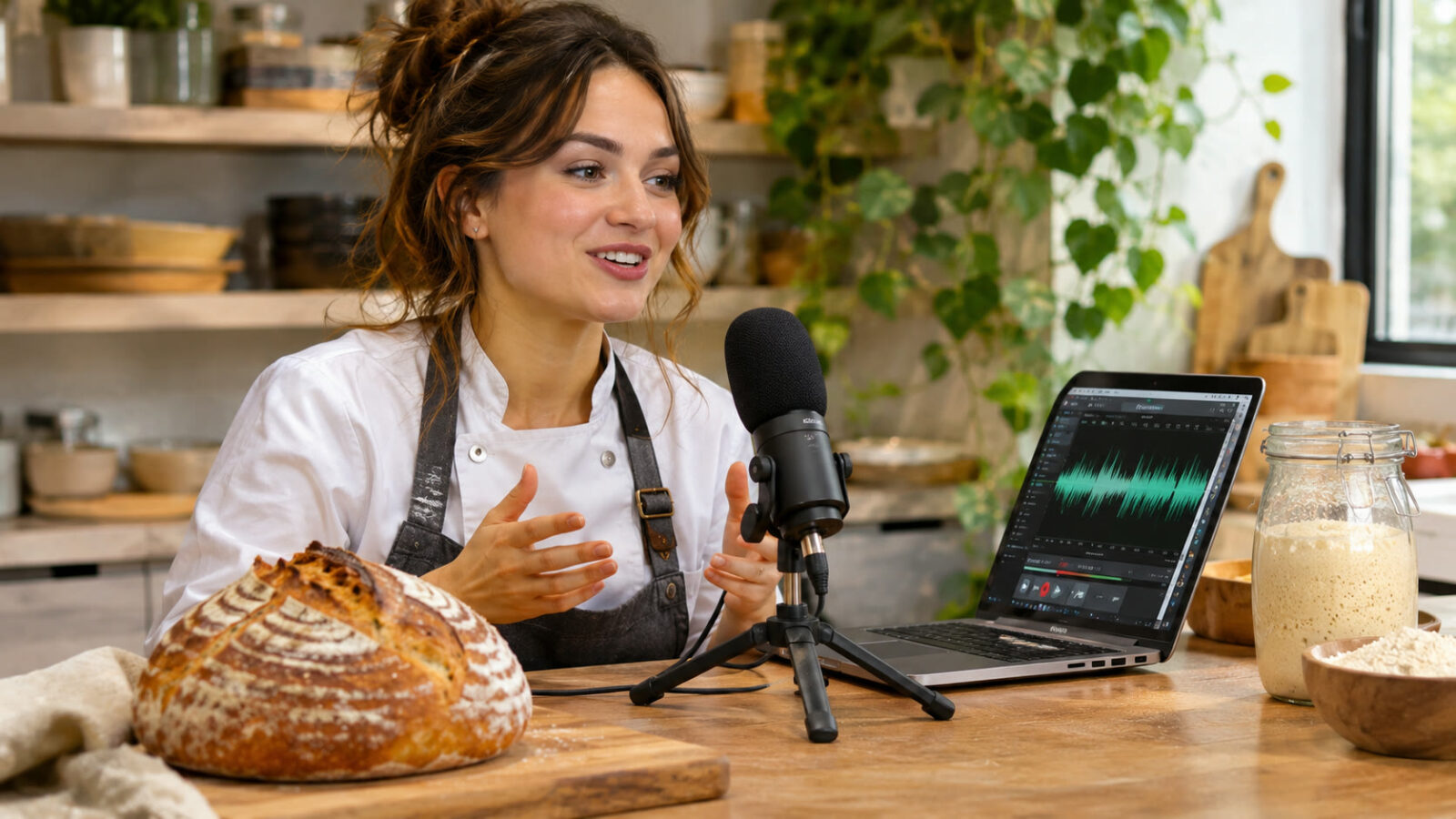
Descript (https://www.descript.com/pricing) is built for bakers who talk. You record a recipe explanation, a cake consultation walkthrough or a voiceover for a decorating video, and Descript turns the recording into a written transcript. You edit the video by editing the words. Delete a sentence from the transcript and it disappears from the video. Remove every “um” and pause with one click. That is a very different way of editing, and for a baker who explains things out loud, it is much faster than dragging clips on a timeline.
The free plan costs nothing and includes one media hour a month, 100 one-time AI credits and 720p export with a watermark. The Hobbyist plan costs $24 a month, or $16 a month billed annually, and adds 10 media hours a month, 400 AI credits, watermark-free 1080p export and the Underlord AI co-editor. The Creator plan costs $35 a month, or $24 a month billed annually, and is the plan most bakers should look at. It adds 30 media hours, 800 AI credits, 4K export, full Underlord access, AI video generation and unlimited stock media. The Business plan costs $65 a month, or $50 a month billed annually, and adds 40 media hours, 1,500 AI credits, Brand Studio, translation and dubbing in more than 30 languages, and custom avatars.
What Descript does best for a bakery is clean up spoken teaching. Studio Sound removes the mixer noise and oven hum from a recording made in a working kitchen, so a tutorial filmed during a busy morning still sounds professional. The filler word removal takes out the ums and pauses that make a five minute explanation feel like ten. The transcript makes it easy to find the exact moment you explained why a macaron shell cracks, and to pull that moment out as a standalone clip. Underlord, the AI co-editor, takes plain instructions such as “cut this to 60 seconds and keep the three tips” and does the edit for you.
The limit is that Descript is not a visual editor. If you want flashy transitions, animated text or a polished advert, CapCut or InVideo will do it better. Descript is also priced per person, so a bakery with three bakers pays per seat, and the costs add up. The free plan’s one media hour a month is small, so you will need a paid plan quickly if you record every week.
A bakery scenario: you record a five minute voiceover explaining how to keep a sponge moist, with a decorating clip playing underneath. In Descript you delete the two sentences where you repeated yourself, remove the filler words, and export a clean three minute video with captions. The same recording becomes a tutorial for your YouTube channel (https://zideoai.online/ai-video-editing-tools-for-youtube/) and a clip for your customers’ group chat.
Descript is the best choice if most of your teaching is spoken, and you want to edit by words instead of by timeline. It is the strongest tool here for recipe and technique content, and it pairs well with CapCut for the visual finish.
4. HeyGen (https://www.heygen.com/pricing): best avatar presenter when you do not want to be on camera
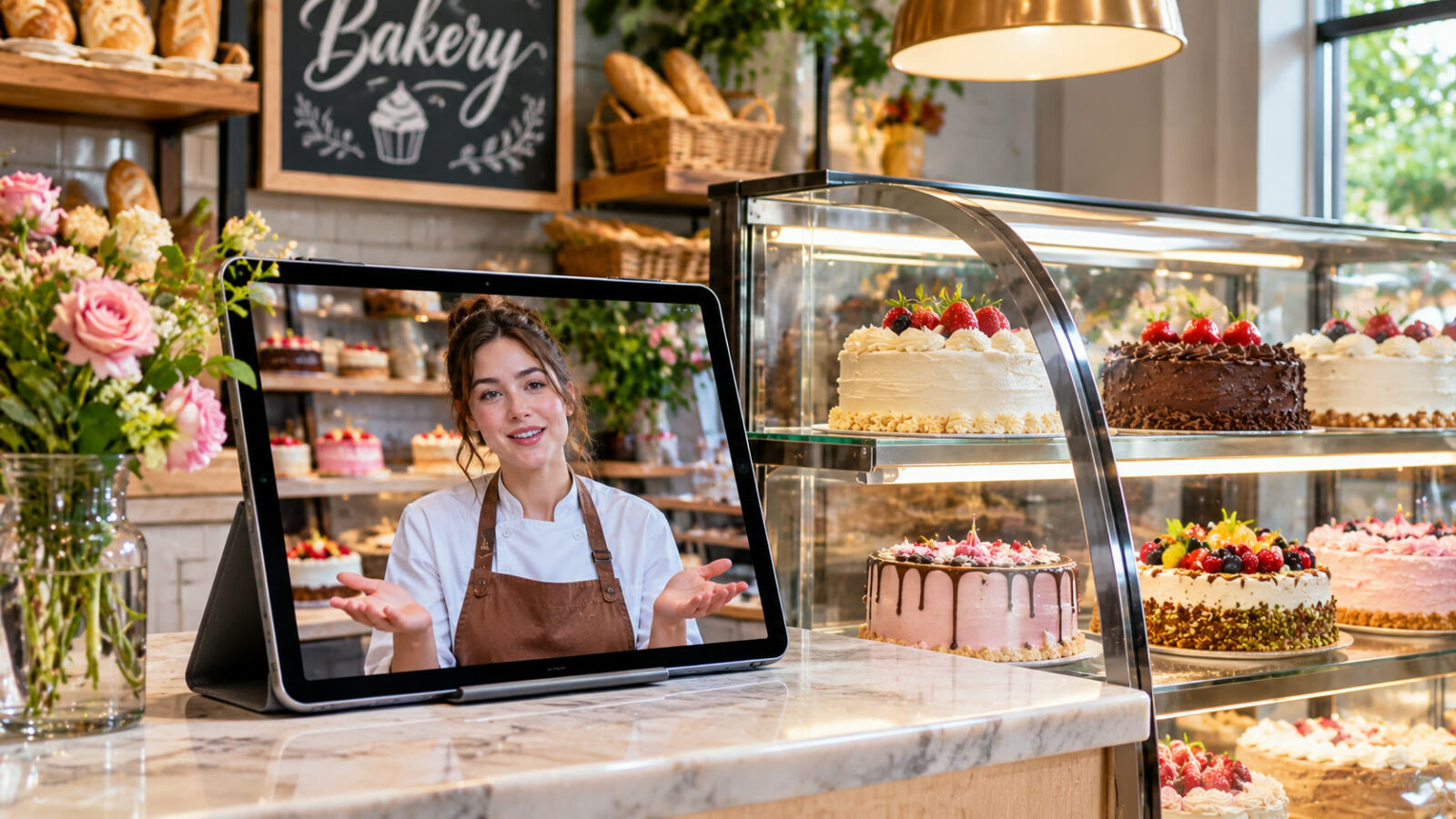
HeyGen (https://www.heygen.com/pricing) is the tool for the baker who has good teaching but no wish to appear on camera every day. You type a script, choose an avatar, and HeyGen produces a video of a realistic presenter delivering your message. You can also create a digital twin of yourself, a short recording that HeyGen turns into an avatar that looks and sounds like you, so the video still feels personal even when you never stood in front of a camera.
The free plan includes up to 3 videos a month, which is enough to test whether avatar videos suit your customers. The Creator plan costs $29 a month, or $24 a month billed annually, and is the right plan for a solo baker. The Pro plan starts at $49 a month and scales with credits, and the Business plan costs $149 a month plus $20 per seat a month for bakeries that need several staff on one account. Unused credits roll over for one month on monthly plans, and until renewal on annual plans.
What HeyGen does best is presence without filming. A weekly special announcement, a welcome video for new customers, or a holiday cake offer can be recorded by typing a script at your kitchen table at 9 pm, after the last batch of the day. The avatar speaks clearly, the lip sync is convincing, and the video is available in more than 140 languages, which matters if you serve customers in more than one language. A digital twin of yourself makes the videos feel like yours, and regulars recognise the baker they will actually meet.
The limit is honesty. An avatar video is not a real bake, and it should never be presented as one. It works for announcements, for menu explainers and for offers. It does not work for showing a real cake, because a customer needs to see the actual cake you made. HeyGen is also a credit system, so a long video costs more credits than a short one, and you need to watch your monthly allowance.
A bakery scenario: you write a 90 second script announcing the Christmas cake menu, with the flavours, the prices and the last order date. HeyGen turns it into a video with your digital twin presenting it. You post it to your Facebook page and pin it to the top of your Instagram profile. The customers who watch it order before the deadline, and you spend the week baking instead of answering the same question on the phone.
HeyGen is the best choice if you want a presenter on screen without filming yourself, or if you serve customers in more than one language. It is the most personal of the avatar tools, because the digital twin is you.

5. Synthesia (https://www.synthesia.io/pricing): best for avatar-led baking classes at scale
Synthesia (https://www.synthesia.io/pricing) is the other avatar tool in this guide, and it is the better choice when you want to build a small library of baking classes rather than one-off videos. Where HeyGen is built around a presenter, Synthesia is built around a course. It has more than 125 avatars, interactive video with quizzes, surveys, and a structured studio for lessons that need to be updated over time.
The Basic plan costs nothing and includes 500 credits a month, 10 minutes of studio video creation and one Syren video. The Starter plan costs $19 a month, or $14 a month billed annually, with the first month at $9. It includes 1,250 credits a month, 125 plus avatars, no watermark and no 3 minute cap on Syren videos. The Pro plan costs $89 a month, or $59 a month billed annually, with the first month at $49. It includes 72,000 credits a year, 180 plus avatars, 5 personal avatars, branded video pages and interactive video. A Black Friday and Cyber Week offer is live from 16:00 GMT on 23 November to 07:59 GMT on 7 December 2026, for new customers and free plan users upgrading to a paid plan only.
What Synthesia does best for a bakery is consistency. A baking course on sourdough, cake decorating or gluten-free baking needs the same presenter, the same style and the same structure across twenty lessons. Synthesia gives you that, and when a recipe changes, you edit the text and regenerate the video instead of re-filming. The interactive features let you add a quiz at the end of a lesson, so a student answers three questions about proving times before moving on. The surveys let you ask students which technique they find hardest, and build the next lesson around the answer.
The limit is cost and tone. The Pro plan is the most expensive in this guide, and the Starter plan’s 1,250 credits a month only stretches to about two short videos a month on top of the free allowance. Avatar lessons can also feel formal. A home baker learning to pipe buttercream may prefer a real baker in a real kitchen to a polished avatar in a studio, so Synthesia works best for structured classes, not for the daily bake videos that sell cakes.
A bakery scenario: you build a six lesson baking course covering sourdough basics, cake layers, buttercream, piping, chocolate work and wedding cakes. Each lesson is a three minute avatar video with a short quiz. New students get the course when they sign up, and by the time they come to a hands-on class they already know the terms and the techniques you will be practising.
Synthesia is the best choice if you want to build a proper baking course with quizzes and a consistent presenter, and you are willing to pay for the structure. For a single baker who only needs a few avatar videos, HeyGen is cheaper.

6. Pictory (https://pictory.ai/pricing): best for turning a written special into a video without filming
Pictory (https://pictory.ai/pricing) is the tool for the baker who writes well but never films. You paste a script, a menu note or even a few bullet points, and Pictory builds a video from stock footage, AI voices and automatic captions. You do not need a camera, a kitchen or a quiet room. You need a special worth announcing.
A 14-day free trial is available, with 300 credits and three videos. The Starter plan lists at $29 a month, or $25 a month billed annually, and the Professional plan lists at $59 a month, or $35 a month billed annually. The Teams plan lists at $199 a month, or $119 a month billed annually. A Black Friday offer is live at the time of writing, and it halves those prices. On the offer, Starter is $14.50 a month, or $12.50 a month billed annually. Professional is $29.50 a month, or $17.50 a month billed annually. Teams is $99.50 a month, or $59.50 a month billed annually. Check the live price before you buy, because the offer will end and the list price will return.
What Pictory does best is speed from words to video. A baker who writes a 200 word note about the week’s special, a new pistachio croissant or a limited edition Christmas cake, can have a finished video in fifteen minutes, with stock footage of fresh baking, a natural AI voiceover in more than one language, and captions throughout. The stock library includes millions of clips from Getty Images and Storyblocks, so the footage looks professional even though you never filmed it. The AI scene editor lets you swap a clip or change a line without starting again.
The limit is that stock footage is not your bakery, your oven or your cake. A video about your own signature cake will always be better filmed than stocked. Pictory videos can also look generic if you accept the first draft, so the bakers who get the best results are the ones who edit the script carefully and choose their clips rather than accepting the automatic choices.
A bakery scenario: you write a short script about the five cakes on this week’s menu, with the flavours and the prices. Pictory turns it into a 60 second video with a voiceover and bakery footage. You send it to your customer list and post it on your Google Business Profile, and the week’s orders come in before Wednesday.
Pictory is the best choice if you prefer writing to filming, and you want a finished video from a script in minutes. It is the most useful tool here for bakers who have good specials and no time to film them.

7. InVideo (https://invideo.io/pricing): best for fast promotional videos that sell seasonal cakes
InVideo (https://invideo.io/pricing) is the tool for the business side of a bakery. It turns a prompt into a promotional video, with a timeline editor for finishing touches, stock media, and AI agents that build the video from a short description. It is the tool you reach for when you need a Christmas cake video, a Valentine’s Day box promo, or a 15 second advert for Facebook and Instagram.
The Starter plan costs $20 a month, or $10 a seat a month billed annually, and includes 400 credits a month, the timeline editor and 200 GB of storage. The Plus plan costs $60 a month, or $24 a seat a month billed annually on the current limited offer, and includes 2,000 credits a month, 600 GB of storage and access to the Seedance 2.5 video model. The Max plan costs $250 a month, or $62.50 a seat a month over two years on a pay for 12 months, get 24 months offer, and includes 8,000 credits a month, 2,000 GB of storage and the lowest cost per credit. Unused credits do not roll over to the next month, so you should only pay for the credits you will use.
What InVideo does best is promotional speed. Type “a 15 second video for a bakery’s Christmas cake collection, warm tone, show a decorated cake on a wooden table with fairy lights” and InVideo builds a draft with footage, music, voiceover and captions. You then adjust the text, swap a clip, and export. For a small bakery (https://zideoai.online/best-ai-video-tools-for-small-businesses/) that runs seasonal offers, that is a video a week without a filming day.
The limit is that InVideo is built for promotion, not for teaching. A generated video will not show your own cakes, your kitchen or your baking style. The credit system also punishes waste. If you generate ten drafts and use one, you have spent ten drafts worth of credits, so it pays to write a clear prompt (https://zideoai.online/text-to-video-prompts-that-actually-work/) first time. The monthly price of Plus at $60 is the highest single plan price in this guide after Synthesia Pro, so it only makes sense if you run regular offers.
A bakery scenario: it is the first week of December and you want to sell Christmas cake orders before the deadline. InVideo makes a 15 second promo showing the collection, with the order date and your phone number on screen. You post it to Facebook and Instagram, and the orders that come in pay for the month’s subscription several times over.
InVideo is the best choice if you run regular promotions and want a finished advert without filming. It is a marketing tool first and a teaching tool second, and it earns its place in the full stack for that reason.
Which tool for which job
If you only buy one tool, buy for the job you do most. A solo baker who films real bakes should start with CapCut, because the free plan covers most of the work and Pro is $19.99 a month. A baker who records long decorating sessions and wants a week of social media posts (https://zideoai.online/best-ai-video-tools-for-social-media-managers/) from each one should start with Opus Clip Starter at $15 a month. A baker who teaches by talking should start with Descript Creator at $35 a month, or $24 a month billed annually. A baker who will not appear on camera should start with HeyGen Creator at $29 a month, or $24 a month billed annually. A baker who wants a baking course should start with Synthesia Starter at $19 a month, or $14 a month billed annually. A baker who writes specials and wants videos without filming should start with Pictory Professional on the Black Friday offer at $29.50 a month, or $17.50 a month billed annually. A bakery that runs regular seasonal offers should start with InVideo Starter at $20 a month, or $10 a seat a month billed annually.
The tools also combine well. CapCut and Opus Clip are the natural pair, because Opus Clip finds the clips and CapCut finishes them. Descript and HeyGen are the natural pair for teaching, because Descript cleans up your spoken lessons and HeyGen covers the announcements you do not want to record yourself. Pictory and InVideo are the natural pair for written content, because Pictory turns specials into teaching videos and InVideo turns offers into adverts. The same choose-by-job method works for other local businesses too. Restaurants (https://zideoai.online/best-ai-video-tools-for-restaurants/) that film dishes, coffee shops (https://zideoai.online/best-ai-video-tools-for-coffee-shops/) that sell a morning ritual, and event planners (https://zideoai.online/best-ai-video-tools-for-event-planners/) who film venues all pick tools the same way, by matching the tool to the job they do most.
Starter stack and full stack: what it costs
The starter stack is for a solo baker who wants to start posting this week without a big bill. Opus Clip Starter at $15 a month, plus CapCut Free at $0, gives you clipping, captions and a full editor for $15 a month. Over a year that is $180, and it covers the four videos that matter most: daily bakes, decorating tutorials, seasonal promos and baking tips. If you film one baking session a week and post three clips from it, the starter stack costs about $1.25 per video over a year of weekly posting.
The full stack is for a bakery or small chain that wants every job covered. On monthly billing, with the Black Friday prices that are live on 24 November 2026, it costs $220.49 a month. That is CapCut Pro $19.99, Opus Clip Pro $29, Descript Creator $35, HeyGen Creator $29, Synthesia Starter $19, Pictory Professional $29.50 on the Black Friday offer, and InVideo Plus $60. On annual billing the same stack costs $133.00 a month. That is CapCut $15.00 a month on the $179.99 a year plan, Opus Clip $14.50, Descript $24, HeyGen $24, Synthesia $14, Pictory $17.50 on the Black Friday offer, and InVideo $24 on the current limited offer. Without any sale prices, the list prices are $250.99 a month on monthly billing and $156.50 a month on annual billing.
Most bakeries do not need the full stack. Start with the starter stack, add Descript when your tutorials need cleaning up, and add HeyGen or Pictory when you want videos without filming. Only add Synthesia Pro or InVideo Max when the work clearly pays for them, such as a baking course you sell, or a Christmas promotion that fills a month of orders.
A week of videos from one baking session
The fastest way to use these tools is to build one recording into a week of posts. Here is a realistic week for a bakery with a morning bake and a counter full of customers.
On Monday, set a phone on a tripod and record a 30 minute cake decorating session, with the baker’s permission and a clean work surface. Upload the recording to Opus Clip. It finds six or seven clips, including the crumb coat, the piping of the border and the final reveal. Approve the three best.
On Tuesday, open the best clip in CapCut. Trim it to 60 seconds, add auto captions, and add a text overlay with the three steps of the technique. Post it as a Reel and a Short.
On Wednesday, take the question a customer asked, such as how far ahead to order a wedding cake, and paste a 150 word answer into Pictory. It builds a 60 second video with stock footage and a voiceover. Post it to your Facebook page.
On Thursday, record a 90 second voiceover in Descript explaining the same answer in your own words, and let Descript remove the pauses and mixer noise. Post it to YouTube with a title that matches the question a customer would search for.
On Friday, use HeyGen to make a 30 second video announcing the weekend special, with your digital twin explaining the flavour and the price. Pin it to the top of your social profiles.
On Saturday, use InVideo to make a 15 second promo for next month’s seasonal collection, with the order deadline and the booking link on screen. Post it to Facebook and Instagram, and boost it locally if you have the budget.
That is six videos from one recorded session, one written answer, one voiceover and one prompt. The tools do the editing, the captions and the formatting. Your job is the baking, which is the part no tool can do.
Filming in a bakery: hygiene and honesty
A quick word on doing this properly. Keep the phone and the tripod away from open food, and never film over an uncovered cake or a tray of buns. Wash your hands before a close-up shot of decorating, and keep hair tied back and aprons clean, because the camera sees everything a customer would see.
Always get a customer’s permission before filming them, and a parent’s permission too if a child is in the frame. A simple question at the counter is enough, and it should say what the video is for and where it will be posted. Never film a customer’s face without asking, and never post a video that shows a home address, a phone number or a delivery note in a way that identifies a customer.
Finally, never present a generated video as a real bake. An avatar announcing a special is a message, and it should be clear it is one. A stock footage video about fresh bread is a promo, not a recording of your own oven. Customers trust a bakery that is honest about what they are watching, and that trust is worth more than any video.
Frequently asked questions
Do I need to appear on camera to make bakery videos?
No. HeyGen and Synthesia can present your announcements and classes with an avatar, and Pictory can build a video from your written special with stock footage and an AI voiceover. Many bakers still appear on camera for decorating videos, because customers want to see the real baker who will make their cake, but announcements and specials work well with an avatar.
What is the cheapest way to start making videos as a baker?
Start with CapCut Free and Opus Clip Starter at $15 a month. That combination covers filming, editing, captions and clipping, and it is enough for three or four videos a week. Add a paid tool only when a specific job, such as cleaning up spoken tutorials or making avatar videos, is clearly worth paying for.
Can AI video tools help a bakery get more orders?
They can help customers find you and trust you, which is not the same as an order. A short video that shows a cake being made before a customer orders means the customer arrives already convinced about the quality. Seasonal promos help with timing, and tutorial videos help with the searches that bring new customers to your page. The baking itself still needs to be good, because a customer who orders once on the strength of a video will only come back if the cake is worth it.
Which tool is best for cake decorating tutorials?
Descript is the best for tutorials you record yourself, because it edits your spoken explanation by the transcript and cleans up the kitchen audio. Opus Clip is the best for turning a long decorating session into short clips, because it finds the moments that matter. CapCut is the best for finishing a clip on your phone. Use all three together, and one decorating session becomes a week of posts.
How much should a bakery spend on AI video tools?
A solo baker should start at $15 a month on the starter stack, and only add tools when the work pays for them. A bakery with several branches can justify the full stack at $133 a month on annual billing, because it covers filming, clipping, tutorials, avatars and promotions for the whole business. Never buy a tool for a job you have not tried doing on the free plan first.
Are the Black Friday prices in this guide permanent?
No. Pictory’s Black Friday offer and Synthesia’s Black Friday and Cyber Week offer are limited time offers, and InVideo’s Plus annual price of $24 a seat a month is a limited offer. Check the live price on the official pricing page before you buy, and do not build a yearly budget on a sale price. The list prices are shown in this guide so you can see what each tool costs when the offer ends.
The verdict
The best AI video tools for bakeries in 2026 are the ones that fit between batches, not the ones with the longest feature list. Start with CapCut Free and Opus Clip Starter at $15 a month, and post three short videos a week. Add Descript when your spoken tutorials need cleaning up. Add HeyGen when you want a presenter without filming yourself, and Pictory when you have specials worth sharing but no time to film. Add Synthesia when you are ready to build a proper baking course, and InVideo when you run seasonal offers that need a fast advert.
A bakery does not need to become a video studio. You need one good clip a day, made from the baking you already do, posted where your next customer is already scrolling. These seven tools do the editing, the captions and the formatting. Your baking does the rest.