An event planner lives on video. Before the event, a teaser has to sell tickets. During the event, a same-day recap has to go out while the room is still full. After the event, a keynote recording has to become a week of clips, a sponsor has to see a thank-you video, and a testimonial has to be cut before the next client meeting. That is six different jobs, and no single tool does all of them well. This guide compares 7 of the best AI video tools for event planners, with real prices checked on 18 November 2026, so a planner can build a stack that fits one event a month, one month of posting, and a real monthly budget.
The short verdict: start with InVideo AI Starter on annual billing at $10 a month for the promos and teasers, and CapCut Free for finishing the same-day recaps on a phone at the venue. That starter stack costs $10 a month, or about $0.83 per video across a month of 12 videos. Add OpusClip Starter at $15 a month when the keynote recordings start piling up uncut, and HeyGen Creator at $24 a month on annual billing when the speakers need proper intro videos. Buying the cheapest paid plan of all seven tools costs $141.99 a month, or about $11.83 per video across the same 12-video month. The free route costs $0, but watermarked exports, short storage limits and hard caps on free credits make it a testing route, not a posting routine.
One honest warning before the list: AI-generated event footage can look wrong. A model can invent a venue, change the shape of a stage, or show a crowd that was never there. Clients book on what they see, and a promo that misleads them becomes a complaint on the day. Use your own photos and footage for the venue, the stage and the speakers, and use AI footage for atmosphere, transitions and intros, never as proof of a room your guests will walk into.
Quick comparison
| Tool | Best for | Cheapest paid plan | Free option |
|---|---|---|---|
| InVideo AI | Event promo from one sentence | $20 a seat a month | Yes, limits not listed on the pricing page |
| HeyGen | Speaker intro with an AI presenter | $29 a month | Yes, 3 videos a month, watermarked |
| Synthesia | Sponsor and welcome videos in many languages | $19 a month | Yes, 500 credits a month, watermarked |
| Runway | Cinematic clips from still venue photos | $15 a month | Yes, 125 one-time credits, watermarked |
| OpusClip | Keynote highlights into vertical clips | $15 a month | Yes, watermarked, 3-day storage |
| Descript | Conference talk edits by transcript | $24 a person a month | Yes, 60 media minutes a month |
| CapCut | Same-day recap Reels with captions | $19.99 a month | Yes |
All prices are in US dollars, before tax, and were checked on 18 November 2026. Prices change often, so confirm at checkout. Prices with a caveat are noted under the tool below.
1. InVideo AI: best for an event promo from one sentence

InVideo AI is template-first: type a prompt such as a 30-second save-the-date teaser for a tech conference with a modern stage and a city skyline, and it returns a draft video with stock footage, text and music, ready to edit. For an event planner, that means a teaser, a ticket push, a speaker announcement or a countdown video without opening a timeline. Its Agent Two builds the video from a prompt, and the Plus plan adds all Seedance models, so the footage can be AI-generated instead of stock. When a planner runs a new event every month, the promo writes itself from one sentence.
Price: the Starter plan costs $10 a seat a month when billed annually at $120 a year, or $20 a seat a month on monthly billing. Starter includes 400 credits a seat a month, about 15 Seedance 2.0 Fast videos, 200 GB of storage, and Agent Two Lite only. The Plus plan costs $30 a seat a month on annual billing, with 2,000 credits a month and all Seedance models. The Max plan costs $75 a seat a month on annual billing, with 5,000 credits a month and 2,000 GB of storage. Unused credits do not roll over. The pricing page says accounts downgrade to a Free plan after cancellation, but it does not list the free plan’s limits, so this guide does not quote them. The timeline editor itself is free, and the page says 40 hours of editing costs nothing.
Caveat: the monthly prices for Plus and Max are implied by the savings shown on the page, about $60 and about $148.75 a seat a month, and were not directly shown in today’s read, so confirm them at checkout. Annual plans are currently advertised at 50 percent off.
Best for: a planner who runs a new event every month and wants a teaser, a ticket push or a speaker announcement from a sentence, such as a save-the-date for a product launch, a countdown for a wedding expo or a sponsor reveal for a charity gala, without filming or editing. Limit: Starter cannot use the full Seedance range, so AI-generated footage really starts at Plus at $30 a month on annual billing, and Starter’s stock-first videos will not show your actual venue.
2. HeyGen: best for a speaker intro with an AI presenter
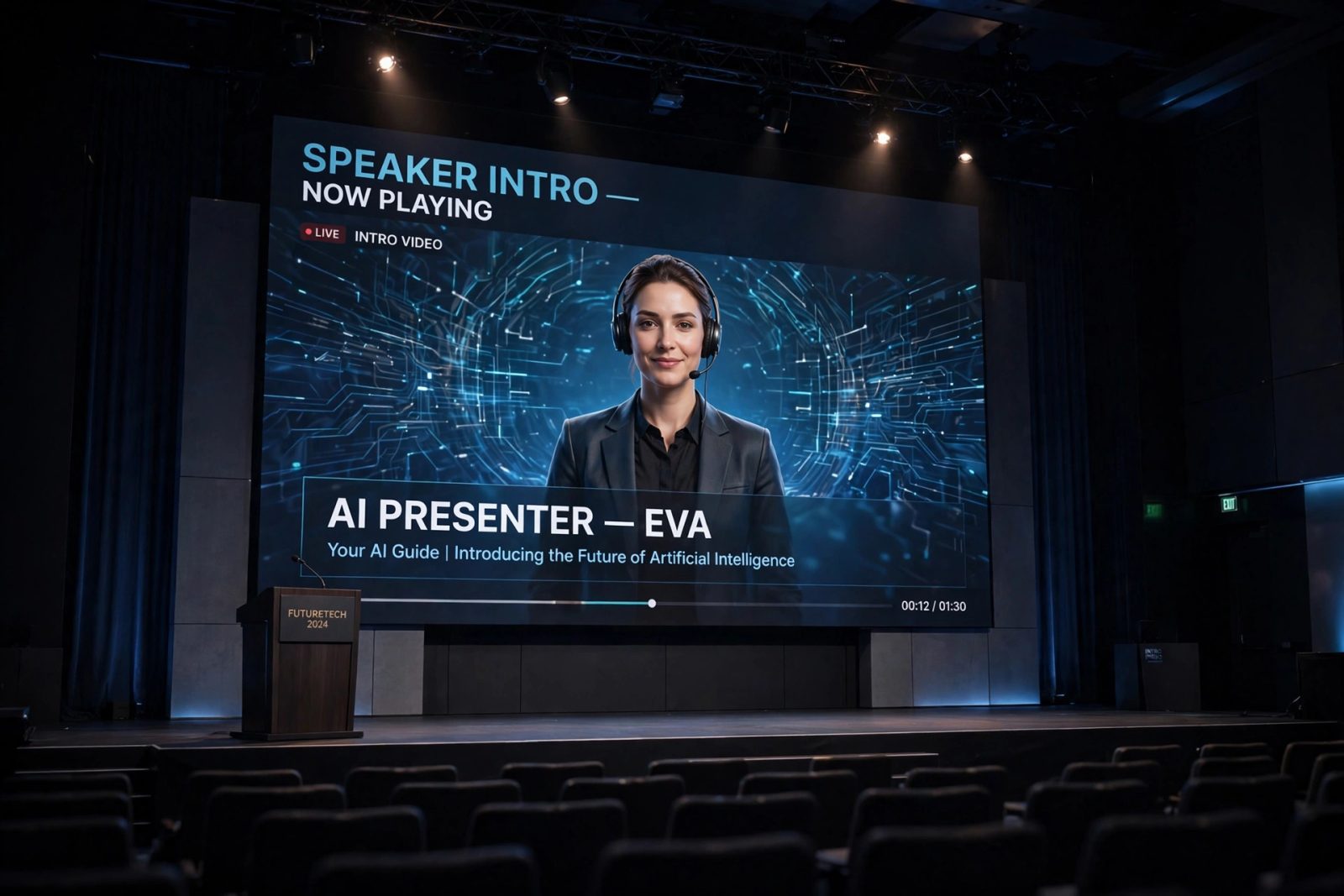
HeyGen puts a realistic AI presenter on screen, and its strongest event-planner feature is video translation with lip sync in 175 languages and dialects. Record one speaker intro, one sponsor message or one welcome video, and HeyGen localises it for every audience market you serve, with the presenter’s lips matching the translated words. A conference that welcomes delegates from several countries can introduce each keynote speaker in the audience’s own language without recording five versions. The Creator plan also includes a custom video avatar and a voice clone, so the presenter can be a consistent face for the event brand.
Price: the Creator plan costs $29 a month, or $24 a month billed annually. Creator includes a 30-minute maximum per video, up to 1080p export, more than 700 stock avatars, 175 languages and dialects, 1 custom video avatar and 1 voice clone. The Pro plan starts at $49 a month, with tiers from 1,000 credits a month at $49 up to 100,000 credits a month at $4,300. All Pro tiers share the same features, only the credit allocation changes. The Business plan costs $149 a month plus $20 a seat a month, with 3 or more seats, a 60-minute maximum per video and 4K export. The free plan costs $0, with up to 3 videos a month, a 1-minute maximum per video, more than 500 stock avatars, 30 or more languages, and a watermark.
Caveat: no annual Pro price is stated on the official page, so this guide quotes only the $49 a month starting figure for Pro. The Creator annual figure of $24 a month is stated in HeyGen’s own FAQ. Monthly subscribers’ unused credits roll over for one more month, and annual subscribers’ credits accumulate until renewal.
Best for: a planner who runs conferences or expos with international delegates and wants one speaker intro, one sponsor message and one welcome video translated into every audience language, with a consistent presenter. Limit: an AI presenter is not your speaker, so an intro should introduce the person, not pretend to be them, and the free plan’s 3 videos a month with a 1-minute cap is a trial, not a routine.
3. Synthesia: best for sponsor and welcome videos in many languages

Synthesia turns a script into a video with a realistic AI presenter, and its event-planner job is the videos that never need a camera: a sponsor thank-you, an attendee welcome, an event explainer, or a pre-event briefing for volunteers. A planner hires volunteers and briefs sponsors across languages, and the same message has to reach every one of them in a language they understand. Synthesia’s 1-Click Translation turns one video into 140 or more languages, and the presenter stays consistent, so the event feels like one brand, not five different recordings. It also makes the pre-event explainer that tells attendees where to park, when doors open and what to bring, without filming anyone.
Price: the Starter plan costs $19 a month billed monthly, with the first month at $9, or $14 a month billed annually at $168 a year, with 3 months free. Starter includes 1,250 credits a month on monthly billing, or 15,000 credits a year on annual billing, about 12 minutes of video a month, or up to about 150 minutes a year on annual billing, more than 125 AI avatars, downloads, no watermark, and the AI Video Assistant. The Pro plan costs $89 a month billed monthly, with the first month at $49, or $59 a month billed annually at $708 a year, with 4 months free. Pro includes 6,000 credits a month, or 72,000 credits a year, about 60 minutes of video a month, or up to about 720 minutes a year, more than 180 AI avatars, 5 personal avatars, branded video pages, interactive videos, 5 guests and priority support. The free Basic plan costs $0 a month, with 500 credits a month, 10 minutes of video a month, 9 AI avatars, 70 or more languages, a Synthesia watermark, and sharing by link only. Enterprise pricing is custom.
Caveat: the page now uses a credit system, and a 1-minute video typically uses 1,000 to 2,000 credits. Older secondary sources quote a $22 a month Starter price, which is outdated. Use the figures above, verified on the official page today.
Best for: a planner who needs sponsor thank-yous, attendee welcomes, volunteer briefings and event explainers in several languages, with no filming and no studio. Limit: it is a presenter-led tool, so it cannot show your actual venue, stage or crowd, and the credits buy minutes, so a long library of event videos needs the Pro plan.
4. Runway: best for cinematic clips from still venue photos

Runway is the B-roll specialist in this list. Its Gen-4.5 model turns text or an image into video, so a single still photo of a ballroom, a stage, a decorated table or a city skyline can become a moving cinematic clip, with prompt-controlled camera motion such as dolly in, pan, tilt, locked-off or handheld. For an event planner, that means an opening shot you did not get, a slow push-in on a dressed stage, or a dreamlike transition between the lobby and the main hall, all made from photos you already took. It is the cheapest paid plan in this list alongside OpusClip, and the fastest way to make a venue photo library feel like a film.
Price: the Standard plan costs $15 a month on monthly billing, or $12 a month when billed annually at $144 a year. Standard includes 625 credits a month, about 52 seconds of Gen-4.5 video, 20 GB of storage, no watermark, 4K upscaling, and up to 3 projects. The Pro plan costs $35 a month, or $28 a month on annual billing, with 2,250 credits a month, about 187 seconds of Gen-4.5 video. The Max plan costs $95 a month, or $76 a month on annual billing, with 9,500 credits a month. The free plan costs $0 forever, with 125 one-time credits that never expire, 5 GB of storage, a selection of generative models, and watermarked videos, but no Gen-4 video.
Best for: a planner who wants cinematic B-roll, camera moves on still venue photos, and opening shots that look like a film, without a drone or a second camera. Limit: the credits buy seconds, not minutes, so 625 credits a month covers about 52 seconds of Gen-4.5 video, which is enough for intros and transitions, not for a whole event film, and heavy use means buying a higher plan.
5. OpusClip: best for keynote highlights into vertical clips
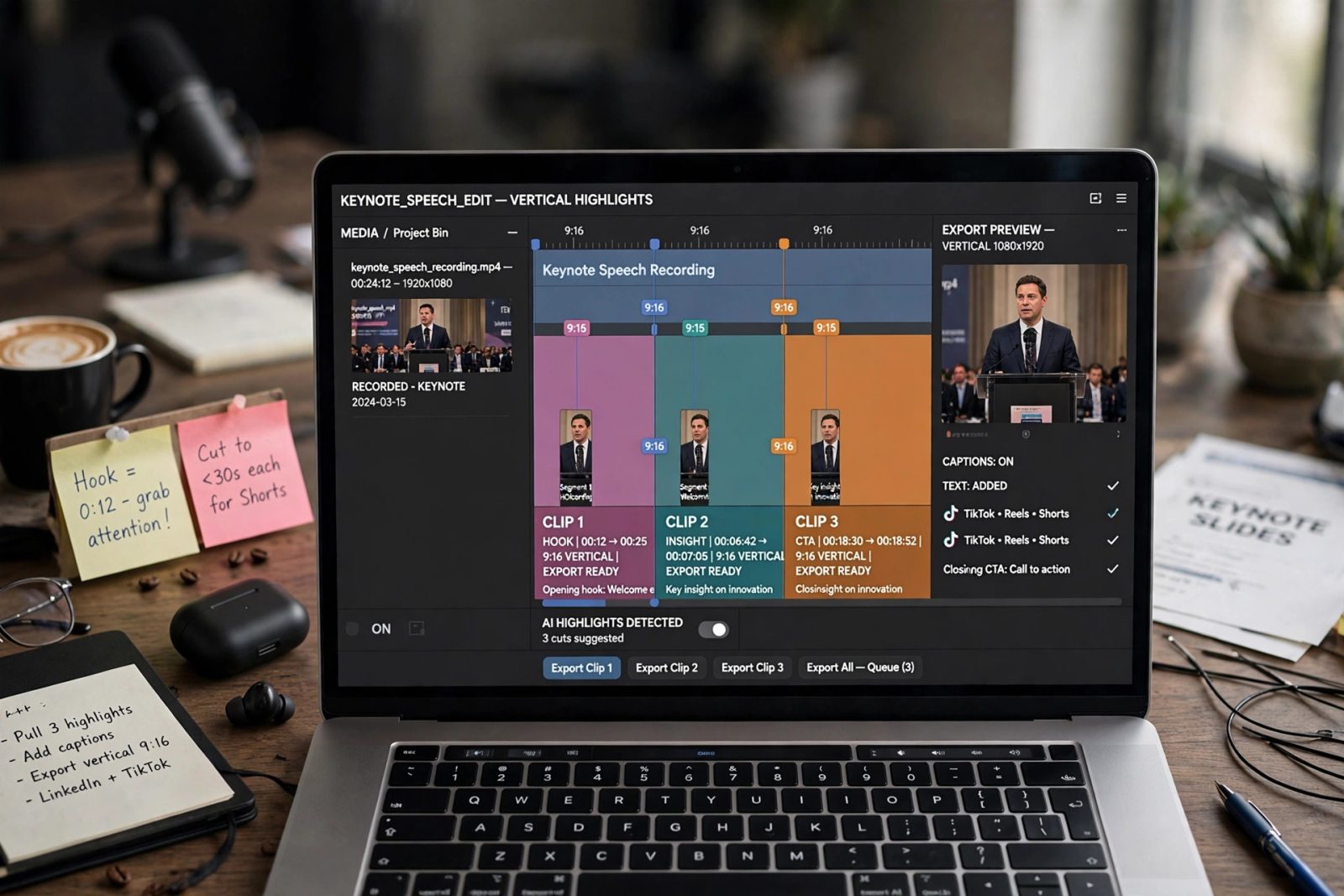
OpusClip is the clip machine in this list. Upload a full keynote, a panel discussion or a recorded workshop, and its AI finds the most shareable moments, cuts them into vertical clips, adds animated captions, reframes the speaker to 9:16, and scores each clip for virality. For an event planner, that turns one 60-minute keynote into a week of Reels, Shorts and TikToks, each ready to post with a generated title, description and hashtags. The Pro plan adds AI video B-roll, dubbing and sound effects, so a clip can be polished without leaving the tool, and a team workspace lets a small events team share the work.
Price: the Starter plan costs $15 a month. Starter includes faster processing than Free, a virality score for every clip, re-prompt clipping to fine-tune results, text and timeline-based editing, AI voice-over 20 times a day, watermark-free export, a 30-day export limit, and storage that expires after 29 days. The Pro plan costs $29 a month, with faster processing than Starter, local import up to 30 GB per video plus public mp4 URLs, an AI copilot with topics search and prompt-to-clip, 100 GB of fixed storage, AI video B-roll, video dubbing, AI sound effects, speech enhancement, and a team workspace for up to 4 users. The free plan costs $0, with watermarked animated captions, 9:16 aspect ratio only, MP4 export up to 1080p with a 3-day limit, and media storage that expires after 3 days.
Caveat: no annual prices are shown anywhere on the official pricing page, so this guide quotes monthly figures only. The free plan’s 3-day storage limit means a clip has to be exported quickly or it is gone, so Free is a trial, not a workflow.
Best for: a planner who records keynotes, panels and workshops and needs them turned into captioned vertical clips the same week, with virality scores to pick the strongest moments first. Limit: it is a clipper, not an editor for long-form video, so a full event film still needs a real editor, and the free plan’s watermark and 3-day storage make it unusable for client work.
6. Descript: best for conference talk edits by transcript
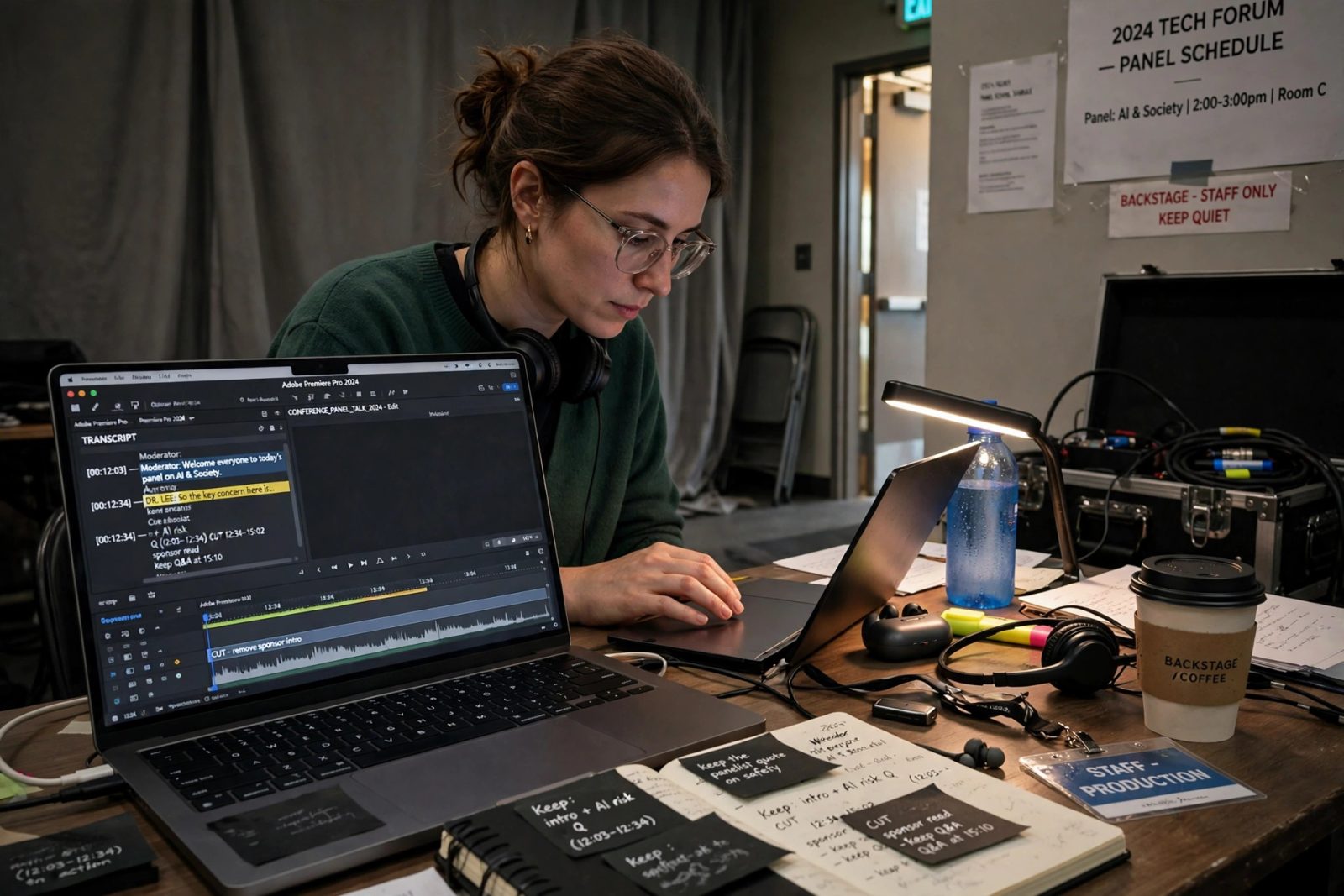
Descript is the talk editor in this list. Events collect hours of spoken content, keynote speeches, panel discussions, Q and A sessions and sponsor interviews, and Descript edits video by editing the transcript: delete a sentence from the text and the matching video is cut, fix a misread word and the audio follows, all without re-recording. It transcribes in 25 languages, translates captions in 61 languages, and dubs narration into more than 30 languages, so one keynote can reach viewers who do not speak the language it was recorded in. It is also the fastest way to cut a 40-minute panel into a 60-second highlight reel, and its Underlord AI co-editor can pick the viral moments for you.
Price: the Hobbyist plan costs $24 a person a month on monthly billing, or $16 a person a month when billed annually at $192 a year. Hobbyist includes 10 media hours a month, 400 AI credits a month, and 1080p export with no watermark. The Creator plan costs $35 a person a month, or $24 a person a month on annual billing. The Business plan costs $65 a person a month, or $50 a person a month on annual billing, and adds translation and dubbing in more than 30 languages. The free plan costs $0, with 60 media minutes a month, 100 one-time AI credits, and 720p export with a watermark.
Caveat: the official pricing page, read on 18 November 2026, renders its paid-plan dollar figures as images, so the prices above were not visible in today’s text read. They were confirmed in the live browser on 17 November 2026, when the same official page showed Hobbyist $24, Creator $35 and Business $65 a month, with annual prices of $16, $24 and $50, and the plan allowances in today’s read match those figures exactly, but confirm the paid prices at checkout before buying.
Best for: a planner who records talks, panels and interviews and needs to cut them into short, clean clips by editing the transcript, or translate a keynote without recording again. Limit: it is an editor first, not a generator, so it cannot create the event footage, only fix and polish what you recorded, and the free plan’s 60 media minutes a month covers only a few short talks.
7. CapCut: best for same-day recap Reels with captions
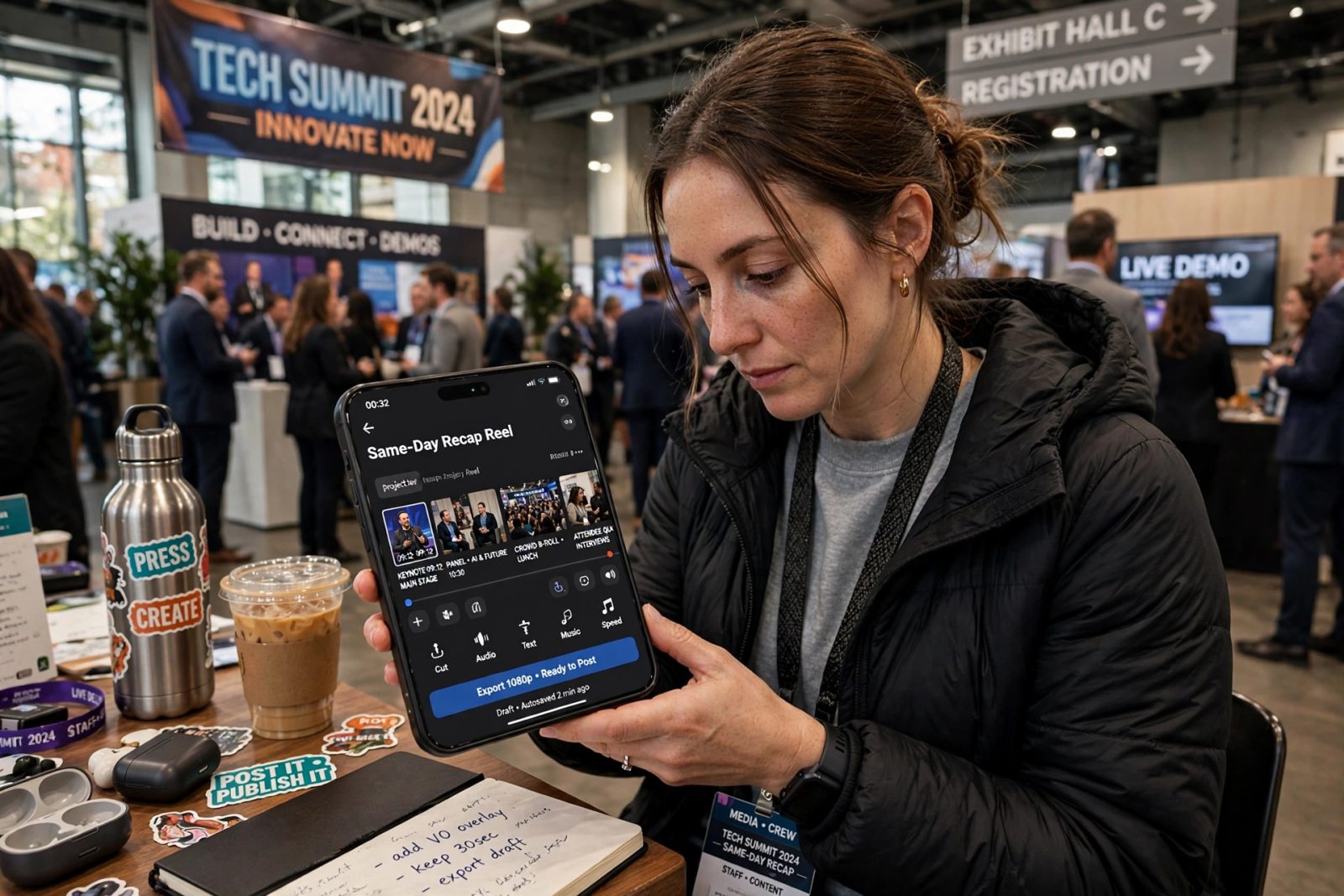
CapCut is the editor most event marketers already have on a phone, and it is built for short vertical video: trending templates, auto captions, effects and sounds that match what is performing on TikTok and Reels right now. For an event planner, its two most useful features are auto captions in more than 20 languages, including bilingual captions and translation, because a recap filmed in one country is often watched in another, and auto beat sync, which cuts clips to the music automatically. The Pro plan adds 1,200 AI credits a month, all premium templates, 1 TB of storage and Seedance video generation, and one Pro account unlocks Pro on phone, desktop and web. A 7-day free trial of Pro needs no credit card, and the free plan exports with no watermark, so a same-day recap can be cut at the venue and posted before the guests leave.
Price: the Pro plan costs $19.99 a month as shown on the official pricing page. Pro includes 1,200 monthly AI credits, 1 TB of cloud storage, all premium templates and Pro features, AI video generation, and 4K export at 60 frames per second. The annual price is $179.99 a year, about $15 a month. The Teams plan costs $12.49 a month per seat and adds a Brand Kit plus Pro features for every seat. The Ultra plan costs $79 a month with 8,645 AI credits for heavy AI generation work. The free plan costs $0 and covers basic editing tools and free templates, and a video cut from your own footage can export with no watermark on Free.
Caveat: CapCut’s own page warns that displayed prices are for reference only and the final price appears after sign-in, and prices can vary by region, device and current promotions. A cheaper $9.99 a month Standard tier exists in the mobile app only and is not sold on the website, so this guide does not quote it as a web price.
Best for: a planner who films at the venue, edits the same day, and needs finished vertical recaps with captions and beat-synced cuts for TikTok, Reels and Shorts before the event ends. Limit: it is a single-account editor, not a video generator, so it cannot create the event footage itself, only edit what you already filmed, and the AI credits are a monthly pool that runs out if you generate a lot of video.
A worked example: one planner, one event, 12 videos
Take a mid-size event planner who runs one 300-person corporate conference a month and posts 12 videos: 4 event promos and teasers, 2 speaker intros, 2 keynote highlight reels, 2 same-day recap Reels, 1 sponsor thank-you video, and 1 post-event testimonial cut. Here is how the month runs on the starter stack and on the full stack.
On the starter stack, InVideo AI Starter at $10 a month on annual billing writes the 4 promos and teasers from one sentence each, and CapCut Free finishes the 2 same-day recaps with captions at the venue and exports them with no watermark. Total: $10 a month, about $0.83 per video. The speaker intros are filmed on a phone, the keynote highlights are cut by hand, and the sponsor video is a simple recorded message, which is slower but costs nothing.
On the full stack, InVideo AI Starter writes the 4 promos, HeyGen Creator makes the 2 speaker intros and translates them for the international delegates, Synthesia Starter makes the sponsor thank-you video and the attendee welcome, Runway Standard supplies the cinematic venue intros, OpusClip Starter turns the keynote recordings into the 2 highlight reels plus extra clips for the week, Descript Hobbyist cuts the testimonial and the panel highlights by transcript, and CapCut Pro finishes the 2 same-day recaps with captions and beat-synced cuts. The cost builds up like this: $20 for InVideo, $49 after adding HeyGen, $68 after adding Synthesia, $83 after adding Runway, $98 after adding OpusClip, $122 after adding Descript, and $141.99 after adding CapCut. Total: $141.99 a month, about $11.83 per video across the 12-video month.
On annual billing, the same seven cheapest plans cost $106 a month: InVideo $10, HeyGen $24, Synthesia $14, Runway $12, OpusClip $15, Descript $16 and CapCut about $15. That is about $8.83 per video across the same 12-video month. OpusClip has no annual price stated on its pricing page, so its $15 monthly figure is used in the annual total too.
Which stack should an event planner choose
A solo planner or a small agency running one event a month should start with the starter stack: InVideo AI Starter on annual billing plus CapCut Free, $10 a month. Write the promos from one sentence, film the recaps yourself, and let CapCut finish them at the venue. Add OpusClip Starter at $15 a month when the keynote recordings start piling up uncut, because one 60-minute talk should become a week of clips, not a file on a hard drive. A planner running conferences with international delegates should add HeyGen Creator and Synthesia Starter next, because a speaker intro in the delegate’s language and a sponsor video that needs no filming are the two videos that pay for themselves fastest. Runway and Descript come last, when the venue photos deserve cinematic intros and the talk footage is piling up uncut.
Frequently asked questions
Can an event planner use AI video tools without filming anything?
Yes, for promos, intros and sponsor videos, but not for recaps. InVideo, HeyGen and Synthesia can make a finished video from text alone, which covers teasers, speaker intros, sponsor thank-yous and attendee welcomes. A same-day recap has to show your actual event, so film that yourself and use CapCut to finish it. A client who books on an AI-generated venue will complain on the day.
Do AI-generated event videos hurt bookings?
Only when they mislead. A cinematic intro made from your own venue photo is honest. A video that shows a stage, a ballroom or a crowd your event does not have is a bad review waiting to happen. Use AI for atmosphere and transitions, and your own footage for the venue, the stage and the speakers.
Which tool is best for turning a keynote into social clips?
OpusClip, because it finds the shareable moments in a long recording, cuts them into captioned vertical clips and scores each one for virality, so you post the strongest moment first. Descript is the better pick when you want to edit the talk by its transcript, cut filler words and translate the captions. Our separate guide to the best AI video tools for wedding videographers covers a similar highlight-reel workflow for a different kind of event.
What does an event video stack cost per month?
The starter stack in this guide is $10 a month, about $0.83 per video across 12 videos. The full stack of all seven cheapest paid plans is $141.99 a month on monthly billing, or $106 a month on annual billing. Start with the starter stack and add one tool at a time as the videos earn their keep.
Conclusion
An event planner does not need a film crew. They need 12 honest videos a month: promos that sell the real event, intros that introduce the real speakers, recaps that show the real room, and thank-yous that reach the real sponsors. The best AI video tools for event planners in this guide cover those jobs for $10 a month to start, or $141.99 a month for the full stack, with real prices checked on 18 November 2026. Start with InVideo and CapCut, add OpusClip when the keynotes pile up, and add HeyGen and Synthesia when your delegates and your sponsors speak more than one language. Film your own venue, let AI do the rest, and never let a generated clip pretend to be a room your guests will walk into.