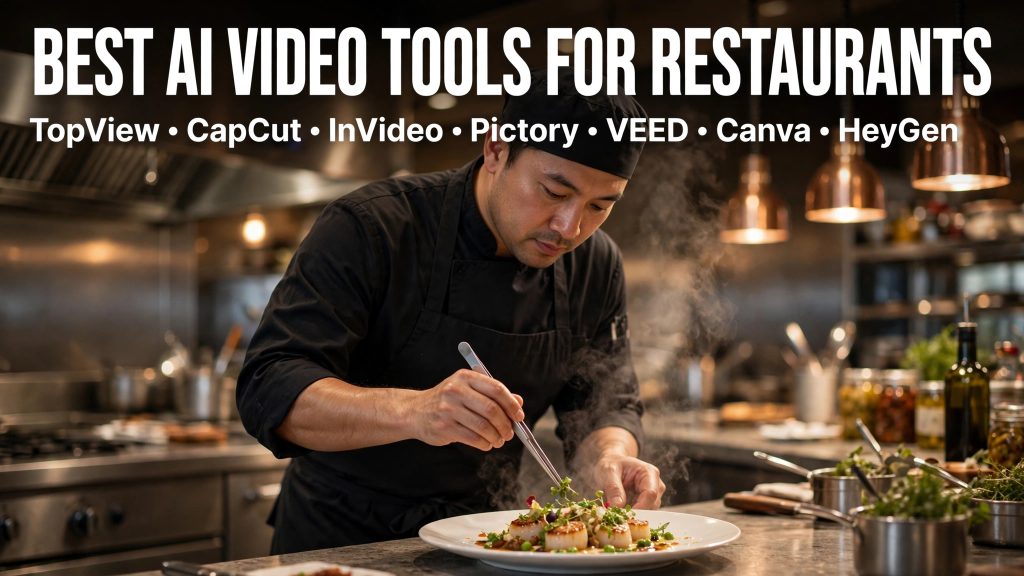
A restaurant does not judge a video tool by one clever effect. One month needs dish showcases, daily-special announcements, behind-the-scenes clips, a chef intro, and a steady stream of short vertical clips for Reels, TikTok and Shorts. That means food footage that looks edible, captions, because most people watch on mute, vertical formats, and menu-to-video speed matter more than any single filter. This guide compares the best AI video tools for restaurants, with real prices checked on 16 November 2026, so you can build a stack that fits one menu, one month of posting, and a real monthly budget.
The short verdict: start with Pictory Starter for turning the menu and daily specials into captioned vertical videos, and CapCut Free for finishing them with captions, trending sounds and beat-synced cuts. That starter stack costs $25 a month on annual billing, or about $2.08 per video across a month of 12 videos. Add InVideo Plus at $30 a month on annual billing when you want AI-generated food footage instead of stock clips, and TopView Plus at $36 a month on annual billing when you want dish ads made from your own food photos. Buying the cheapest paid plan of all seven tools costs $138.99 a month, or about $11.58 per video across the same 12-video month. The free route costs $0, but watermarked exports and a hard limit on free videos make it a testing route, not a posting routine.
One honest warning before the list: AI-generated food can look wrong. A model can change a garnish, invent a side dish, or make a portion look different from the plate you serve. Use your own food photos for hero dishes, and use AI footage for atmosphere, transitions and promos, never as proof of what is on the plate.
Best AI video tools for restaurants compared
| Tool | Best for | Cheapest paid plan | Free option |
|---|---|---|---|
| TopView AI | Dish ads from your own food photos | $36 a month on annual billing ($432 a year) | None listed on the pricing page |
| CapCut | Fast food Reels with captions | $19.99 a month | Yes |
| InVideo AI | Script-to-video food promos | $10 a month on annual billing ($20 a month on monthly billing) | Yes, limits not listed on the pricing page |
| Pictory | Turning the menu into video | $25 a month on annual billing ($29 a month on monthly billing) | 14-day trial only, 3 videos, watermarked |
| VEED | Captions and subtitles | $12 a month on annual billing ($25 a month on monthly billing) | Yes, watermarked, 720p, 10-minute exports |
| Canva | Fast promos with AI video clips | $12 a month on annual billing ($18 a month on monthly billing) | Yes, no AI video-clip generation |
| HeyGen | Multilingual chef welcomes | $24 a month on annual billing ($29 a month on monthly billing) | Yes, 3 videos a month, watermarked |
All prices are in US dollars, before tax, and were checked on 16 November 2026. Prices change often, so confirm at checkout. Prices with a caveat are noted under the tool below.
1. TopView AI: best for dish ads made from your own food photos
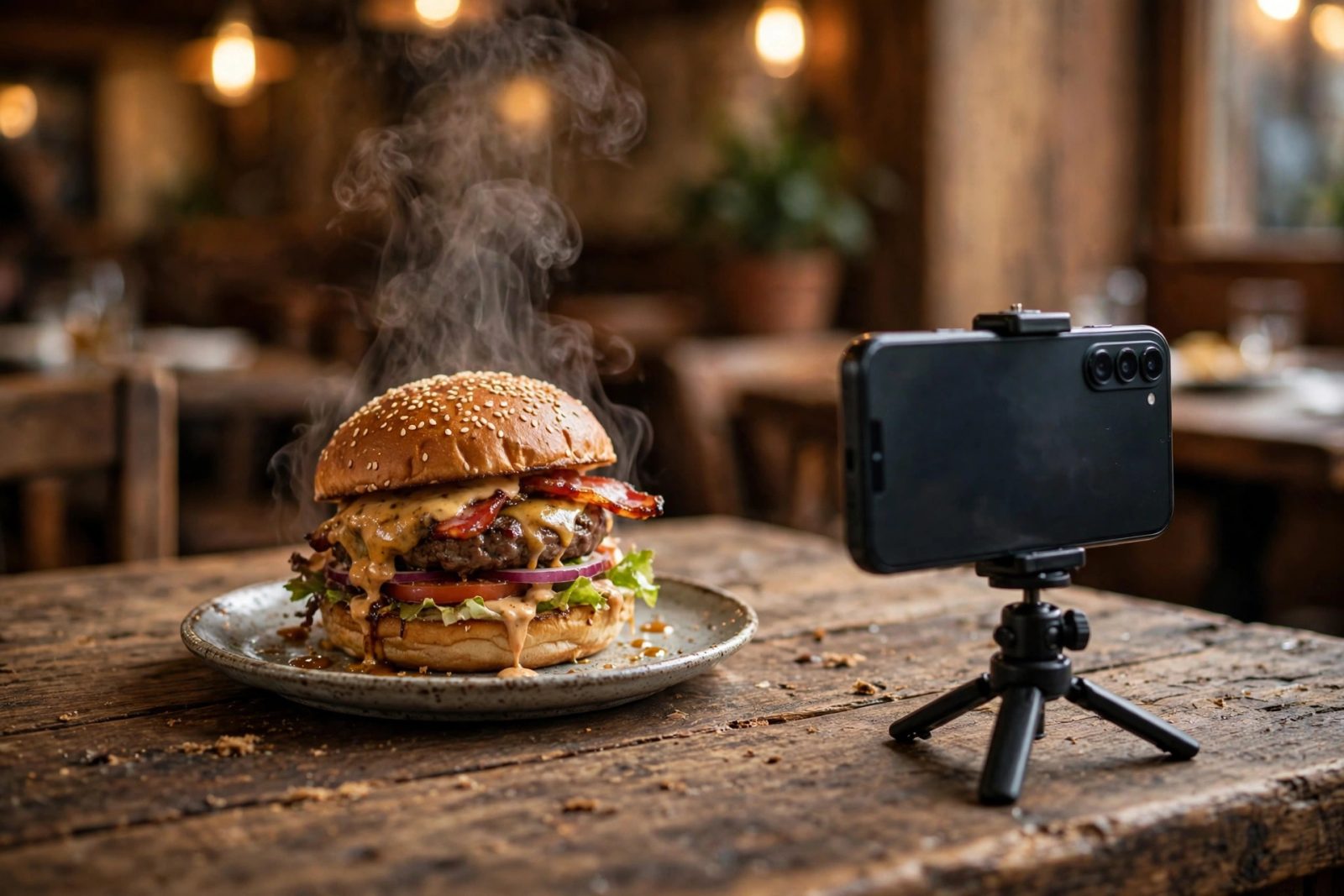
TopView AI is the only tool in this list built around one restaurant job: turn a food photo into a finished video ad. You upload a photo of a dish, and it animates it into a short clip with motion, captions and a voiceover, using models including Seedance 2.5. It also has a Product Avatar feature, so the restaurant owner can present a dish on camera without filming, plus more than 5,000 public avatars and a TikTok Ad Library for checking what food ads are running right now.
Price: the Plus plan costs $36 a month when billed annually at $432 a year. Plus includes 100 credits a month, Topview T1 video at 1080p, 4 concurrent tasks, 5 free voice clones, Product Avatar, and the TikTok Ad Library. Seedance 2.5 at 720p costs 6 credits per 4 seconds, so 100 credits buys about 66 seconds of Seedance 2.5 video a month. The Business plan costs $44 a month on annual billing, and Ultra costs $50 a month on annual billing.
Caveat: TopView’s pricing page, read on 16 November 2026, showed only the annual toggle, so the monthly-billing price was not verified on the official page today. Secondary reads from October 2026 report Plus at $24 a month on monthly billing, but that figure is not verified, so this guide quotes the $36 annual figure only. The pricing page also does not list a free plan, so do not expect one. Watermark-free export and the commercial licence are listed on the page but the extract did not show which plans include them, so this guide does not promise either for Plus.
Best for: a restaurant that already has good food photos and wants a dish ad without a shoot, especially for TikTok and paid social. Limit: credit-based, and 100 credits is thin. About 66 seconds of Seedance 2.5 a month covers a few short dish ads, not daily posting, and heavy use means buying a higher plan or more credits.
2. CapCut: best for fast food Reels with captions
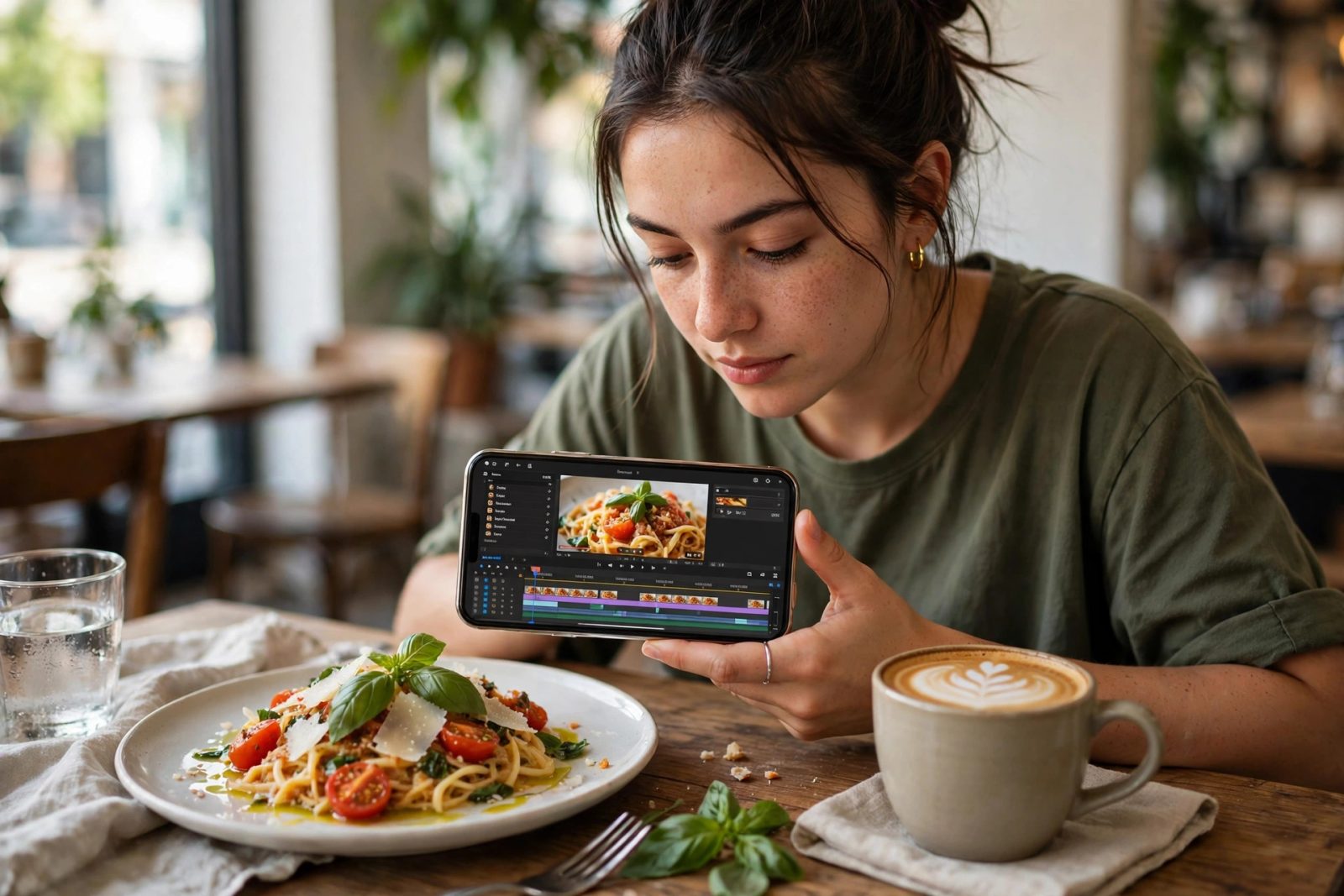
CapCut is the editor most restaurants already have on a phone, and it is built for the vertical feed: trending templates, auto captions, effects and sounds that match what is performing on TikTok and Reels right now. For a restaurant, its two most useful features are auto captions, because most people watch food videos on mute, and auto beat sync, which cuts clips to the music automatically. The Pro plan adds 1,200 AI credits a month, all premium templates, 1 TB of storage and Seedance video generation, and one Pro account unlocks Pro on phone, desktop and web. A 7-day free trial of Pro needs no credit card.
Price: the Pro plan costs $19.99 a month as shown on the official pricing page. Pro includes 1,200 monthly AI credits, 1 TB of cloud storage, all premium templates and Pro features, AI video generation, and 4K export at 60 frames per second. The Teams plan costs $12.49 a month per seat and adds a Brand Kit plus Pro features for every seat. The Ultra plan costs $79 a month with 8,645 AI credits for heavy AI generation work. The free plan costs $0 and covers basic editing tools and free templates, and a video cut from your own footage can export with no watermark on Free.
Caveat: the official page, read on 16 November 2026, does not state whether the $19.99 Pro price is the monthly-billing or annual-billing rate. The annual Pro price of $179.99 a year, about $15 a month, comes from consistent readings of the same official pricing page in October and November 2026, but it was not verified on the page today, so confirm it at checkout. CapCut says its prices can vary by region, device and current promotions.
Best for: a restaurant that films on a phone, edits the same day, and needs finished vertical clips with captions and beat-synced cuts for TikTok, Reels and Shorts. Limit: it is a single-account editor, not a food video generator, so it cannot create the dish footage itself, only edit what you already have, and the AI credits are a monthly pool that runs out if you generate a lot of video.
3. InVideo AI: best for script-to-video food promos
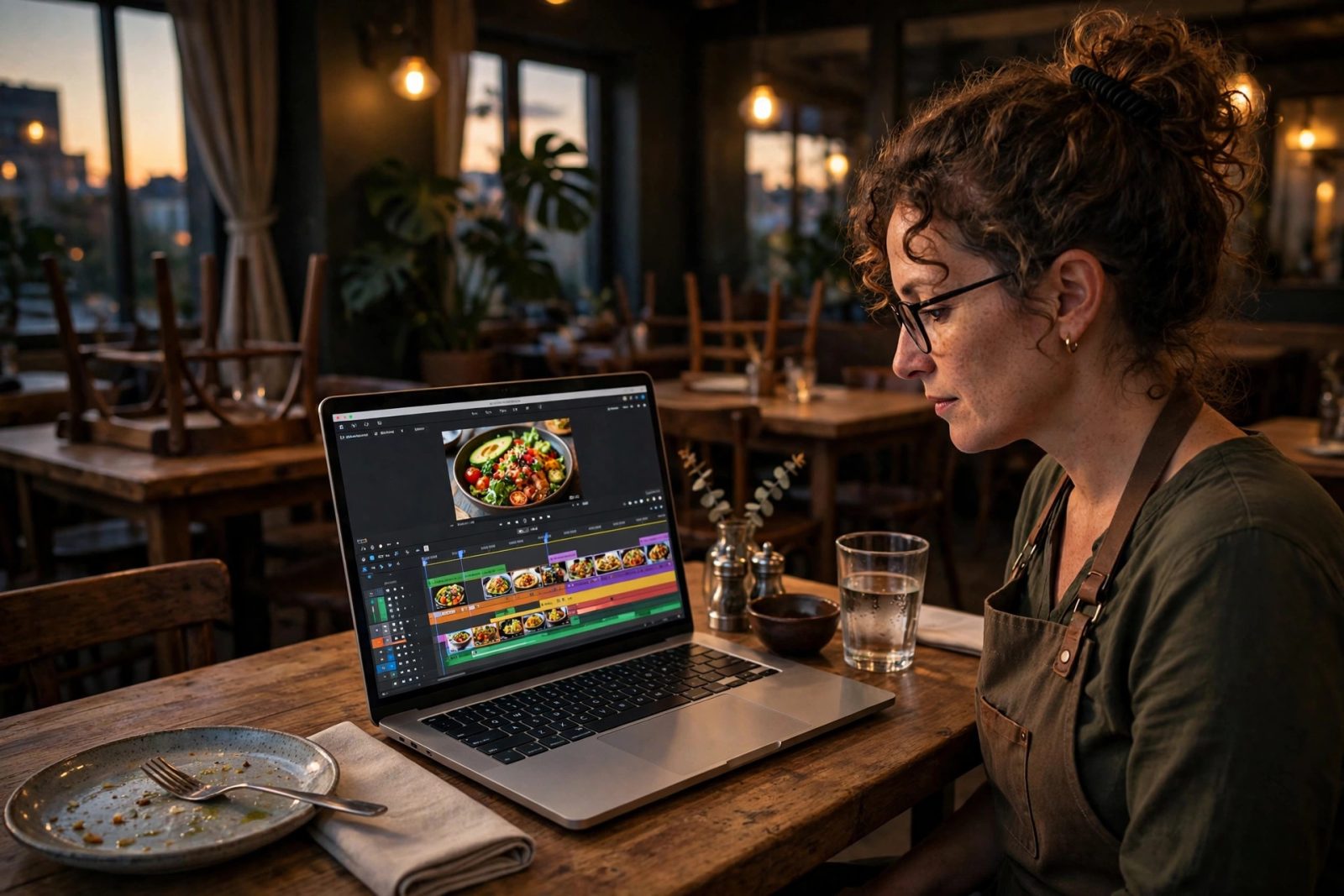
InVideo AI is template-first: type a prompt such as a 30-second promo for tonight’s special, and it returns a draft video with stock footage, text and music, ready to edit. For a restaurant, that means a daily-special promo without opening a timeline. Its Agent Two builds the video from a prompt, and the Plus plan adds Seedance 2.5 at 1080p, so the food footage can be AI-generated instead of stock.
Price: the Starter plan costs $10 a month per seat when billed annually, or $20 a month per seat on monthly billing. Starter includes 400 credits a month per seat, about 15 Seedance 2.0 Fast videos, 100 premium stock footage clips, 200 GB of storage, and Agent Two Lite only. The Plus plan costs $30 a month per seat on annual billing, with 2,000 credits a month, about 52 Seedance 2 videos, Seedance 2.5 at 1080p and Seedance 2.0 at 4K, and Agent Two Lite, Pro and Ultra. The Max plan costs $75 a month per seat on annual billing, with 5,000 credits a month and 500 premium stock clips. Unused credits do not roll over. The pricing page says accounts downgrade to a Free plan after cancellation, but it does not list the free plan’s limits.
Caveat: Starter at $20 a month on monthly billing is confirmed by the page’s own calculator text, read on 16 November 2026. The monthly prices for Plus and Max are inferred from the 50 percent off labels on the page, about $60 and $150 a month, and were not directly shown in today’s read, so confirm them at checkout.
Best for: a restaurant that wants a promo from a sentence, such as tonight’s special or a weekend offer, without filming or editing. Limit: Starter cannot use Seedance at all, so AI-generated food footage really starts at Plus at $30 a month on annual billing, and Starter’s stock-first videos will not show your actual dishes.
4. Pictory: best for turning the menu into video
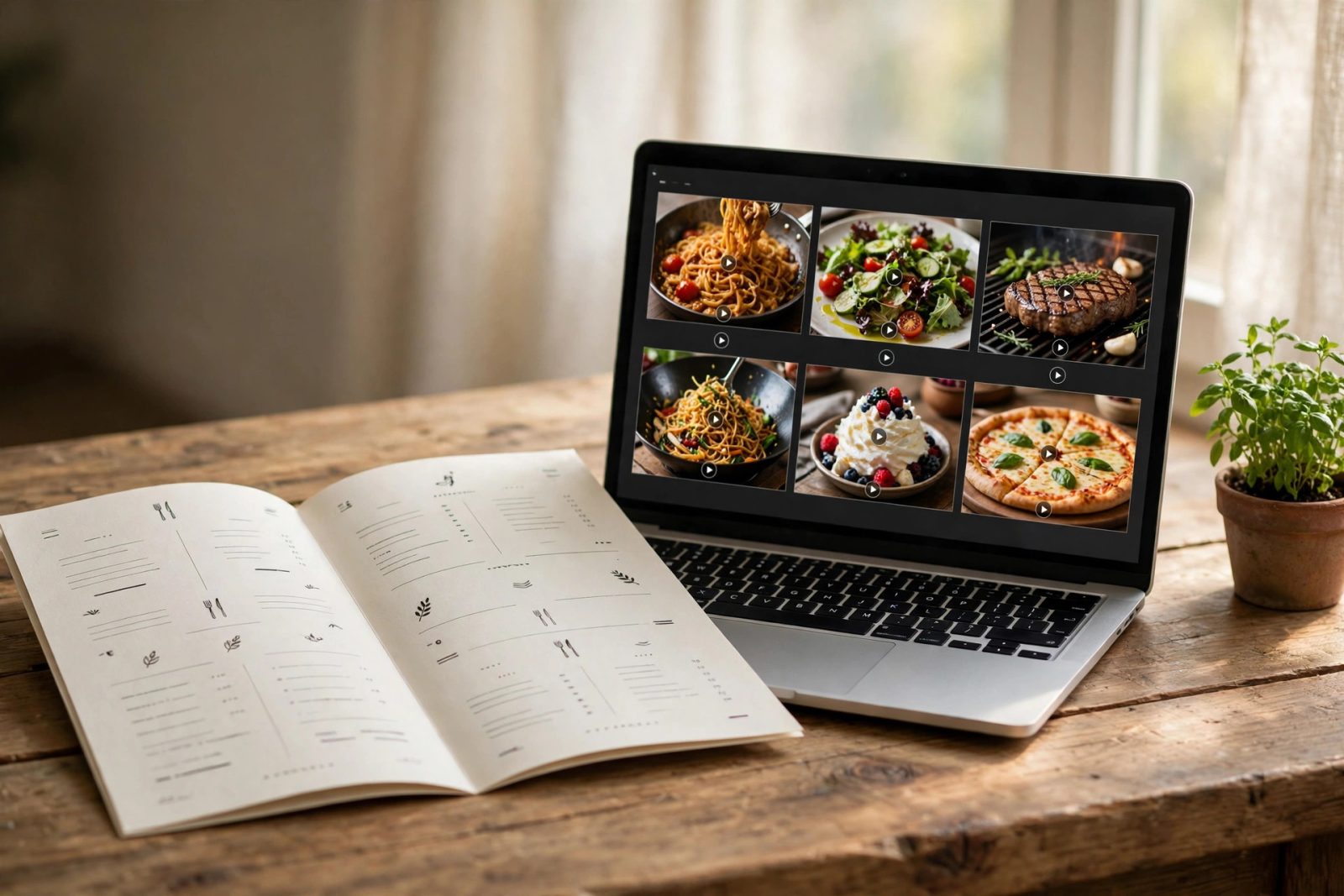
Pictory converts existing text into video, which is exactly what a restaurant menu is. Paste a menu section, a blog post or a recipe, and it builds a captioned video from royalty-free footage, with AI voices in many languages and automatic subtitles. It is the fastest route in this list from a written menu to a finished vertical video, and its paid plans carry no Pictory branding on exports.
Price: the Starter plan costs $25 a month when billed annually, or $29 a month on monthly billing. Starter includes 24,000 generative AI credits a year, up to 360 minutes a year, with annual plans granting all credits upfront, unlimited videos, a maximum video length of 30 minutes, 1080p export, 16:9, 9:16 and 1:1 formats, 1 brand kit, 5 GB of storage, the AI video agent, AI scene editor, AI Studio images and video, stock avatars, ElevenLabs multilingual AI voices, more than 5 million royalty-free Getty and Storyblocks videos, 5,000 premium music tracks, and automatic subtitles exportable as .srt, .vtt or .txt. Veo 3.1 and Veo 3.1 Fast are included on all plans. The Professional plan costs $29.50 a month on annual billing as a Black Friday offer, marked down from $59, or $59 a month on monthly billing. There is no permanent free plan, only a 14-day trial with 300 credits, up to 10 minutes, 3 videos, a maximum 720p export, and Pictory branding on the video.
Best for: a restaurant that wants the menu, the daily specials or a recipe turned into captioned vertical video every week, with no filming and no editing skill. Limit: the footage comes from a stock library, so the video will not show your dishes, your dining room or your chef, and the 24,000 credits are an annual pool, so a heavy month eats into the rest of the year.
5. VEED: best for captions and subtitles
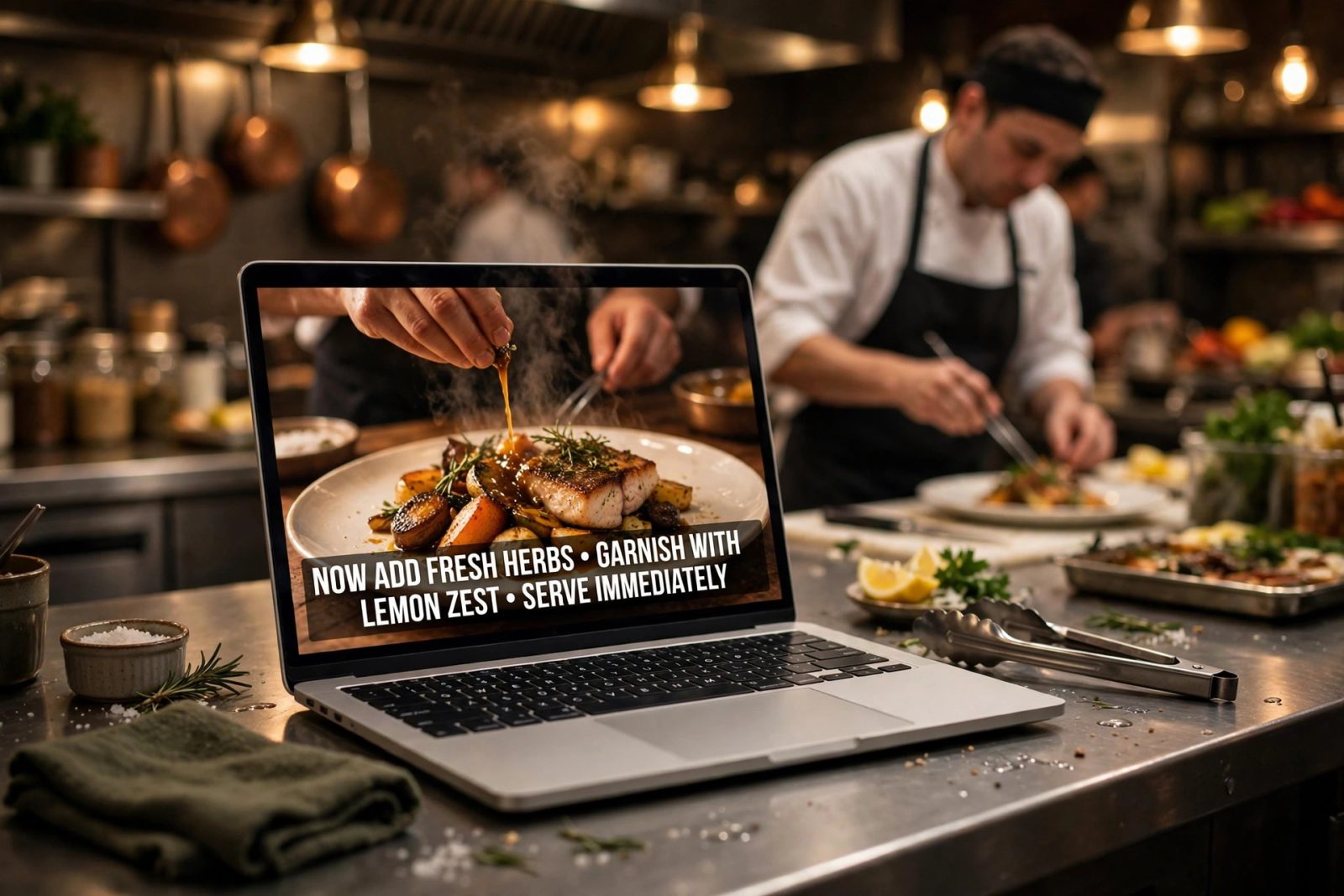
VEED is the caption specialist in this list. You upload footage you filmed yourself, a dish being plated, a chef talking, a dining room at service, and VEED adds accurate auto subtitles, translates them, and finishes the video in the browser, with no editing skill needed. Most people watch food videos on mute, so subtitles are not a nice extra, they are how the dish name, the price and the offer get read at all.
Price: the Creator plan costs $12 a month per user when billed yearly, or $25 a month per user on monthly billing. Creator includes no watermark, Full HD 1080p exports, exports up to 2 hours, 500 AI credits a month, about 125 AI videos, unlimited stock videos and music, unlimited auto subtitles, more than 15 AI tools and Gen-AI Studio, 15 GB of cloud storage, a 25 GB maximum upload file size, 3 brand kits, text-to-speech up to 1 hour a month, and unlimited AI image generation. The Pro plan costs $22 a month per user on annual billing, or $45 a month on monthly billing. The free plan costs $0, with exports up to 10 minutes at 720p with a watermark, 2 GB of cloud storage, a 1 GB maximum upload file size, limited stock videos and music, auto subtitles up to 10 minutes a month, and text-to-speech up to 10 minutes a month.
Best for: a restaurant that films its own food and staff, and needs every video captioned and subtitled properly, because most viewers watch on mute and many customers read rather than listen. Limit: it is a finisher, not a generator, so it cannot create the dish footage, only polish what you filmed, and the free plan’s 10 minutes of subtitles a month covers only a few short videos.
6. Canva: best for fast promos with AI video clips

Canva is the design tool most restaurants already use for menus, posters and social posts, and it now makes short AI video clips inside the same workspace. Its “Create a video clip” tool turns a prompt or an image into a cinematic clip, and “Image to Video” animates a still, so a food photo can become a moving promo without leaving Canva. Templates, brand kits and social scheduling sit in the same account, so one design becomes a Reel, a Story and a printed specials board.
Price: the Pro plan costs $18 a month for one person on monthly billing, or $144 a year, which is $12 a month, on yearly billing. Pro includes AI tools such as resize, translate and background removal, more than 3.6 million templates including premium, more than 141 million premium photos, videos, graphics and audio, 5 Brand Kits, social content scheduling, 100 GB of cloud storage, and 10 times more AI use than Canva Free. The Business plan costs $30 a month per person on monthly billing, or $250 a year per person. The free plan costs $0, with 5 GB of storage and limited access to Standard and Premium AI tools.
Caveat: Canva’s pricing page and AI help page, read on 16 November 2026, do not name Veo 3, and they do not publish a fixed number of AI video clips for Pro. The allowance is a shared monthly pool that resets monthly, and higher-tier tools use more of it, so the exact number of clips depends on what else you use. “Create a video clip” is an Ultra AI tool, available on Pro, and Pro gets 10 times more AI allowance than Free. Free has no access to Ultra AI tools, so there is no AI video-clip generation on the free plan. An AI Pass add-on, at extra cost, unlocks 40 times more AI than Pro.
Best for: a restaurant that already designs menus, posters and social posts in Canva, and wants the same tool to make short food promos with AI video clips, without learning a new editor. Limit: the clip allowance is a shared pool with no published number, so a month of heavy video use can run dry, and the clips are short, about 8 seconds each, so they suit promos and transitions, not full videos.
7. HeyGen: best for multilingual chef welcomes and menu announcements
HeyGen turns one recording into a presenter video in many languages, which is exactly what a restaurant in a tourist area needs: one chef welcome, one menu announcement, and the same message in English, Urdu, Arabic or French, with natural lip sync. It is not a food-footage generator. It is a presenter tool, and it fits the talking parts of restaurant video: the welcome, the special of the day, and the private-dining pitch.
Price: the Creator plan costs $29 a month on monthly billing, or $24 a month when billed annually at $288 a year. Creator includes videos up to 30 minutes, exports up to 1080p, more than 700 stock video avatars, unlimited photo avatars, 1 custom video avatar, voice cloning, 175 languages and dialects, faster processing, and watermark removal. The Pro plan starts at $49 a month. The free plan costs $0 with no credit card required, and gives up to 3 videos a month, each up to 1 minute, more than 500 stock avatars, 1 custom video avatar, 30 or more languages, and limited trial access to Avatar 6, Video Agent and lip-sync translation.
Caveat: the 600 credits a month allocation for Creator was not in the official page extract read on 16 November 2026. It is consistently reported by secondary sources checked against the same official page in October and November 2026, so treat it as secondary-reported, not officially verified today. Unused credits roll over for one extra month on monthly billing, and accumulate until renewal on annual billing, according to the official FAQ. Free videos are watermarked, which secondary sources agree on, though the official table’s watermark row did not render clearly in today’s read.
Best for: a restaurant that wants one welcome video and one daily-special announcement in several languages, recorded once and localised by the tool. Limit: it makes presenter videos, not food footage, so it cannot replace a tool that shows the dish, and the free plan’s 3 watermarked videos a month are for testing, not for posting.
A worked example: one restaurant, one month, 12 videos
Take an independent restaurant posting 3 short videos a week. The month needs 4 dish showcases, 4 daily-special announcements, 2 behind-the-scenes clips, and 2 chef or customer clips. That is 12 videos a month, all vertical, all captioned.
Buying the cheapest paid plan of all seven tools costs $138.99 a month: TopView Plus $36 on annual billing, CapCut Pro $19.99, InVideo Starter $10 on annual billing, Pictory Starter $25 on annual billing, VEED Creator $12 on annual billing, Canva Pro $12 on annual billing, and HeyGen Creator $24 on annual billing. That works out at about $11.58 per video. That is the full stack, and no restaurant needs all seven for one month of posting.
The sensible starter stack is two tools: Pictory Starter at $25 a month on annual billing, and CapCut Free at $0. That totals $25 a month, or about $2.08 per video across the 12-video month. Pictory turns the menu and the daily specials into captioned vertical videos, and CapCut finishes them with auto captions, trending sounds and beat-synced cuts. Pictory Starter’s 24,000 credits a year cover 360 minutes a year, or 30 minutes a month, which is far more than 12 short videos need, and CapCut Free exports your own footage with no watermark.
Add InVideo Plus at $30 a month on annual billing when you want AI-generated food footage instead of stock clips, which takes the stack to $55 a month, or about $4.58 per video. Add TopView Plus at $36 a month on annual billing when you want dish ads made from your own food photos, which takes the stack to $91 a month, or about $7.58 per video, and remember TopView’s 100 credits only buy about 66 seconds of Seedance 2.5 video a month, so use it for a few hero dish ads, not every post. Add HeyGen Creator at $24 a month on annual billing when you want the chef welcome and the daily special in several languages, which takes the stack to $115 a month, or about $9.58 per video. Add VEED Creator at $12 a month on annual billing and Canva Pro at $12 a month on annual billing for captions and promo designs, which takes the stack to $138.99 a month, or about $11.58 per video, the full stack.
The free route costs $0: CapCut Free for editing and captions, Canva Free for promo designs, HeyGen Free for 3 short videos a month, and InVideo’s free plan for testing. The limits are real: HeyGen’s free videos are watermarked and capped at 1 minute, Pictory has no permanent free plan, only a 14-day trial, and TopView lists no free plan at all. Use the free route to test which tool fits your posting routine, then pay for the one or two you actually use every week. Never post a watermarked video as an official promo for your restaurant.
How to choose
If your month starts from a written menu and you need captioned vertical videos every week, start with Pictory, and pick Starter at $25 a month on annual billing because it carries no Pictory branding and covers 30 minutes of video a month. If you want a promo from one sentence, such as tonight’s special, InVideo is the fastest route, but budget for Plus at $30 a month on annual billing if you want AI-generated food footage, because Starter cannot use Seedance. If you already have good food photos and want dish ads without a shoot, TopView Plus at $36 a month on annual billing is the pick, and use its 100 credits on a few hero dishes, not every post. If you film on your phone and need finished vertical clips with captions the same day, CapCut Free already does that, and Pro at $19.99 a month adds the AI generation. If your videos need proper captions and subtitles above everything else, VEED Creator at $12 a month on annual billing is the specialist, with unlimited auto subtitles and no watermark. If you already design in Canva and want short AI video clips inside the same tool, Canva Pro at $12 a month on annual billing adds AI video-clip generation, though Canva does not publish a fixed number of clips and does not name the video model on its pricing page. And if you serve tourists and want one welcome video in several languages, HeyGen Creator at $24 a month on annual billing is the only tool here built for that.
Related reading on this site: our guides to the best AI video tools for social media managers, for marketing agencies, for small businesses, for podcasters, for fitness coaches, for wedding videographers, for real estate agents, the best AI training video tools, the best AI explainer video tools, the best AI video translation tools, how to make faceless YouTube videos with AI, and how to make product videos with AI.
FAQ
Which AI video tool is best for a restaurant on a tight budget?
Pictory Starter plus CapCut Free at $25 a month on annual billing, or about $2.08 per video across a 12-video month, covers menu-to-video promos, captions and finishing. Add InVideo Plus at $30 a month on annual billing only when you want AI-generated food footage. Test everything on the free plans and the Pictory trial first.
Can one tool turn my menu into a video?
Yes, Pictory Starter at $25 a month on annual billing turns menu text into captioned vertical video, with 24,000 credits a year, 1080p export and no Pictory branding. The footage comes from a stock library, so it will not show your actual dishes.
Can AI make a video of my actual dish?
TopView AI animates your own food photo into a video ad, which keeps the dish real. InVideo Plus generates food footage with Seedance, but that footage is invented, so it may not match the plate you serve. For hero dishes, always use your own photo or your own footage.
Do I need captions on restaurant videos?
Yes. Most people watch food videos on mute, and captions also carry the dish name, the price and the offer. CapCut Free adds auto captions, Pictory exports subtitles automatically, and VEED Creator at $12 a month on annual billing specialises in subtitles, with unlimited auto subtitles and translation.
Can I make the same video in several languages?
HeyGen Creator at $24 a month on annual billing makes one presenter video in 175 languages with lip sync. Pictory’s ElevenLabs voices also cover many languages for menu-to-video promos. For food footage itself, language does not matter, only the captions do.
How much does a month of restaurant videos cost?
On the starter stack, about $25 a month, or about $2.08 per video across 12 videos, because Pictory Starter is unlimited videos and CapCut Free costs nothing. Pay-as-you-go is not the model here, so the honest comparison is the monthly plan against hiring a videographer, which costs far more than $25 for a single shoot.