A marketing agency does not judge a video tool by how pretty its demo looks. It judges it by whether five clients can each get their own branded videos, on time, without the work of one client leaking into another, and without a surprise bill at the end of the month. That means seats, brand kits, separate client workspaces, a commercial licence and a clear cost per finished video matter more than any single feature. This guide compares 7 AI video tools for marketing agencies, with real prices checked on 15 November 2026, so you can build a stack that fits real client work and a real monthly budget.
The short verdict: start with OpusClip Pro for clipping and scheduling, Canva Pro for branded clips and InVideo AI Starter for client promos. That starter stack costs $36.50 a month on annual billing, or about $1.83 per video at 20 videos a month across 5 clients. Add Creatify Standard at $10 a month in the months you run paid ads, and HeyGen Creator at $24 a month in the months a client needs a presenter video. Buying the cheapest paid plan of all seven tools costs $98.50 a month, or about $4.93 per video at the same volume. The free route costs $0, but watermarks on six of the seven tools and tiny allowances make it a testing route, not a client delivery routine.
Quick comparison
| Tool | Best for | Cheapest paid plan (annual billing) | Free plan |
|---|---|---|---|
| Creatify | Client video ads at scale | $10 a month ($120 a year) | Yes, 10 credits a month |
| HeyGen | Presenter and localised client videos | $24 a month ($288 a year) | Yes, 3 videos a month |
| OpusClip | Clips plus scheduling | About $14.50 a month ($174 a year) | Yes, 60 credits a month |
| Runway | Cinematic campaign footage | $12 a month ($144 a year) | Yes, 125 one-time credits |
| InVideo AI | Fast client promos | $10 a month per seat ($120 a year) | Yes, limited credits |
| Canva | Branded clips and approvals | $12 a month ($144 a year) | Yes |
| Descript | Interview and webinar editing | $16 a month ($192 a year) | Yes, 1 media hour a month |
All prices are in US dollars, before tax, and were checked on 15 November 2026. Prices change often, so confirm at checkout. Three prices carry a caveat, noted under Canva, OpusClip and Descript below.
1. Creatify: best for client video ads at scale

Creatify turns a product link into a finished video ad, with an AI actor presenting it, a script, a voiceover and templates built in. For an agency that runs paid social for ecommerce clients, this is the closest thing to a production line: paste the product URL, pick an actor and a template, and you have an ad variant to test. Its agency features are the real reason it leads this list: separate brand spaces keep each client’s ads, actors and templates apart, the Ad Agent learns from connected ad accounts, and a competitor ad tracker watches up to 3 brands per brand space on the Pro plan.
Price: the Standard plan costs $15 a month on monthly billing, or $10 a month when billed annually at $120 a year. Standard includes 55 credits a month, 300 realistic AI actors, 200-plus ad templates, videos up to 2 minutes, watermark removal and 1 seat with 1 brand space. The Pro plan costs $55 a month on monthly billing, or $38 a month when billed annually, with 280 credits, 1,500 actors, 3 custom avatars and 500-plus templates. The Ultra plan, built for heavy use across several brands, costs $95 a month on monthly billing, or $66 a month when billed annually, with 730 credits, 3 seats and 3 brand spaces. The Business plan starts at $195 a month on monthly billing, or $136 a month when billed annually, with 10 seats and 10 brand spaces sharing one credit pool. The free plan costs $0 and gives 10 credits a month, enough for up to 2 video ads or 20 image ads, with a watermark.
Note: Creatify changed its plan names during 2026, and older guides still quote a Starter plan at $39 a month. The Standard, Pro, Ultra and Business prices above come from Creatify’s own pricing page, read on 15 November 2026.
Best for: an agency running paid video ads for several ecommerce clients, where each client needs its own brand space and a steady stream of ad variants. Limit: 1 seat and 1 brand space on Standard means a second client needs Ultra or Business, and credits buy seconds of video, so long ads get expensive fast.
2. HeyGen: best for presenter and localised client videos
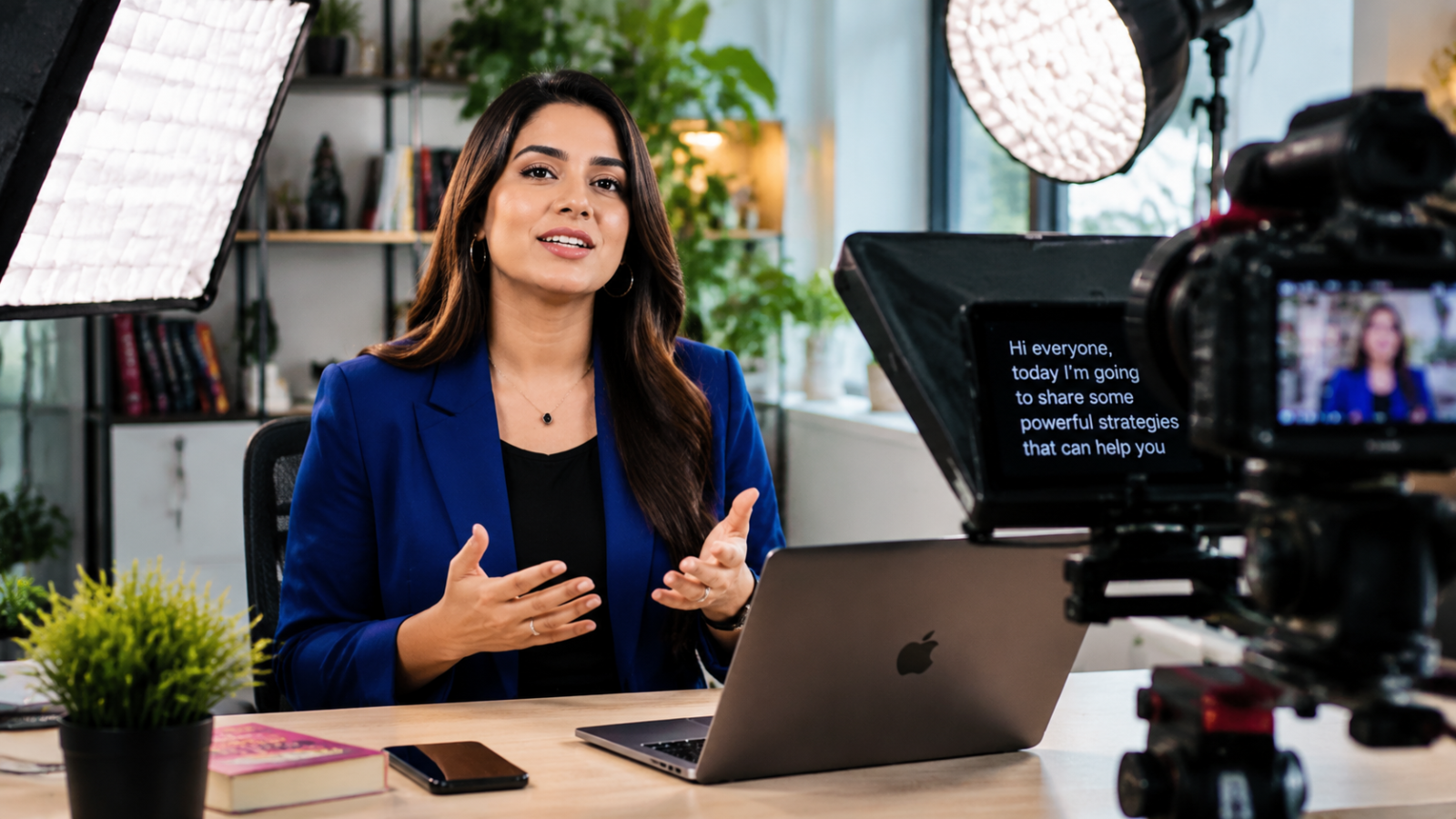
HeyGen makes a realistic avatar presenter read your script, so an agency can deliver a talking-head video for a client without booking a shoot. You can pick from more than 700 stock avatars or clone a client’s own presenter, and the video can be made in 175 languages and dialects, which matters when one campaign must run in several markets. Its Video Translate feature with lip sync turns one finished client video into versions for other languages, which is a service agencies can sell as an add-on.
Price: the Creator plan costs $29 a month on monthly billing, or $24 a month when billed annually at $288 a year. Creator includes 600 credits a month, videos up to 30 minutes, export up to 1080p with the watermark removed, voice cloning and more than 1,000 AI voices. The Business plan, which is the one built for agencies, costs $149 a month plus $20 per extra seat, with 1,500 shared credits a month, videos up to 60 minutes, 4K export, a brand kit, SAML and SSO, and 5 custom avatars. The free plan costs $0 and allows up to 3 videos a month, each up to 1 minute, watermarked and without downloads.
Best for: a client launch video, a multilingual version of one campaign, or a presenter video for a client who never wants to be filmed. Limit: Creator covers only 1 seat with no credit top-ups, so an agency with several editors needs Business, and credits do not top up on Creator if you run out mid-month.
3. OpusClip: best for turning client webinars and podcasts into clips
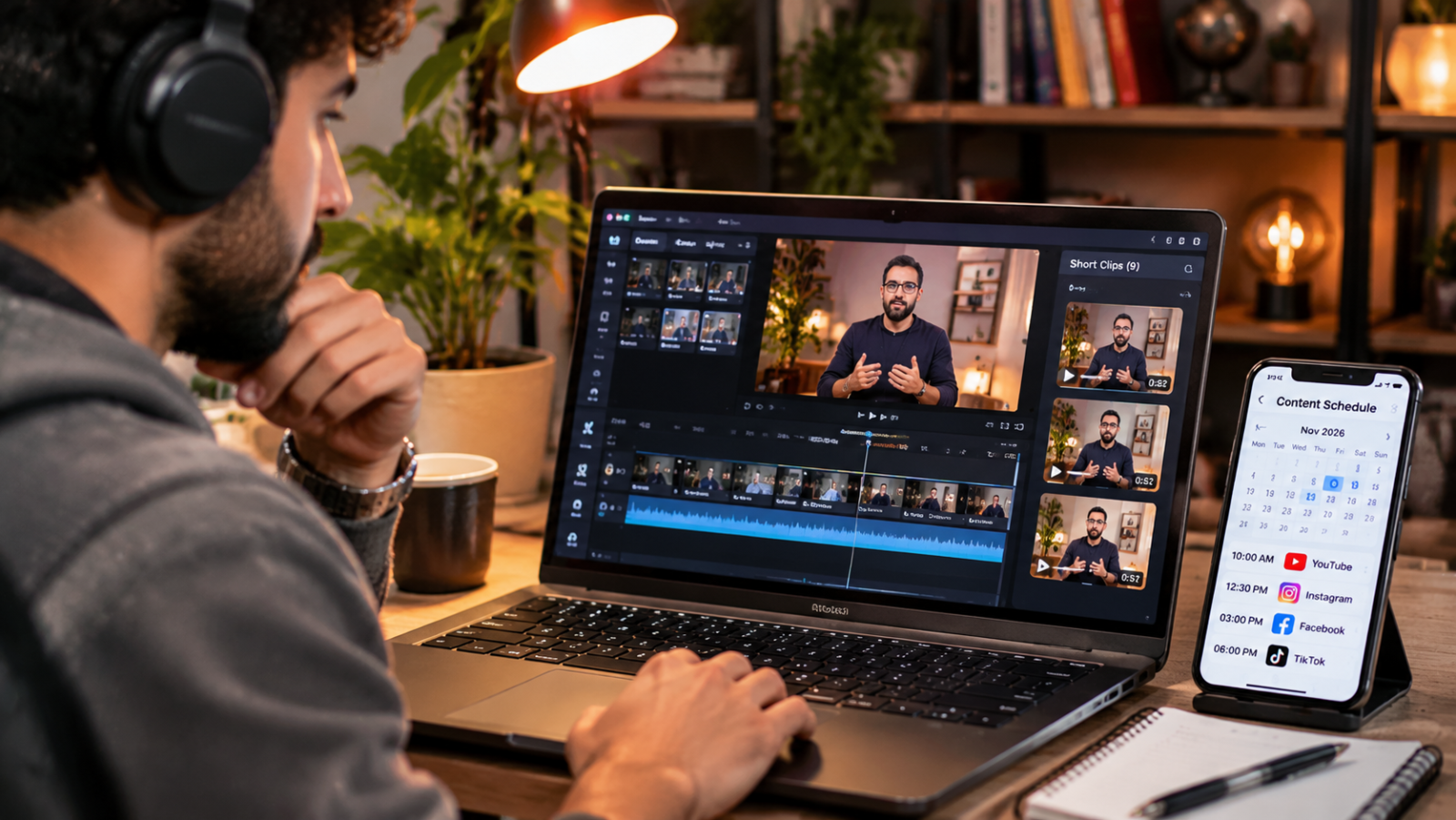
OpusClip takes a long client recording, a webinar, a podcast or an interview, and cuts it into short captioned clips scored for hook, flow and trend, then schedules them to the client’s social accounts from one calendar. For an agency, that is two jobs in one tool: repurposing and publishing. The Pro plan adds a team workspace with 2 seats, up to 4 users, 6 social account connections, scheduling to 9 networks, brand templates and export to Premiere Pro and DaVinci Resolve for finishing in a full editor.
Price: the Pro plan costs $29 a month on monthly billing, or about $14.50 a month when billed annually at $174 a year. Pro includes 300 processing credits a month, where 1 credit equals 1 minute of source video, plus 100 GB of storage and clips in 9:16, 1:1 and 16:9. The Starter plan costs $15 a month, monthly billing only, with 150 credits a month. The free plan costs $0 and covers 60 processing credits a month, with a watermark and 9:16 exports only.
Caveat: the monthly prices above come from OpusClip’s own pricing page, read on 15 November 2026. The annual Pro price of $14.50 a month ($174 a year) comes from readings of the same official pricing page in October and November 2026, and one reading on the same day also showed a lower annual offer, so the yearly price can vary. Confirm it at checkout.
Best for: an agency that turns one long client recording into a week of short posts, scheduled across the client’s accounts. Limit: credits are charged on the length of the source video, not the finished clip, so a 60-minute webinar costs 60 credits before a single clip is made.
4. Runway: best for cinematic campaign footage

Runway generates short cinematic clips from text or image prompts, which suits hero shots, ad backgrounds and B-roll that a phone camera cannot produce. For an agency, its value is in the campaign look: a product shot with controlled camera movement, a consistent character across a series of ads, or a background that makes an otherwise plain promo feel expensive. The Pro plan adds 1 Brand Kit and a custom voice clone, and Runway also sells a Team plan for agencies that need seats.
Price: the Standard plan costs $15 a month on monthly billing, or $12 a month when billed annually at $144 a year. Standard includes 625 credits a month, which Runway states equals about 52 seconds of its Gen-4.5 model, plus 4K upscaling and no watermark. The Pro plan costs $35 a month on monthly billing, or $28 a month when billed annually, with 2,250 credits a month. The free plan costs $0 and gives 125 one-time credits, not monthly, with 5 GB of storage.
Note: the Team plan is listed at $69 per seat a month, per readings of Runway’s pricing page in November 2026. Standard and Pro credits reset each billing date and do not roll over; only Max rolls unused credits over for one month.
Best for: a hero product shot, a cinematic ad background, or B-roll that lifts an otherwise plain client promo. Limit: credits buy seconds of video, so a campaign that needs minutes of generated footage gets expensive fast, and this is not an editor.
5. InVideo AI: best for fast client promos

InVideo AI turns a text prompt into a finished social promo, with a huge template library and stock footage built in, and a full timeline editor on every plan, so you can script, generate and edit a promo without a second app. For an agency the pricing is per seat, which makes the cost easy to predict: each editor is one seat, and the Starter plan allows multiplayer editing for up to 5 seats. Starter’s 400 credits a month per seat convert to roughly 15 short AI-generated clips, which is enough for one client’s weekly promos.
Price: the Starter plan costs $20 a month per seat on monthly billing, or $10 a month per seat when billed annually at $120 a year per seat. Starter includes 400 credits a month per seat, 100 premium stock footage clips, 200 GB of storage, multiplayer editing for up to 5 seats, and exports with no watermark. Unused credits do not roll over. The free plan is not listed on the pricing page; InVideo’s help centre describes 10 credits that refill weekly, exports with an InVideo watermark, and a maximum of 1080p.
Best for: a weekly client promo, a sale announcement, or a product highlight built from a prompt in minutes. Limit: credits do not roll over, so an unused allowance at month end is lost, and every extra editor is another $10 a month on annual billing.
6. Canva: best for on-brand client clips with approvals

Canva is the tool most clients already know, and its Magic Media text-to-video feature sits inside the same account as the designs. For an agency, the real value is control: Brand Kits keep each client’s logo, colours and fonts locked in, and the Business plan adds approvals, so a client can sign off a clip before it goes live. That approval step is the feature the other tools in this list do not offer in the same simple way.
Price: Canva Pro costs $18 a month on monthly billing, or $12 a month when billed annually at $144 a year. Pro includes Magic Studio AI tools including Magic Media, the Brand Kit, 100 GB of cloud storage and premium templates and stock. The Business plan costs $25 a month per person on monthly billing, or about $20.83 a month when billed annually at $250 a year per person, and adds 100 Brand Kits and approvals. The free plan costs $0 and covers core design tools and basic templates, with limited AI usage and no Brand Kit.
Caveat: Canva’s pricing page blocked our check on 15 November 2026, so the Pro and Business prices above come from readings of Canva’s official pricing page in November 2026 (10 to 11 November). Canva prices vary by region and tax is extra, so check the page before paying.
Best for: a client who wants to approve every clip, or an agency that already designs in Canva and wants video in the same account. Limit: it is a design tool first, so it will not replace a proper editor for longer videos, and Pro covers only one person, so a team needs Business.
7. Descript: best for editing client interviews and webinars
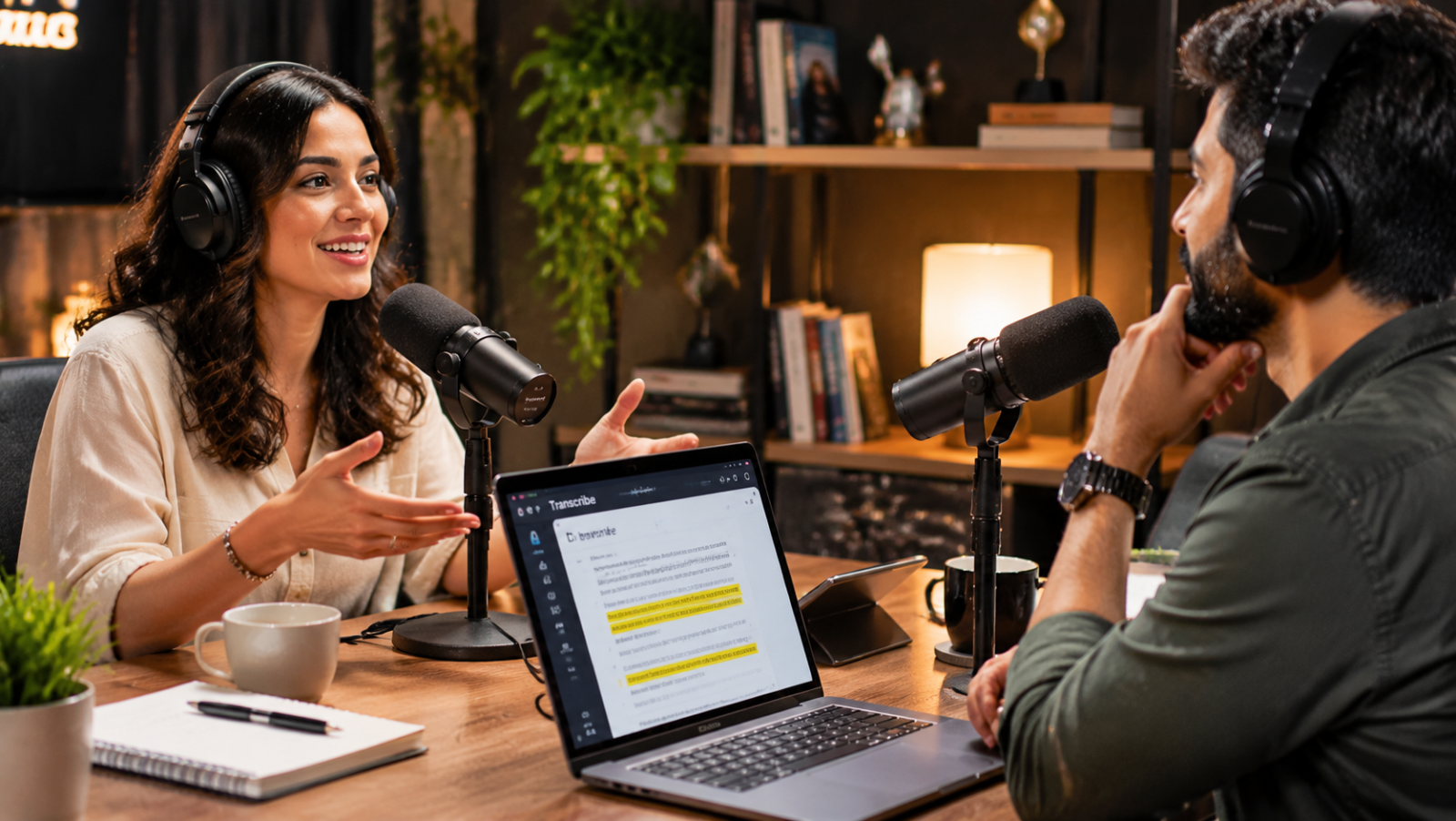
Descript edits video by editing the text transcript, which makes it the fastest way to cut a client interview, a webinar or a podcast recording into a finished video. Delete a sentence in the transcript and the video cuts itself. For an agency, the useful extras are Studio Sound for cleaning up bad client audio, Remove Filler Words, automatic captions, and translation and dubbing in more than 30 languages on the Business plan, plus Brand Studio for shared templates across the team.
Price: the Hobbyist plan costs $24 a month per person on monthly billing, or $16 a month when billed annually at $192 a year. Hobbyist includes 10 media hours a month, 400 AI credits a month, export at 1080p with no watermark, and access to Underlord, Descript’s AI video co-editor. The Creator plan costs $35 a month per person on monthly billing, or $24 a month when billed annually, with 30 media hours, 800 AI credits and 4K export. The Business plan costs $65 a month per person on monthly billing, or $50 a month when billed annually, with 40 media hours, 1,500 AI credits, Brand Studio and translation with proofreading. The free plan costs $0 and gives 1 media hour a month, 100 one-time AI credits, 720p export and a watermark.
Caveat: Descript’s pricing page, read on 15 November 2026, showed the plan features but did not render the dollar figures in the text we could read, so the prices above come from consistent readings of Descript’s official pricing page in October and November 2026, which all agree on the same figures. Confirm them at checkout.
Best for: cutting a client interview, webinar or podcast into a clean finished video, with captions and cleaned-up audio. Limit: pricing is per person, so a team of three editors pays three times, and Hobbyist cannot buy top-ups if you run out of media hours.
A worked example: one small agency, 5 clients, 20 videos a month
Take a small agency with 5 clients, making 4 videos per client each month, 20 videos in total: a promo, a clip from a webinar, a presenter video and a social cut-down per client. Buying the cheapest paid plan of all seven tools on annual billing costs $98.50 a month, or about $1,182 a year, which works out at $4.93 per video. That is the full stack, and no small agency needs all seven from day one.
The sensible starter stack is three tools: OpusClip Pro at about $14.50 a month, Canva Pro at $12 a month, and InVideo AI Starter at $10 a month for one seat. That totals $36.50 a month, or $1.83 per video at 20 videos a month. OpusClip cuts the clips and schedules them, Canva keeps every client on brand, and InVideo builds the promos. Add Creatify Standard at $10 a month in the months you run paid ads, which takes the stack to $46.50 a month, or $2.33 per video. Add HeyGen Creator at $24 a month in the months a client needs a presenter video, which takes the stack to $70.50 a month, or $3.53 per video.
The free route costs $0: Creatify Free with 10 watermarked credits a month, HeyGen Free with 3 watermarked videos a month, OpusClip Free with 60 watermarked credits a month, Runway Free with 125 one-time credits, InVideo free with 10 credits a week and a watermark, Canva Free, and Descript Free with 1 media hour a month and a watermark. The limits are real: watermarks on six of the seven, no downloads from HeyGen Free, and allowances that cover roughly 4 to 6 finished videos a month, with Runway and Descript free allowances running out entirely. Use the free route to test which tool fits your client workflow, then pay for the one or two you actually use every week. Never deliver a watermarked video to a paying client.
How to choose
If your agency runs paid ads for ecommerce clients, start with Creatify and keep each client in its own brand space. If clients need a presenter without a shoot, HeyGen covers it, and its translation turns one campaign into several markets. If your work starts from long client recordings, OpusClip plus Descript turn one webinar into a week of posts. If the campaign needs to look expensive on screen, Runway earns its place for hero shots only. If clients must approve every clip, Canva Business is the only tool here with approvals built in. And if you post promos every week, InVideo AI is the fastest of the seven from prompt to finished post.
Related reading
- Best AI Video Tools for Small Businesses
- Best AI Video Tools for Podcasters
- Best AI Video Tools for Fitness Coaches
- Best AI Video Tools for Wedding Videographers
- Best AI Video Tools for Real Estate Agents
- Best AI Training Video Tools
- Best AI Explainer Video Tools
- Best AI Video Translation Tools
- How to Make Faceless YouTube Videos with AI
FAQ
Which AI video tool is best for a marketing agency on a tight budget?
OpusClip Pro plus Canva Pro plus InVideo AI Starter at $36.50 a month on annual billing, or $1.83 per video at 20 videos a month, covers clipping, scheduling, branding and promos. Add Creatify at $10 a month only in the months you run paid ads. Test everything on the free plans first.
How do agencies keep each client’s brand separate in AI video tools?
Use the tool’s own separation features, not separate accounts: Creatify has brand spaces, Canva Business has up to 100 Brand Kits, HeyGen Business has a brand kit, and Descript Business has Brand Studio. On the cheapest plans most tools offer only one brand kit or brand space, so check that limit before you sign up.
Can an agency make client video ads without filming anyone?
Yes. Creatify builds ads from a product link with AI actors, HeyGen makes avatar presenter videos from a script, and InVideo AI builds videos from text with stock footage, so nobody needs to be filmed. Runway can also generate the footage itself.
How much should a marketing agency pay for AI video tools?
Between $36.50 and $70.50 a month covers most small agencies: $36.50 for the starter stack of three tools, $46.50 in months when paid ads run, $70.50 in months when a presenter video is also needed. Paying for all seven tools at $98.50 a month only makes sense if every tool is used every week, and larger agencies should price the Business and Team plans, which are charged per seat.