A social media manager does not judge a video tool by one clever feature. The job is a daily routine: turn one long recording into a week of posts, keep four accounts on brand, get each post approved before it goes out, add captions, and publish on time every day. That means clipping, scheduling, approvals, captions and multi-account publishing matter more than any single effect. This guide compares 7 AI video tools for social media managers, with real prices checked on 16 November 2026, so you can build a stack that fits a real posting calendar and a real monthly budget.
The short verdict: start with Vizard Creator for clipping and direct publishing, Canva Pro for branded clips and approvals, and InVideo AI Starter for promos. That starter stack costs $36.50 a month on annual billing, or about $0.30 per video at 120 videos a month across 4 accounts posting daily. Add CapCut Pro at about $15 a month in the months you need heavy trend editing on your phone, and Vista Social Professional at about $79 a month when client approvals and one shared inbox become the bottleneck. Buying the cheapest paid plan of all seven tools costs $161 a month, or about $1.34 per video at the same volume. The free route costs $0, but watermarks on five of the six free plans and tiny allowances make it a testing route, not a daily posting routine.
Quick comparison table
| Tool | Best for | Cheapest paid plan annual billing | Free plan |
|---|---|---|---|
| OpusClip | Clips plus scheduling | About $14.50 a month ($174 a year) | Yes, 60 credits a month |
| Canva | Branded clips and approvals | $12 a month ($144 a year) | Yes |
| InVideo AI | Prompt-to-video promos | $10 a month per seat ($120 a year) | Yes, limited credits |
| CapCut | Mobile-first vertical editing | About $15 a month ($179.99 a year) | Yes |
| Kapwing | Browser team editing | $16 a month per member ($192 a year) | Yes, 10 credits in total |
| Vizard | Clipping plus direct publishing | About $14.50 a month ($174 a year) | Yes, 60 credits a month |
| Vista Social | All-in-one scheduling and approvals | About $79 a month ($950 a year) | No, 14-day trial only |
All prices are in US dollars, before tax, and were checked on 16 November 2026. Prices change often, so confirm at checkout. Five prices carry a caveat, noted under OpusClip, Canva, CapCut, Vizard and Vista Social below.
1. OpusClip: best for turning long recordings into clips, then scheduling them
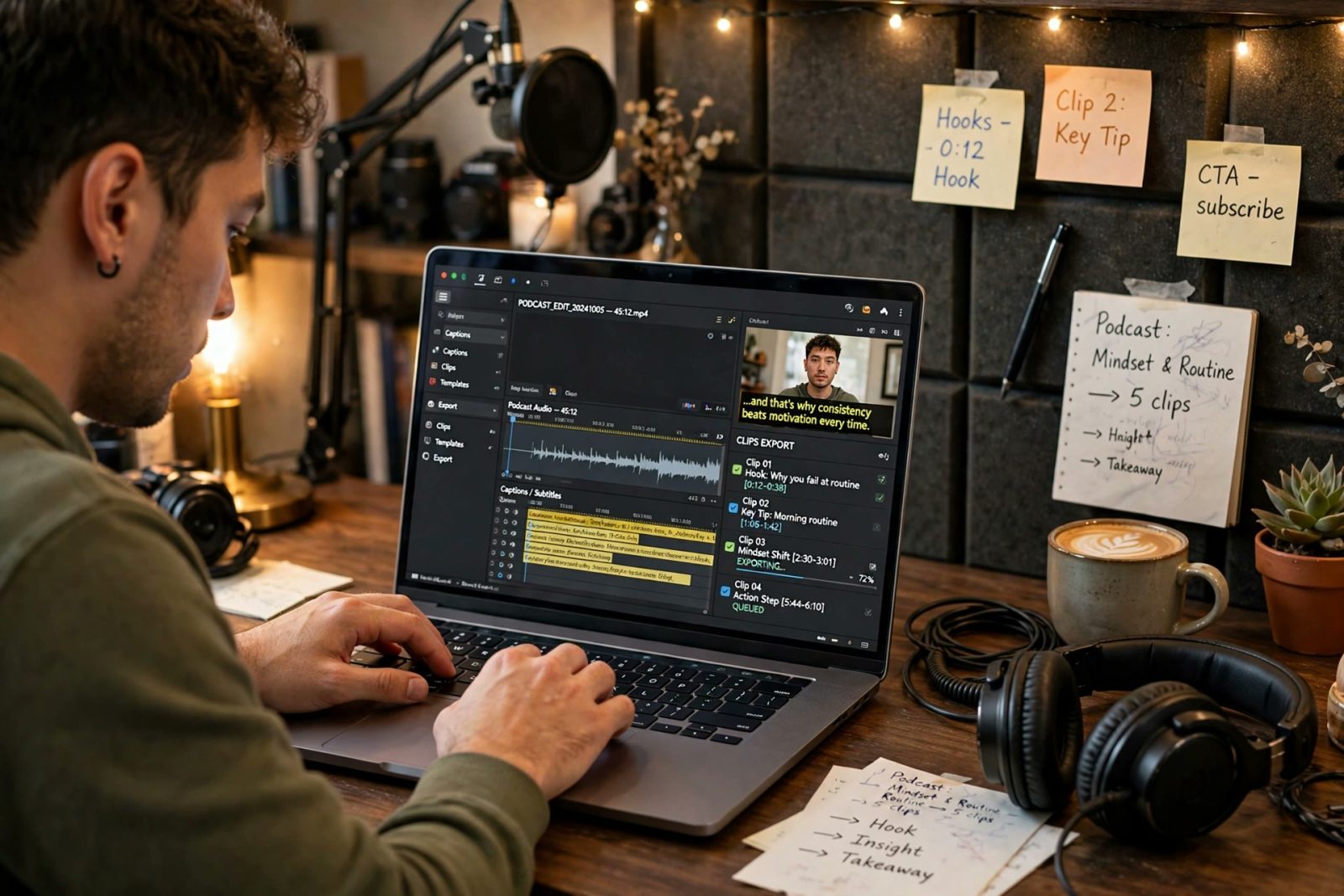
OpusClip takes a long recording, a webinar, a podcast or a client interview, and cuts it into short captioned clips scored for hook, flow and trend, then schedules them to the client’s social accounts from one calendar. For a social media manager, that is two jobs in one tool: repurposing and publishing. The Pro plan adds a team workspace with 2 seats, up to 4 users, 6 social account connections, scheduling to 9 networks, brand templates and export to Premiere Pro and DaVinci Resolve for finishing in a full editor.
Price: the Pro plan costs $29 a month on monthly billing, or about $14.50 a month when billed annually at $174 a year. Pro includes 300 processing credits a month, where 1 credit equals 1 minute of source video, plus 100 GB of storage and clips in 9:16, 1:1 and 16:9. The Starter plan costs $15 a month, monthly billing only, with 150 credits a month. The free plan costs $0 and covers 60 processing credits a month, with a watermark and 9:16 exports only.
Caveat: the monthly prices above come from OpusClip’s own pricing page, read on 16 November 2026. The annual Pro price of $14.50 a month ($174 a year) comes from consistent readings of the same official pricing page in October and November 2026. Confirm it at checkout.
Best for: a manager who turns one long weekly recording into a week of short posts, scheduled across the client’s accounts. Limit: credits are charged on the length of the source video, not the finished clip, so a 60-minute webinar costs 60 credits before a single clip is made, and Starter cannot schedule posts at all.
2. Canva: best for on-brand clips with approvals
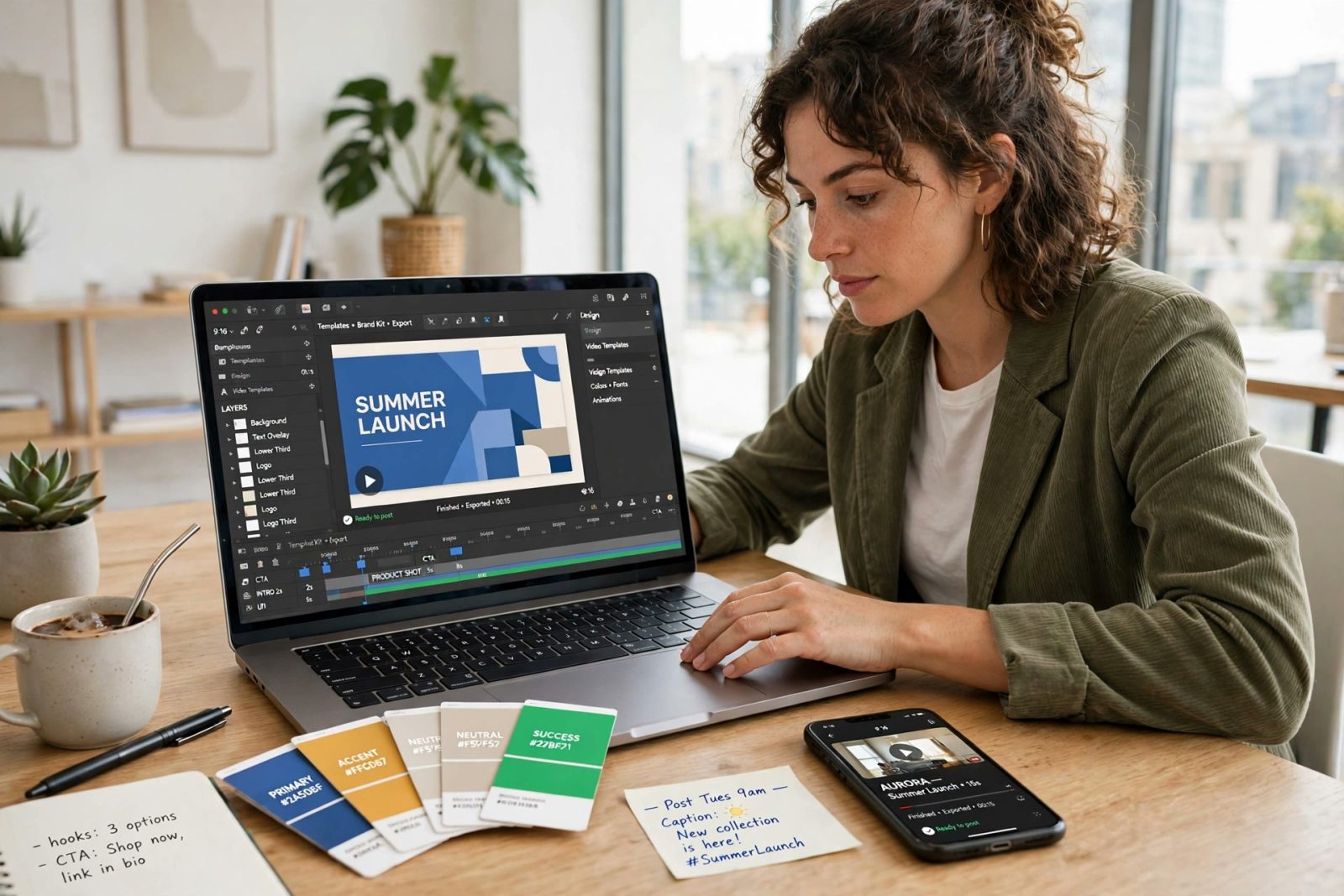
Canva is the tool most clients already know, and its Magic Media text-to-video feature sits inside the same account as the designs. For a social media manager, the real value is control: Brand Kits keep each client’s logo, colours and fonts locked in, and the Business plan adds approvals, so a client can sign off a clip before it goes live. Canva also has a Content Planner for scheduling posts, which means the same account can design, approve and plan the week’s content.
Price: Canva Pro costs $18 a month on monthly billing, or $12 a month when billed annually at $144 a year. Pro includes Magic Studio AI tools including Magic Media, the Brand Kit, 100 GB of cloud storage and premium templates and stock. The Business plan costs $25 a month per person on monthly billing, or about $20.83 a month when billed annually at $250 a year per person, and adds up to 100 Brand Kits and approvals. The free plan costs $0 and covers core design tools and basic templates, with limited AI usage and no Brand Kit.
Caveat: Canva’s pricing page blocked our check on 16 November 2026, so the Pro and Business prices above come from readings of Canva’s official pricing page in November 2026 (10 to 11 November). Canva prices vary by region and tax is extra, so check the page before paying.
Best for: a manager whose clients want to approve every clip, or who already designs in Canva and wants video in the same account. Limit: it is a design tool first, so it will not replace a proper editor for longer videos, and Pro covers only one person, so a team needs Business, and approvals need Business too.
3. InVideo AI: best for fast promos from a text prompt
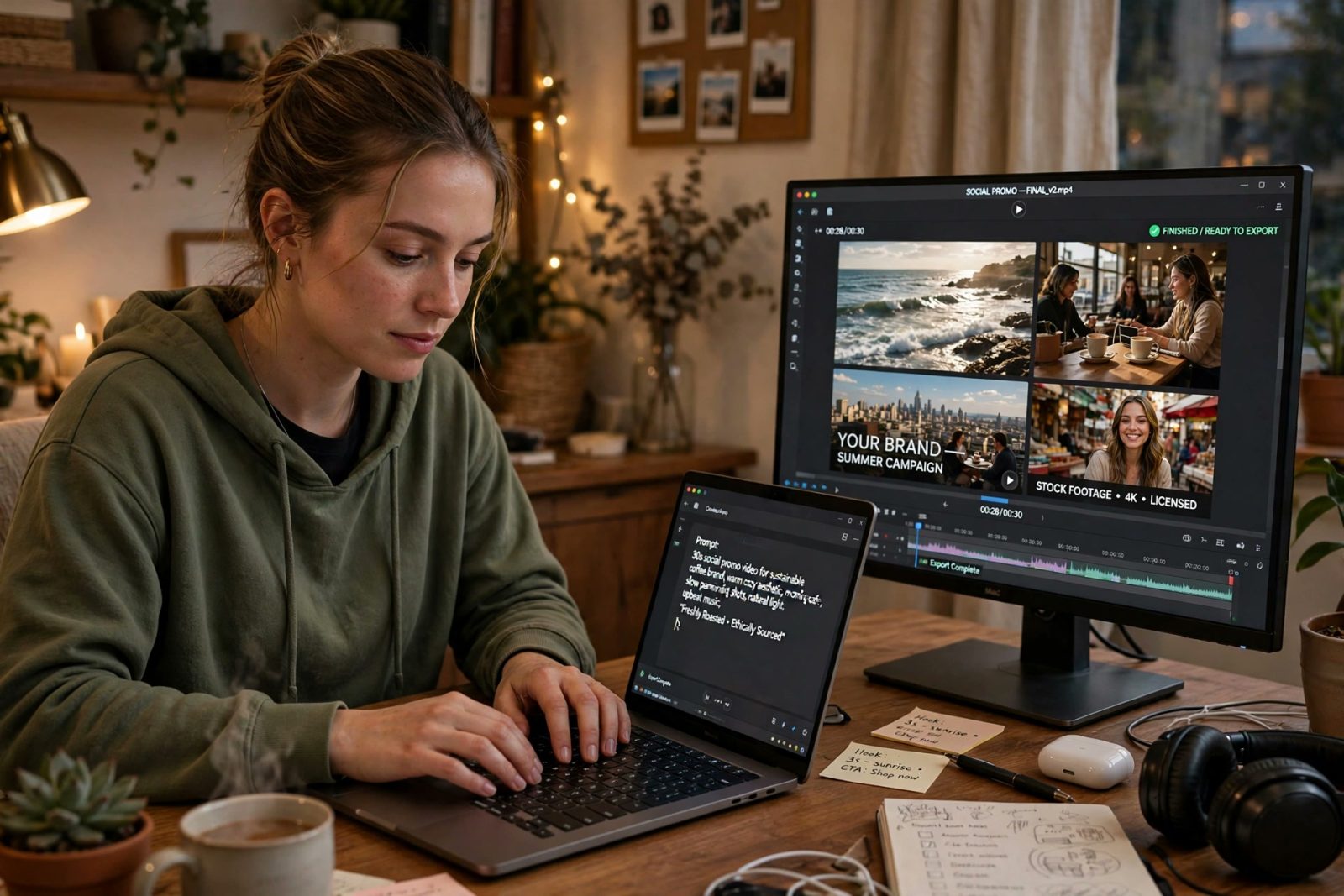
InVideo AI turns a text prompt into a finished social promo, with a huge template library and stock footage built in, and a full timeline editor on every plan, so you can script, generate and edit a promo without a second app. For a social media manager the pricing is per seat, which makes the cost easy to predict: each editor is one seat, and the Starter plan allows multiplayer editing for up to 5 seats. Starter’s 400 credits a month per seat convert to roughly 15 short AI-generated clips, which covers a sale announcement, a product highlight or a weekly promo for one account.
Price: the Starter plan costs $20 a month per seat on monthly billing, or $10 a month per seat when billed annually at $120 a year per seat. Starter includes 400 credits a month per seat, 100 premium stock footage clips, 200 GB of storage, multiplayer editing for up to 5 seats, and exports with no watermark. The Plus plan costs $30 a month per seat when billed annually, with 2,000 credits and access to Seedance 2.5, which Starter does not get. Unused credits do not roll over. The free plan is not listed on the pricing page; InVideo’s help centre describes 10 credits that refill weekly, exports with an InVideo watermark, and a maximum of 1080p.
Best for: a weekly promo, a sale announcement, or a product highlight built from a prompt in minutes. Limit: credits do not roll over, so an unused allowance at month end is lost, and every extra editor is another $10 a month on annual billing.
4. CapCut: best for mobile-first vertical editing and trends
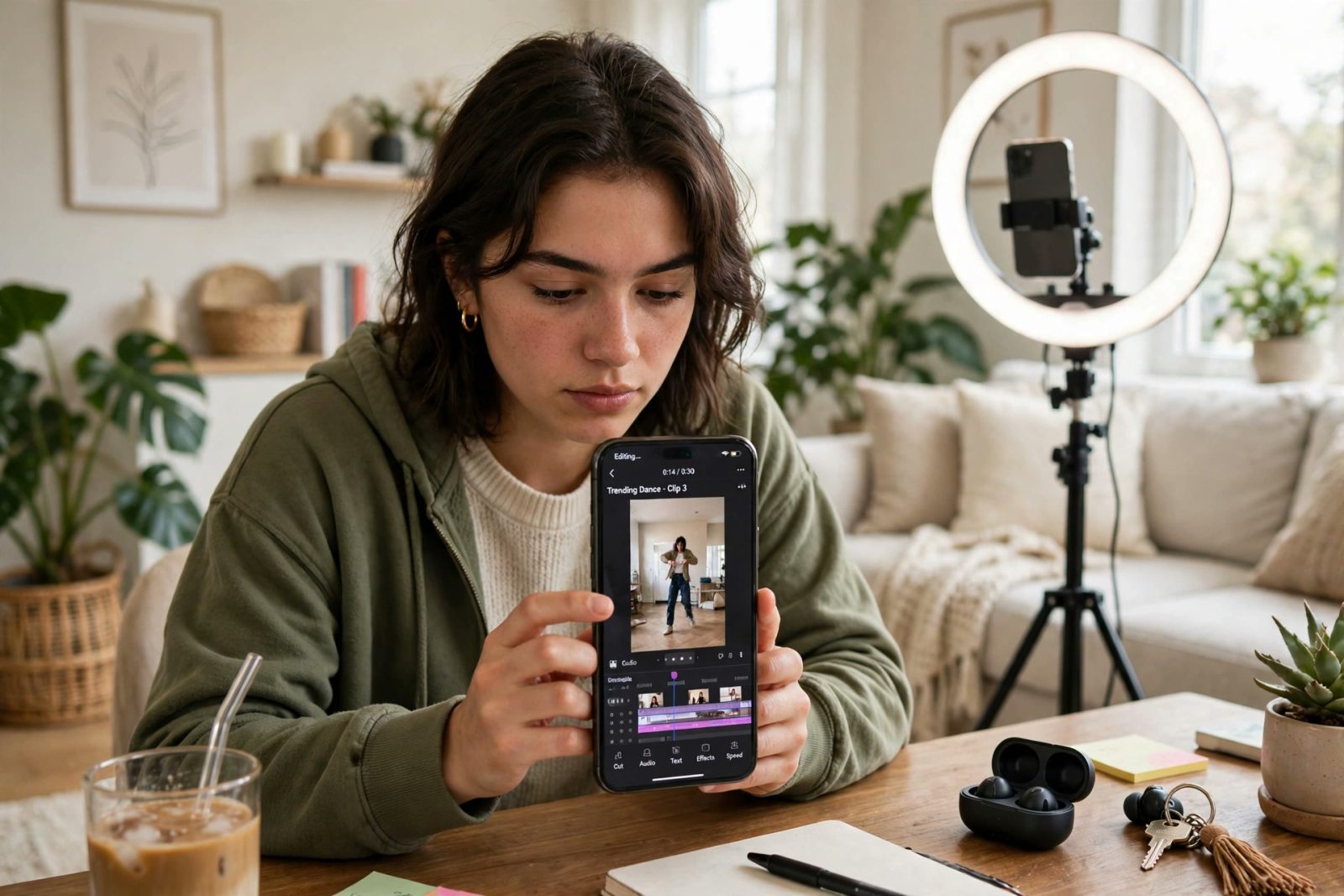
CapCut is the editor most social media managers already have on their phone, and it is built for the vertical feed: trending templates, auto captions, effects and sounds that match what is performing on TikTok and Reels right now. For a manager who films on a phone, edits on the train and posts the same day, CapCut is the fastest of the seven from raw clip to finished post. The Pro plan adds 1,200 AI credits a month, all premium templates, 1 TB of storage and Seedance video generation, and a 7-day free trial lets you test Pro before paying.
Price: the Pro plan costs $19.99 a month on monthly billing, or about $15 a month when billed annually at $179.99 a year. Pro includes 1,200 monthly AI credits, 1 TB of space storage, all premium templates and access to all Pro features. The Teams plan costs $12.49 a month per seat and adds a Brand Kit plus Pro features for every seat, which suits a small team sharing one account. The Ultra plan costs $79 a month with 8,645 AI credits for heavy AI generation work. The free plan costs $0 and covers basic editing tools and free templates.
Caveat: the monthly Pro price of $19.99 and the Teams price of $12.49 per seat come from CapCut’s own pricing page, read on 16 November 2026. The annual Pro price of $179.99 a year comes from consistent readings of the same official pricing page in October and November 2026. CapCut says its prices can vary by region, device and current promotions, so confirm at checkout.
Best for: a manager who edits vertical video on a phone, follows trends, and needs a finished Reel or TikTok the same day it was filmed. Limit: it is a single-account editor, not a scheduler, so it cannot publish or plan posts by itself, and the AI credits are a monthly pool that runs out if you generate a lot of video.
5. Kapwing: best for browser team editing with shared projects

Kapwing runs entirely in the browser, so nothing needs installing and the whole team works in the same workspace. For a social media manager, its strongest features are the ones that save time across many posts: auto-subtitling in more than 60 languages, subtitle translation, Smart Cut to remove silences, the Resizer for turning one video into every platform size, and a shared workspace where collaborators can leave comments directly on a project. The Pro plan adds a Brand Kit with custom fonts, 4K export, exports up to 2 hours long and 200 GB of storage.
Price: the Pro plan costs $24 a month per member on monthly billing, or $16 a month per member when billed annually at $192 a year. Pro includes 1,000 AI credits a month, up to 1,000 minutes of auto-subtitling, 50 minutes of dubbing, no watermark, 4K export and a collaborative shared workspace. The Business plan costs $64 a month per member on monthly billing, or $50 a month per member when billed annually, with 4,000 credits, custom voice clones and lip sync. The free plan costs $0 and gives 10 credits in total, with a watermark, exports up to 4 minutes long, 720p quality and 5 GB of storage.
Note: Kapwing bills per member, so a team of three editors on Pro pays $48 a month on annual billing, not $16. Pro also cannot buy extra credits; top-ups of 500 credits for $50 are a Business-only feature, and credits reset on the first of the month and do not roll over.
Best for: a small team that edits together in a browser, subtitles everything, and passes drafts around for comments before posting. Limit: per-member pricing makes a team expensive fast, and Pro cannot buy extra credits when the monthly pool runs out.
6. Vizard: best for clipping plus direct publishing to social accounts
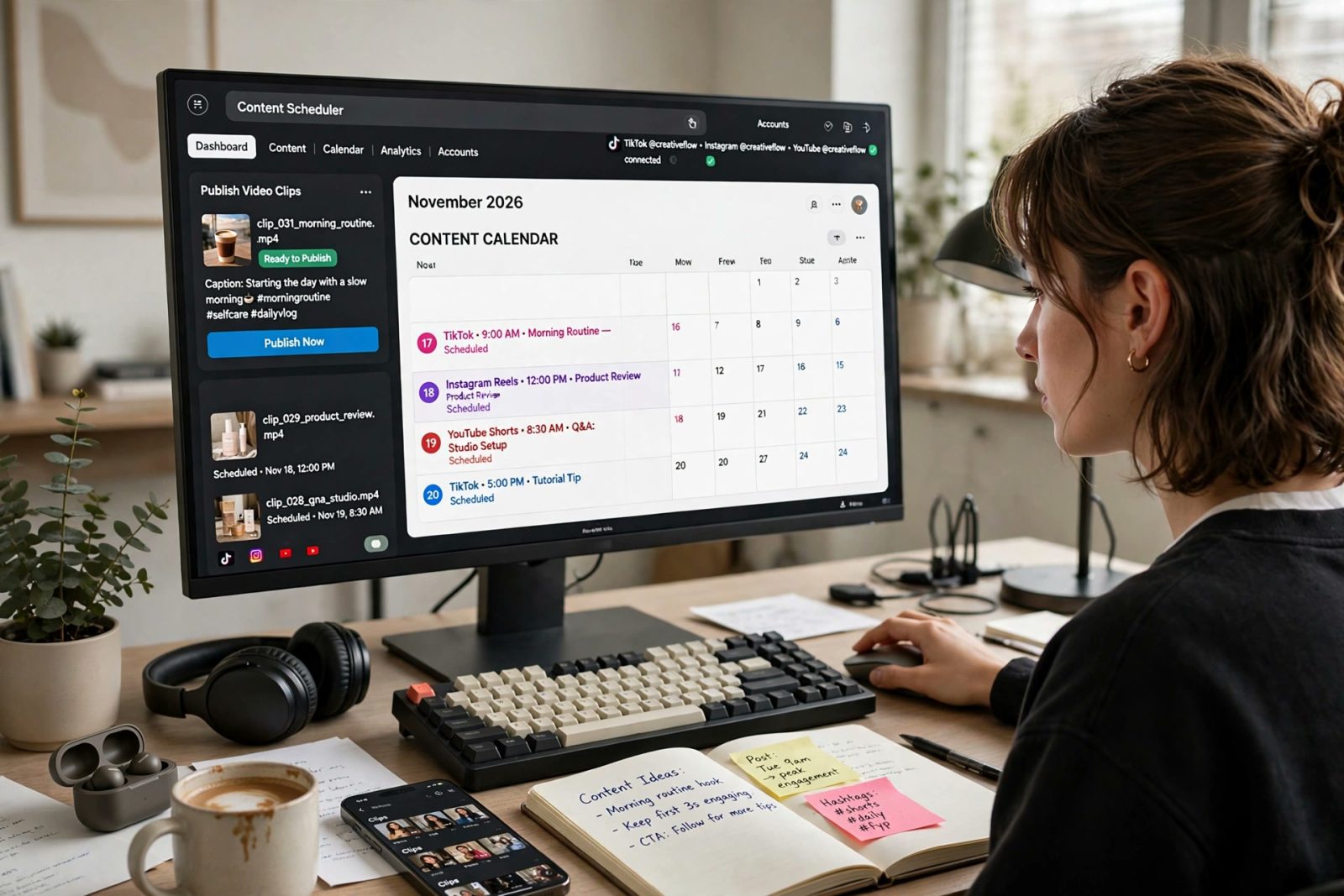
Vizard turns a long video into short captioned clips and then publishes them straight to your social accounts, with scheduling built into the Creator plan. For a social media manager, that direct publishing is the difference from a plain editor: the clips do not sit in a folder waiting to be uploaded by hand. Creator connects 6 social accounts, exports in 4K with no watermark, and includes 600 credits a month, where 1 credit equals 1 minute of uploaded video. Business raises that to 20 social accounts, adds a shared workspace, a brand kit and team seats at $5 a month each on annual billing.
Price: the Creator plan costs $29 a month on monthly billing, or $14.50 a month when billed annually at $174 a year. Creator includes 600 credits a month, no watermark, 4K export, scheduled social posts, 6 social media accounts and 100 GB of storage. The Business plan costs $39 a month on monthly billing, or $19.50 a month when billed annually at $234 a year, with 20 social accounts and a brand kit. The free plan costs $0 and gives 60 credits a month, 720p export with a watermark, 3-day storage and 1 social account.
Caveat: Vizard’s pricing page, read on 16 November 2026, showed the plan features but did not render the dollar figures in the text we could read, so the prices above come from consistent readings of Vizard’s official pricing page between 19 October and 10 November 2026, which all agree on the same figures. Confirm them at checkout.
Best for: a manager who wants one tool to cut the clips and publish them, with no manual uploading step. Limit: Vizard only repurposes footage you already have, it cannot generate new video from a prompt, and it has no client approval workflow, so approvals still need another tool.
7. Vista Social: best for all-in-one scheduling, approvals and inbox

Vista Social is the only tool in this list that is a social media management platform first and a video tool second. It schedules posts across every channel, holds them in a shared calendar, runs them through single-stage approvals on Professional and multi-stage approvals on Advanced, answers comments and DMs in one inbox, and generates AI video for posts using its monthly AI credits. For a social media manager handling several brands, that combination replaces three separate tools: a scheduler, an approval chain and an inbox. The Professional plan covers 15 social profiles and 2 users, which is enough for a manager running 4 accounts for 3 or 4 clients.
Price: the Professional plan costs $99 a month on monthly billing, or about $79 a month when billed annually at $950 a year. Professional includes 15 social profiles, 2 users, 1,000 AI credits a month, 10,000 DM contacts, scheduling, the social inbox, review management and AI video generation. The Advanced plan costs $199 a month on monthly billing, or about $159 a month when billed annually at $1,910 a year, with 30 profiles, 3 users, 2,000 AI credits and multi-stage approvals. The Scale plan costs $449 a month on monthly billing, or about $359 a month when billed annually at $4,310 a year, with 70 profiles, 4 users and white-label reports. There is no free plan; every plan starts with a 14-day free trial and no credit card is needed. Two add-ons matter for video managers: X (Twitter) publishing costs $29 a month per X profile on every plan, and social listening starts at $75 a month.
Caveat: Vista Social’s pricing page, read on 16 November 2026, showed the plan features but did not render the dollar figures in the text we could read, so the prices above come from Vista Social’s own website and consistent readings of its official pricing page between 19 and 26 October 2026. Note that Vista Social raised its prices during 2026: in September 2026 the same plans cost $79, $149 and $379 a month, so confirm the current price at checkout.
Best for: a manager running several brands who needs approvals, a shared calendar and one inbox in a single subscription. Limit: at about $79 a month on annual billing it costs more than the other six tools combined at their cheapest plans, and X publishing is a paid add-on, not included.
A worked example: one manager, 4 accounts, posting daily
Take a social media manager handling 4 accounts, Instagram, TikTok, YouTube Shorts and Facebook, posting once a day on each. That is 4 videos a day, or 120 videos a month. The week’s raw material is one 60-minute webinar and a handful of phone clips. Buying the cheapest paid plan of all seven tools on annual billing costs $161 a month: OpusClip Pro about $14.50, Canva Pro $12, InVideo AI Starter $10, CapCut Pro about $15, Kapwing Pro $16, Vizard Creator about $14.50, and Vista Social Professional about $79. That works out at about $1.34 per video. That is the full stack, and no manager needs all seven from day one.
The sensible starter stack is three tools: Vizard Creator at about $14.50 a month, Canva Pro at $12 a month, and InVideo AI Starter at $10 a month for one seat. That totals $36.50 a month, or about $0.30 per video at 120 videos a month. Vizard cuts the clips and publishes them, Canva keeps every account on brand, and InVideo builds the promos. Vizard’s 600 credits a month cover four 60-minute webinars with room to spare, and Canva Business approvals can wait until a client asks for them.
Add CapCut Pro at about $15 a month in the months you need heavy trend editing on your phone, which takes the stack to $51.50 a month, or about $0.43 per video. Add Vista Social Professional at about $79 a month when client approvals and one shared inbox become the bottleneck, which takes the stack to $130.50 a month, or about $1.09 per video. At that point Vizard still does the clipping, Vista Social does the scheduling, approvals and inbox, and OpusClip and Kapwing stay on the shelf unless the workload grows.
The free route costs $0: OpusClip Free with 60 watermarked credits a month, Canva Free, InVideo free with 10 credits a week and a watermark, CapCut Free, Kapwing Free with 10 credits in total and a watermark, and Vizard Free with 60 watermarked credits a month. Vista Social has no free plan, only a 14-day trial. The limits are real: watermarks on five of the six free plans, and the two clipping allowances together cover only 120 minutes of source video a month, which is two 60-minute webinars, not four. Use the free route to test which tool fits your posting routine, then pay for the one or two you actually use every week. Never post a watermarked video to a client’s account.
How to choose
If your week starts from one long recording, start with Vizard or OpusClip, and pick Vizard if you want the clips published for you, or OpusClip if you want the virality score and the editor export. If clients must approve every post, Canva Business covers approvals cheaply, and Vista Social covers approvals plus scheduling plus the inbox when the client list grows. If you edit on your phone and follow trends, CapCut Pro is the only tool here built for that. If a small team edits together in a browser and subtitles everything, Kapwing is the shared workspace for that. And if you need a promo from a prompt in minutes, InVideo AI Starter is the fastest of the seven from idea to finished post.
Related reading on this site: our guides to the best AI video tools for marketing agencies, for small businesses, for podcasters, for fitness coaches, for wedding videographers, for real estate agents, for social media creators, the best AI training video tools, the best AI explainer video tools, the best AI video translation tools, and how to make faceless YouTube videos with AI.
FAQ
Which AI video tool is best for a social media manager on a tight budget? Vizard Creator plus Canva Pro plus InVideo AI Starter at $36.50 a month on annual billing, or about $0.30 per video at 120 videos a month, covers clipping, publishing, branding and promos. Add CapCut Pro at about $15 a month only in the months you need heavy trend editing. Test everything on the free plans first.
Can one tool handle clipping, scheduling and approvals together? Not quite. Vizard clips and publishes but has no approvals, Vista Social schedules and approves and generates AI video but cannot cut long recordings into clips, and Canva Business approves clips but is not a scheduler. The closest pairing is Vizard Creator for clipping and publishing plus Vista Social Professional for scheduling, approvals and the inbox, at about $93.50 a month together on annual billing.
How many videos can a social media manager make a month on the starter stack? About 120, which is one post a day on 4 accounts. Vizard Creator’s 600 credits cover four 60-minute webinars a month, Canva Pro has no video count limit, and InVideo AI Starter’s 400 credits cover roughly 15 short AI-generated promos, so the clipping allowance, not the promo allowance, sets the pace.
Do these tools post directly to Instagram and TikTok? Vizard Creator publishes directly to 6 connected social accounts with scheduling built in, OpusClip Pro schedules to 9 networks across 6 accounts, and Vista Social publishes to every channel it covers, except X, which needs a $29 a month add-on per profile. Canva, InVideo AI, CapCut and Kapwing export finished videos that you upload yourself.