A musician does not judge a video tool by one clever effect. A single release needs a full music video, a lyric video, a Spotify Canvas loop, an Apple Music Album Motion clip, and a week of short vertical clips for TikTok, Reels and Shorts. That means beat sync, lip sync, full-song workflows and streaming-platform formats matter more than any single filter. This guide compares the best AI video tools for musicians, with real prices checked on 16 November 2026, so you can build a stack that fits one release and a real monthly budget.
The short verdict: start with Rotor Videos Artist Unlimited Video for the music video, lyric video and Spotify Canvas, Wavve Starter for audiograms and social clips, and CapCut Free for editing and captions. That starter stack costs $22.98 a month on annual billing, or about $2.55 per video across one release of 9 videos. Add Kaiber Starter at $10 a month when you want stylised AI visuals for the video, and Neural Frames Knight at $26 a month on annual billing when you want audio-reactive visuals driven by the track itself. Buying the cheapest paid plan of all seven tools costs about $100.60 a month, or about $11.18 per video across the same 9-video release. The free route costs $0, but watermarked exports and a non-commercial limit on one free plan make it a testing route, not a release route.
| Tool | Best for | Cheapest paid plan | Free plan |
|---|---|---|---|
| Neural Frames | Audio-reactive full-song videos | $26 a month on annual billing ($312 a year) | Not listed on the pricing page; vendor says free to start |
| Kaiber | Stylised AI visuals and Beat Sync | $10 a month | None; $5 five-day trial only |
| Freebeat | Full-song performance and lip sync videos | $4.99 a week (Basic, promotional) | Yes, 500 non-expiring credits |
| Runway | Cinematic AI footage and shots | $12 a month on annual billing ($144 a year) | Yes, 125 one-time credits |
| Rotor Videos | Music videos, lyric videos and Spotify Canvas | $9.99 a month on annual billing ($119.88 a year) | None |
| Wavve | Audiograms and social clips from audio | $7.99 a month (promotional) | Free start offered; limits not listed |
| CapCut | Mobile editing, beat sync and captions | About $15 a month on annual billing ($179.99 a year) | Yes |
All prices are in US dollars, before tax, and were checked on 16 November 2026. Prices change often, so confirm at checkout. Four prices carry a caveat, noted under Freebeat, Kaiber, Wavve and CapCut below.
1. Neural Frames: best for audio-reactive videos driven by the track itself
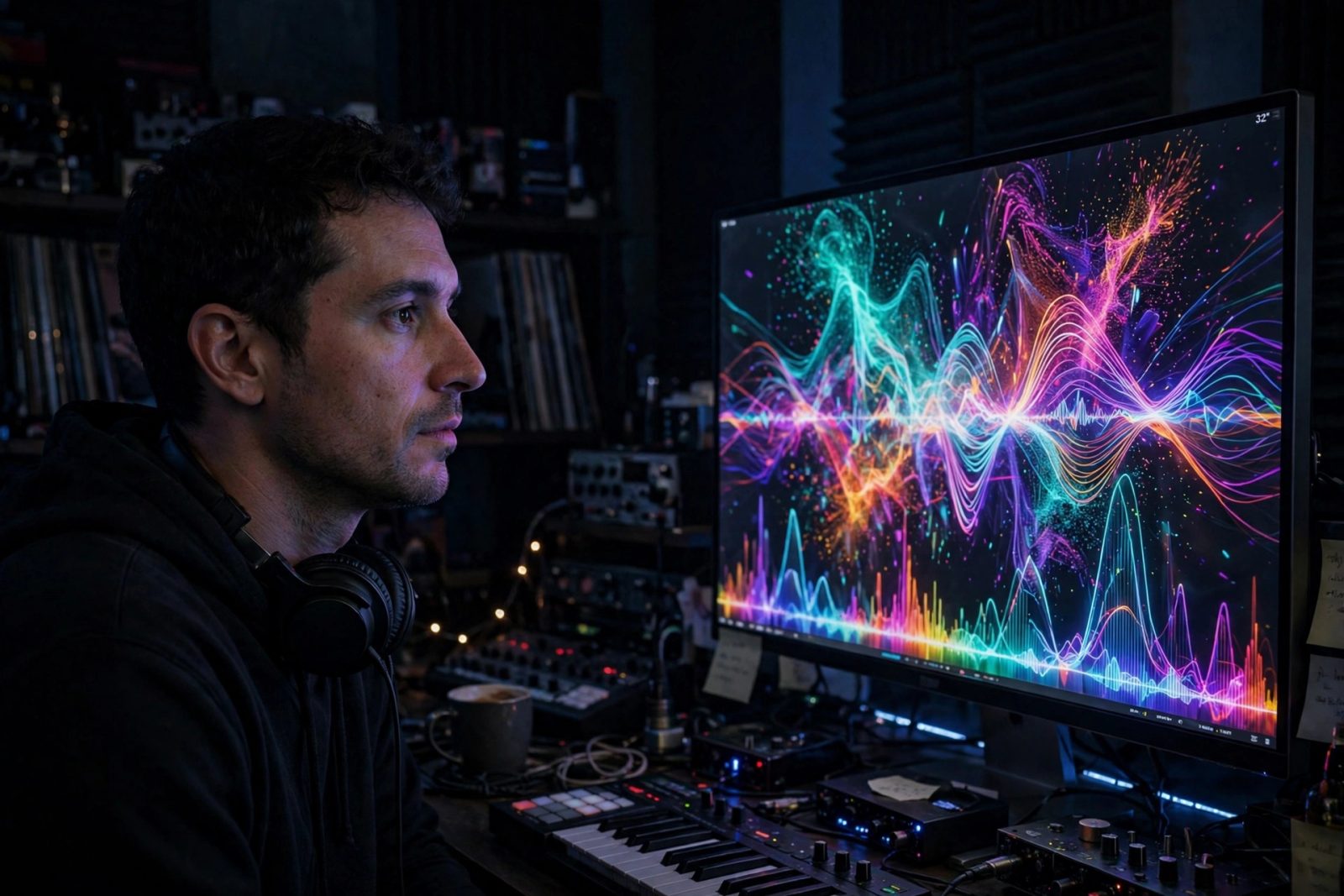
Neural Frames is one of the few tools built from the ground up for musicians. It splits a track into stems and drives the visuals from the music itself, so the picture pulses, morphs and changes with the amplitude and frequency of your song instead of sitting on top of it as a slideshow. Its Autopilot mode turns a full song, up to 10 minutes long, into a complete, character-consistent music video or lyric video, and it has lyric and lip-sync tools for vocal performances.
Price: the Knight plan costs $39 a month on monthly billing, or $26 a month when billed annually at $312 a year. Knight includes 2,400 credits a month, 7 AI models, Autopilot, the Short-Form Studio, horizontal-to-vertical conversion and 1080p upscaling. The Ninja plan costs $99 a month, or $66 a month on annual billing, and adds 7,200 credits, 10 models and 4K upscaling. Unused credits roll over up to 300 percent of the monthly allowance while you stay subscribed, and failed generations never cost credits. You own your videos and may publish, monetise and use them for client work, according to the pricing page FAQ. There is no free plan listed on the pricing page; the vendor’s own comparison page says the tool is free to start with no credit card, so treat the free tier as unconfirmed and check it in the app before promising it to anyone.
Best for: an artist who wants the music itself to direct the visuals, or a full-song lyric video without editing every shot by hand. Limit: Knight is the cheapest plan, but Neural Frames itself says Knight is not recommended for Autopilot, the full-song mode, so a full-song video really starts at Ninja at $66 a month on annual billing. At $26 a month, Knight is better for short-form clips and experiments than for a finished three-minute video.
2. Kaiber: best for stylised, artwork-led visuals with Beat Sync

Kaiber turns a song into stylised, atmospheric visuals rather than a filmed performance. You type a prompt, feed it a still image such as your cover art, or even hum a melody, and it returns sequences with anime flourishes, dream-like pans and cinematic vistas. Its Canvas workspace gives access to several premium AI models, and the Editor is a non-linear timeline for cutting the result properly. The feature that matters most for musicians is Beat Sync, which auto-syncs images and clips to the music, with lyric detection and text overlays.
Price: the Starter plan costs $10 a month on monthly billing. Starter includes 500 credits a month, premium AI models, commercial use, 1 Canvas, 3 generations at a time and 1 Timeline Edit. The Creator plan costs $29 a month and adds 1,500 credits, 5 Canvases and Beat Sync batches of up to 2 videos. The Pro plan costs $99 a month with 5,000 credits and Beat Sync batches of up to 10 videos.
Caveat: Kaiber’s pricing page, read on 16 November 2026, did not show an annual billing price, so the annual figure of about $8 a month for Starter comes from pricing trackers that read the same official page in November 2026 and report 20 percent off annual billing. Confirm it at checkout. Also note that Beat Sync is not included on Starter at all. It starts on Creator at $29 a month, so the $10 Starter plan buys stylised visuals, not beat-synced ones.
Best for: an artist whose cover art or visual world is the brand, and who wants a dreamlike video that looks storyboarded rather than filmed. Limit: Kaiber listens to audio, but visuals come first, so precise cuts still need the Editor, and the plan you actually want for a release, Creator at $29 a month, costs nearly three times the headline $10 price.
3. Freebeat: best for full-song performance videos with lip sync
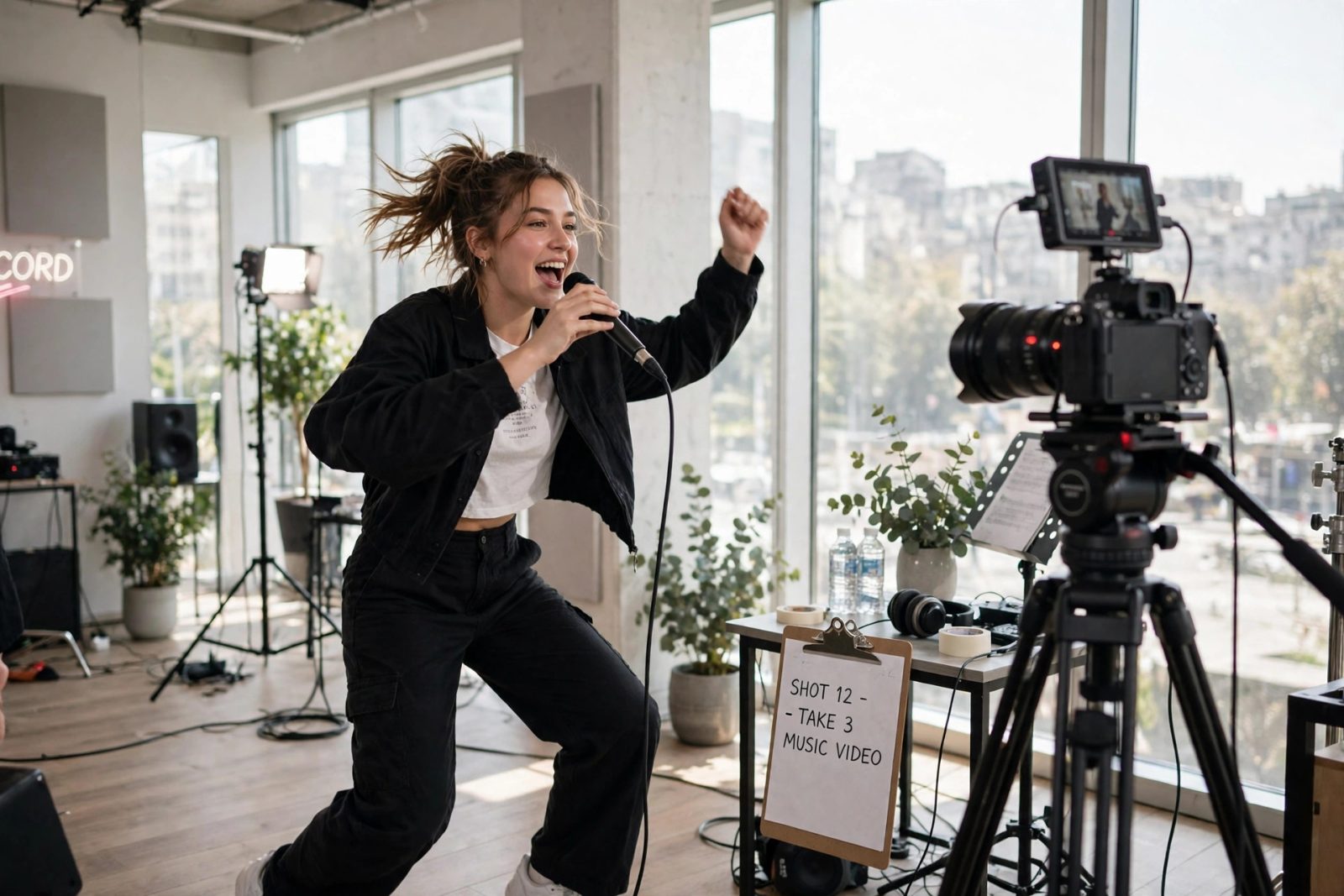
Freebeat is the closest thing in this list to an AI director for a finished song. It analyses a track’s rhythm, BPM and emotional structure, then generates a finished video for the whole song, up to 6 minutes long on paid plans, with lip sync at about 90 percent accuracy across 12 or more languages and character consistency across 80 or more shots. It is built for singing-led and dance-led videos, where the performer has to look like they are really singing the song, and one subscription includes several video and image models plus music models on higher tiers.
Price: the Basic plan costs $4.99 a week on promotion, with a list price of $6.99 a week, and includes 1,990 credits a week, fast and advanced models, 16:9, 9:16 and 1:1 video, up to 720p and watermark removal. The Pro plan costs $26.99 a month on promotion, list price $34.99, with 10,000 credits a month and up to 720p. The Ultimate plan costs $39.99 a month, list price $49.99, with 19,000 credits a month and up to 1080p. The Fast Model bills at 10 credits a second, so a 3-minute song costs about 1,800 credits, which means one week of Basic covers one full song. The free plan costs $0 and gives 500 non-expiring credits, with watermarked exports up to 30 seconds and non-commercial use only.
Caveat: Freebeat’s pricing page could not be read on 16 November 2026 because the site rate-limited our request, so the prices above come from Freebeat’s own article updated 14 October 2026 and a read of the same official pricing page on 29 October 2026. The 30 percent promotional prices were still showing on 29 October 2026, but they may have changed since. Annual billing lowers the effective monthly price, for example Pro at about $18.89 a month effective, but the exact annual figures were not re-verified. Check the page before paying.
Best for: a singer who wants a finished performance video for a whole song, with lip sync that holds up, without hiring a film crew. Limit: the cheapest plan is billed weekly, not monthly, so $4.99 a week is about $21.62 a month, and the free plan’s 500 credits only cover short watermarked clips that you cannot use commercially.
4. Runway: best for cinematic AI footage when you direct every shot
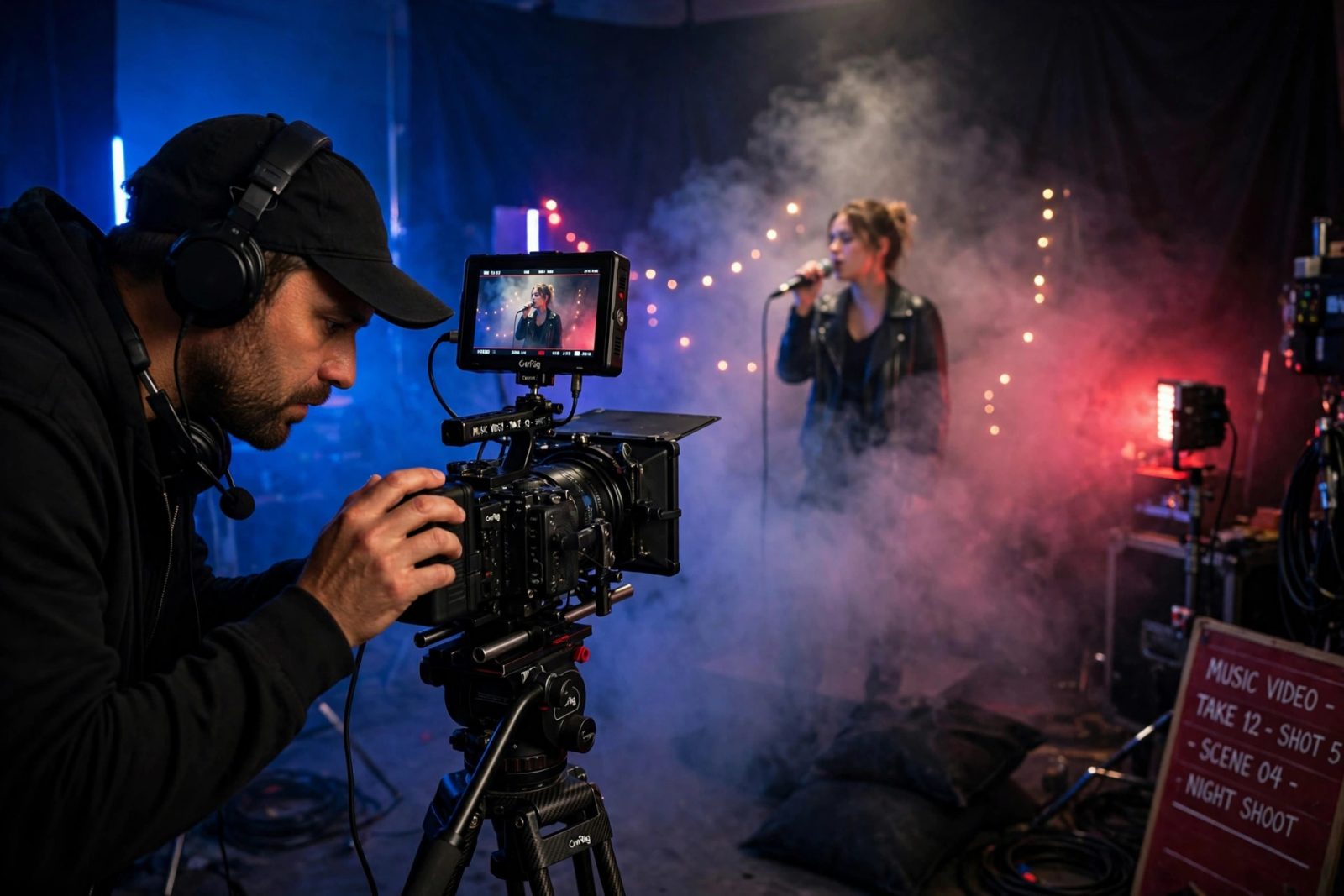
Runway is the wildcard in this list because it is not a music video generator first. It is a general-purpose AI video platform, and that is exactly why its strength is different. It generates striking individual shots, with Gen-4.5 making 2 to 10 second clips at 720p from text or an image, and you assemble and sync those clips yourself. Its Act-Two feature turns a driving performance video into a character performance, which is useful for lip-sync-style artist visuals, and it can generate music, voice and sound effects in the same workspace. The Pro plan adds a custom voice clone.
Price: the Standard plan costs $15 a month on monthly billing, or $12 a month when billed annually at $144 a year. Standard includes 625 credits a month, which is 52 seconds of Gen-4.5, 104 seconds of Gen-4 Turbo or 78 Gen-4 images at 1080p, all AI video and image models, music, voice and sound-effects generation, 4K upscaling, no watermarks, 20 GB of storage and 5 parallel generations. The Pro plan costs $35 a month, or $28 a month on annual billing, with 2,250 credits and 100 GB of storage. The free plan costs $0 and gives 125 one-time credits, not monthly, with 5 GB of storage and a limited selection of models.
Best for: an artist or director who wants frontier-model quality for individual shots and is happy to cut and sync them in an editor. Limit: Runway generates clips, not synced music videos, so a three-minute song means generating and syncing dozens of short clips by hand, and the 625 monthly credits on Standard only buy about 52 seconds of Gen-4.5 footage. One music video can easily need a credit top-up or the Pro plan.
5. Rotor Videos: best for the release assets streaming platforms actually show
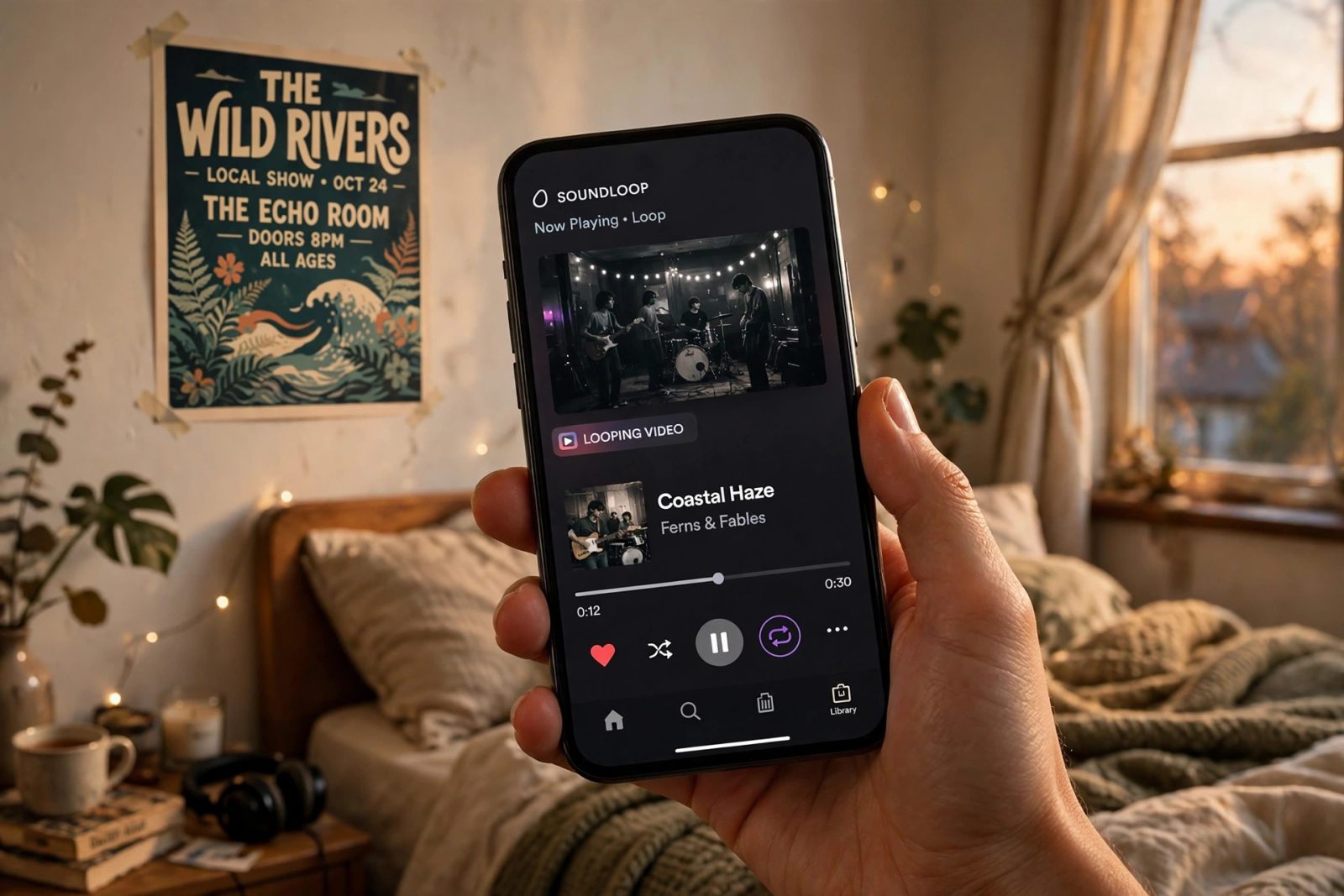
Rotor Videos was an early favourite among indie bands, and it is still the most practical tool in this list for a release day. It makes music videos, lyric videos, Spotify Canvas loops, Apple Music Album Motion clips and album artwork videos from one account, using a library of more than 17 million licensed, non-AI-generated clips, or footage you upload yourself. No editing skills are needed, artists keep full ownership of every video they create in perpetuity, and Rotor says more than 1 million artists use it. Rotor is operated by LyricFind.
Price: the Artist Unlimited Streaming plan costs $9.99 a month, billed annually only at $119.88 a year, and covers unlimited Apple Music Album Motion and Spotify Canvas assets plus premium clips and styles, for one artist only. The Artist Unlimited Video plan costs $14.99 a month, billed annually at $179.88 a year, and adds unlimited music videos, lyric videos and album artwork videos, with exports in all social formats including 9:16 and 1:1. The Artist Unlimited Pro plan costs $19.99 a month, billed annually at $239.88 a year, and covers everything in both plans. There is no monthly billing option for these plans. A pay-as-you-go alternative sells credits from $9.99 for 1 credit, and credits never expire. A music video costs 3 credits, or $29.97 at the single-credit price, a lyric video costs 4, a Spotify Canvas costs 1 and an Apple Music Album Motion clip costs 2. There is no free plan listed on the official pricing page.
Best for: an independent artist on release day who needs the music video, the lyric video and the Spotify Canvas from one subscription, with no editing. Limit: the cheapest plan at $9.99 a month only covers streaming-platform assets, not music videos, so the plan you actually need for a release is the $14.99 Video plan, and the clips come from a stock library, so the video will not look like a filmed performance of you.
6. Wavve: best for audiograms and social clips from a finished track
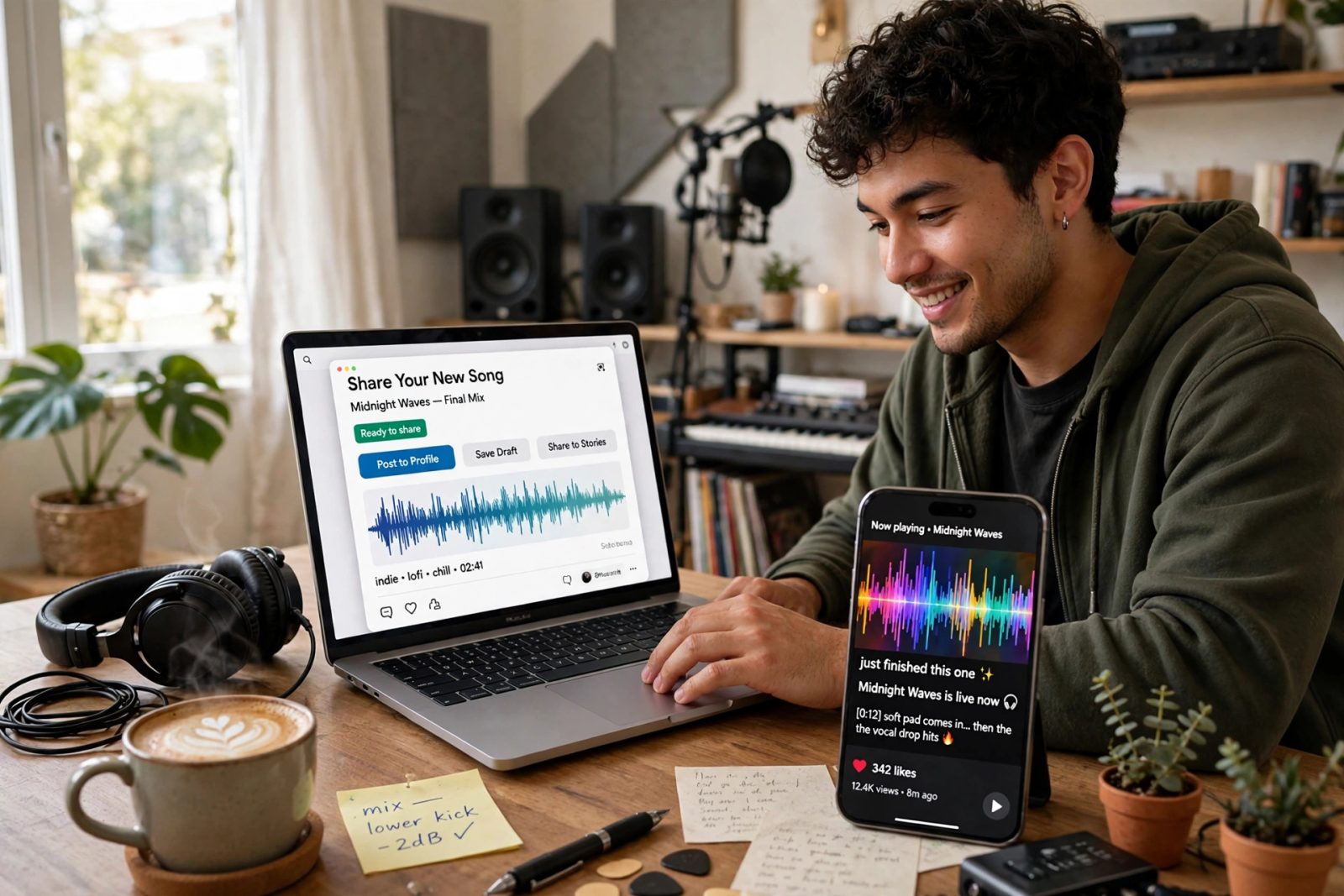
Wavve turns audio into social video. You upload a track, it finds the most engaging moments automatically with AI hot-spot identification, and it builds captioned waveform videos, audiograms, in square, vertical and horizontal formats for every feed. It includes animated waveform styles, auto-resizing, captions on every clip, SRT and transcript downloads, and a built-in social media scheduler. It also gives you a Wavve Link page that auto-syncs with an RSS feed. Wavve is aimed at podcasters, musicians and audio creators who repurpose audio into social video, and it is powered by Disctopia.
Price: the Starter plan costs $7.99 a month on promotion, struck through from $9.99, and includes 70 upload minutes a month, 18 exported videos a month, SRT and transcript downloads, AI hot-spot identification, the social media scheduler, auto-resizing, waveforms, templates and captions. The Pro plan costs $19.99 a month, struck through from $24.99, with 210 upload minutes and 33 exported videos a month plus 2 additional team members. The Agency plan costs $98.99 a month, struck through from $129.99, with 410 upload minutes and 78 exported videos a month plus 4 additional team members. The pricing page says you can try it for free with no credit card required to start creating, but it does not itemise a free plan’s limits.
Caveat: Wavve’s pricing page, read on 16 November 2026, did not state an annual billing price, so the annual figure of about $8 a month comes from a pricing tracker that read Wavve’s official website in October 2026. That conflicts slightly with the $7.99 promotional monthly price shown today, so quote the $7.99 monthly figure and confirm the annual rate at checkout. The free tier’s exact limits were not listed on the page today, so this guide does not promise specific free minutes.
Best for: a musician who needs a week of captioned teaser clips from one finished track, with the best moments picked out automatically. Limit: Wavve makes clips from audio, not music videos, so it cannot replace a video tool, and 18 exported videos a month on Starter is enough for one release but tight for two.
7. CapCut: best for mobile editing, beat sync and captions for vertical clips
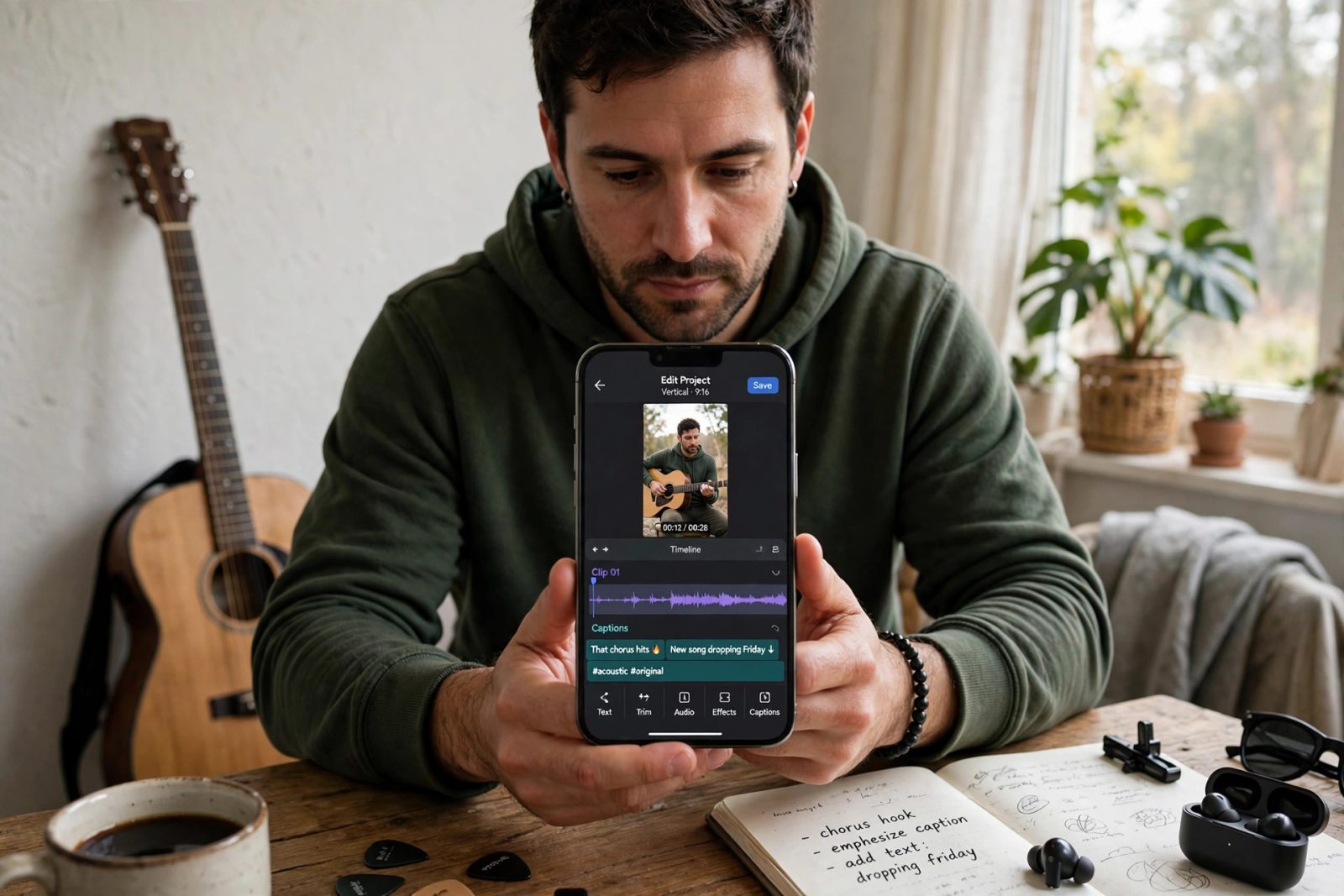
CapCut is the editor most musicians already have on their phone, and it is built for the vertical feed: trending templates, auto captions, effects and sounds that match what is performing on TikTok and Reels right now. For a musician, its two most useful features are auto beat sync, which cuts clips to the beat of a track automatically, and auto captions, which put lyrics or a hook on screen in seconds. The Pro plan adds 1,200 AI credits a month, all premium templates, 1 TB of storage and Seedance video generation, and one Pro account unlocks Pro on phone, desktop and web. A 7-day free trial of Pro needs no credit card.
Price: the Pro plan costs $19.99 a month on monthly billing. Pro includes 1,200 monthly AI credits, 1 TB of cloud storage, all premium templates and Pro features, AI video generation, and 4K export at 60 frames per second. The Teams plan costs $12.49 a month per seat and adds a Brand Kit plus Pro features for every seat. The Ultra plan costs $79 a month with 8,645 AI credits for heavy AI generation work. The free plan costs $0 and covers basic editing tools and free templates, and a video cut from your own footage can export with no watermark on Free.
Caveat: the monthly Pro price of $19.99 and the Teams price of $12.49 per seat come from CapCut’s own pricing page, read on 16 November 2026. The annual Pro price of $179.99 a year, about $15 a month, comes from consistent readings of the same official pricing page in October and November 2026. CapCut says its prices can vary by region, device and current promotions, so confirm at checkout.
Best for: a musician who edits on a phone, edits the same day, and needs finished vertical clips with captions and beat-synced cuts for TikTok, Reels and Shorts. Limit: it is a single-account editor, not a music video generator, so it cannot create the video itself, only edit what you already have, and the AI credits are a monthly pool that runs out if you generate a lot of video.
A worked example: one artist, one single, 9 videos
Take an independent artist releasing one single. The release needs 1 full music video, 1 lyric video, 1 Spotify Canvas loop, 1 Apple Music Album Motion clip, and 5 short vertical clips for TikTok, Reels and Shorts. That is 9 videos from one song. Buying the cheapest paid plan of all seven tools costs about $100.60 a month: Neural Frames Knight $26 on annual billing, Kaiber Starter about $8 on annual billing, Freebeat Basic $4.99 a week or about $21.62 a month, Runway Standard $12 on annual billing, Rotor Videos Streaming $9.99 on annual billing, Wavve Starter $7.99 a month, and CapCut Pro about $15 on annual billing. That works out at about $11.18 per video. That is the full stack, and no artist needs all seven for one single.
The sensible starter stack is three tools: Rotor Videos Artist Unlimited Video at $14.99 a month on annual billing, Wavve Starter at $7.99 a month, and CapCut Free at $0. That totals $22.98 a month, or about $2.55 per video across the 9-video release. Rotor makes the music video, the lyric video, the Spotify Canvas and the Album Motion clip, Wavve turns the track into captioned audiogram teasers, and CapCut cuts the vertical clips to the beat and adds captions. Wavve Starter’s 18 exported videos a month cover the 5 vertical clips with room to spare, and Rotor’s unlimited Video plan covers the 4 release assets with no per-video cost.
Add Kaiber Starter at $10 a month when you want stylised AI visuals for the video instead of stock clips, which takes the stack to $32.98 a month, or about $3.66 per video. Add Neural Frames Ninja at $66 a month on annual billing when you want a full-song audio-reactive video, which takes the stack to $88.98 a month, or about $9.89 per video, and at that point Knight stays on the shelf. Add Freebeat Basic at $4.99 a week in the weeks you need a lip-synced performance video, and remember it is billed weekly, so a month of it is about $21.62.
The free route costs $0: Freebeat Free with 500 non-expiring credits, Runway Free with 125 one-time credits, and CapCut Free. The limits are real: Freebeat’s free exports are watermarked, capped at 30 seconds and for non-commercial use only, Runway’s 125 credits are a one-time allowance that buys about 10 seconds of Gen-4.5 footage, and Neural Frames, Kaiber, Rotor Videos and Wavve offer no confirmed free tier with usable limits. Use the free route to test which tool fits your release routine, then pay for the one or two you actually use every release. Never post a watermarked video as an official release.
How to choose the best AI video tools for musicians
If your release starts from one finished song and you need every format streaming platforms show, start with Rotor Videos, and pick the Video plan at $14.99 a month because the $9.99 Streaming plan does not include music videos. If you want the music itself to drive the visuals, Neural Frames is the only tool here built for that, but budget for Ninja at $66 a month on annual billing if you want a full-song video. If you want a singing performance with lip sync, Freebeat is the only tool here built for that, and one week of Basic at $4.99 covers one full song. If your cover art is the brand and you want dreamlike visuals, Kaiber Starter at $10 a month is the cheapest way in, but Beat Sync needs Creator at $29 a month. If you direct every shot yourself and want the best-looking footage, Runway Standard at $12 a month on annual billing is the pick, and you will cut and sync the clips yourself. If you need a week of teaser clips from the finished track, Wavve Starter at $7.99 a month finds the best moments for you. And if you edit on your phone and need vertical clips with captions the same day, CapCut Free already does that, and Pro at about $15 a month on annual billing adds the AI generation.
Related reading on this site: our guides to the best AI video tools for social media managers, for marketing agencies, for small businesses, for podcasters, for fitness coaches, for wedding videographers, for real estate agents, the best AI training video tools, the best AI explainer video tools, the best AI video translation tools, and how to make faceless YouTube videos with AI.
FAQ
Which AI video tool is best for a musician on a tight budget?
Rotor Videos Artist Unlimited Video plus Wavve Starter plus CapCut Free at $22.98 a month on annual billing, or about $2.55 per video across a 9-video release, covers the music video, lyric video, Spotify Canvas, audiograms and vertical clips. Add Kaiber Starter at $10 a month only when you want stylised AI visuals. Test everything on the free plans first.
Can one tool make a full music video, a lyric video and a Spotify Canvas?
Yes, Rotor Videos Artist Unlimited Video at $14.99 a month on annual billing covers all three, plus Apple Music Album Motion and album artwork videos, with unlimited exports. No other tool in this list covers all three in one plan. Neural Frames Autopilot makes full-song music and lyric videos, but it does not make Spotify Canvas loops, and its full-song mode really needs the Ninja plan.
How much does a full AI music video cost for one song?
On the starter stack, about $22.98 a month, or about $2.55 per video across a 9-video release, because Rotor Videos Video is unlimited. Pay-as-you-go, one Rotor music video costs 3 credits, or $29.97 at the single-credit price. On Freebeat Basic at $4.99 a week, one 3-minute song costs about 1,800 credits, which one week of Basic covers. On Runway Standard at $12 a month on annual billing, the 625 monthly credits only buy about 52 seconds of Gen-4.5 footage, so a full song needs top-ups or the Pro plan.
Do these tools work for a Spotify Canvas loop?
Rotor Videos makes Spotify Canvas loops directly, on the $9.99 a month Streaming plan and above, and Apple Music Album Motion clips too. Kaiber and Neural Frames can make short looping visuals you can trim to Canvas size, and CapCut can cut any clip to the 9:16 vertical format Canvas needs, but only Rotor builds the Canvas as a release asset.