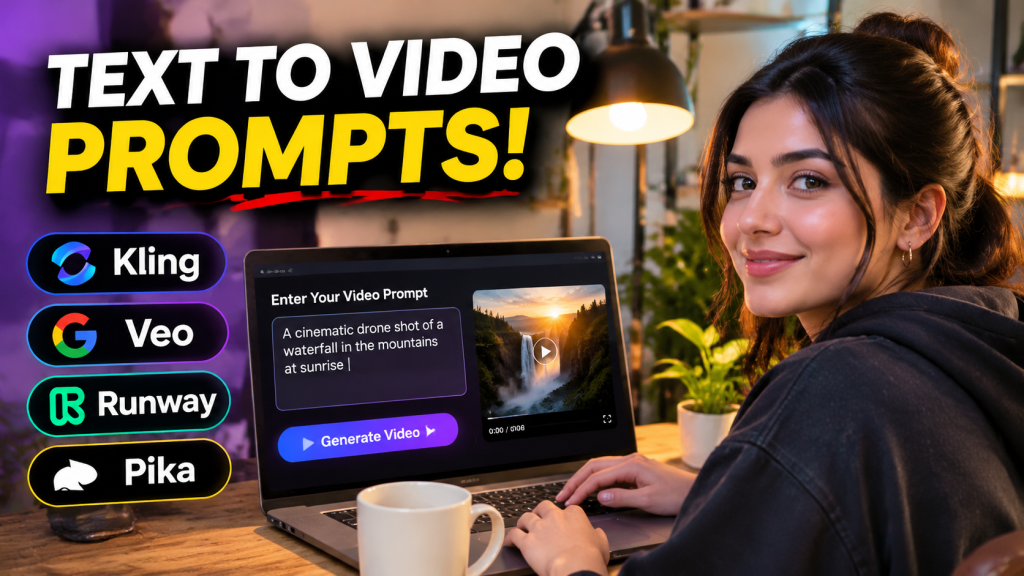
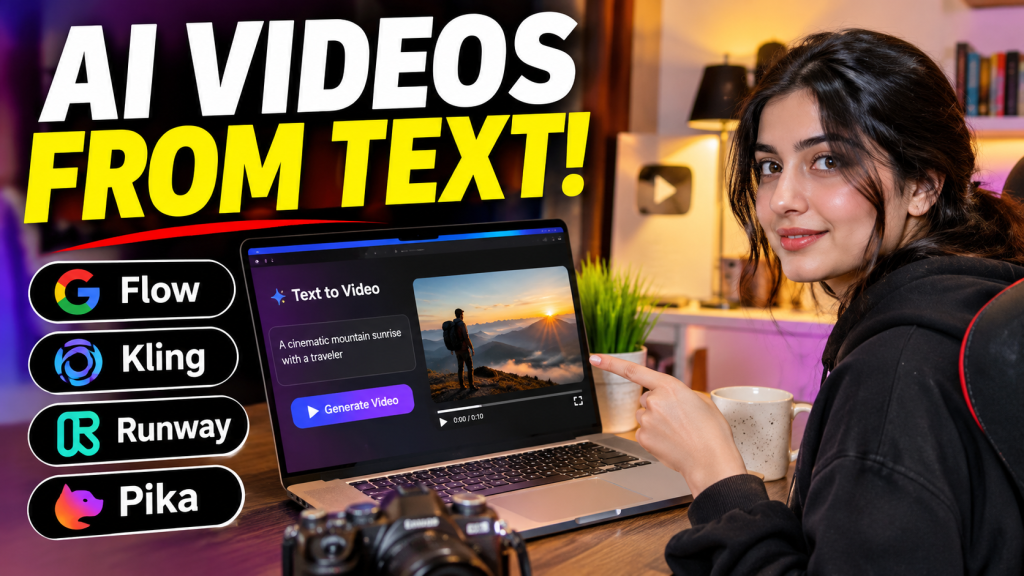
 Verdict first: If you want to make AI videos from text today, start with Google Flow. It gives 50 free credits every day without a subscription, and its Veo 3.1 Fast model makes a usable 8 second clip for 20 credits. That means you can test real prompts for free before you pay anything.
Kling is the best second choice when you need longer, more cinematic movement and native audio in one clip. Runway is the best choice when you need a directed, polished look and you are willing to pay per second for it. Pika is the best choice when you want to build a longer scene from several shots. No tool here makes a full finished video from one sentence. Every good result comes from one clear shot, one clear action, and then joining short clips together. Plan for that, and your first videos will look far better than a single long prompt ever will.
How AI videos from text actually work
You type a description of a shot. The model reads the subject, the action, the setting, the camera move and the style, then generates a short clip, usually 5 to 10 seconds long. Sound is included in some models and not in others, so check that before you plan a video with dialogue or music. The limits that matter most are not in the marketing pages. They are clip length, cost per generation, whether retries cost credits, and whether the free plan allows commercial use. A tool that looks cheap per month can be expensive per finished clip if you need three attempts for every usable shot. Budget for three attempts per finished clip, not one.
Step by step: make your first AI video from text
1. Write one shot, not a whole story. Example: a street food vendor flips noodles in a wok at night, steam rising, camera slowly moves in, warm neon light.
2. Pick one tool and one model. Start with the cheapest model for drafts, then use the quality model only for the final shot.
3. Generate, watch, and change one thing only. If the movement is wrong, change the movement words. If the look is wrong, change the style words. Changing everything at once makes it impossible to learn what worked.
4. Generate the shots you need, then join them in a normal editor such as CapCut or Descript. Add captions, music and a voiceover there, not inside the generator.
5. Check the licence before you publish. Free plans often do not allow commercial use, and that matters if the video will earn money or promote a product.
Prompt formula that works
Use this order: camera shot, subject, action, environment, lighting, style. Example prompt: Wide shot of a surfer riding a small wave at sunrise, slow camera pan, golden light, realistic documentary style. When you make AI videos from text, keep the prompt to one simple idea per clip. Models are weak at numbers, complex physical movement and several actions in one shot. A prompt with two subjects doing two different things in one clip usually fails in one of them.
Comparison table
This table compares the four tools for making AI videos from text side by side, so you can choose the right starting point.
| Tool | Free starting point | Clip length | Cost per clip (as reported) | Best for |
|---|---|---|---|---|
| Google Flow (Veo 3.1) | 50 credits per day, no subscription | 4, 6 or 8 seconds | Lite 10, Fast 20, Quality 100 credits per generation | Free testing, social clips, B-roll |
| Kling | Basic free plan, monthly free credits on login | 3 to 15 seconds | Varies by model, resolution and length, official page does not print one fixed free amount | Cinematic movement, native audio |
| Runway (Gen-4.5) | 125 one-time credits | 5 or 10 seconds | 12 credits per second, so 60 for 5 seconds, 120 for 10 seconds | Directed, polished shots |
| Pika | Check the official pricing page before you buy | Multi-shot projects up to 30 seconds in Video Studio | Not stated here, because no verified price was found for this article | Longer scenes from several shots |
Prices and credit rates change often. Check the official pricing page on the day you buy, and use the month two price for paid plans, not a first month offer price.
Google Flow (Veo 3.1)
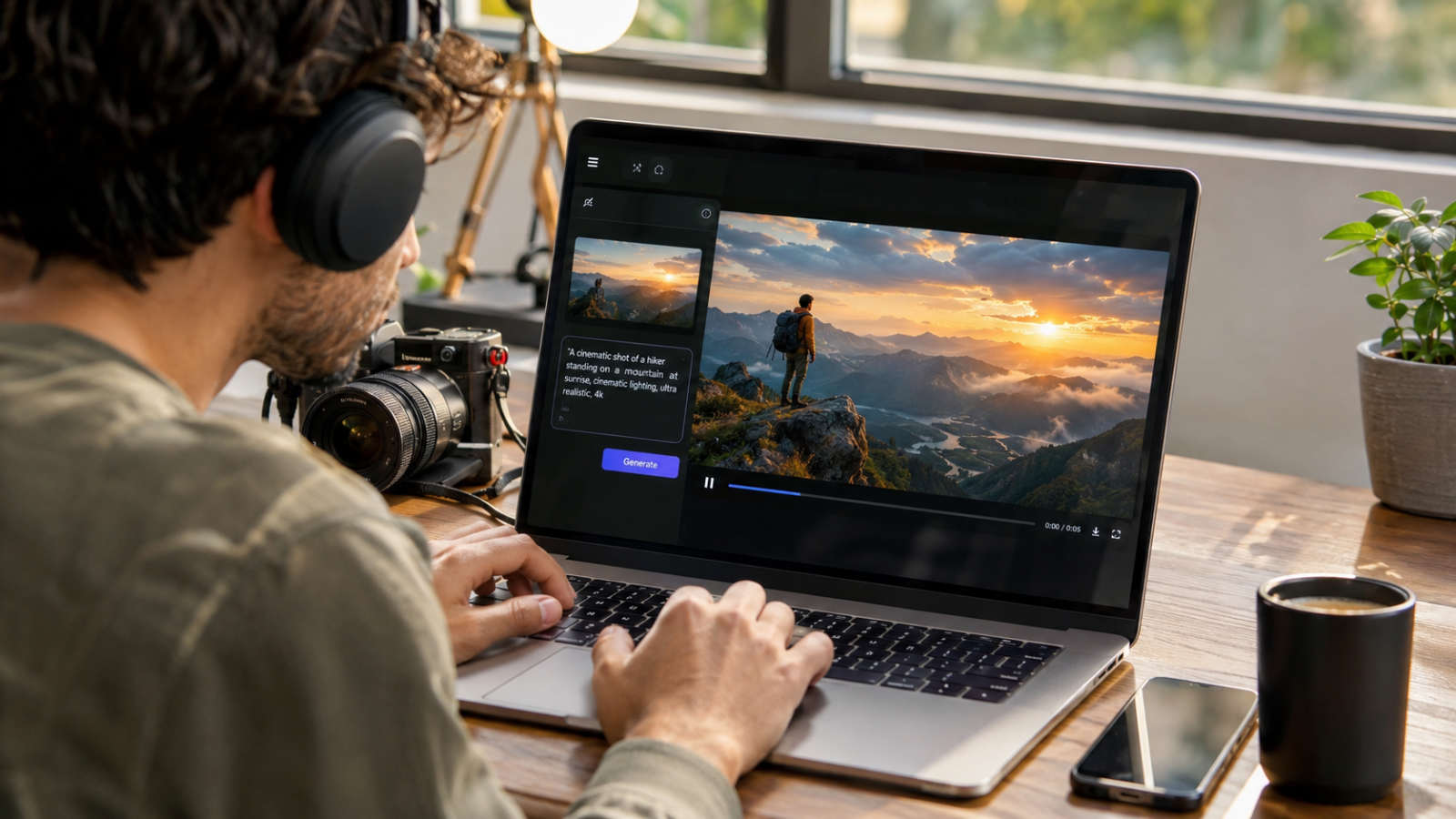
Strength: the free daily credits make it the lowest risk way to learn AI videos from text. You can test five Lite clips or two Fast clips per day on the free 50 credits, with 10 credits left over after two Fast clips.
Limit: free users may be unable to generate video during peak hours, roughly 2 PM to 5 PM UTC in the guides checked in October 2026. Quality costs 100 credits per generation, so save it for hero shots.
Best fit: beginners, social creators and anyone who wants B-roll without paying first.
Cost guide, as reported in October 2026 guides based on Google help pages: no subscription, 50 credits per day. Google AI Plus adds 200 credits per month, AI Pro adds 1,000 per month, and AI Ultra adds 10,000 or 25,000 per month depending on tier. US prices in those guides were Plus $4.99 per month, Pro $19.99 per month, and Ultra from $99.99 per month. Prices vary by country and region, so confirm them on the Google AI plans page.
Kling
Strength: strong natural motion, faces that hold up better than most tools in the guides checked, and native audio in the same generation. A single Kling clip can run 3 to 15 seconds, longer than most Flow and Runway clips, which helps for a scene that needs time to breathe.
Limit: the free plan is for testing, not production. Free output is capped at lower resolution, carries a watermark, and is not licensed for commercial use in the guides checked. Kling consumer membership pricing is behind sign-in on the official site, and secondary guides disagree on daily free credits, so this article does not state one disputed daily figure as fact. The official membership page checked in earlier research lists monthly free credits on login, valid for 31 days, without printing a fixed amount.
Best fit: creators who want cinematic clips with sound and are ready to pay for a plan once they know the style works.
Runway (Gen-4.5)
Strength: the most directed look of the four. Gen-4.5 keeps characters, locations and objects more stable across shots when you give it a reference image, and the prompt guidance is clear: describe the camera shot, subject, action and environment, use positive phrasing, and do not give conflicting instructions.
Limit: cost per second is high. At 12 credits per second, a 10 second Gen-4.5 clip costs 120 credits. The Standard plan in the guides checked gives 625 credits per month, which is about 52 seconds of Gen-4.5 footage before retries. The free plan gives 125 one-time credits that never refresh, and Gen-4.5 requires a paid plan in the guides checked.
Best fit: editors and brands who need a polished, consistent look and can afford to pay per finished second.
Cost guide, as reported in guides checked in September and October 2026: Free $0 with 125 one-time credits. Standard $15 per month, or $12 per month billed yearly, with 625 credits per month. Pro $35 per month, or $28 per month billed yearly, with 2,250 credits per month. Gen-4 Turbo, for cheaper drafts, costs 5 credits per second.
Pika
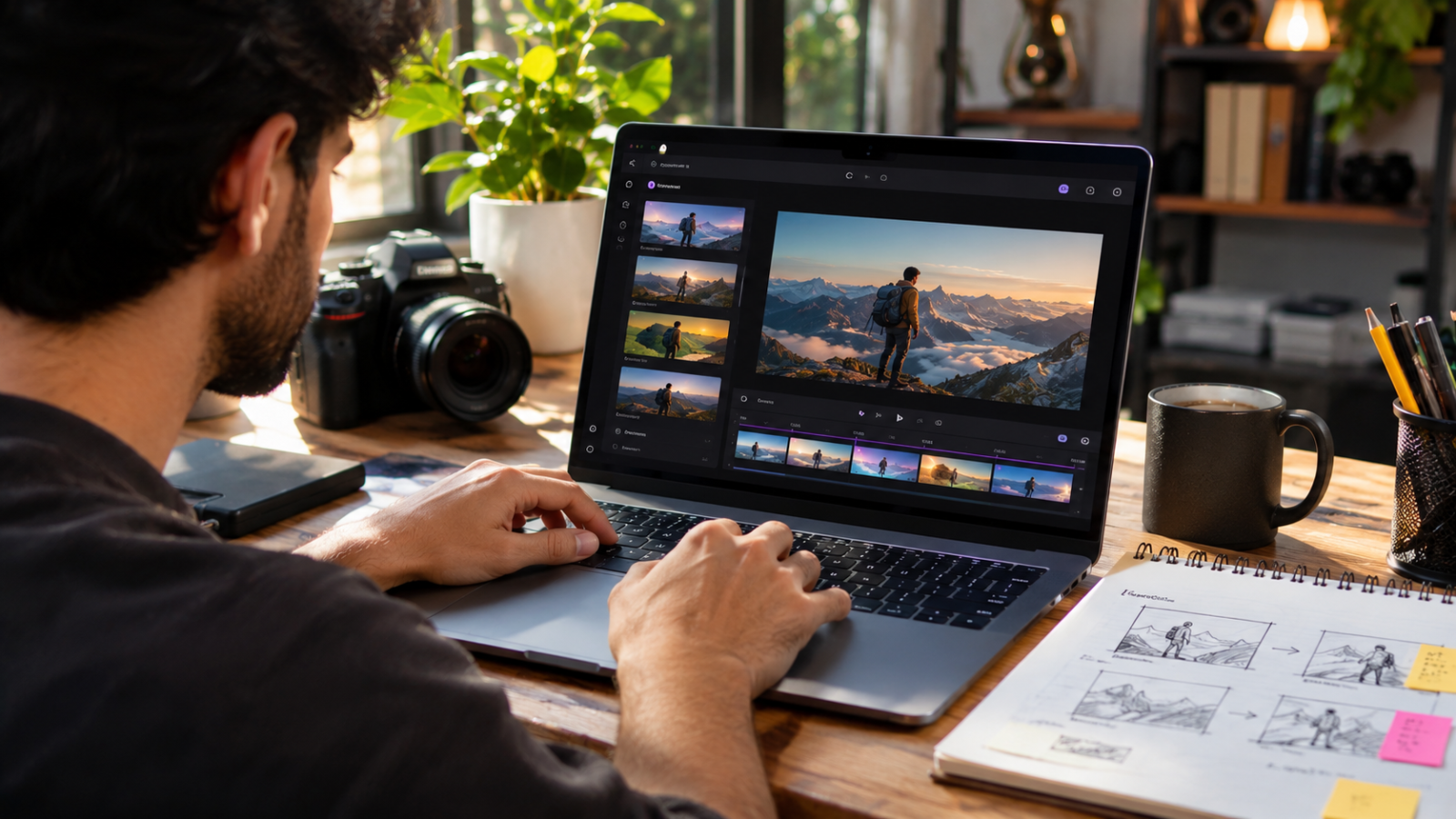
Strength: Pika is built for building a scene, not just one clip. Its Video Studio supports multi-shot projects up to 30 seconds in the official FAQ research used for the prompts article, which makes it useful when your video needs a beginning, a middle and an end.
Limit: Pika rewards specific prompts and punishes vague ones. Its own guidance is to be specific about subject, action, setting, lighting, style and camera move, and to change one thing at a time when you retry. No verified price or free limit is stated in this article, because none was verified from an official page for this draft. Check Pika pricing on the official site before you commit.
Best fit: creators who want to assemble a short story from several shots instead of posting single clips.
Common mistakes
Avoid these mistakes when you make AI videos from text.
Mistake 1: writing a whole story in one prompt. Fix it by splitting the story into one shot per generation.
Mistake 2: using the most expensive model for drafts. Fix it by drafting on Lite, Fast or Turbo, then running only the winning prompt on the quality model.
Mistake 3: publishing a free plan clip for a client or an ad. Fix it by checking the commercial licence first. Free Kling output, for example, is not licensed for commercial use in the guides checked.
Mistake 4: counting one attempt per clip in your budget. Fix it by budgeting three attempts per finished clip, because retries cost credits on most tools.
Mistake 5: expecting sound, dialogue or exact text in the video to be perfect. Fix it by adding voiceover, music and captions in an editor after generation.
FAQ
Can I make AI videos from text for free?
Yes, for testing. You can make AI videos from text for free: Google Flow gives 50 credits per day without a subscription, Runway gives 125 one-time credits, and Kling has a free Basic plan with monthly credits on login. Free output usually has limits on resolution, watermark and commercial use.
How long can one AI video from text be?
Usually 5 to 10 seconds per generation. Kling goes up to 15 seconds per generation, and Pika Video Studio can join shots into a project up to 30 seconds. Longer videos are made by joining short clips in an editor.
Which tool is best for beginners?
Google Flow is the easiest way to make AI videos from text as a beginner, because the daily free credits let you learn prompting without paying, and the Fast model gives a good balance of cost and quality.
Do I need to pay to use AI videos commercially?
In most cases, yes. Check the licence on the plan you actually use. Free plans often exclude commercial use, even if they allow personal testing.
Why does my clip look different from my prompt?
Usually because the prompt asked for too much at once when you make AI videos from text, or because the model cannot do complex movement reliably. Simplify to one subject, one action and one camera move, then retry changing only one element.