A customer chooses a florist after seeing the flowers, not after reading a price list. A slow clip of a bouquet coming together on the bench, a calm explainer about keeping roses fresh for a week, a wedding consultation video that shows the exact style a bride wants, a Valentine’s Day promo that lands in the feed on the first of February: these are the videos that fill a florist’s order book. Until recently that meant a film crew in the shop, or the florist filming between deliveries and editing late at night. Now a shop can turn its own written flower care guide into a narrated explainer video, record one wedding consultation message and translate it for every customer community it serves, animate a still photo of a finished bouquet into a slow reveal, and cut a bouquet-making Reel on a phone between orders, all without a film crew. This guide compares 7 of the best AI video tools for florists, with real prices checked on 21 November 2026, so a shop can build a stack that fits one shop, one month of posting, and a real monthly budget.
The short verdict: start with Kling AI Standard at $8.80 a month for the bouquet reveals and shop window walkthroughs, and CapCut Free for finishing the bouquet-making Reels on a phone between orders. That starter stack costs $8.80 a month, or about $0.73 per video across a month of 12 videos. Add HeyGen Creator at $24 a month on annual billing when wedding clients need a consultation video in more than one language, and Synthesia Starter at $14 a month on annual billing when the shop wants proper staff training videos with a presenter who never gets tired. Buying the cheapest paid plan of all seven tools costs $140.79 a month, or about $11.73 per video across the same 12-video month. The free route costs $0, but watermarked exports, non-commercial licences and hard caps on free credits make it a testing route, not a business routine.
One honest warning before the list, and it matters for florists because flowers are living things and a wedding happens once: never put a real customer’s wedding, a real event, a real bouquet for a named customer, or any identifiable customer detail into an AI tool without that customer’s written consent, and never let an AI-generated bouquet pretend to be an arrangement your shop made. A generated bouquet is a misleading claim, and advertising rules in many countries treat it that way. A florist must also check every flower care claim in every video, because wrong advice about keeping flowers fresh, or about flowers that are toxic to cats and dogs, can harm a pet or ruin a wedding. Lilies are toxic to cats, for example, and a care video must say so plainly. Flowers are also seasonal and perishable, so a video must never promise a flower that is out of season or that the shop cannot supply. The rule for this guide is simple: use AI for the presenter, the camera move, the edit and the translation, and use your own arrangements, with the customer’s written permission, for every real result, every testimonial and every wedding bouquet. Keep customer data out of every tool below, because none of the seven publishes a florist data agreement on the pages checked for this guide, and a video is general information, never personal advice for one event.
Quick comparison table
| Tool | Best for | Cheapest paid plan | Free option |
|---|---|---|---|
| HeyGen | Flower care explainers in many languages | $29 a month | Yes, 3 videos a month, watermarked |
| Synthesia | Staff training and wedding consultation explainers with a presenter | $19 a month | Yes, Basic plan, watermarked |
| Pictory | Turning a seasonal flower guide into video | $29 a month | 14-day free trial, watermarked |
| InVideo AI | Seasonal promos from one sentence | $20 a seat a month | Yes, limits not listed on the pricing page |
| CapCut | Bouquet-making Reels with captions | $19.99 a month | Yes |
| Kling AI | Animating bouquet photos into a reveal | $8.80 a month | Yes, monthly free credits, watermarked |
| Runway | Cinematic bouquet reveals from photos | $15 a month | Yes, 125 one-time credits, watermarked |
All prices are in US dollars, before tax, and were checked on 21 November 2026. Prices change often, so confirm at checkout. Prices with a caveat are noted under the tool below.
Section 1. HeyGen: best for flower care explainers in many languages
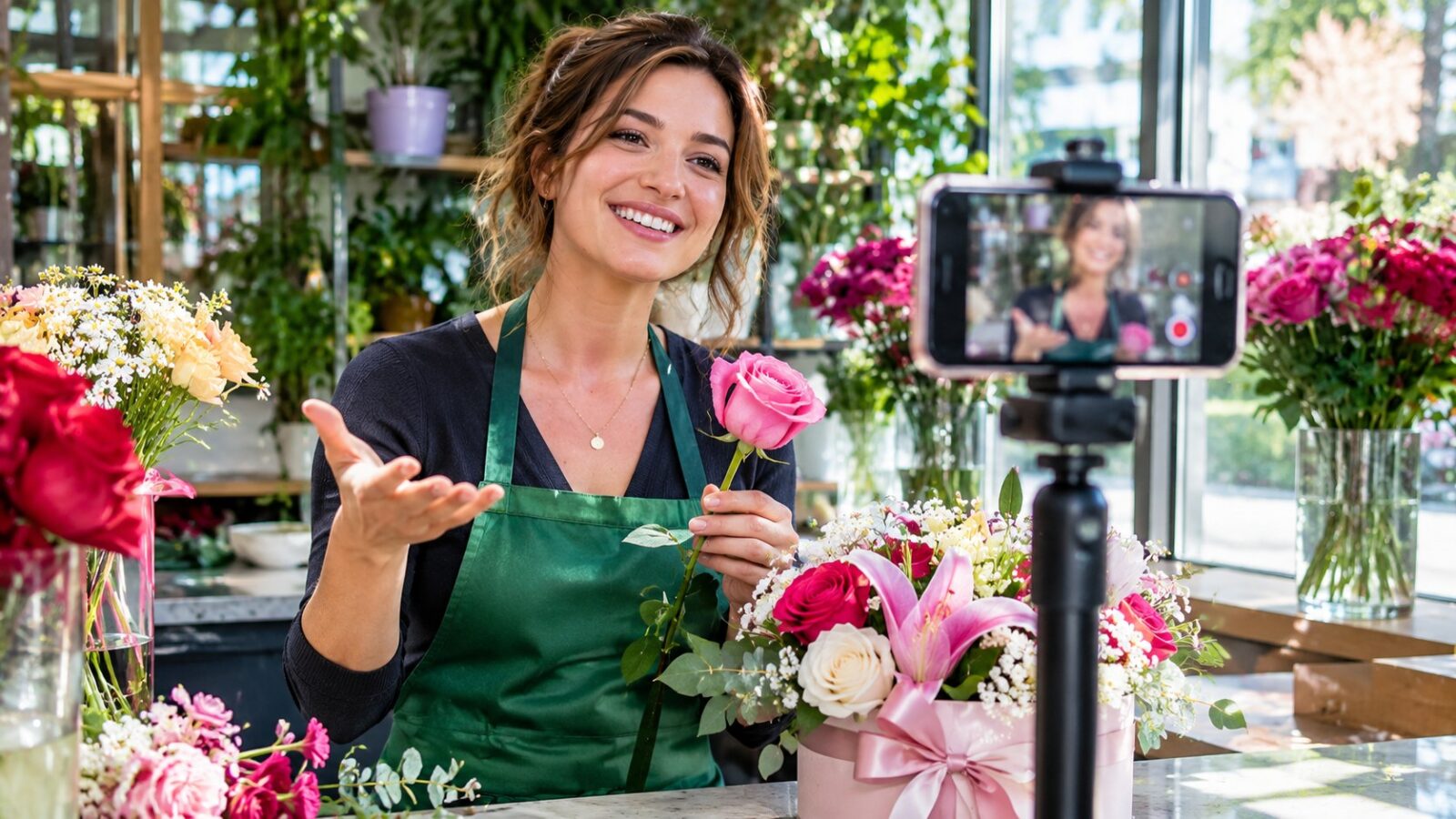
HeyGen puts a realistic presenter on screen, and its strongest florist feature is video translation with lip sync in 175 languages and dialects. Record one flower care explainer, one wedding consultation message or one welcome video for a new customer, and HeyGen localises it for every customer community the shop serves, with the presenter’s lips matching the translated words. A shop with customers from different language backgrounds can explain how to keep a bouquet fresh, what flowers suit a summer wedding or how to order for Mother’s Day in each customer’s own language without recording five versions. The Creator plan also includes a custom video avatar and a voice clone, so the presenter can be the florist themselves, a consistent face for the shop brand, explaining the arrangement instead of a stranger reading a script. For a florist, that consistency matters, because customers trust a face they recognise from behind the counter.
Price: the Creator plan costs $29 a month, or $24 a month billed annually. Creator includes a 30-minute maximum per video, up to 1080p export, more than 700 stock avatars, 175 languages and dialects, 1 custom video avatar and 1 voice clone. The Pro plan starts at $49 a month, with tiers from 1,000 credits a month at $49 up to 100,000 credits a month at $4,300. All Pro tiers share the same features, only the credit allocation changes. The Business plan costs $149 a month plus $20 a seat a month, with 3 or more seats, a 60-minute maximum per video and 4K export. The free plan costs $0, with up to 3 videos a month, a 1-minute maximum per video, more than 500 stock avatars, 30 or more languages, and a watermark.
Caveat: no annual Pro price is stated on the official page, so this guide quotes only the $49 a month starting figure for Pro. The Creator annual figure of $24 a month is stated in HeyGen’s own FAQ. Monthly subscribers’ unused credits roll over for one more month, and annual subscribers’ credits accumulate until renewal.
Best for: a shop with customers from different language backgrounds that needs one flower care explainer, one wedding consultation video and one welcome video translated into every customer language, presented by a consistent face.
Limit: an AI presenter is not the florist, so an explainer should introduce the flower care steps, not pretend the avatar arranged the bouquet, and the free plan’s 3 videos a month with a 1-minute cap is a trial, not a routine.
Section 2. Synthesia: best for staff training and wedding consultation explainers with a presenter
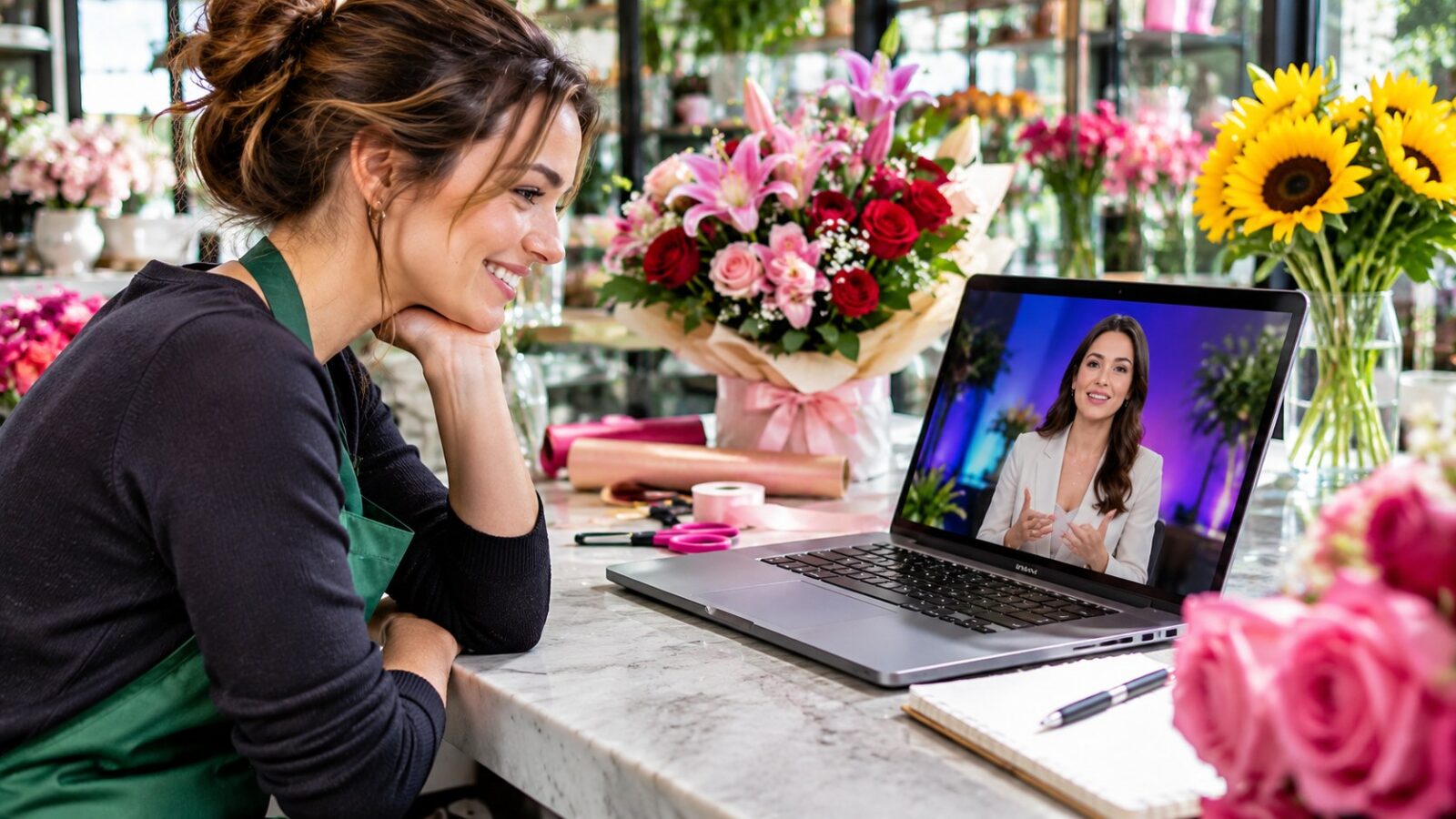
Synthesia is the training specialist in this list. Its Studio turns a written script, the flower care guide the shop already hands out, into a video with a realistic AI presenter, in more than 140 languages, with no camera and no filming. For a florist, the job is clear: one short, general video per topic, how to keep roses fresh, what to do when a bouquet arrives, how to choose flowers for a summer wedding, how to look after a potted orchid, made from the guide the shop already gives out, checked for accuracy, then sent to the customer by text, embedded on the shop website, or shown to new staff on their first day. Its new Syren agent builds a video from a plain description, and its 1-click translation turns the same explainer into every customer language. The Starter plan includes 125 or more AI avatars, survey tools for checking customer understanding, and no watermark.
Price: the Starter plan costs $19 a month on monthly billing, or $14 a month billed annually at $168 a year. Starter includes 1,250 credits a month, about 12 extra minutes of Studio video a month on top of the free allowance, 125 or more AI avatars, 3 guests, and no 3-minute cap on Syren videos. The Pro plan costs $89 a month on monthly billing, or $59 a month billed annually at $708 a year, with 6,000 credits a month, about 60 extra minutes of video a month, 180 or more avatars, 5 personal avatars and priority support. The Basic plan costs $0, with 500 credits a month, 10 minutes of Studio video creation or dubbing a month, 1 Syren video with a 3-minute cap, 9 AI avatars, and a Synthesia watermark.
Caveat: the first month is discounted, $9 for Starter and $49 for Pro, so the figures above are the regular renewal prices after month one. Synthesia’s pricing is now credit based, so a minute of video uses credits, and the exact video minutes per plan are estimates on the official page, not guarantees. A Black Friday and Cyber Week offer was live on the official page on 21 November 2026, shown as ending in about 6 days, so the figures above are the regular prices, not the offer prices. The official page lists no florist data agreement, so keep customer data out and use Synthesia only for general education videos, never for a named customer’s wedding or event.
Best for: a shop that wants proper staff training videos and wedding consultation explainers, one per topic, made from its own flower care guides, with a presenter and in every customer language, without filming anyone.
Limit: it is the most formal tool here, so a quick bouquet-making Reel is faster in CapCut, and the credit maths mean a month of long training videos needs the Pro plan.
Section 3. Pictory: best for turning a seasonal flower guide into video
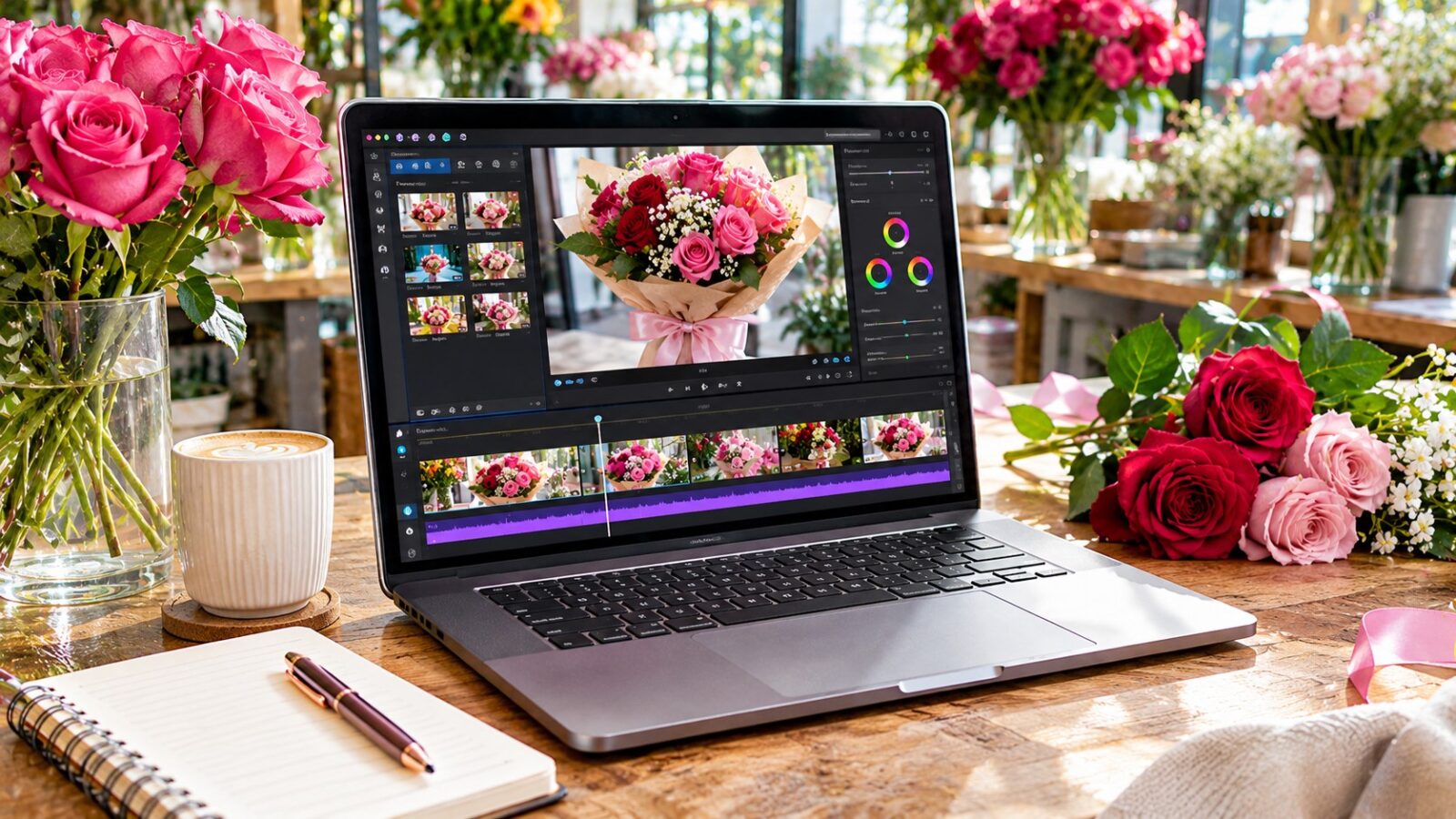
Pictory turns words into video, and its florist job is the shop’s own writing. A shop writes up every topic, a Valentine’s Day gift guide, a wedding flower guide, a Mother’s Day gift guide, a guide to keeping roses fresh, and Pictory builds a captioned video from that text, matching stock footage to the script, adding an ElevenLabs voiceover in several languages, and offering Veo 3.1 generated clips inside the same project. For a florist, that means the seasonal guide they already wrote becomes a video a customer will actually watch, instead of a page they will skim. It also handles the formats a shop needs, 16:9 for the website, 9:16 for Reels and Shorts, and automatic subtitles for viewers who watch on mute. A PowerPoint of wedding package options can become a video too, which suits a shop that already presents wedding choices on slides.
Price: the Starter plan costs $29 a month billed monthly. A Black Friday offer of $14.50 a month on monthly billing, or $12.50 a month billed annually, was live on 21 November 2026, and the regular annual rate is $25 a month. Starter includes 24,000 credits, up to 360 minutes a year, unlimited videos, 1080p export, 1 brand kit, unlimited access to more than 5 million royalty-free videos from Getty Images and Storyblocks, multilingual ElevenLabs voices, and stock avatars. The Professional plan costs $59 a month billed monthly, with a Black Friday offer of $29.50 a month monthly or $17.50 a month annual live on 21 November 2026, and adds cloned avatars, voice clones, 5 brand kits and 72,000 credits. The Teams plan costs $199 a month billed monthly, with a Black Friday offer of $99.50 a month monthly or $59.50 a month annual live on 21 November 2026, and adds 3 or more users and 216,000 credits. The free trial lasts 14 days, with 300 credits, up to 10 minutes, 3 videos, and a Pictory watermark.
Caveat: the Black Friday prices above are temporary offers, so this guide quotes the regular $29 a month Starter price as the headline figure and notes the offer separately. The annual regular rate of $25 a month comes from the page header and today’s text read, since the page today also shows the offer price for annual billing.
Best for: a shop that already writes up every topic and wants that description turned into a captioned video with a voiceover, without filming or opening a timeline.
Limit: it builds from stock footage and generated clips, so it cannot show your actual bouquet or your actual work unless you upload your own photos into the project, and the credit pool is shared across every AI feature, so heavy generation drains it fast.
Section 4. InVideo AI: best for seasonal promos from one sentence

InVideo AI is template-first: type a prompt such as a 30-second promo for a Valentine’s Day bouquet collection, and it returns a draft video with stock footage, text and music, ready to edit. For a florist, that means a seasonal promo, a Mother’s Day offer, a wedding season announcement or a same-day delivery reminder without opening a timeline. Its Agent Two builds the video from a prompt, and the Plus plan adds all Seedance models, so the footage can be AI-generated instead of stock. When a shop launches a new seasonal collection or refreshes a holiday offer, the promo writes itself from one sentence, and the same prompt pattern works for every occasion on the calendar.
Price: the Starter plan costs $10 a seat a month when billed annually at $120 a year, or $20 a seat a month on monthly billing. Starter includes 400 credits a seat a month, about 15 Seedance 2.0 Fast videos, 200 GB of storage, and Agent Two Lite only. The Plus plan costs $30 a seat a month on annual billing, with 2,000 credits a month and all Seedance models. The Max plan costs $125 a seat a month on annual billing, with 8,000 credits a month and 2,000 GB of storage. Unused credits do not roll over. The pricing page says accounts downgrade to a Free plan after cancellation, but it does not list the free plan’s limits, so this guide does not quote them. The timeline editor itself is free, and the page says 40 hours of editing costs nothing.
Caveat: the Plus annual price changed twice in two days. It was $24 a seat a month on 19 November 2026, then $60 a seat a month with 5,000 credits on the morning of 20 November 2026, and then $30 a seat a month with 2,000 credits on the afternoon of 20 November 2026, shown as a 50 percent off Black Friday offer. On 21 November 2026 it is still $30 a seat a month with 2,000 credits. A Black Friday sale of up to 75 percent off, pay for 12 months and get 24, is live on the pricing page today. Confirm the current figure at checkout. The monthly prices for Plus and Max were not directly shown in today’s read, so confirm them at checkout too.
Best for: a shop that launches a new seasonal collection or refreshes a holiday offer every month and wants a promo, a launch video or a Valentine’s Day reminder from a sentence, such as a Valentine’s Day bouquet promo, a Mother’s Day offer, or a new wedding season announcement, without filming or editing.
Limit: Starter cannot use the full Seedance range, so AI-generated footage really starts at Plus at $30 a month on annual billing under today’s Black Friday offer, and Starter’s stock-first videos will not show your actual bouquet, so the promo is a mood piece, not a record of your work.
Section 5. CapCut: best for bouquet-making Reels with captions

CapCut is the editor most florists already have on a phone, and it is built for short vertical video: trending templates, auto captions, effects and sounds that match what is performing on Reels and TikTok right now. For a florist, its two most useful features are auto captions in more than 20 languages, including bilingual captions and translation, because a Reel filmed in one country is often watched in another, and auto beat sync, which cuts clips to the music automatically. The Pro plan adds 1,200 AI credits a month, all premium templates, 1 TB of storage and Seedance video generation, and one Pro account unlocks Pro on phone, desktop and web. A 7-day free trial of Pro needs no credit card, and the free plan exports with no watermark, so a bouquet-making Reel can be cut at the bench and posted before the florist leaves the shop.
Price: the Pro plan costs $19.99 a month as shown on the official pricing page. Pro includes 1,200 monthly AI credits, 1 TB of cloud storage, all premium templates and Pro features, AI video generation, and 4K export at 60 frames per second. The annual price is $179.99 a year, about $15 a month. The Teams plan costs $12.49 a month per seat and adds a Brand Kit plus Pro features for every seat. The Ultra plan costs $79 a month with 8,645 AI credits for heavy AI generation work. The free plan costs $0 and covers basic editing tools and free templates, and a video cut from your own footage can export with no watermark on Free.
Caveat: CapCut’s own page warns that displayed prices are for reference only and the final price appears after sign-in, and prices can vary by region, device and current promotions. A cheaper $9.99 a month Standard tier exists in the mobile app only and is not sold on the website, so this guide does not quote it as a web price.
Best for: a shop that films at the bench, edits the same day, and needs finished vertical bouquet-making Reels with captions and beat-synced cuts for Reels, TikTok and Shorts before the florist leaves the shop.
Limit: it is a single-account editor, not a video generator, so it cannot create the bouquet footage itself, only edit what you already filmed or generated elsewhere, and the AI credits are a monthly pool that runs out if you generate a lot of video.
Section 6. Kling AI: best for animating bouquet photos into a reveal

Kling AI is the motion specialist in this list, and it is the cheapest paid plan here. Its image-to-video keeps the bouquet and the shop in your photo intact and moves what should move: petals swaying gently in a finished bouquet, sunlight shifting across a shop window display, a slow drift past a wedding table arrangement. That matters for a florist because a bouquet is mostly still, and the wrong kind of motion, a rose that bends or a vase that shifts, breaks the trust at once. Kling also offers first and last frame control, so you can set the opening photo and the closing photo and let the model fill the move between them, which keeps the arrangement honest and makes it the best tool here for the reveal moment in a new-collection video.
Price: the Standard plan costs $6.99 for the first month, then $8.80 a month, with 660 credits a month. Billed yearly it costs $79.20 a year, or $6.60 a month. The Pro plan costs $25.99 for the first month, then $32.56 a month, with 3,000 credits a month. The Premier plan runs from $80.96 to $376.99 a month depending on how many credits you pick, and the Ultra+ plan costs $544.99 a month with 57,000 credits. The free Basic plan costs $0, with monthly free credits claimed on login, a watermark, 720p export, and no commercial use.
Caveat: Kling’s official pricing page, read on 21 November 2026, renders its marketing page with no prices in the fetched text, so the figures above come from multiple independent checks of Kling’s official membership page in October and November 2026, most recently 12 to 15 November 2026, and all of them agree. Confirm the price at checkout before buying. Credits are spent per second of video and monthly credits expire 31 days after they are issued, so Standard’s 660 credits buy a few short bouquet clips a month, not a library. Watermark removal and commercial use are paid-plan only, so the free plan is a test, not a business workflow.
Best for: a shop that wants believable movement inside its own real bouquet, petals swaying gently in a finished arrangement, sunlight shifting across a shop window display, with the bouquet itself unchanged, at the lowest paid price in this list.
Limit: the credit pool is small, so a month of daily bouquet clips needs a higher plan, and the first-month discount hides the renewal price, so read the renewal figure before subscribing.
Section 7. Runway: best for cinematic bouquet reveals from photos

Runway is the job video specialist in this list. Its Gen-4.5 model turns a photo of a finished bouquet into a short moving clip: a wedding bouquet reveal, a Valentine’s Day arrangement coming alive, a calm walkthrough of a shop window display, a seasonal collection told in a few seconds. For a florist, that is the exact job: the photo of the arrangement you already have becomes the video, with no camera crew and no filming session. Runway exports vertical clips for TikTok and Reels, product-page loops and ad cuts from the same project. It also offers 4K upscaling, music, voice and sound effects generation, and a brand kit on the Pro plan, so the shop’s clips keep one look across the month.
Price: the Standard plan costs $15 a month on monthly billing, or $12 a month billed annually, with 625 credits a month. That buys about 52 seconds of Gen-4.5 video, 104 seconds of Gen-4 Turbo, or 78 Gen-4 images at 1080p each month. The Pro plan costs $35 a month on monthly billing, or $28 a month billed annually, with 2,250 credits a month, about 187 seconds of Gen-4.5 video. The Max plan costs $95 a month on monthly billing, or $76 a month billed annually, with 9,500 credits a month. The Free plan costs $0, with 125 one-time credits to explore the tools, a selection of generative models, 5 GB of storage, and a watermark on exports.
Caveat: the credit maths above are Runway’s own figures from the pricing page read on 21 November 2026, and credits are spent per second of video, so a month of daily bouquet clips needs the Pro plan. The free plan’s 125 credits are one-time, not monthly, so they run out after a few test clips. A generated bouquet clip must never be presented as a real arrangement or a real order, so use your own bouquet’s real photo as the starting frame and never present a generated arrangement as work you completed.
Best for: a shop that already photographs its arrangements and wants those photos turned into short moving clips, wedding bouquet reveals, calm shop window walkthroughs and seasonal collection films, for Reels and TikTok, without filming.
Limit: the credit pool on Standard buys under a minute of top-model video a month, so a shop posting daily bouquet clips needs Pro at $28 a month on annual billing, and a generated bouquet clip must never be presented as a real arrangement or a real order.
A worked example: one florist, 12 videos
Take a florist with one shop that posts 12 videos a month: 4 flower care explainers, 3 bouquet-making Reels, 2 seasonal promos, 1 wedding consultation video, 1 testimonial video, and 1 new-arrival video. Here is how the month runs on the starter stack and on the full stack.
On the starter stack, Kling AI Standard at $8.80 a month makes the bouquet reveals and new-arrival clips from the shop’s own bouquet photos, petals swaying gently in a finished arrangement and a slow drift past the shop window display, and CapCut Free finishes the 3 bouquet-making Reels with captions at the bench and exports them with no watermark. Total: $8.80 a month, about $0.73 per video. The flower care explainers are recorded as talking-head clips, the seasonal promos are simple slideshows, and the testimonial is filmed on a phone, which is slower but costs nothing.
On the full stack, Kling Standard makes the 2 bouquet reveals, HeyGen Creator narrates the 4 flower care explainers and translates them for customers in other languages, Synthesia Starter turns the written flower care guides into 2 more education videos with a presenter, Pictory Starter turns the written seasonal guide into the wedding consultation video, InVideo Starter writes the 2 seasonal promos and the testimonial video from one sentence each, Runway Standard turns the shop’s bouquet photos into wedding reveals and seasonal collection clips, and CapCut Pro finishes the 3 bouquet-making Reels with captions and beat-synced cuts. The cost builds up like this: $8.80 for Kling, $37.80 after adding HeyGen, $56.80 after adding Synthesia, $85.80 after adding Pictory, $105.80 after adding InVideo, $125.79 after adding CapCut, and $140.79 after adding Runway. Total: $140.79 a month, about $11.73 per video across the 12-video month.
On annual billing, the same seven cheapest plans cost $106.60 a month: Kling $6.60, HeyGen $24, Synthesia $14, Pictory $25, InVideo $10, Runway $12 and CapCut about $15. That is about $8.88 per video across the same 12-video month. Pictory’s annual figure is the regular rate of $25 a month, not the temporary Black Friday offer of $12.50.
Which of the best AI video tools for florists is right for your shop
A shop with one counter should start with the starter stack: Kling AI Standard plus CapCut Free, $8.80 a month. Make the bouquet reveals and new-arrival clips from your own bouquet photos, film the bouquet-making Reels yourself, and let CapCut finish them at the bench. Add HeyGen Creator at $29 a month when wedding clients need a consultation video in more than one language, because one consultation video that every customer understands is the video that pays for itself fastest. Add Synthesia Starter next when the shop wants proper staff training videos from its own flower care guides, with a presenter who never gets tired. Add Runway Standard next when the shop’s bouquet photos deserve to move, because a wedding bouquet reveal or a seasonal collection film is the clip that gets shared. Pictory comes next when the seasonal guides on the website deserve a video, and InVideo comes last, when the monthly posting volume justifies a prompt-to-video tool.
Frequently asked questions
Can a florist use AI video tools without filming anything? Yes, for explainers, promos and reveals, but not for real arrangements. HeyGen, Synthesia, Pictory and InVideo can build a video from text alone, and Kling and Runway can make a finished clip from your own photo, which covers flower care explainers, seasonal promos, bouquet reveals and welcome videos. A testimonial or a wedding bouquet has to show your actual work and your actual arrangement, so film that yourself, with the customer’s written permission, and use CapCut to finish it. A customer who orders on an AI-generated bouquet will complain on delivery day.
Do AI-generated flower videos break advertising rules? They can, if they mislead. A video that shows a bouquet, a wedding arrangement or a result your shop did not make is a misleading claim in many countries, and a customer who orders on it will feel cheated. A slow camera move across your own bouquet is honest. A video that shows flowers you cannot supply, or a bouquet that is not your work, is a refund request waiting to happen. Use AI for the presenter, the camera move and the edit, and your own arrangements, with the customer’s written permission, for the results, the weddings and the testimonials. Our separate guide to the best AI video tools for wedding videographers covers a similar honesty rule for wedding videos in a neighbouring trade.
What if the flower in the video is out of season? Do not promise it. Check availability before posting, because a seasonal promo must match what the shop can actually supply that week. A video promising peonies in December, or tulips in high summer, will disappoint the customer who orders on it. Build seasonal promos around the flowers that are actually in the shop that week, and say the flower names in the video so the customer orders what they saw.
Is customer data safe in AI video tools? Not automatically. None of the seven tools in this guide publishes a florist data agreement on the pages checked for this guide, so treat every tool as unsuitable for customer data. Never upload a customer’s name, wedding photo, event record or identifiable detail into any of them. Make only general education videos, how to keep roses fresh in general, how to choose flowers for a summer wedding in general, and keep every named customer’s wedding out of the tools entirely. Add a line to every video that it is general information and not a substitute for a qualified florist.
What does a florist video stack cost per month? The starter stack in this guide is $8.80 a month, about $0.73 per video across 12 videos. The full stack of all seven cheapest paid plans is $140.79 a month on monthly billing, or $106.60 a month on annual billing. Start with the starter stack and add one tool at a time as the videos earn their keep.
Conclusion
A florist does not need a film crew. It needs 12 honest videos a month: flower care explainers that calm a worried gift buyer before the order, bouquet-making Reels that show the craft, a bouquet reveal that shows neat and careful work, and a wedding consultation video that puts a face to the shop. The best AI video tools for florists in this guide cover those jobs for $8.80 a month to start, or $140.79 a month for the full stack, with real prices checked on 21 November 2026. Start with Kling and CapCut, add HeyGen when your wedding clients speak more than one language, and add Synthesia when your flower care guides deserve a presenter. Film your own arrangements, let AI move the camera, and never let a generated clip pretend to be a bouquet you did not make.