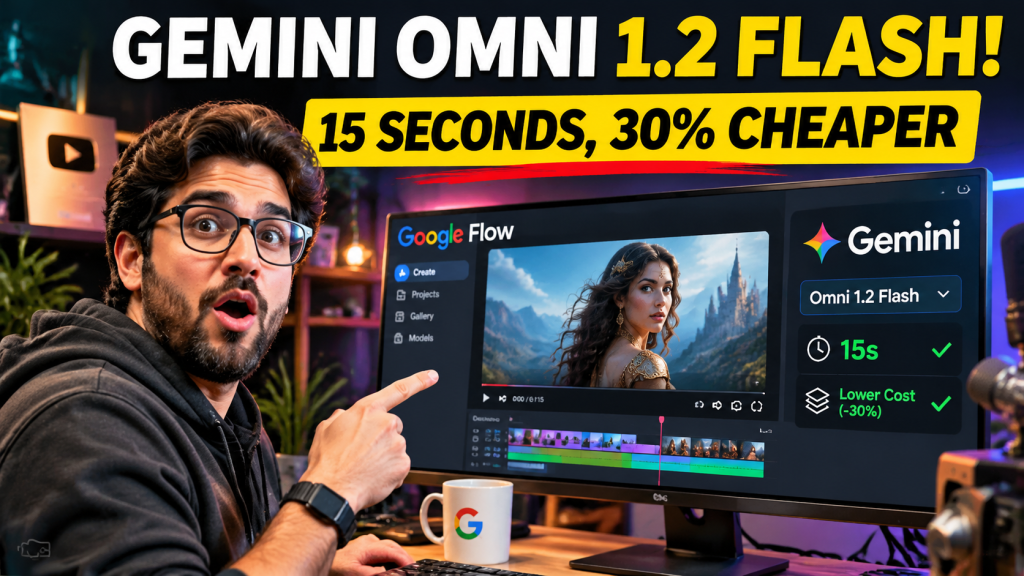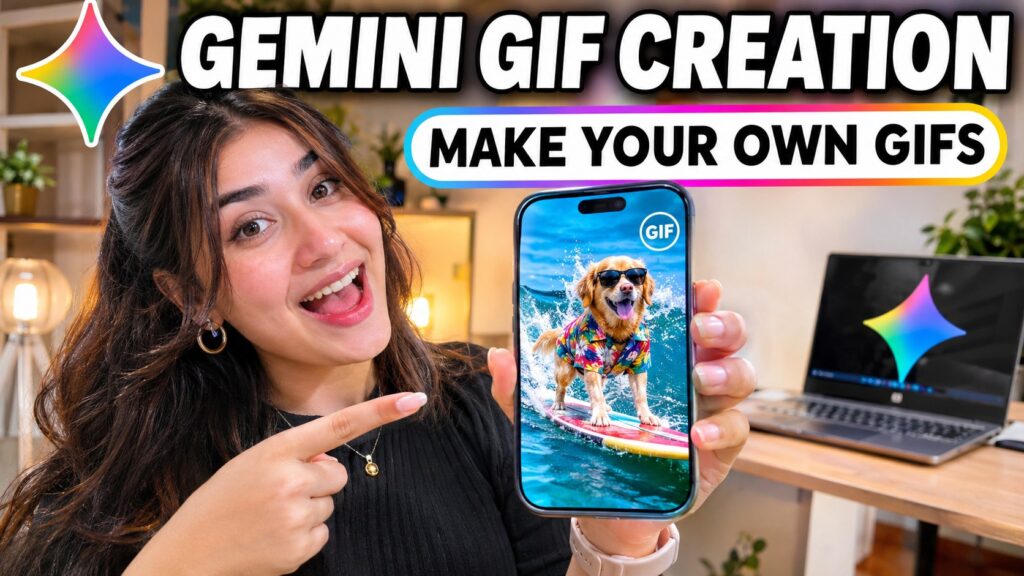
Gemini GIF creation is live in the Gemini app, and it turns Google’s newest video model into something anyone can use in seconds. Google announced the feature on 20 November 2026: instead of searching GIF libraries for the perfect reaction, you describe it, and Gemini makes it. The GIFs run on Gemini Omni 1.2 Flash, the same model behind Gemini’s video tool, and each one loops for about three seconds. It is a small feature with a big meaning, because it puts AI video generation in front of everyday users for the first time.
What Gemini GIF Creation Does
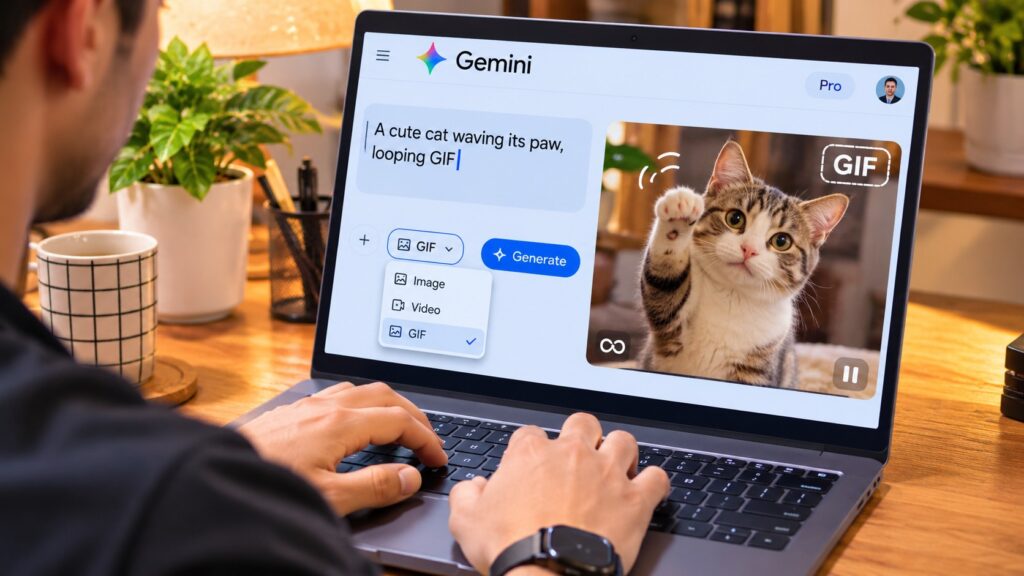
Gemini GIF creation makes short, silent, looping animations from three kinds of input. You can type a plain text prompt, such as “Create a GIF of a dog riding a surfboard”, which is Google’s own example. You can upload your own photos as reference, so a picture of your dog, your product or your friend becomes the star of the loop.
Or you can start from a video clip and turn a moment from it into a looping GIF. Google describes the use cases plainly: looping photo effects and funny memes. Once Gemini finishes, you can copy and paste the GIF straight into a chat, an email, a document or a social media post, or download it to your device as a standard .gif file.
How to Make a GIF in Gemini
Making one takes four steps, and you do not need to install anything extra.
1. Open Gemini and describe your GIF
Open the Gemini app or go to gemini.google.com and start a chat. You can simply type what you want, for example “Create a GIF of a cat waving goodbye”. Or open the image and video creation tools and pick GIF from the format picker before you write your prompt.
2. Add a photo or video if you want one
If you want the GIF built around your own material, upload it as a reference. Google’s help page says you can upload images as reference when you generate images or GIFs. That is how you turn a product photo into a looping demo, or a photo of a friend into a personalised reaction GIF.
3. Wait for Gemini to generate it
Gemini builds the loop with Omni 1.2 Flash. Google says the model gives smooth motion and consistent quality across every frame, which matters in a loop, because any jump between the last frame and the first frame breaks the effect. Generation can take a few minutes, and you can start a new chat while it works.
4. Copy, paste or download it
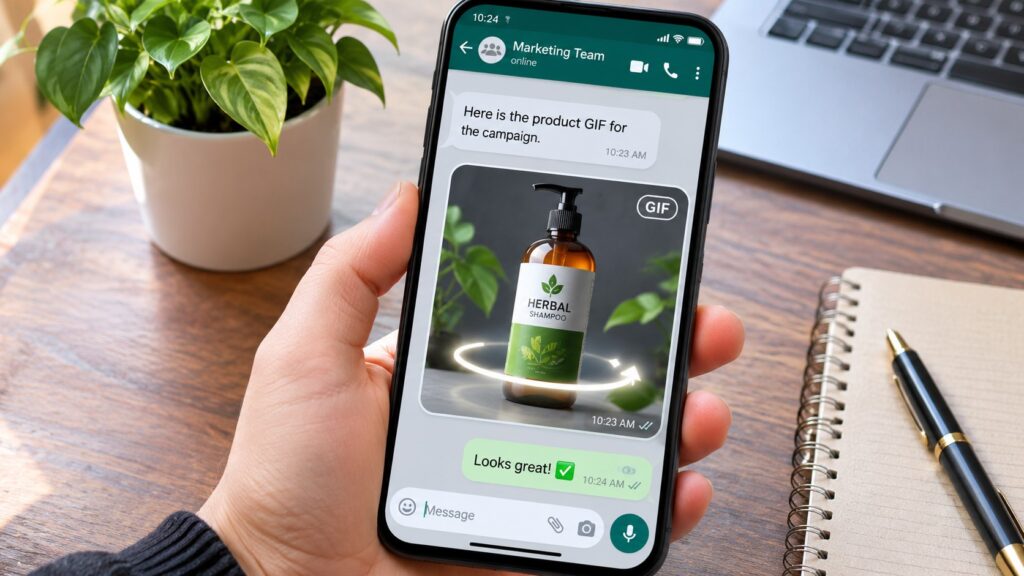
When the GIF is ready, copy and paste it into any app that supports animated GIFs, including docs, emails, messages and social media, or download it as a .gif file to keep and reuse.
Who Can Use It, and the Limits
This is the part to read before you go looking for the button. Google is rolling the feature out gradually, so even eligible users may not see it yet. Google’s help page says you must be in one of eight countries to create GIFs: Australia, Canada, France, Germany, Japan, Korea, the UK or the US. It also says GIFs are created by Gemini Omni, which requires a Google AI plan, and that you must be 18 or over to generate and edit images.
Some reports say free users in those eight countries can also use it, but Google’s own help page still lists a Google AI plan as the requirement, so check your plan first if the GIF option does not appear.
The limits are honest ones. Each GIF is about three seconds long, so this is a reaction or a meme, not a short film. The feature is new, so there are no published daily limits yet, and Google has not said which resolutions the GIFs come in. And because the rollout is gradual, the feature may take a few days to reach your account even if you meet every requirement.
Why It Matters for Creators
A three-second GIF sounds small, but it matters for two reasons. First, it is the first time most people will touch Gemini Omni 1.2 Flash, a model that only launched on 5 November 2026 and makes 15-second videos with sound. GIFs are the friendly front door: millions of people send GIFs every day in chats and comments, and now they can make the exact one they want instead of settling for the closest match in a library.
Second, it is useful work for creators right now. A looping product shot makes a better social post than a still photo, a personalised reaction GIF fits a brand’s voice in a way a stock GIF never will, and a three-second loop is cheap to make and easy to share. ChatGPT already offers GIF creation, so Google is catching up here rather than leading, but for anyone already paying for a Google AI plan, the feature costs nothing extra. Pika Enact points the same way, toward directing video instead of prompting it.
The Bottom Line
Gemini GIF creation is not a new video model, it is a new way to use the one Google just launched. If you have a Google AI plan and you are in one of the eight launch countries, open Gemini, pick GIF from the format picker, and describe the loop you want. If the button is not there yet, wait, because the rollout is gradual. And if you want the full version of the same model, read our guide to Gemini Omni 1.2 Flash, which makes 15-second videos with sound for about $0.07 per second at 720p.