This comparison of the 5 best AI tools for YouTubers covers free limits, starting prices, and the workflow that saves a YouTuber hours every week.
Verdict first: A YouTuber does not need five tools on day one. Start with Descript for editing and Opus Clip for turning one long video into Shorts. Add CapCut when you need a full mobile or desktop editor with free captions. Add HeyGen only if you want presenter videos without a camera. Add vidIQ only for titles and thumbnails, because it cannot edit video at all. That stack, in that order, covers editing, repurposing, captions, presenting and packaging.
The YouTuber workflow that actually saves time: Record once, edit by transcript in Descript, cut the best moments into Shorts with Opus Clip, polish captions and exports in CapCut, and package the upload with a vidIQ title and thumbnail. Most creators waste time by doing these steps in the wrong order, for example editing Shorts by hand before the long video is even finished.
Descript
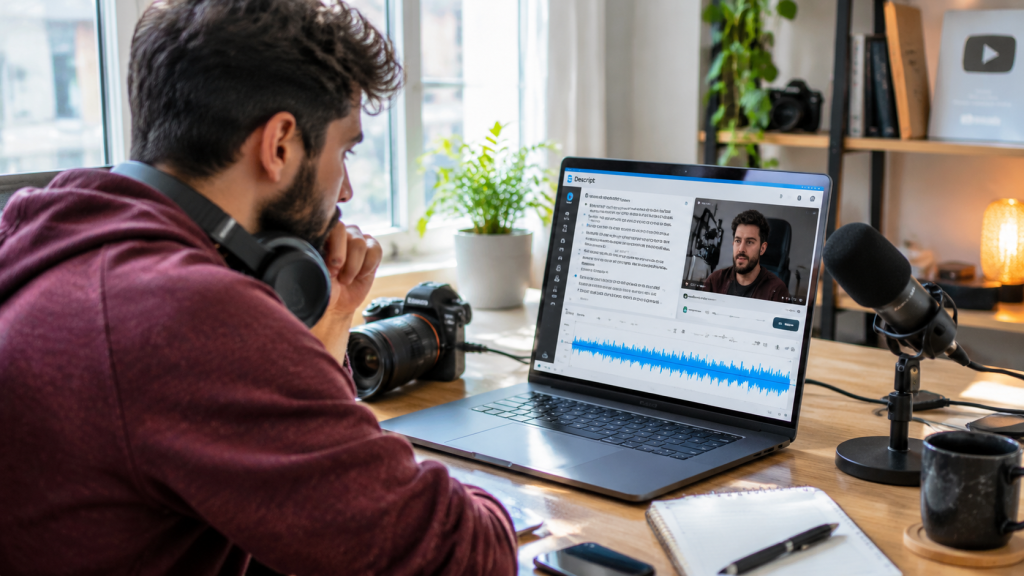
Descript lets a YouTuber edit video by editing a transcript. Delete a sentence in the text and the footage is cut. It offers automatic transcription in 25 languages, dynamic captions, filler word removal, Studio Sound audio cleanup, the Underlord AI co-editor, clip repurposing, and AI text to speech with custom voice clones and video regenerate.
Free: 60 media minutes per month, 100 one-time AI credits, 720p exports with watermark, AI tools in limited form. Paid: Hobbyist $16 per person per month billed annually ($24 monthly), with 10 media hours, 400 AI credits monthly and watermark-free 1080p exports. Strength: rough cuts are extremely fast with transcript editing. Limit: AI use is credit capped and free exports carry a watermark. Best for: YouTubers who record talking videos and hate timeline scrubbing.
Opus Clip
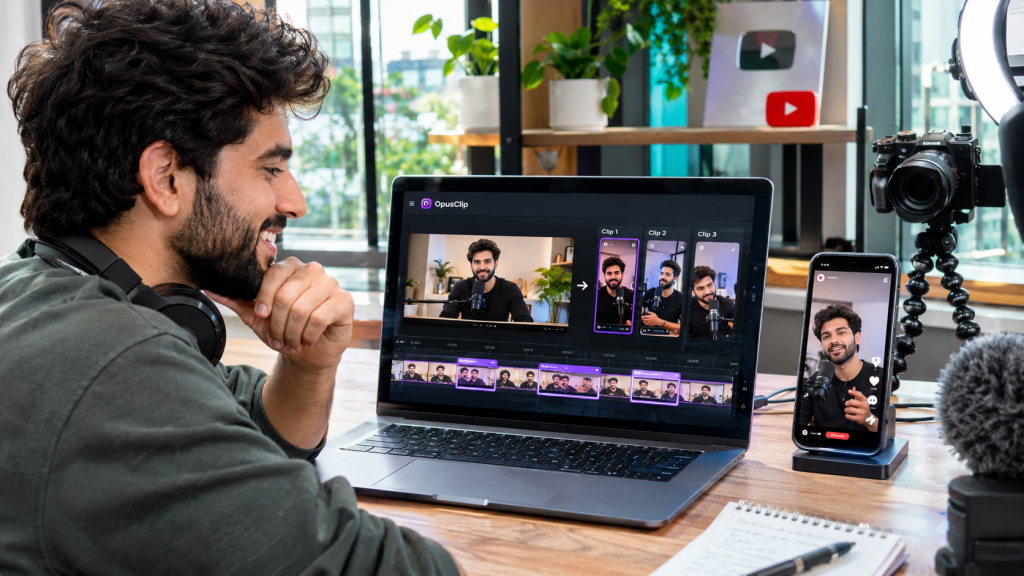
Opus Clip turns one long YouTube video into shareable short clips with AI. It detects the best moments, adds an AI virality score, animated captions, AI trimming, reframes for multiple aspect ratios, and can auto-post to YouTube Shorts and TikTok.
Free: 30 upload minutes per month in the latest research view (note: an earlier pricing view showed 60 credits per month, so re-check the official pricing page on the day you sign up), clips expire after 3 days, exports are watermarked, no editing included. Paid: Starter $15 per month (90 credits monthly), with watermark removal and AI trimming; Plus $29 per month. Strength: a purpose-built repurposing engine with virality scoring. Limit: strictly credit-based, and the free plan is very restricted. Best for: YouTubers who want one long video to become many Shorts.
CapCut
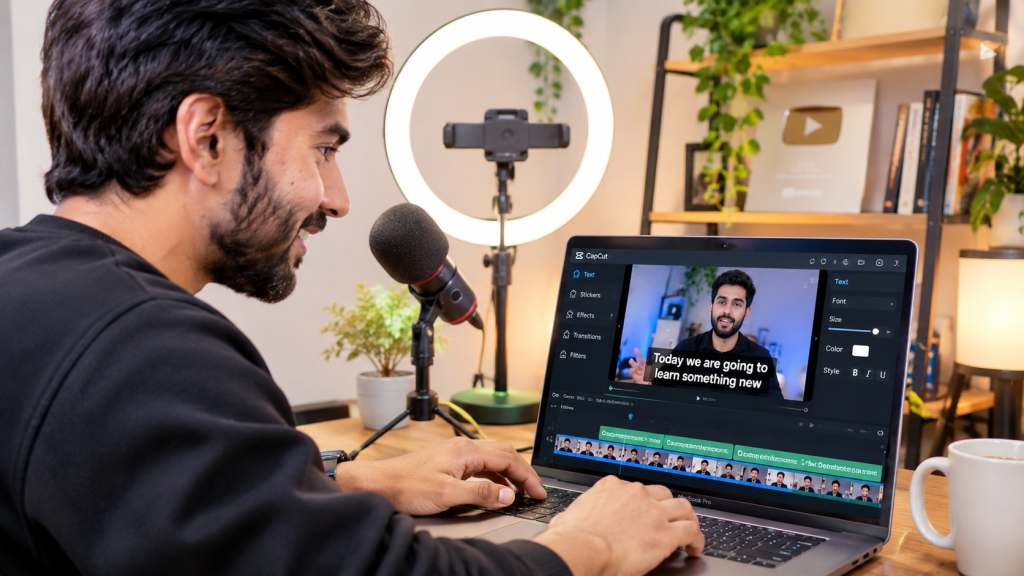
CapCut is a full video editor on desktop, mobile and web for the whole YouTube workflow. Its AI features include a free AI caption generator (automatic speech recognition, 20+ languages, caption templates), text to speech, auto subtitles, transcription and an AI video generator.
Free: basic editing tools and free templates, and the AI caption feature on CapCut Web is free with no hidden costs. Paid: Pro $19.99 per month, with 1,200 monthly AI credits, premium templates and 1TB storage. CapCut notes shown pricing is for reference and final pricing appears after sign-in. Strength: a complete editing suite with genuinely free auto captions and templates. Limit: advanced AI features sit behind the Pro paywall. Best for: YouTubers who edit and publish in one place, especially on mobile.
HeyGen
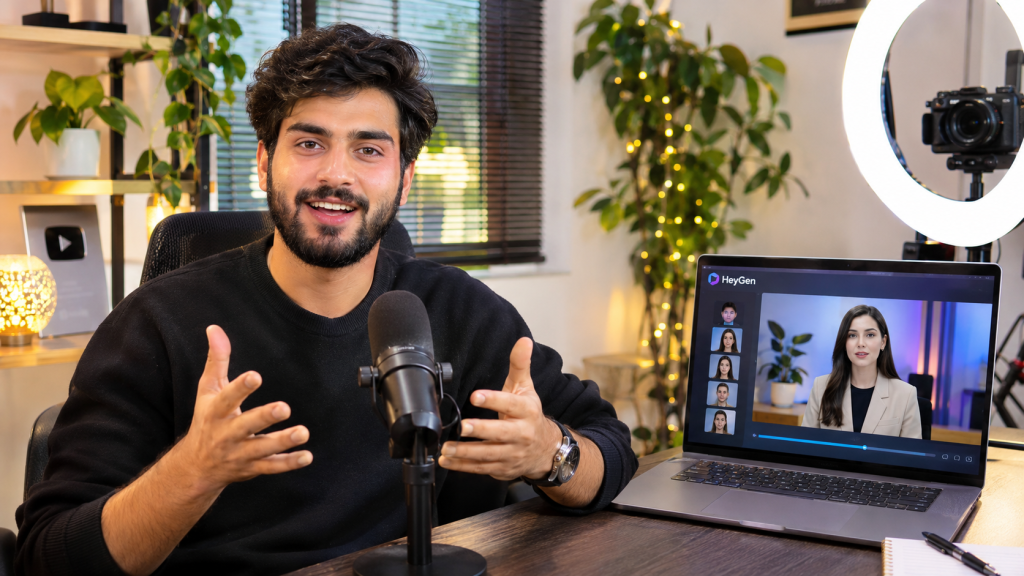
HeyGen creates presenter style videos without a camera using AI avatars, a custom video avatar with your own voice and likeness, voice cloning, HeyGen Voice text to speech with 1,000+ voices, script to video, and video translation and dubbing in 175+ languages.
Free: 3 watermarked videos per month, up to 1 minute each, 30+ languages, one custom video avatar. Paid: Creator $29 per month on monthly billing, with 600 credits, watermark-free 1080p exports, custom avatar with your own voice, 175+ languages and monthly credit rollover. Strength: realistic AI avatars and voice cloning, great for faceless channels, intros and multilingual versions. Limit: it is credit-based and is not a full video editor, and the free plan is tiny. Best for: faceless presenters, intros and translated versions.
vidIQ

vidIQ is NOT a video tool, and that distinction matters. It is a YouTube growth and SEO tool, and it only fits this guide for its AI packaging tools. The AI YouTube Title Generator is free and generates keyword-rich titles scored against real YouTube search data. The AI YouTube Thumbnail Maker generates click-optimised thumbnails from a description, video URL or footage, free to try with the first few thumbnails requiring no account, then 150 free AI credits per month with no watermark on the free plan.
Paid: Boost from $19 per month ($16.58 per month on annual billing at $199 per year), with 2,000 monthly AI credits. Strength: title and thumbnail tools built on real YouTube performance data. Limit: it cannot edit, caption or generate video at all. Best for: packaging, titles, thumbnails and channel growth after the video is edited.
AI tools for YouTubers compared
AI tools for YouTubers compared: Descript, free 60 minutes, watermarked 720p, from $16 yearly, best for transcript editing. Opus Clip, free 30 upload minutes, watermarked, expiring clips, from $15 monthly, best for Shorts repurposing. CapCut, free basic tools and free captions, from $19.99 monthly, best complete editor. HeyGen, free 3 videos, 1 minute each, watermarked, from $29 monthly, best avatar presenter. vidIQ, free title generator and thumbnail credits, from $19 monthly, best packaging only.
Mistakes to avoid
- Buying all five tools at once before you have a publishing routine.
- Editing Shorts by hand when Opus Clip can draft them in minutes.
- Publishing a long video with no Shorts version, which wastes the best moments.
- Using a free plan voice or clip commercially when the free terms exclude it.
- Judging a tool on one video, when credits, watermarks and expiry rules only show up over a month of uploads.
FAQ
- Which AI tool should a new YouTuber start with? Descript free for editing, plus Opus Clip free for Shorts, because those two cover the two jobs that take the most time.
- Can I run a channel on free plans only? You can start that way, but watermarks, minute caps and expiring clips will force a paid plan once you publish weekly.
- Is vidIQ a video editor? No, it is a growth and packaging tool for titles, thumbnails and channel data, and it does not edit video.
- Which tool is best for faceless channels? HeyGen for the presenter plus Descript or CapCut for editing, with vidIQ for packaging.
Verdict: For AI tools for YouTubers, the smart stack is Descript plus Opus Clip first, CapCut when you need a full editor, HeyGen when you need a presenter without a camera, and vidIQ when the video is ready to be packaged. Start free, publish weekly for a month, then pay only for the tool whose limit you actually hit.