A dog trainer’s best marketing is a dog that listens. A puppy that sits on the first ask, a rescue that walks calmly past another dog, a recall that works in a busy park. Every one of those moments is a video waiting to happen, and the trainers who post them regularly are the ones with a full class list.
The problem is time. A dog trainer spends the day in the park or the training hall, not at an editing desk. A 20 second recall clip needs cutting, captions, music and a vertical crop before it can go on Reels, and that work usually happens after the last class of the day. That is where the best AI video tools for dog trainers earn their place. They cut a long class recording into short clips, add captions, turn a script into a presenter video, or turn a class update into a promo, without a filming crew.
This guide compares seven tools on one job: 12 short videos a month for a small dog training business. Four training tip Reels, four class promos and booking clips, and four behaviour explainers. Every price below was checked on the official pricing page on 23 November 2026. Prices are in US dollars. Where a Black Friday offer is live, both the list price and the sale price are shown, because a sale price is not the price you will pay at renewal unless the page says so.
How we compared the tools
One job, one price, one checklist. Each tool was judged on what a dog trainer actually needs: editing real footage from the park or the hall, cutting long class recordings into vertical Reels, captions that work with the sound off, a presenter option for behaviour explainers when the trainer does not want to be on camera, and a price that fits a small training business.
The 12 videos a month in this guide are the volume a busy single trainer can sustain: one Reel every two or three days. If you post less, the free plans below will stretch further. If you post daily, you will need a paid plan and you should watch the credit limits, because every tool here meters its AI work in credits or minutes.
A note on honesty before the tools. A generated clip must never be presented as a real dog you trained. If the dog in the video is not a dog you worked with, do not post it as your result. A generated recall that looks perfect on screen but never happened is a misleading claim, and an owner who books a class expecting that result will leave disappointed. The tools below are for editing your real work and for presenter videos, not for faking training results.
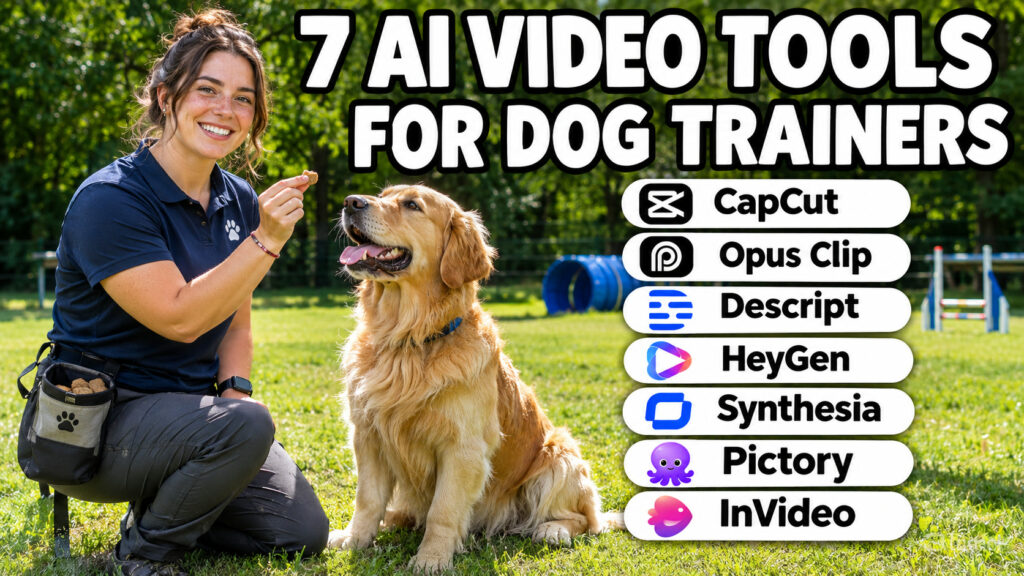
The 7 tools at a glance
| Tool | Best for a dog trainer | Free plan | Paid from (monthly billing) |
|---|---|---|---|
| CapCut | Fast phone edits and training tip clips | Yes | $19.99/mo Pro |
| Opus Clip | Cutting long classes into Reels | Yes, 60 credits/mo | $15/mo Starter |
| Descript | Editing by transcript, clean captions | Yes, 60 media minutes/mo | $24/mo Hobbyist |
| HeyGen | Avatar presenter for behaviour explainers | Yes, 3 videos/mo | $29/mo Creator |
| Synthesia | Polished presenter explainers | Yes, Basic | $19/mo Starter |
| Pictory | Class promos from text or a script | 14-day trial | $29/mo Starter, $14.50 on Black Friday sale |
| InVideo | Fast promo clips from a prompt | Yes | $20/seat/mo Starter |
1. CapCut: best for fast phone edits and training tip clips
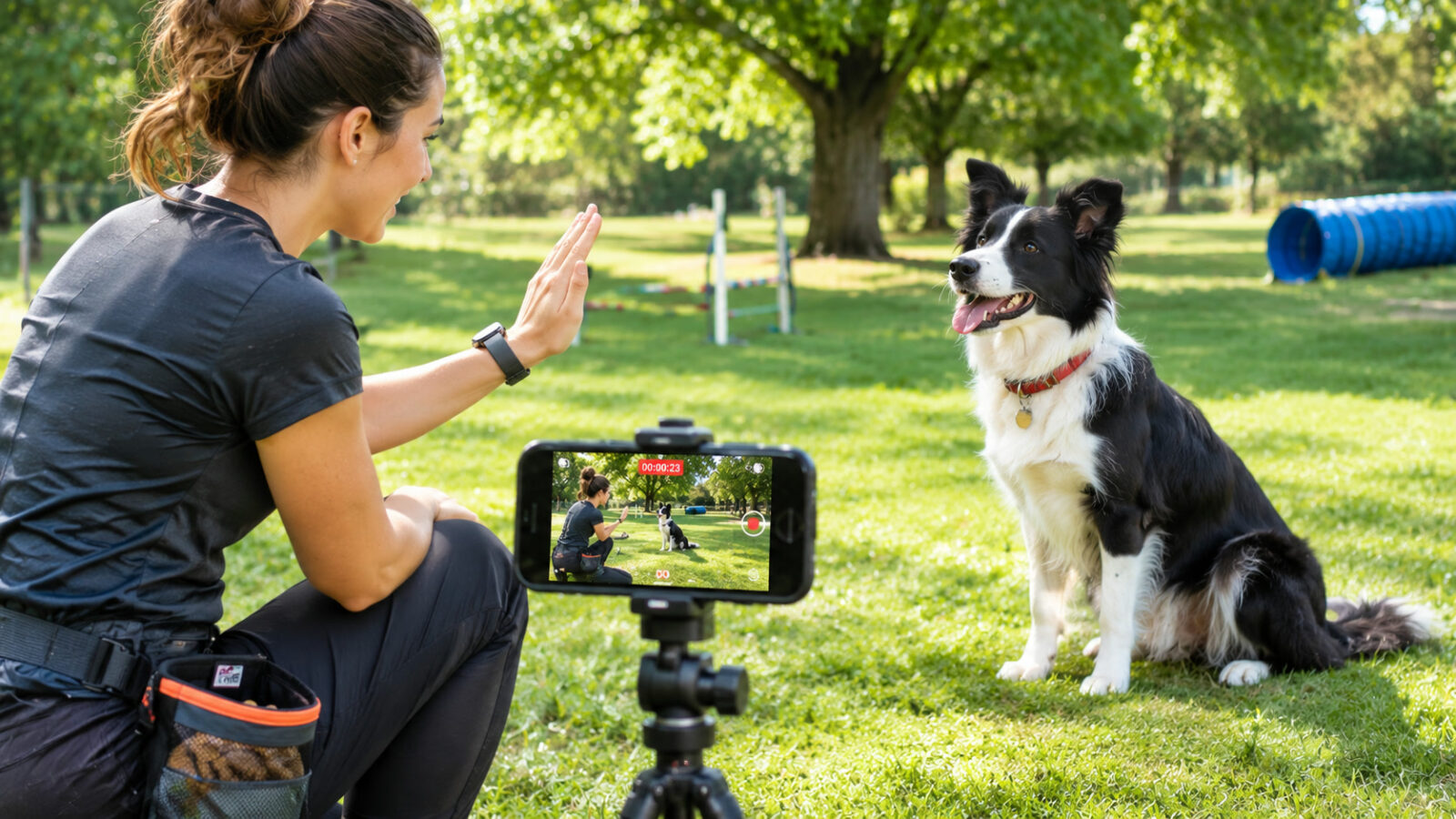
CapCut is the tool most dog trainers already have on their phone, and for the daily work of a trainer it is still the fastest. Film the recall on your phone, drop the clip on the timeline, slow the dog’s run down to a smooth moment, add auto captions and trending music, and export vertical for Reels. The whole job takes minutes, and it happens on the same phone that filmed it.
For a dog trainer, CapCut’s best features are the ones that remove friction. Auto captions mean an owner scrolling with the sound off still reads the command and the tip. Slow motion turns a two second recall into a four second clip that holds attention. Templates give a class promo a consistent look without designing anything from scratch. The free plan covers all of this, including 1080p export, which is enough for Reels and TikTok.
Price: CapCut is free to start. CapCut Pro is $19.99 a month, or $179.99 a year, which works out to $15 a month. Pro adds 1,200 AI credits a month, 1 TB of cloud storage, premium templates and 4K export at 60 frames per second. There is a 7-day free trial of Pro. Ultra is $79 a month and Teams is $12.49 per seat a month, but a small training business does not need either. Prices checked on the official CapCut pricing page, 23 November 2026.
When to pick it: pick CapCut if you film on your phone and want the edit done before the next class starts. It is the best first tool for a trainer that has never edited video.
Watch out for: CapCut is an editor, not a clip finder. It will not watch a two hour class recording and pick the best moments for you. That job belongs to Opus Clip below. Also check the music licence if a clip will run as a paid ad outside TikTok, because library music is licensed narrowly.
2. Opus Clip: best for cutting long classes into Reels

Opus Clip does the one job CapCut cannot: it watches a long video and finds the moments worth posting. Upload a 60 minute recording of a group class, or a long talk about loose lead walking, and Opus Clip cuts it into captioned vertical clips, scores each one with a Virality Score, and reframes the shot so the dog stays in frame.
For a dog trainer, this is the highest value tool on the list. One filmed class becomes a week of Reels: the first sit, the recall, the calm greeting, the puppy’s first loose lead walk. The trainer films once and the tool does the cutting. The Pro plan adds a social media scheduler, so the clips can go out across the week without the trainer opening the apps every day.
Price: Opus Clip is free, with 60 credits a month. One credit is one minute of the video you upload. Starter is $15 a month, monthly billing only, with 150 credits a month and no watermark. Pro is $29 a month, or $14.50 a month billed annually ($174 a year), with 300 credits a month per pack, a scheduler and 1:1 and 16:9 export. Business is custom pricing. Prices checked on the official Opus Clip pricing page, 23 November 2026.
When to pick it: pick Opus Clip if you film long classes and want several Reels out of each one. It pairs with CapCut: Opus Clip finds the clips, CapCut finishes them.
Watch out for: credits are charged on the length of the video you upload, not the clips you keep, so a two hour recording costs 120 credits before you see a single clip. The free plan’s exports close after three days, and Starter only exports vertical 9:16 clips.
3. Descript: best for editing by transcript and clean captions
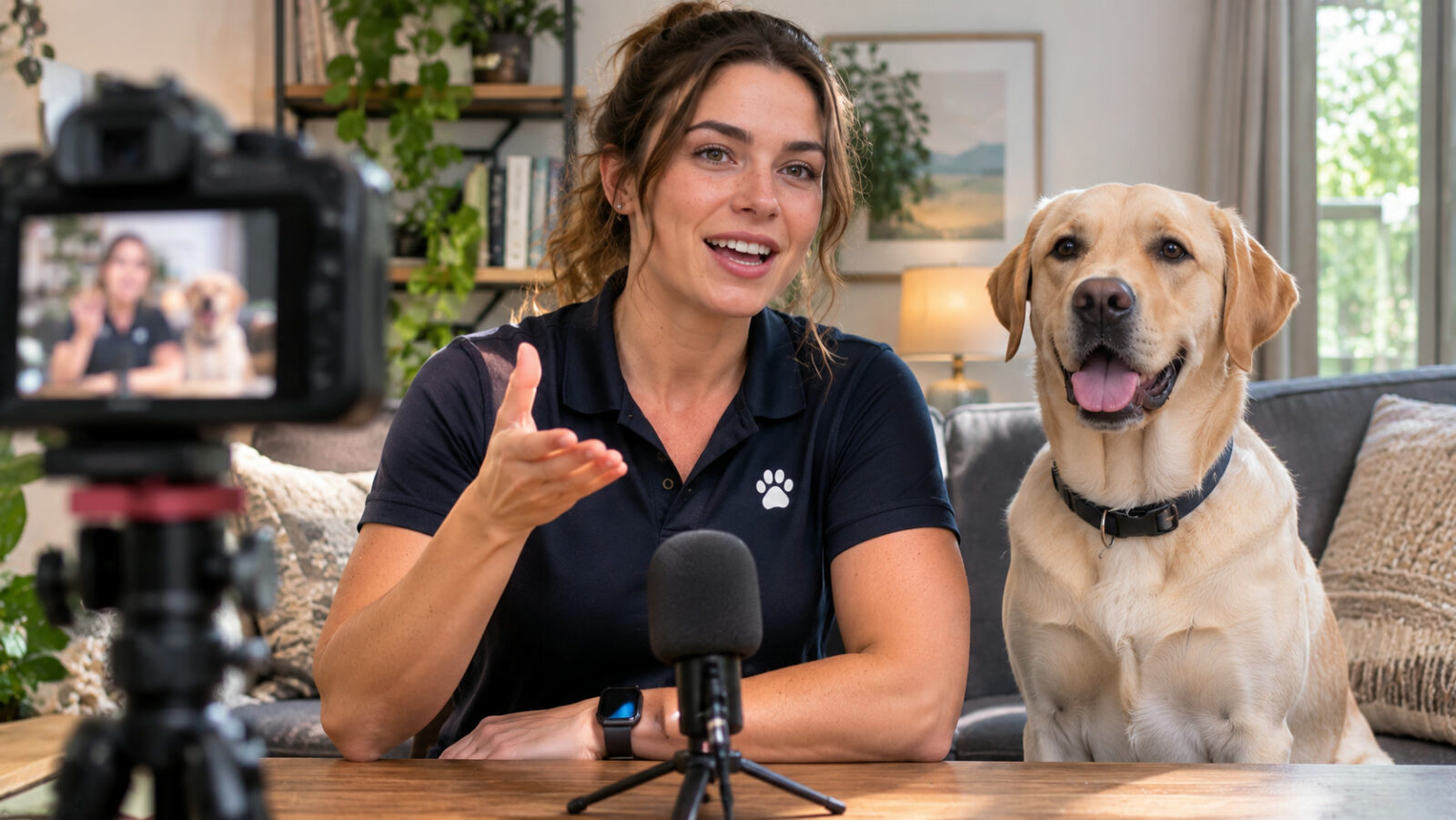
Descript edits video the way you edit a document. It transcribes the audio, and when you delete a sentence from the transcript, that part leaves the video. For a behaviour explainer or a puppy course lesson, where the trainer talks to camera for two minutes, this is the fastest way to cut the ums, the pauses and the repeated sentences.
For a dog trainer, Descript’s strength is spoken video. Record the loose lead tip once, cut it by deleting words, clean the audio with Studio Sound, and add captions that are accurate because they come from the transcript. The same tool turns a long puppy class recording into a short clip for new owners. Creator adds 4K export and timeline export to Premiere or Final Cut if a trainer wants a professional finish elsewhere.
Price: Descript is free, with 60 media minutes a month, 100 one-time AI credits and 720p watermarked export. Hobbyist is $24 a month, or $16 a month billed annually, with 10 media hours and 400 AI credits a month. Creator is $35 a month, or $24 a month billed annually, with 30 media hours, 800 AI credits and 4K export. Business is $65 a month, or $50 a month billed annually, with 40 media hours and 1,500 AI credits. Prices are per person. Prices checked on the official Descript pricing page, 23 November 2026.
When to pick it: pick Descript if you talk on camera and want the cleanest captions and the fastest spoken-word edit. It is the best tool here for behaviour explainers and owner intros.
Watch out for: Descript is built for spoken video, not for visual training moments. A silent recall clip has no transcript to edit, so it belongs in CapCut. Media minutes and AI credits reset each month and do not roll over.
4. HeyGen: best for an avatar presenter for behaviour explainers

HeyGen turns a script into a video presented by a realistic AI avatar, and translates it into more than 175 languages. For a dog trainer, the use case is simple: the trainer writes the behaviour explainer script once, and HeyGen’s presenter delivers it, every time, without the trainer filming again. The same script can go out in English, Spanish and Urdu for a mixed local client base, with the presenter’s lip sync matched to each language.
HeyGen also fits the trainer who does not want to be on camera. A digital twin of the trainer can front the puppy course explainer and the new class announcement, so the business has a face on its videos without the trainer recording every week. HeyGen requires explicit consent from anyone turned into an avatar, and a voice clone needs explicit, informed permission, so only ever clone yourself, never a client or a member of staff.
Price: HeyGen is free, with 3 videos a month up to one minute each. Creator is $29 a month, or $24 a month billed annually, with 600 credits a month, videos up to 30 minutes and 1080p export. Pro is $49 a month, or $41 a month billed annually, with 1,000 credits a month and 4K export. Business is $149 a month, or $119 a month billed annually, plus $20 per extra seat, with 1,500 credits a month. Prices checked on the official HeyGen pricing page, 23 November 2026.
When to pick it: pick HeyGen if you want a presenter on your behaviour explainers and puppy course videos without filming every week, or if your clients speak more than one language.
Watch out for: credits are spent per video depending on the model, duration and complexity, and HeyGen does not publish a per-minute rate, so the monthly cost is harder to forecast than a tool priced in plain minutes. Start on Creator and watch one month of usage before committing to a year.
5. Synthesia: best for polished presenter explainers

Synthesia is the most polished presenter tool on this list. It turns a script into a studio-style video with a stock avatar or a personal avatar of the trainer, with branded pages, interactive video and one-click translation. For a dog trainer, it fits the videos that need to look formal: the puppy course lesson on the class page, the behaviour explainer, the staff induction for a new assistant trainer.
Synthesia’s new Syren agent builds a creative video from a plain description, which suits a seasonal promo with a bolder look. The Basic plan is free and gives 500 credits a month and 10 minutes of Studio video or dubbing, so a trainer can test the workflow before paying.
Price: Synthesia Basic is free. Starter is $19 a month, or $14 a month billed annually ($168 a year), with 1,250 credits a month, and the first month is $9. Pro, formerly called Creator, is $89 a month, or $59 a month billed annually ($708 a year), with the first month at $49. A Black Friday and Cyber Week offer is live on the Synthesia pricing page, valid from 10:00 GMT on 23 November to 07:59 GMT on 7 December 2026, for new customers and free users upgrading only. Business is $99 a month for one member plus $20 per extra member, or $79 a month billed annually. Enterprise is custom pricing. Prices checked on the official Synthesia pricing page, 23 November 2026.
When to pick it: pick Synthesia if your puppy course lessons and behaviour explainers need to look like a professional studio made them, and you want branded pages and interactive video. It is the most corporate feeling tool here, which suits a trainer’s website more than its TikTok feed.
Watch out for: Synthesia’s credit system is the most complex on this list. One minute of video typically uses 1,000 to 2,000 credits, so the Starter plan’s 1,250 credits a month buys roughly one short video. Check the credit math against your 12 videos a month before paying, and remember the Black Friday first-month price is not the renewal price.
6. Pictory: best for class promos from text or a script

Pictory turns a script, a blog post or a slide deck into a narrated video with stock footage, AI voices, captions and avatars. For a dog trainer, the use case is the class promo: paste the text of the new puppy course, the dates and the price, and Pictory builds a short promo with music and voiceover. It also turns a written behaviour guide into a video for owners who prefer to watch rather than read.
Pictory’s stock library comes from Getty Images and Storyblocks, with more than 5 million videos on Starter and more than 18 million on Professional, so the b-roll looks professional. Its AI video agent takes a brief and builds the video, then lets the trainer refine it scene by scene.
Price: Pictory has a 14-day free trial with 300 credits. The list prices are Starter $29 a month or $25 a month billed annually, Professional $59 a month or $35 a month billed annually, and Teams $199 a month or $119 a month billed annually. A Black Friday offer is live on the Pictory pricing page today, 23 November 2026, with no end date shown: Starter $14.50 a month billed monthly or $12.50 a month billed annually, Professional $29.50 or $17.50, Teams $99.50 or $59.50. Starter gives 2,000 credits a month, up to 30 video minutes; Professional gives 6,000 credits, up to 90 minutes; Teams gives 18,000 credits, up to 300 minutes. Prices checked on the official Pictory pricing page, 23 November 2026.
When to pick it: pick Pictory if you write your class promos and behaviour guides as text first and want them turned into video without filming. It is the best tool here for turning words into a finished clip.
Watch out for: the Black Friday price is a sale price and the page does not say whether it applies at renewal, so ask before committing to a year. Pictory’s strength is stock footage and narration, so it suits promos and explainers better than process videos of real training, which still need a camera.
7. InVideo: best for fast promo clips from a prompt
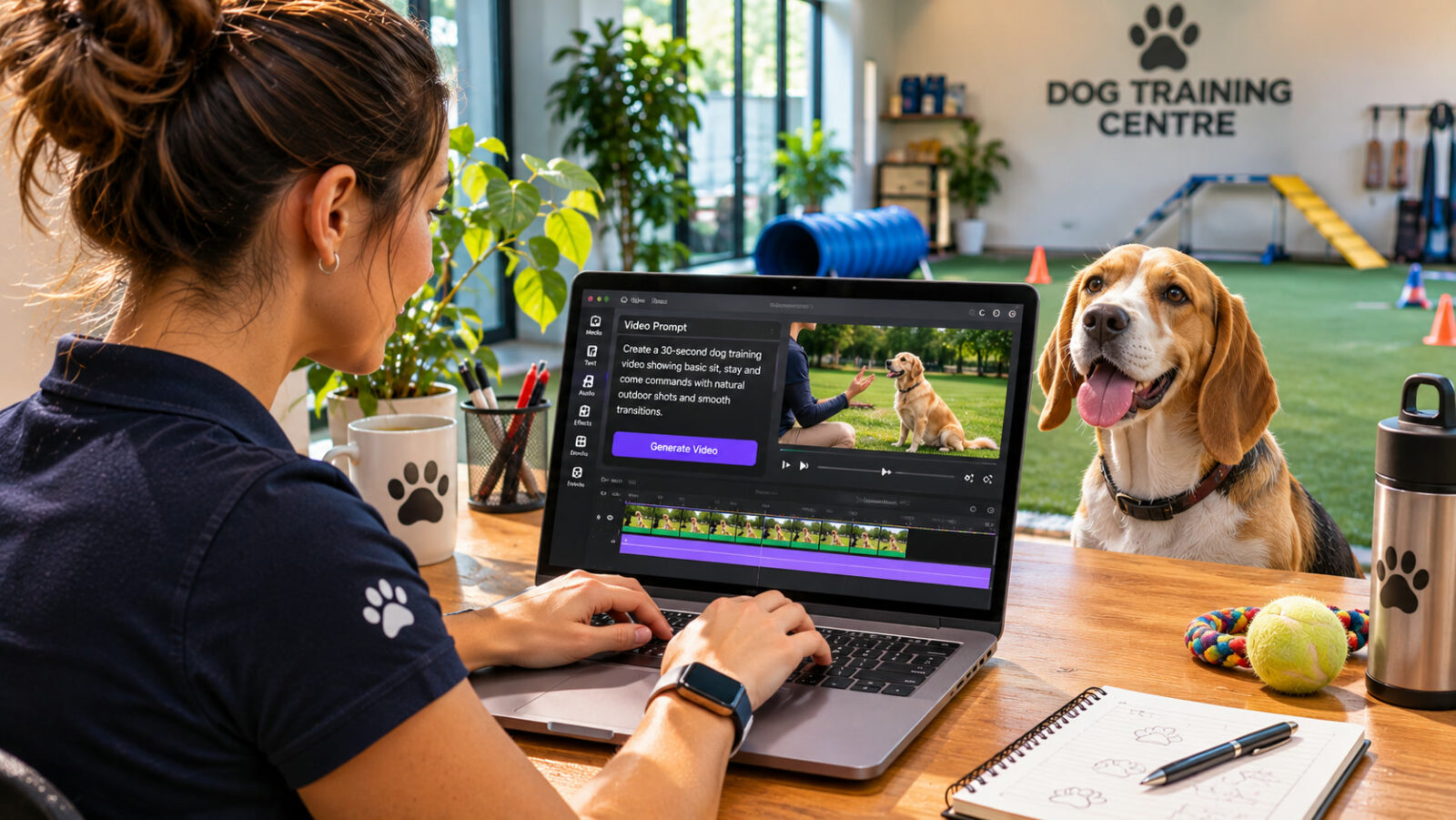
InVideo builds a complete first cut from a prompt or a script, then lets the trainer finish it in a timeline editor. Type “30 second Reel promoting a new puppy course, six weeks, small groups, book through the link in bio” and the AI agent plans the shots, generates clips and assembles the edit. For a trainer running a new class or a seasonal offer, that speed matters: the promo is ready the same afternoon the idea arrives.
InVideo’s agent modes and generative models suit the quick seasonal clip, and the editor on every plan includes the full timeline, multiplayer editing, colour, audio and 3D. The free plan lets a trainer test the workflow before paying.
Price: InVideo Starter is $20 per seat a month billed monthly, or $10 per seat a month billed annually, with 400 credits a seat a month. Plus is $60 a month or $30 a month billed annually, with 2,000 credits. Max is $250 a month or $125 a month billed annually, with 8,000 credits, under a 75 percent off limited offer that says pay for 12 months and get 24. Prices checked on the official InVideo pricing page, 23 November 2026.
When to pick it: pick InVideo if you want a finished promo from a one-line brief, especially for new classes, seasonal offers and last-minute gaps in the diary.
Watch out for: every AI action costs credits, premium video is charged per second, and credits do not roll over. InVideo has reshuffled its plan lineup several times in 2026, so confirm the price on the pricing page on the day you buy, and check whether the Max annual price you see is the $125 offer or the standard rate.
How to film a dog training session so AI editing works
The tools are only as good as the footage. A few habits make every tool on this list work better.
Film in good light, from a fixed angle. A phone on a small tripod at the side of the field beats a handheld shot every time, because the AI reframing in Opus Clip and the slow motion in CapCut both assume a stable frame. Morning light in the park is the best light a trainer has, so film the recalls early. Wipe the lens before you start; a dog’s nose on the lens is a real risk, and a smudged lens is visible in every clip.
Ask permission before you film, every time, and say where the clip will go. An owner who agrees to a Reel is not agreeing to a paid ad, and an owner who agrees to be filmed is not agreeing to have their face shown. Film the dog, not the person, wherever possible, and keep faces out of frame unless the owner has clearly agreed.
Record the sound separately when you talk. A 60 second behaviour tip recorded in a quiet room after class will always sound better than the same talk recorded over barking and wind in the park. Descript’s Studio Sound can clean a noisy recording, but it cannot invent a quiet room.
Film the finished behaviour, not just the training. The training looks good in the moment, but the calm dog walking past another dog, in good light, is the clip that sells the next booking. Ask an owner to let you film their dog’s progress at the end of a course, and turn it into a before and after Reel with CapCut. That single format brings more clients than any other video a trainer posts.
Keep the clips short. A 15 to 30 second Reel with one idea beats a three minute video with five ideas. Opus Clip’s Virality Score is a useful guide here: if a clip scores low, the hook is probably slow, and the first two seconds are where the viewer decides.
A week of videos from one group class
One filmed class can fill a week of posts if the tools share the work. Here is how the seven tools split one job.
Monday: film a full group class on the phone, fixed on a tripod. Upload the long recording to Opus Clip and let it find the best moments: the first sit, the recall, the calm greeting, the puppy’s first loose lead walk.
Tuesday: take the three best Opus Clip clips into CapCut. Slow the recall down, add captions and music, export vertical. Post the first Reel.
Wednesday: record the behaviour explainer in a quiet room, two minutes, one take. Cut it in Descript by deleting the pauses and the repeated sentences, then export with captions.
Thursday: turn the behaviour script into a HeyGen presenter video in a second language for the clients who ask for it. The script is already written, so this takes minutes.
Friday: write the class promo as five lines of text, course dates and price included, and let Pictory build the video. Or give InVideo a one-line brief for a weekend puppy course and post the promo the same afternoon.
Saturday: post the finished behaviour. An owner lets you film their dog walking calmly past another dog, CapCut turns the before and after into a Reel, and the caption carries the booking link.
Sunday: rest, and check which of the week’s videos held viewers past the first two seconds. The format that held attention is the format to repeat next week. The format that lost viewers in two seconds needs a faster hook, not a bigger budget.
This weekly plan is why the starter stack works. Opus Clip finds the clips, CapCut finishes them, and the trainer films once. The other five tools join only when a specific format needs them: Descript for talking, HeyGen and Synthesia for presenters, Pictory and InVideo for text-first promos.
The starter stack: $15 a month
A trainer starting from zero does not need all seven tools. Start with two.
Opus Clip Starter at $15 a month turns each filmed class into several captioned Reels, and CapCut Free edits them on the phone, adds music and exports them. That is $15 a month for the whole workflow, or about $1.25 per video across 12 videos a month.
Add Descript Free when you start recording behaviour explainers, because 60 media minutes a month covers two or three short explainers. Add HeyGen Free when you want a presenter video without filming. The free plans on this list are genuinely usable for a trainer posting a few times a week, and the only hard limit is the free plan’s watermark on some tools and the three day export window on Opus Clip Free.
The full stack: $141.49 a month, or $106.50 on annual billing
A trainer posting 12 videos a month across every format can run all seven tools. On monthly billing: CapCut Pro $19.99, Opus Clip Starter $15, Descript Hobbyist $24, HeyGen Creator $29, Synthesia Starter $19, Pictory Starter $14.50 on the Black Friday monthly price, and InVideo Starter $20. That totals $141.49 a month. At Pictory’s list price of $29, the total is $155.99 a month.
On annual billing the same stack is cheaper: CapCut Pro $15 a month, Opus Clip Starter $15, Descript Hobbyist $16, HeyGen Creator $24, Synthesia Starter $14, Pictory Starter $12.50 on the Black Friday annual price, and InVideo Starter $10. That totals $106.50 a month. At Pictory’s list annual price of $25, the total is $119 a month.
Two warnings before you buy the full stack. First, the Black Friday prices on Pictory and the first-month prices on Synthesia are not the renewal prices, so budget on the list price and treat the sale as a saving, not the cost. Second, do not pay for a year of all seven tools at once. Run the starter stack for a month, see which formats your clients actually watch, then add the tools that serve those formats. A trainer that posts mostly recalls will never need Synthesia, and a trainer that posts mostly behaviour explainers will never need Pictory.
What not to do with AI video in dog training
Do not post a generated dog as your result. Owners book on the strength of what they see, and a generated recall that looks good on screen but never happened will be found out in the first class. It also breaks trust in a business that runs entirely on trust.
Do not film an owner without clear permission, and never film a child in the class. A clip of an owner who did not agree to be filmed is a problem no tool can fix.
Do not use a client’s voice or face to train an avatar or a voice clone. HeyGen and Synthesia both require explicit consent for avatars and voice clones, and that consent must come from the person being cloned. Clone only yourself.
Do not promise a result you cannot deliver. A video that shows a reactive dog walking calmly while the caption promises the same in one session is misleading. Show real progress, with real timelines, and let the work speak.
Do not buy followers or engagement for the videos. The point of posting is owners from the local area, and fake engagement reaches no one who can walk into your class.
Frequently asked questions
What is the best AI video tool for a dog trainer?
CapCut is the best starting point, because it is free, it edits on the phone that filmed the class, and it handles slow motion, captions and music in minutes. Add Opus Clip at $15 a month when one filmed class needs to become several Reels. The best tool is the one that matches the video you actually post, so a trainer that talks on camera should look at Descript, and a trainer that needs a presenter without filming should look at HeyGen.
Can a dog trainer make videos without showing their face?
Yes. HeyGen and Synthesia both make presenter videos from a script, so the trainer can publish behaviour explainers and puppy course videos without anyone filming. CapCut and Pictory can also build a video from class text, training photos and stock footage with no presenter at all. A face-free video still needs a clear hook in the first two seconds, or viewers will scroll past it.
How much do AI video tools cost a dog trainer?
The starter stack is $15 a month: Opus Clip Starter plus CapCut Free. The full stack of all seven tools is $141.49 a month on monthly billing at current Black Friday prices, or $106.50 a month on annual billing. At list prices the totals are $155.99 and $119 a month. A trainer posting four videos a month can stay on the free plans and pay nothing.
Are AI generated dog training videos allowed on Instagram?
Yes, but label them honestly. A video of your real class, edited by AI, is your work and needs no special label beyond what the platform asks for. A fully generated clip must not be presented as a real dog you trained. Instagram and TikTok both ask creators to label AI generated content, and a generated recall you never filmed will be treated as deceptive if it is presented as real.
Which tool is best for dog training behaviour explainers?
Descript is best if you record yourself talking, because it edits by transcript and makes accurate captions. HeyGen is best if you do not want to film, because its avatar delivers your script and can translate it into other languages for your clients. Synthesia is best if the behaviour explainer sits on your class page and needs to look formal and branded.
The verdict
The best AI video tools for dog trainers are the ones that turn a filmed class into clients without adding hours to the working day. CapCut and Opus Clip do that for $15 a month, and they are where every trainer should start. Descript earns its place the moment you talk on camera. HeyGen and Synthesia earn theirs when you need a presenter without filming. Pictory and InVideo earn theirs when the words come first and the video follows.
Start with the starter stack, film the work you already do, ask permission, show the finished behaviour, and post one Reel every two or three days. The tools will not make a trainer’s videos good on their own, but they will make a good trainer’s videos fast, and fast is what keeps the class list full.
Related reading on zideoai.online
- Best AI Video Tools for Coffee Shops in 2026
- Best AI Video Tools for Tattoo Artists in 2026
- Best AI Video Tools for Barbers in 2026
- Best AI Video Tools for Pet Groomers in 2026
- Best AI Video Tools for Photographers in 2026
- Best AI Video Tools for Fitness Coaches in 2026
- How to Make Faceless YouTube Videos with AI
- Best AI Video Tools for Wedding Videographers in 2026
- Best AI Video Tools for Florists in 2026
- Best AI Video Tools for Plumbers in 2026
- Best AI Video Tools for Beauty Salons in 2026